


Good morning I had a problem in games, I no longer have the possibility of using the left click of my mouse, to use the buttons programmable block Thank you for giving me a solution

programmable block stopped accepting left clicks BUT...
Reported
Hey there!
I dunno when it happens but suddenly the programmable block stopped accepting left clicks in "Code-Editor" (where to load/edit scripts) to confirm actions from the buttons at the bottom like ok, help, workshop etc.
I've read about that just do stupid right/left clicking helps and another one wrote you have to hold left and then right.
All of this kind of internet informations are "a tiny bit" incorrect and I tried something for me so DEV's can reproduce the bug!
It kind of looks like left-clicking tends to select multiple buttons, just like I can select some things in the selection (Button "K" on a cp) with CTRL and left-click.
I didn't find out what the reason could be. Probably the first time I activated the experimental mode with scripts, saved, quit the game and then reloaded the savegame.
But that's a guess coz I'm still in the getting-to-know-you phase of this game. ;-)
In fact you can still click the buttons as follows and reproducible:
Hold right click and then left click to immediately act like a normal left click.
Interestingly, this way also works:
Hold down left click, then right click once - then release left click. Now everything works as before.
If I exit the prog-block and then go back in, the error is present again.
As a random suddenly working left click again is a more or less reproducible way (while in prog-block) to create/adding your own script in the workshop, then delete and exiting with ESC. I could repeat that 3-4 times and left lick just comes back. But it's more curios than helpful, I guess, and it is not really working at always.
This bug has been applied to all(!) my savegames, so I assume it is a general bug in the prog-block - which is supposed to exist since 2020. ;-)
I hope I could help the DEV's to identify the bug bit more to eliminate that "problem".
Sincerely, Axel
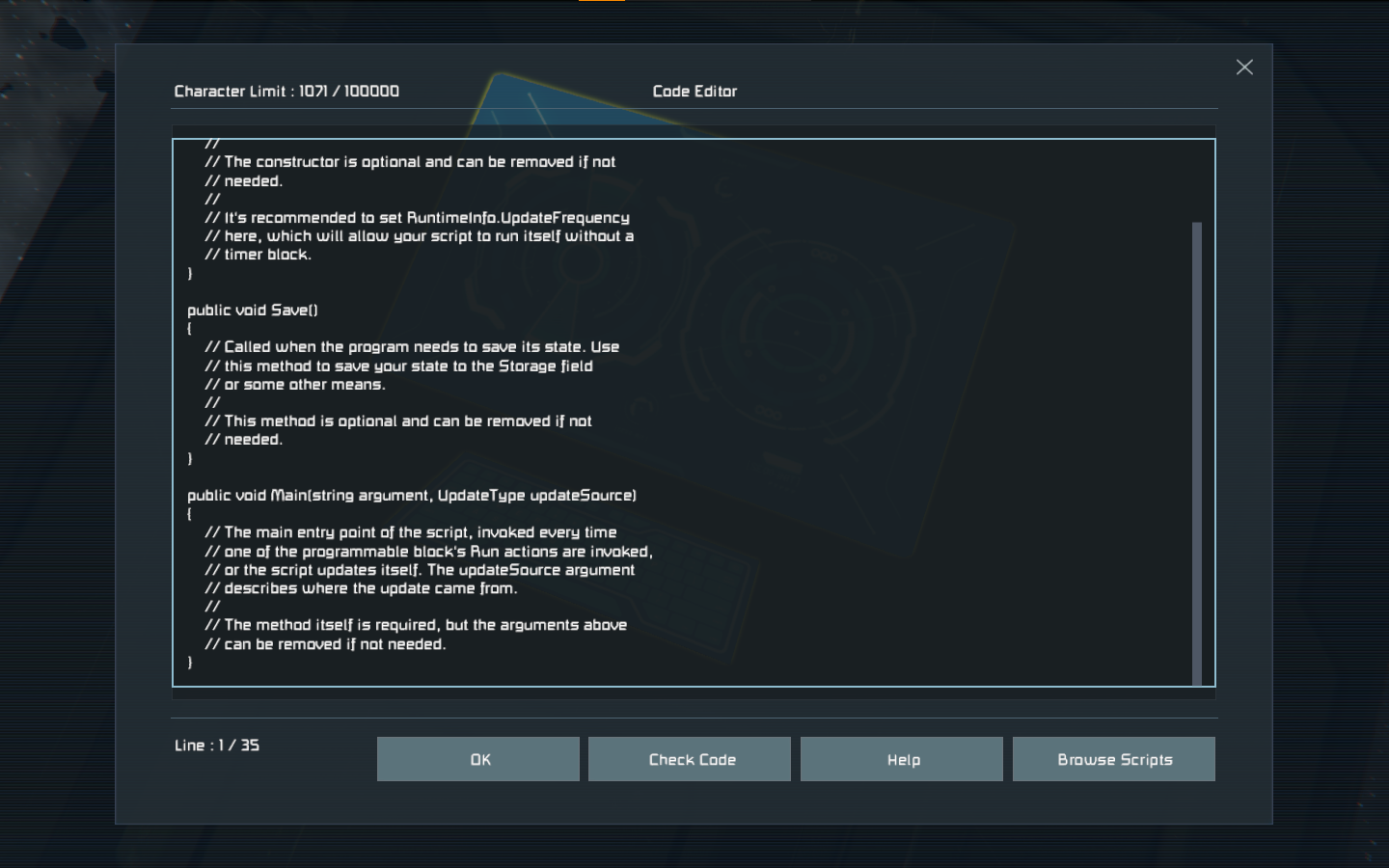
 I have the same bug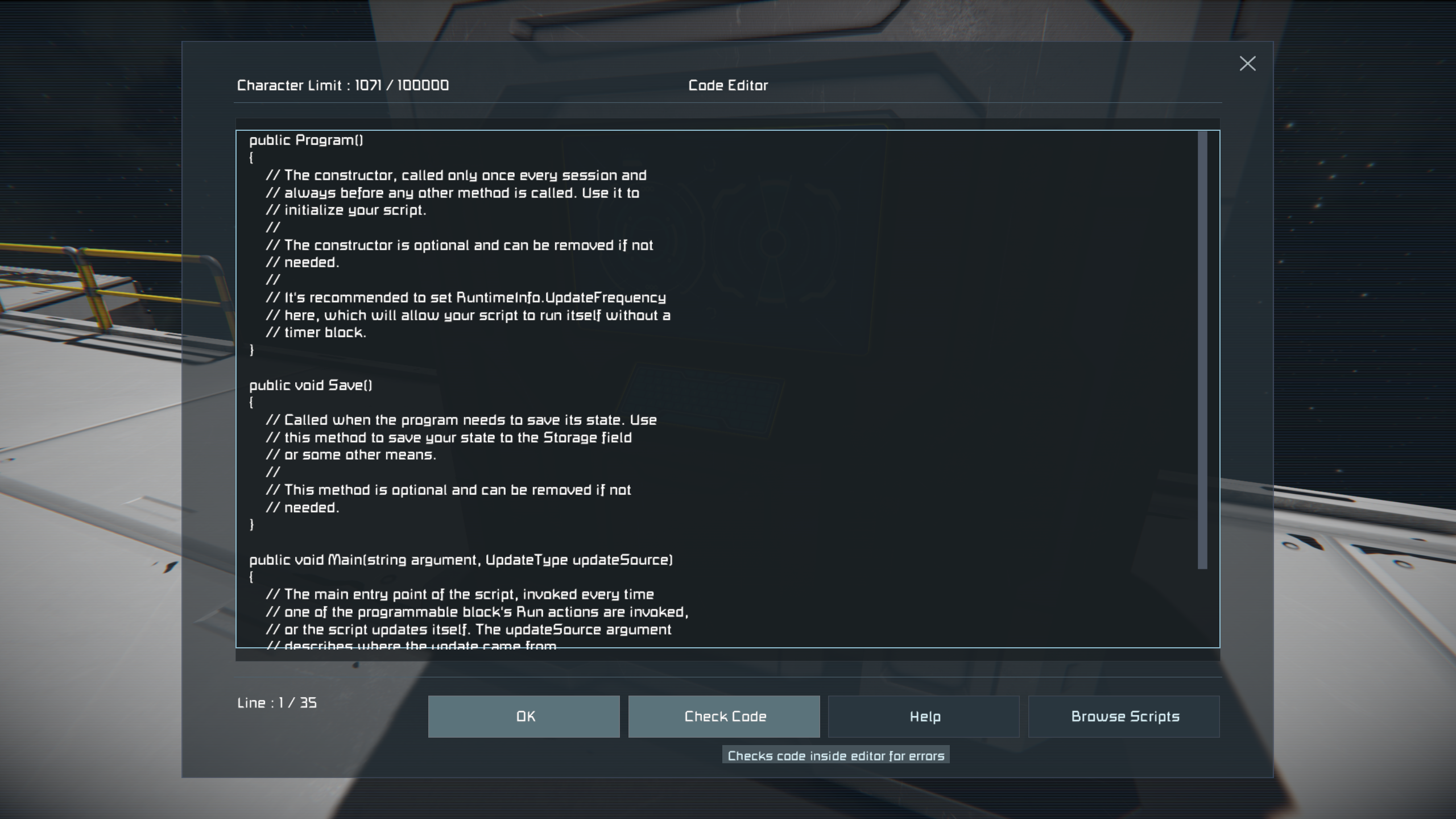
You can't vote. Please authorize!
Reproducing this issue naturally is a waste of time, it can be reproduced by forcing MyKeyboardBuffer.AnyBitSet() to return true, that will give you this issue every single time.
What causes that to get stuck true is the 0th bit being set true, why that is set true by the OS is unknown and really not relevant at all, because the game is in the wrong for reading it in the first place. You can see in GetAsyncKeyState() that there's no virtual key code for 0, and there's no benefit in finding out what causes 0th bit to be set because it's unusable regardless (it eventually translates into MyKeys.None too so it never shows up in input debug screen either).
The proper fix is to skip index 0 in MyDirectInput.GetAsyncKeyStates(), or skip index 0 in MyKeyboardBuffer.AnyBitSet().
Please, it's been years of people wasting their time with this issue. This same info I gave you back in 2022 when I found it from cloning the editor for my plugin and nothing was done with it, now I'm posting it again maybe it got lost or something. At least fix it isolated for the PB editor by reordering the controls so that the buttons are added after the MyGuiControlMultilineEditableText.
Reproducing this issue naturally is a waste of time, it can be reproduced by forcing MyKeyboardBuffer.AnyBitSet() to return true, that will give you this issue every single time.
What causes that to get stuck true is the 0th bit being set true, why that is set true by the OS is unknown and really not relevant at all, because the game is in the wrong for reading it in the first place. You can see in GetAsyncKeyState() that there's no virtual key code for 0, and there's no benefit in finding out what causes 0th bit to be set because it's unusable regardless (it eventually translates into MyKeys.None too so it never shows up in input debug screen either).
The proper fix is to skip index 0 in MyDirectInput.GetAsyncKeyStates(), or skip index 0 in MyKeyboardBuffer.AnyBitSet().
Please, it's been years of people wasting their time with this issue. This same info I gave you back in 2022 when I found it from cloning the editor for my plugin and nothing was done with it, now I'm posting it again maybe it got lost or something. At least fix it isolated for the PB editor by reordering the controls so that the buttons are added after the MyGuiControlMultilineEditableText.
Hello, Axel!
Thank you for writing to us.
Could you kindly share further information about this issue?
Are you experiencing this issue in Single Player mode, in Lobby, or on any other multiplayer server?
Are there any MODs active in the world where you experienced this issue?
If yes, could you try in the vanilla (no active MOD) world and check if the issue is still reproducible there?
If the issue persists in the vanilla world, kindly send us a screen recording showing the issue at your end, along with log files when you experience this issue.
We are looking forward to assisting you with this issue.
Kind Regards,
Keen Software House: QA Department
Hello, Axel!
Thank you for writing to us.
Could you kindly share further information about this issue?
Are you experiencing this issue in Single Player mode, in Lobby, or on any other multiplayer server?
Are there any MODs active in the world where you experienced this issue?
If yes, could you try in the vanilla (no active MOD) world and check if the issue is still reproducible there?
If the issue persists in the vanilla world, kindly send us a screen recording showing the issue at your end, along with log files when you experience this issue.
We are looking forward to assisting you with this issue.
Kind Regards,
Keen Software House: QA Department
Hello there!
Thank you for replying me.
It is in Single Player mode, Survival only, no further Mods, just plain vanilla with only two scripts now. (well known inv management and solar script)
Bug happens before installing scripts, while that and after that.
I'm also noticing:
If you weld with double (or normal one holding) left click, you can disable "weld effects" with double right click.
Maybe it has something to do with it? Unfortunately I don't know if this is a feature or a bug or both. ;-)
To send a screenshot is impossible as you can imagine. ;-)
Logfile is in attachment. Please delete it after downloading/reading. Thank you very much!
Please contact me for further question.
Sincerely with love ;-)
Hello there!
Thank you for replying me.
It is in Single Player mode, Survival only, no further Mods, just plain vanilla with only two scripts now. (well known inv management and solar script)
Bug happens before installing scripts, while that and after that.
I'm also noticing:
If you weld with double (or normal one holding) left click, you can disable "weld effects" with double right click.
Maybe it has something to do with it? Unfortunately I don't know if this is a feature or a bug or both. ;-)
To send a screenshot is impossible as you can imagine. ;-)
Logfile is in attachment. Please delete it after downloading/reading. Thank you very much!
Please contact me for further question.
Sincerely with love ;-)
Hello, Cyril,
thank you for letting us know.
Please see this thread. As it is about the same issue, and we are aiming for one thread per issue, I will close this thread now as duplicate.
Follow the shared thread and if you have any other information that could help us reproducing it, that are not mentioned there, feel free to comment on the shared thread.
Kind Regards
Keen Software House: QA Department
Hello, Cyril,
thank you for letting us know.
Please see this thread. As it is about the same issue, and we are aiming for one thread per issue, I will close this thread now as duplicate.
Follow the shared thread and if you have any other information that could help us reproducing it, that are not mentioned there, feel free to comment on the shared thread.
Kind Regards
Keen Software House: QA Department
I'm having the same, or similar bug.
This is the exact bug: https://support.keenswh.com/spaceengineers/pc/topic/stuck-in-editor-of-programmable-block
The thread is now locked, but I can assure you this has not been fixed.
Sounds like this is the same issue the orignal post seems to have.
I cannot reproduce. Original thread should be re-opened.
I'm having the same, or similar bug.
This is the exact bug: https://support.keenswh.com/spaceengineers/pc/topic/stuck-in-editor-of-programmable-block
The thread is now locked, but I can assure you this has not been fixed.
Sounds like this is the same issue the orignal post seems to have.
I cannot reproduce. Original thread should be re-opened.
I reported a very detailed version on this issue here, I'm an active user ready to help to investigate, saddly Axel looks like away from its keyboard
I reported a very detailed version on this issue here, I'm an active user ready to help to investigate, saddly Axel looks like away from its keyboard
Hello!
Thank you for contacting us. Since this is a bug report, I'm moving your ticket to our support page, where our QA team will take care of you.
Kind Regards
Keen Software House
Hello!
Thank you for contacting us. Since this is a bug report, I'm moving your ticket to our support page, where our QA team will take care of you.
Kind Regards
Keen Software House
Dear Player,
Thank you for your report. We have not been able to reproduce the issue on our side, but I’ve registered it in our internal system for further tracking. I'm now marking the thread as Reported. We appreciate your input—it helps us improve the game!
Best regards,
Ludmila Danilchenko
Head of QA, Space Engineers
Keen Software House
Dear Player,
Thank you for your report. We have not been able to reproduce the issue on our side, but I’ve registered it in our internal system for further tracking. I'm now marking the thread as Reported. We appreciate your input—it helps us improve the game!
Best regards,
Ludmila Danilchenko
Head of QA, Space Engineers
Keen Software House
I am not from Keen.
I see the same thing. Try holding down right-mouse button and clicking left-mouse, which has helped in the past. Recently doing this has let the left-mouse operate correctly afterward. I wrote it up on Steam years ago.
I am not from Keen.
I see the same thing. Try holding down right-mouse button and clicking left-mouse, which has helped in the past. Recently doing this has let the left-mouse operate correctly afterward. I wrote it up on Steam years ago.
I have also tried it on other ships and even the main base. We just can't hit edit.
I have also tried it on other ships and even the main base. We just can't hit edit.
Hello!
Thank you for contacting us. Since this is a bug report, I'm moving your ticket to our support page, where our QA team will take care of you.
Kind Regards,
Keen Software House
Hello!
Thank you for contacting us. Since this is a bug report, I'm moving your ticket to our support page, where our QA team will take care of you.
Kind Regards,
Keen Software House
Thank you. As we just ran into the same issue with me getting near a beacon. (10km) The game just started to slow down again. Makes it hard to wanna explore in a game that requires you to explore.
Thank you. As we just ran into the same issue with me getting near a beacon. (10km) The game just started to slow down again. Makes it hard to wanna explore in a game that requires you to explore.
Reproducing this issue naturally is a waste of time, it can be reproduced by forcing MyKeyboardBuffer.AnyBitSet() to return true, that will give you this issue every single time.
What causes that to get stuck true is the 0th bit being set true, why that is set true by the OS is unknown and really not relevant at all, because the game is in the wrong for reading it in the first place. You can see in GetAsyncKeyState() that there's no virtual key code for 0, and there's no benefit in finding out what causes 0th bit to be set because it's unusable regardless (it eventually translates into MyKeys.None too so it never shows up in input debug screen either).
The proper fix is to skip index 0 in MyDirectInput.GetAsyncKeyStates(), or skip index 0 in MyKeyboardBuffer.AnyBitSet().
Please, it's been years of people wasting their time with this issue. This same info I gave you back in 2022 when I found it from cloning the editor for my plugin and nothing was done with it, now I'm posting it again maybe it got lost or something. At least fix it isolated for the PB editor by reordering the controls so that the buttons are added after the MyGuiControlMultilineEditableText.
Reproducing this issue naturally is a waste of time, it can be reproduced by forcing MyKeyboardBuffer.AnyBitSet() to return true, that will give you this issue every single time.
What causes that to get stuck true is the 0th bit being set true, why that is set true by the OS is unknown and really not relevant at all, because the game is in the wrong for reading it in the first place. You can see in GetAsyncKeyState() that there's no virtual key code for 0, and there's no benefit in finding out what causes 0th bit to be set because it's unusable regardless (it eventually translates into MyKeys.None too so it never shows up in input debug screen either).
The proper fix is to skip index 0 in MyDirectInput.GetAsyncKeyStates(), or skip index 0 in MyKeyboardBuffer.AnyBitSet().
Please, it's been years of people wasting their time with this issue. This same info I gave you back in 2022 when I found it from cloning the editor for my plugin and nothing was done with it, now I'm posting it again maybe it got lost or something. At least fix it isolated for the PB editor by reordering the controls so that the buttons are added after the MyGuiControlMultilineEditableText.
Replies have been locked on this page!