


when I'm welding i have to be kissing the block or it will start flickering same with the the grinder but not as much and the drill just need a little more range as well.

when building/grinding a block, it often lost focus and come back : Unplayable
Solved
the aiming of the block is difficult and lost focus. blocks are not buildable or grindable due to this effect of focus lost and lock 5 times / secondes at the minimum.
impossible with motion...
Files:
20251204233905_...
20251204233911_...
20251204233925_...
20251204233929_...
20251204233931_...
20251204233940_...
20251204233944_...
20251204233946_...
20251204233955_...
20251204234044_...
20251204234049_...
Space Engineers...
Video Project 5.mp4
Screenshot 2025...
Screenshot 2025...
Screenshot 2025...
Screenshot 2025...
Screenshot 2025...
Screenshot 2025...
Screenshot 2025...
Screenshot 2025...
Screenshot 2025...
Screenshot 2025...
SE2_Bug-Report_...
 I have the same bug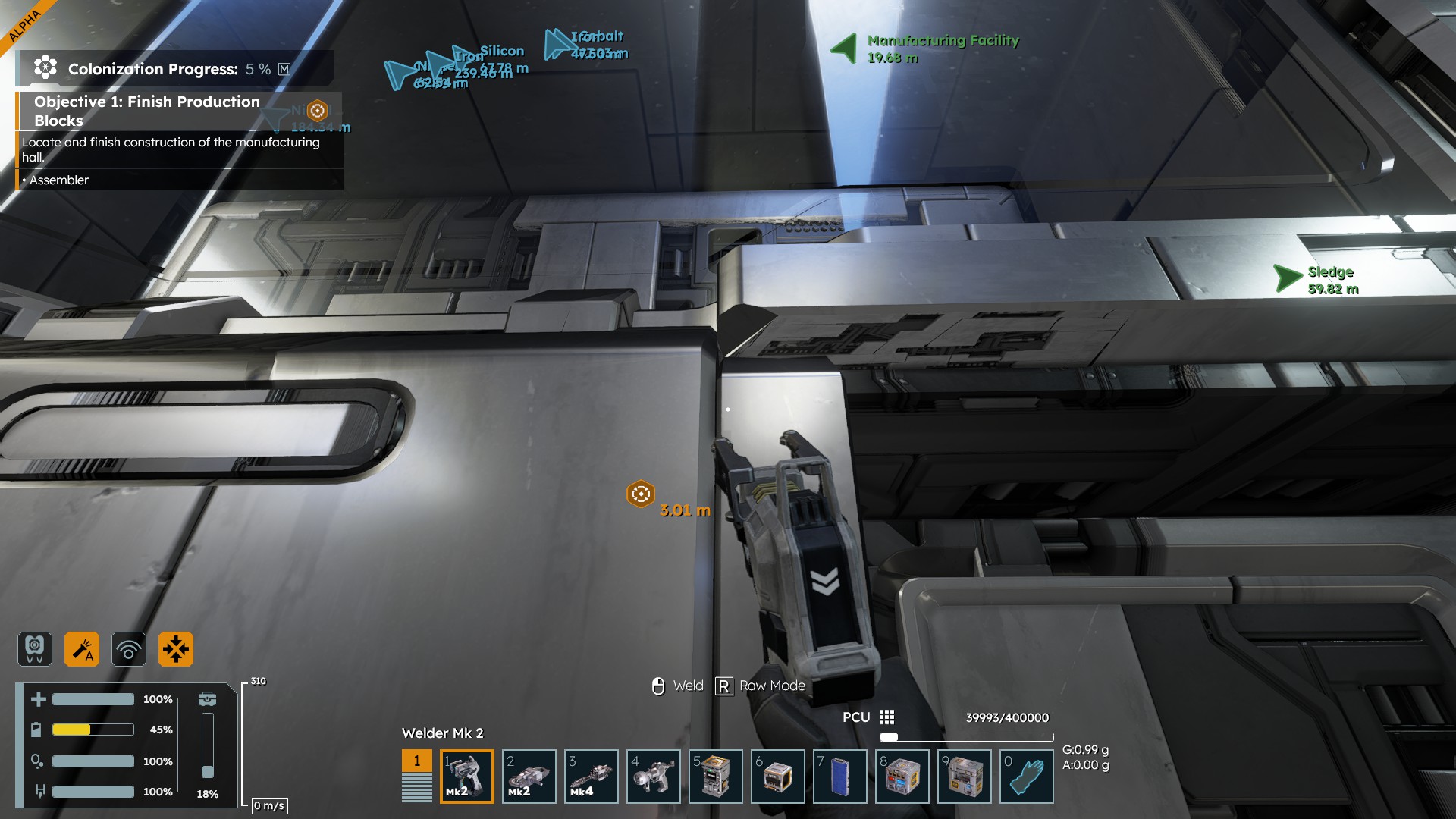
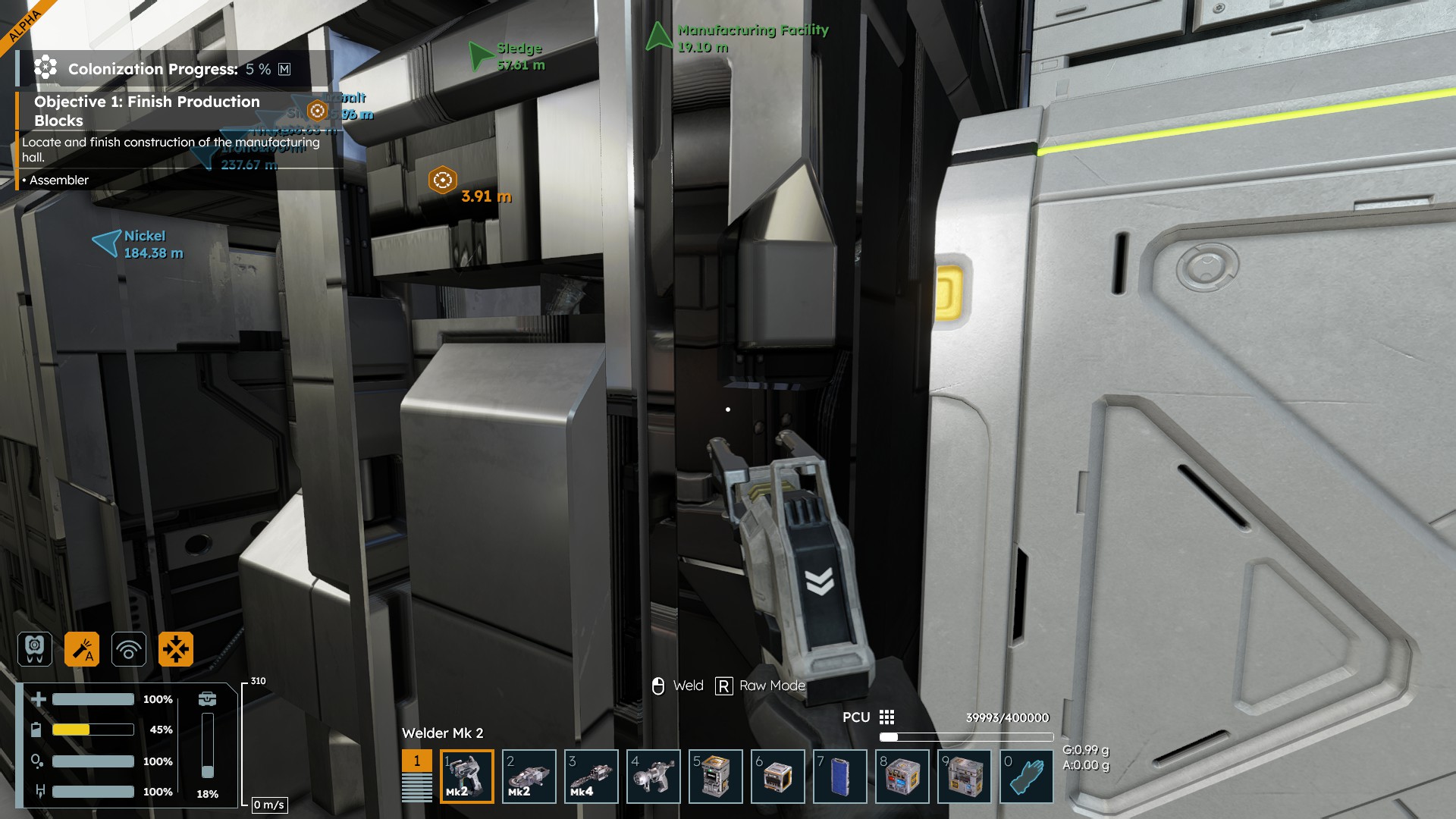
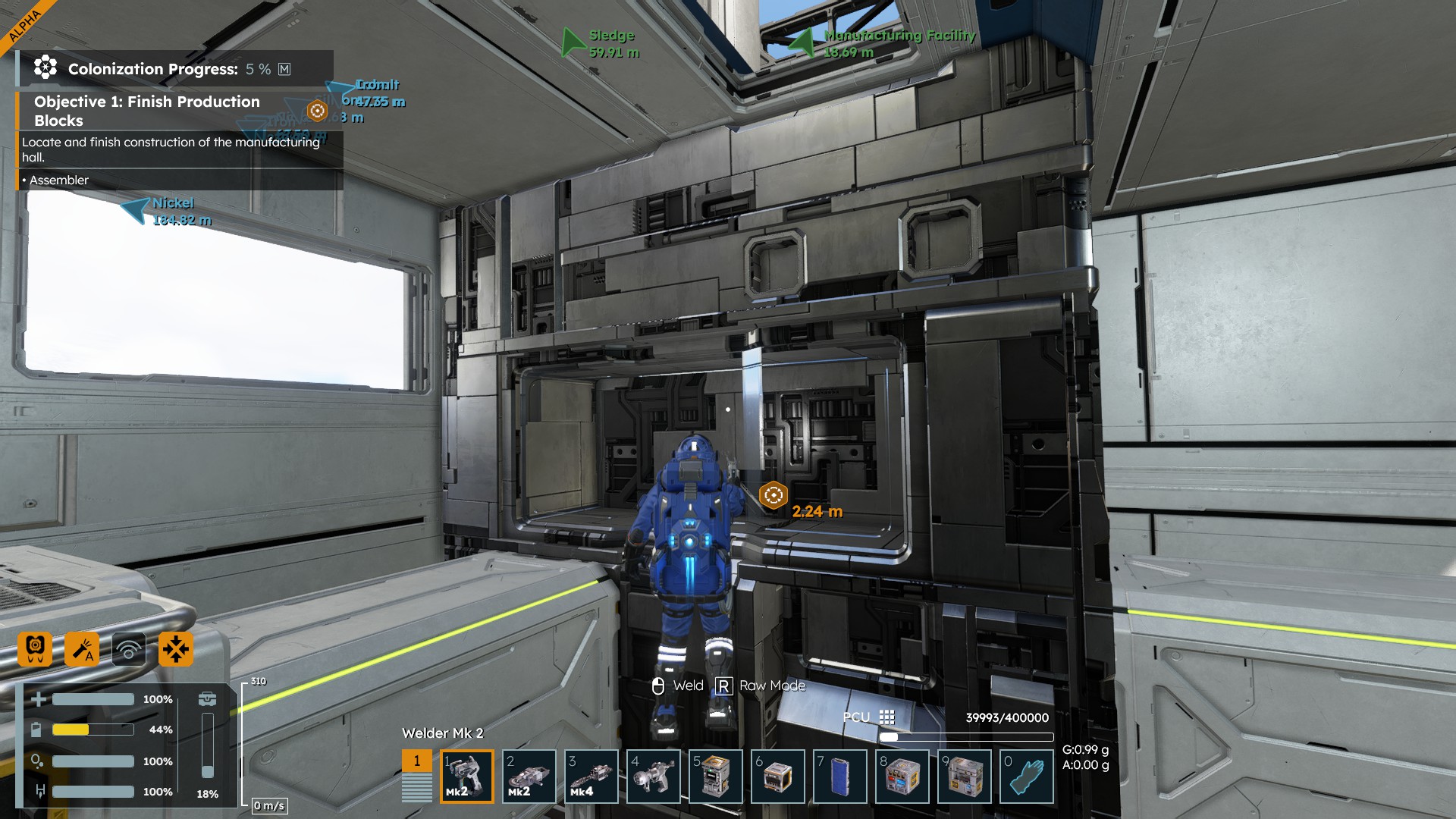
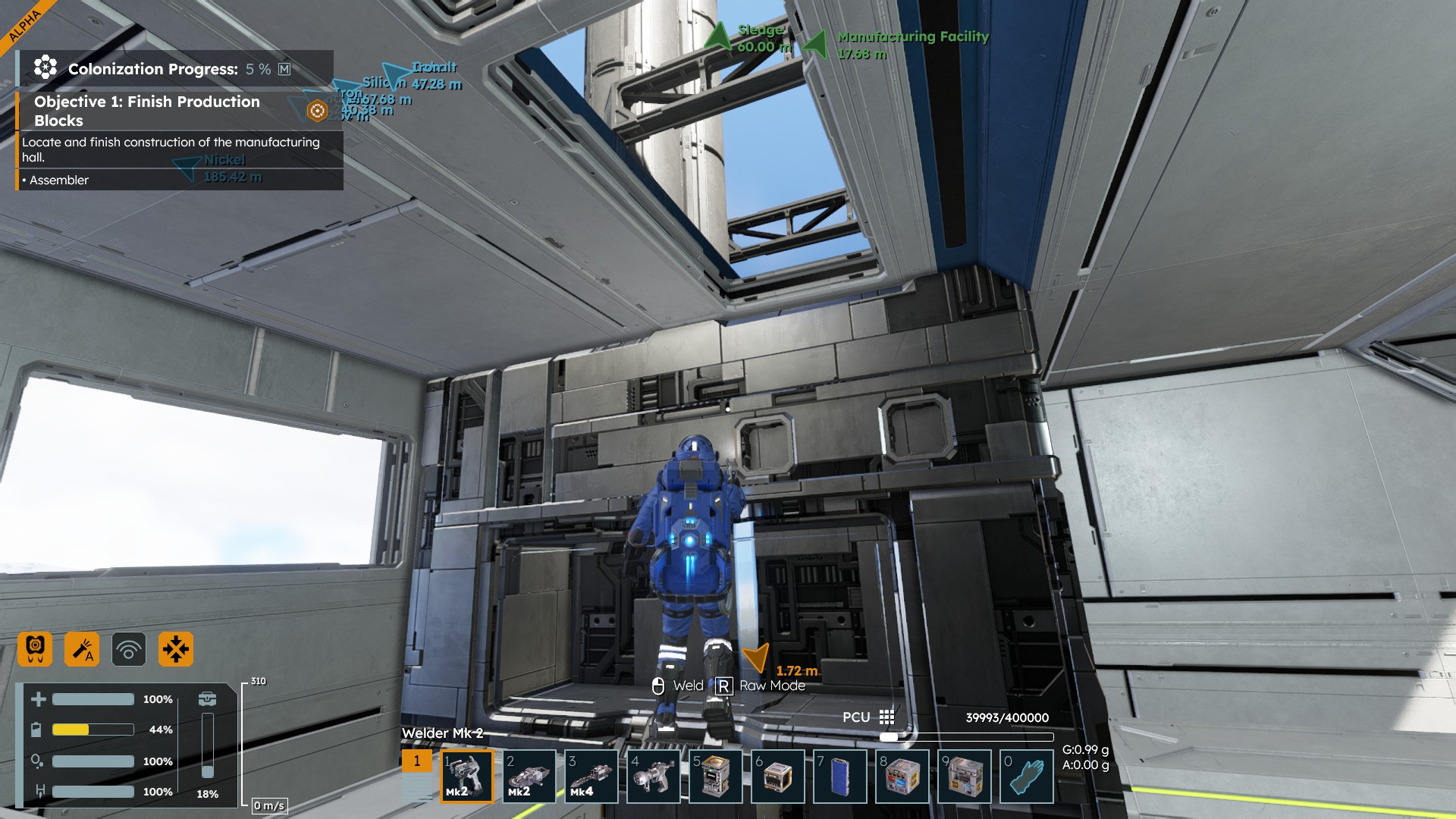
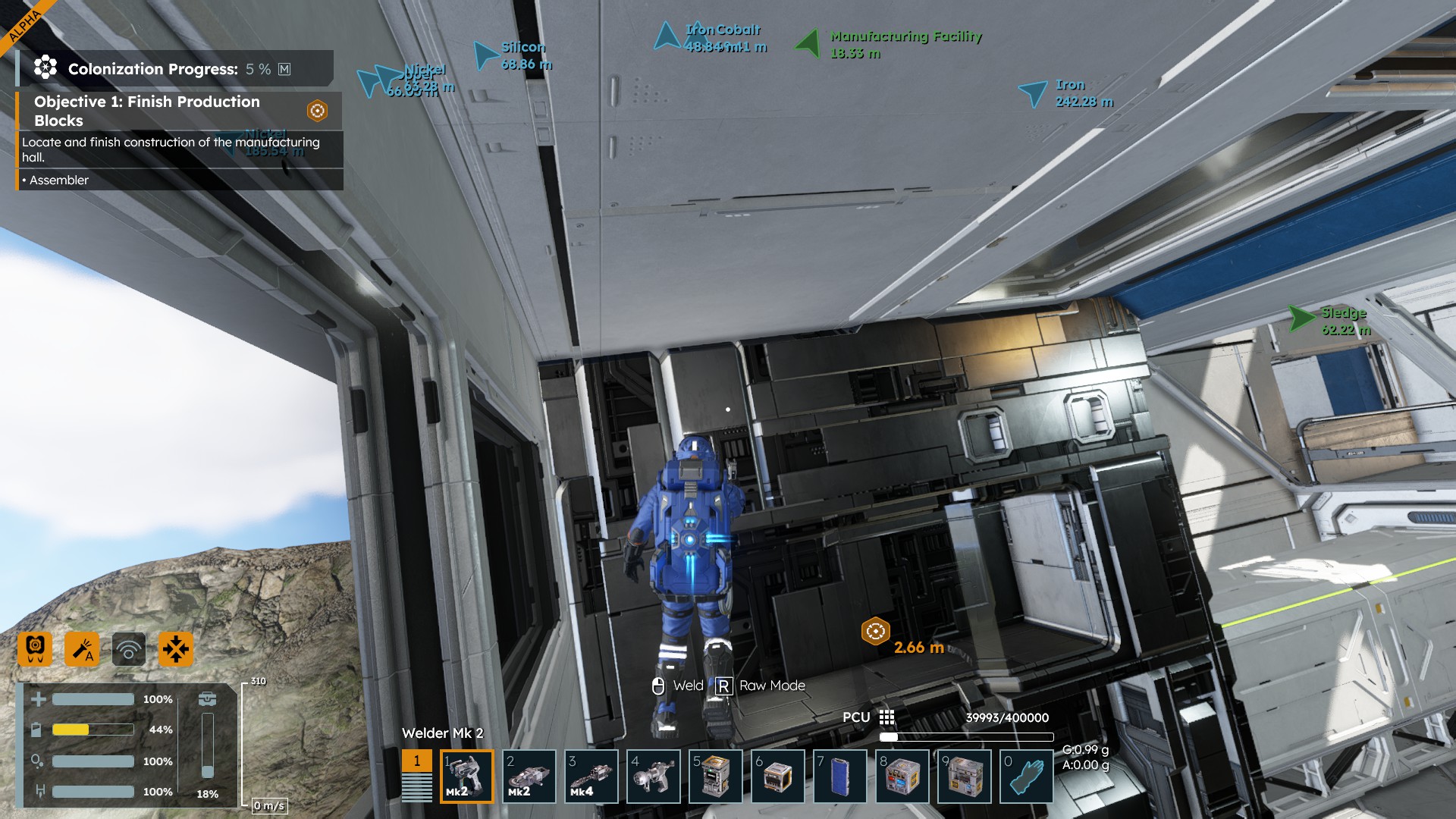
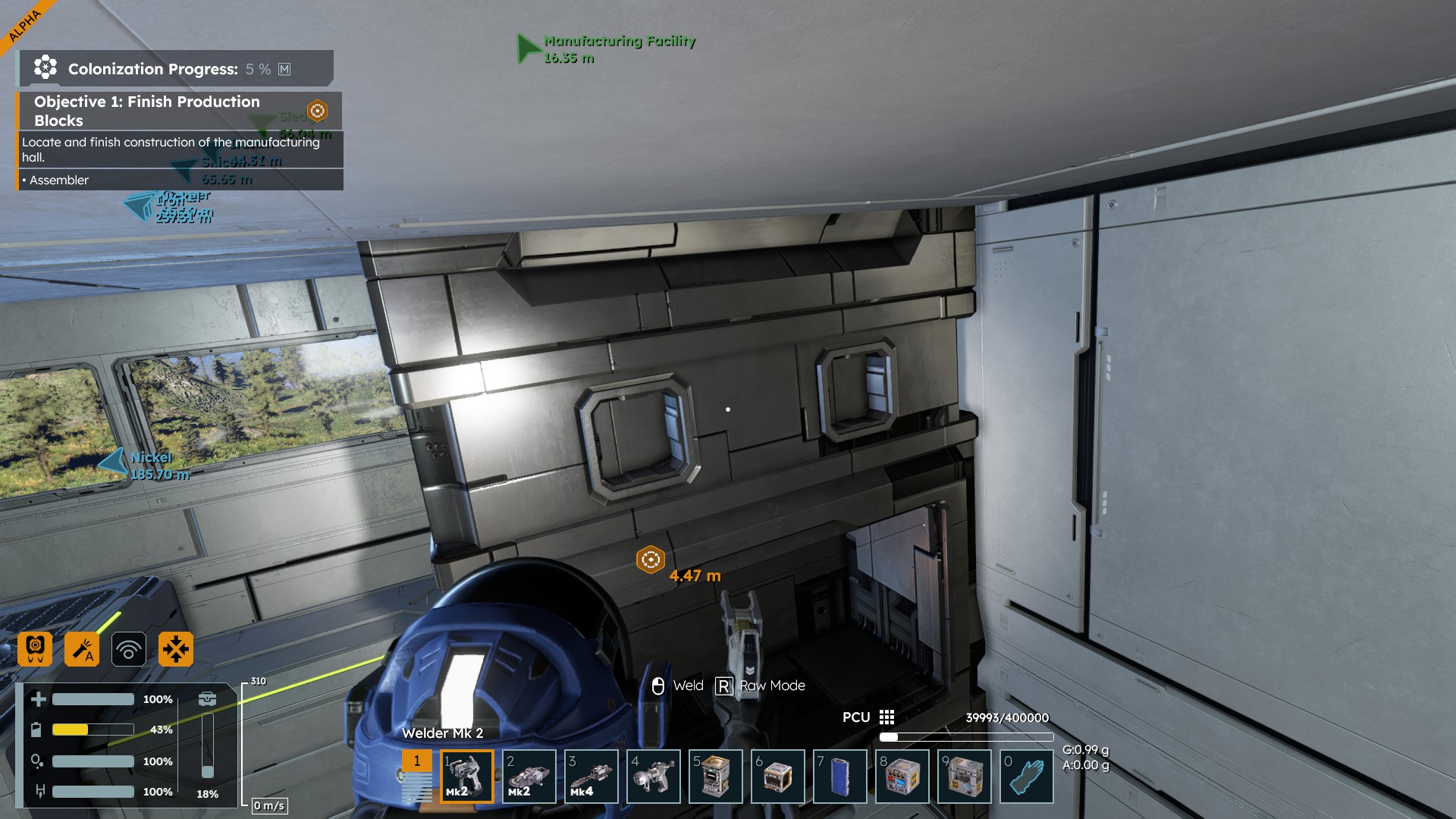
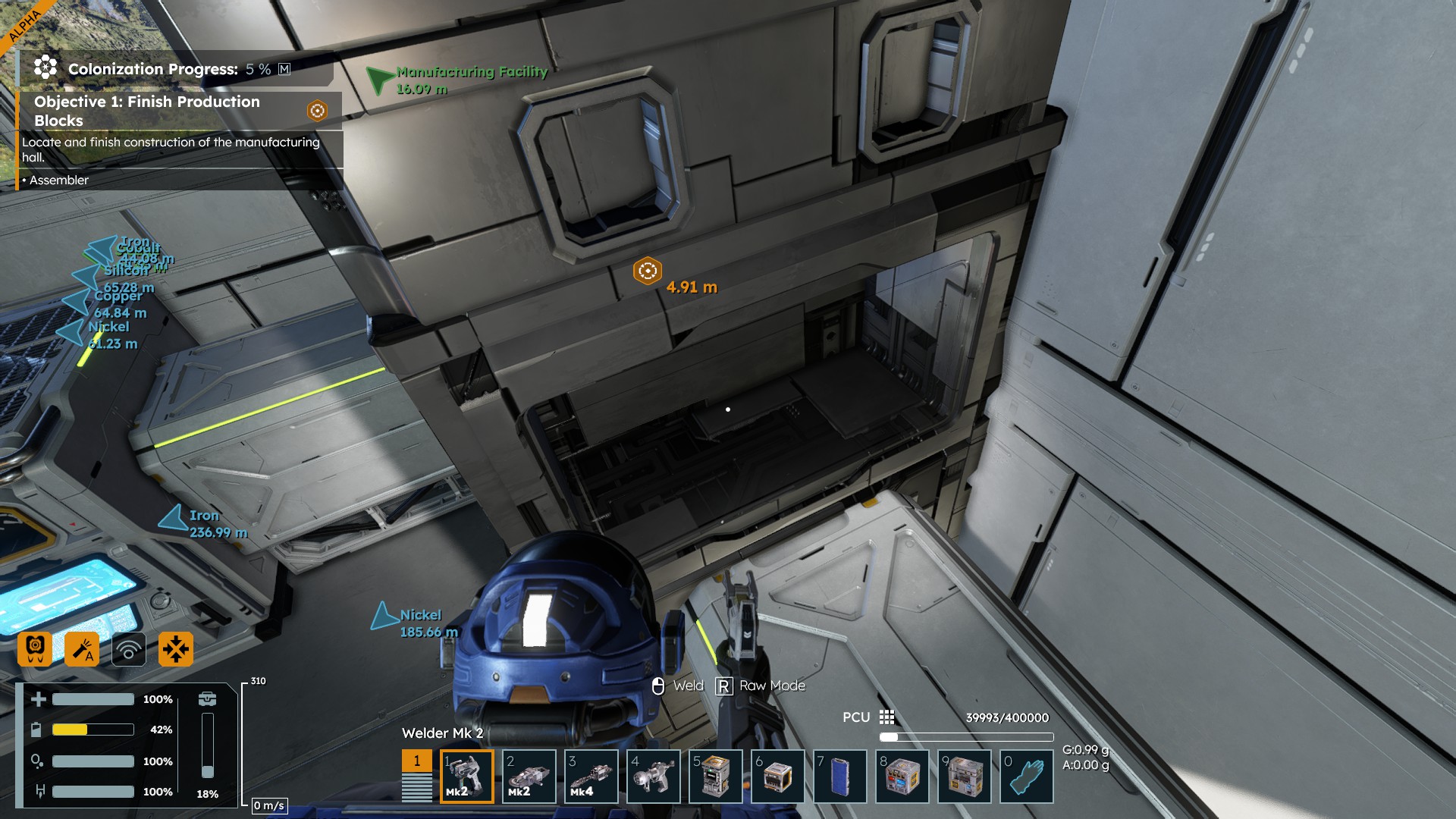
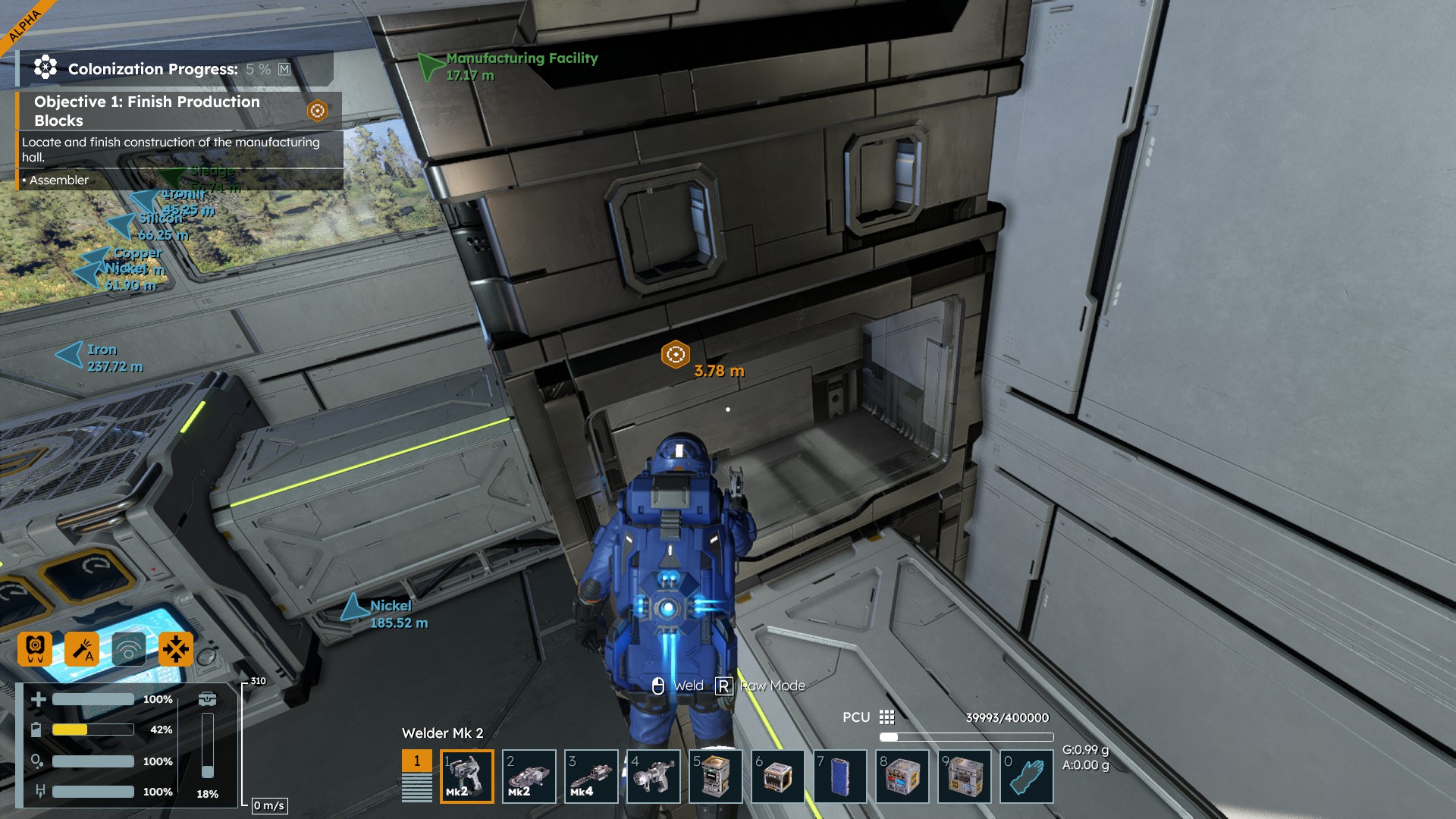
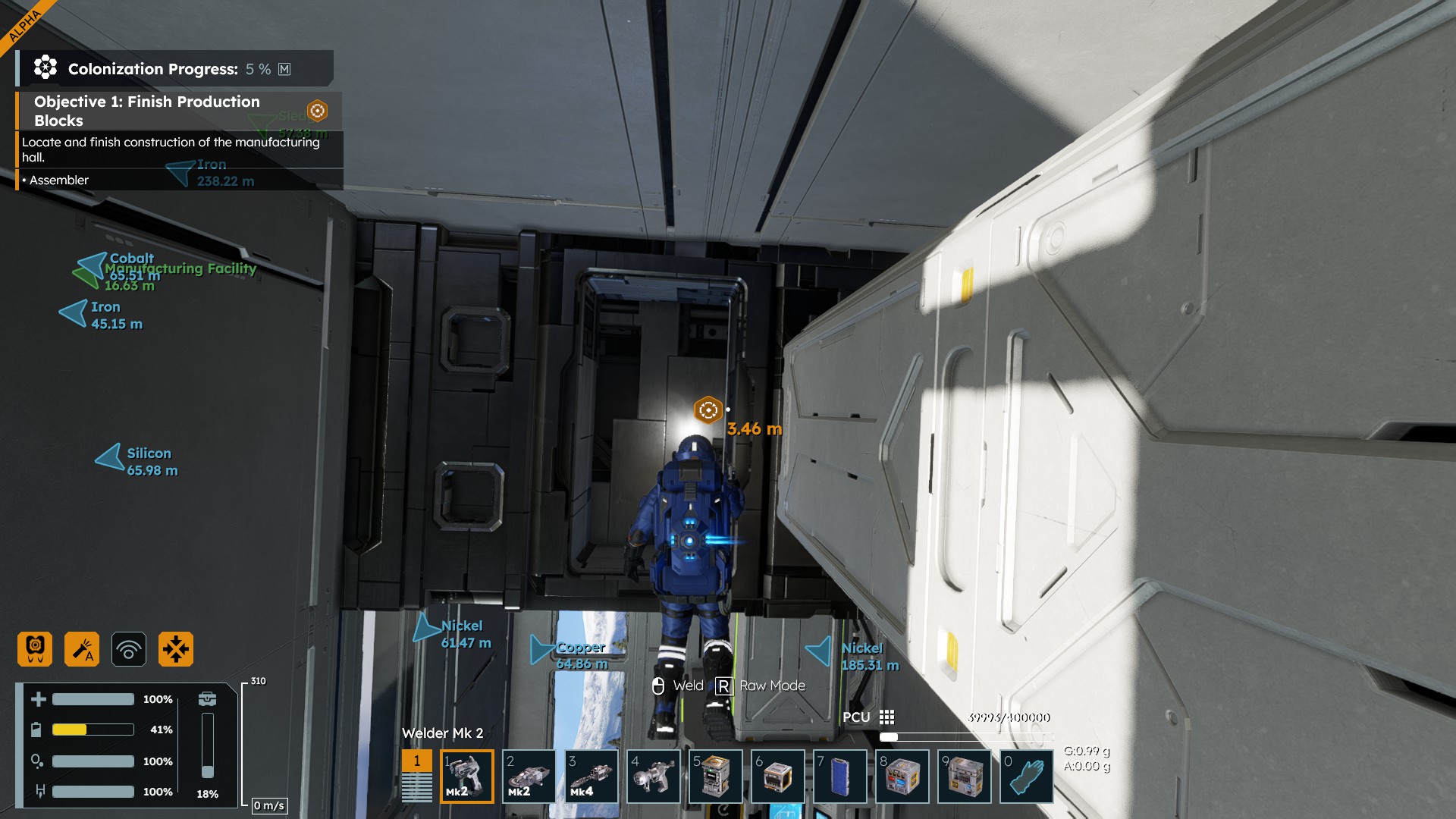
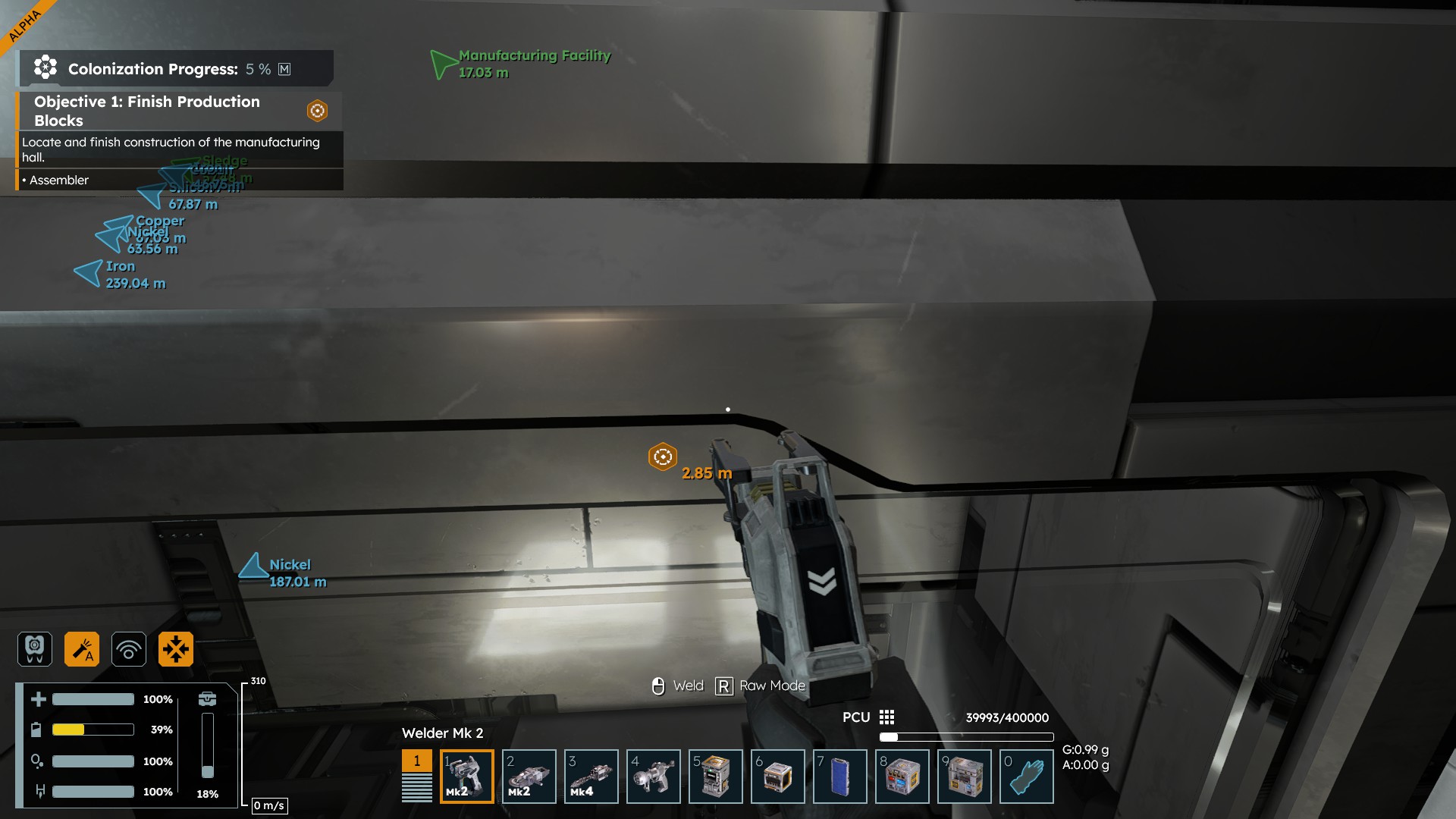
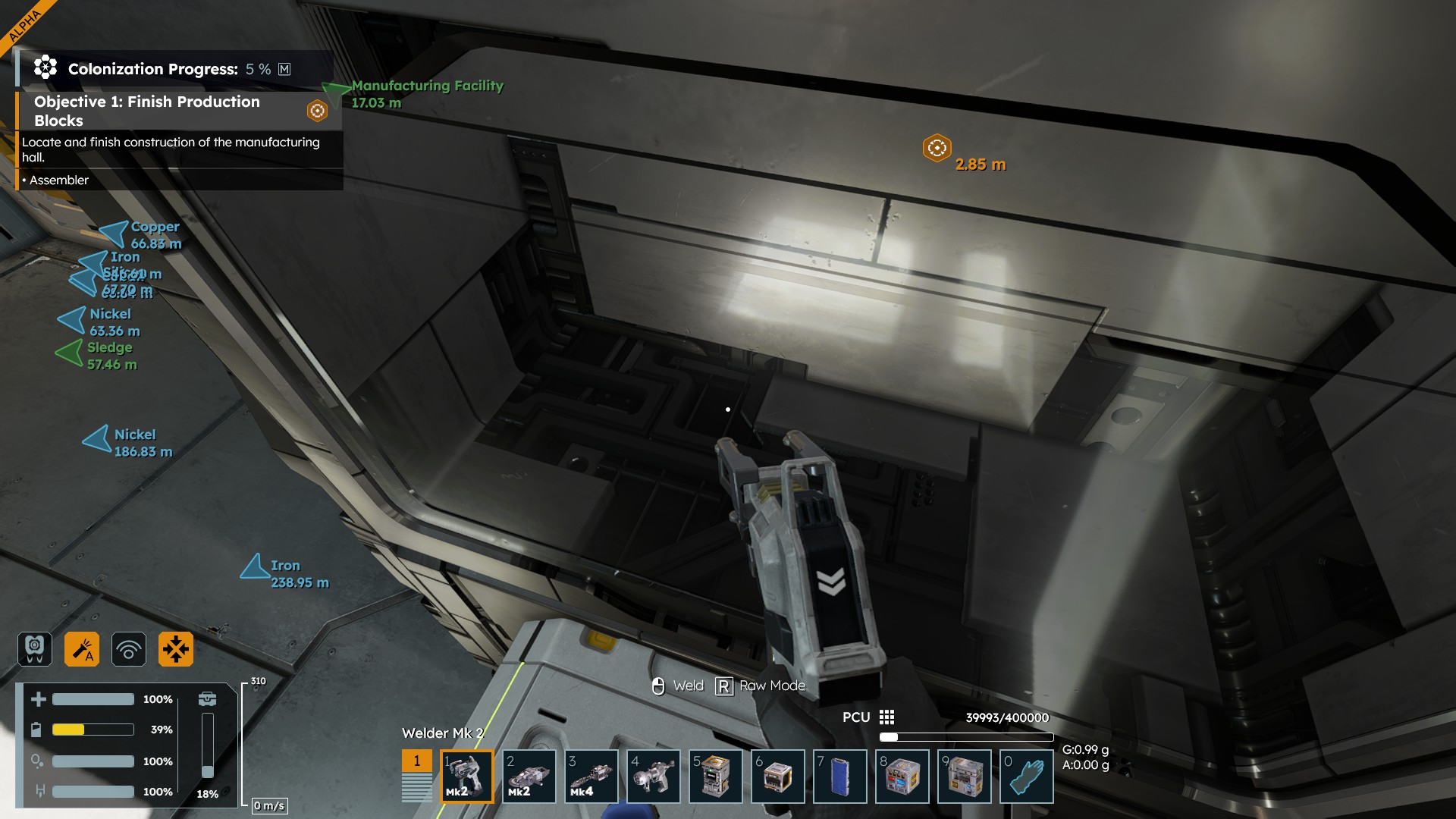
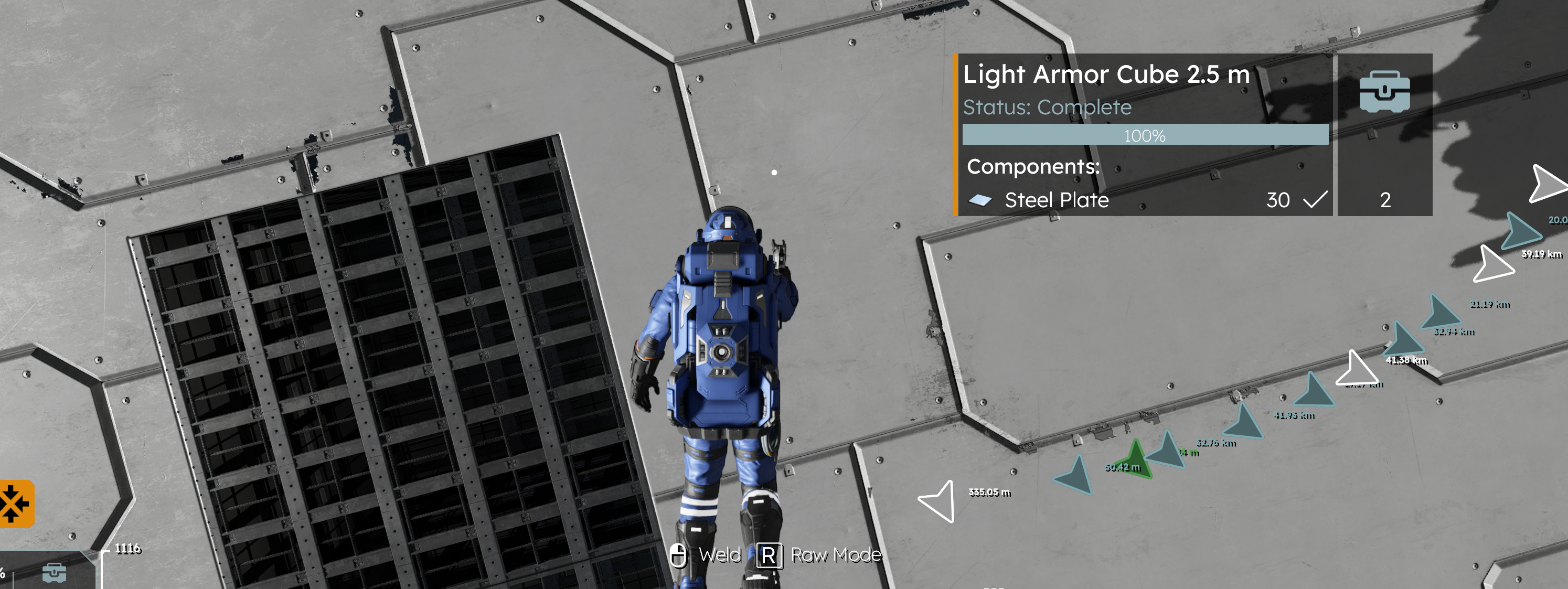
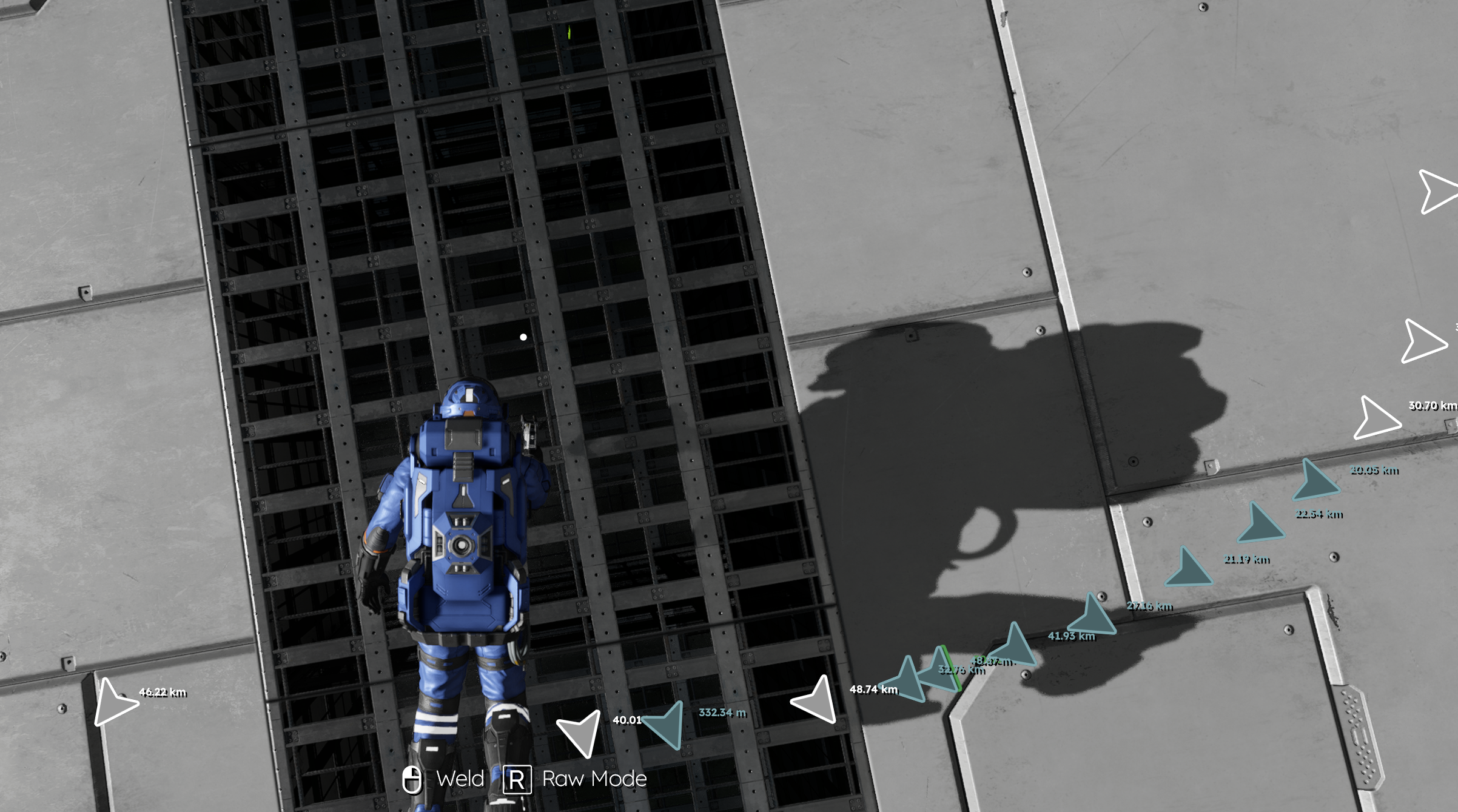
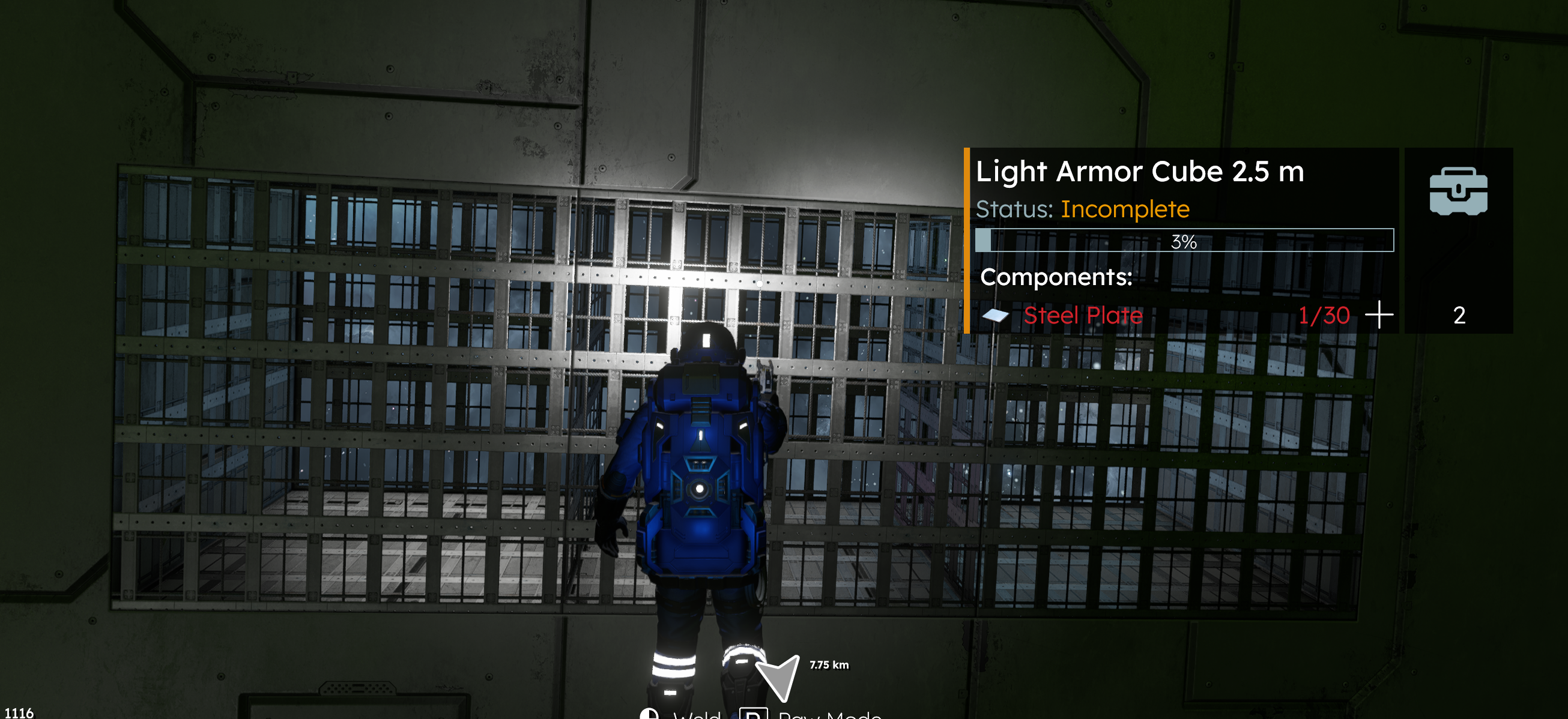
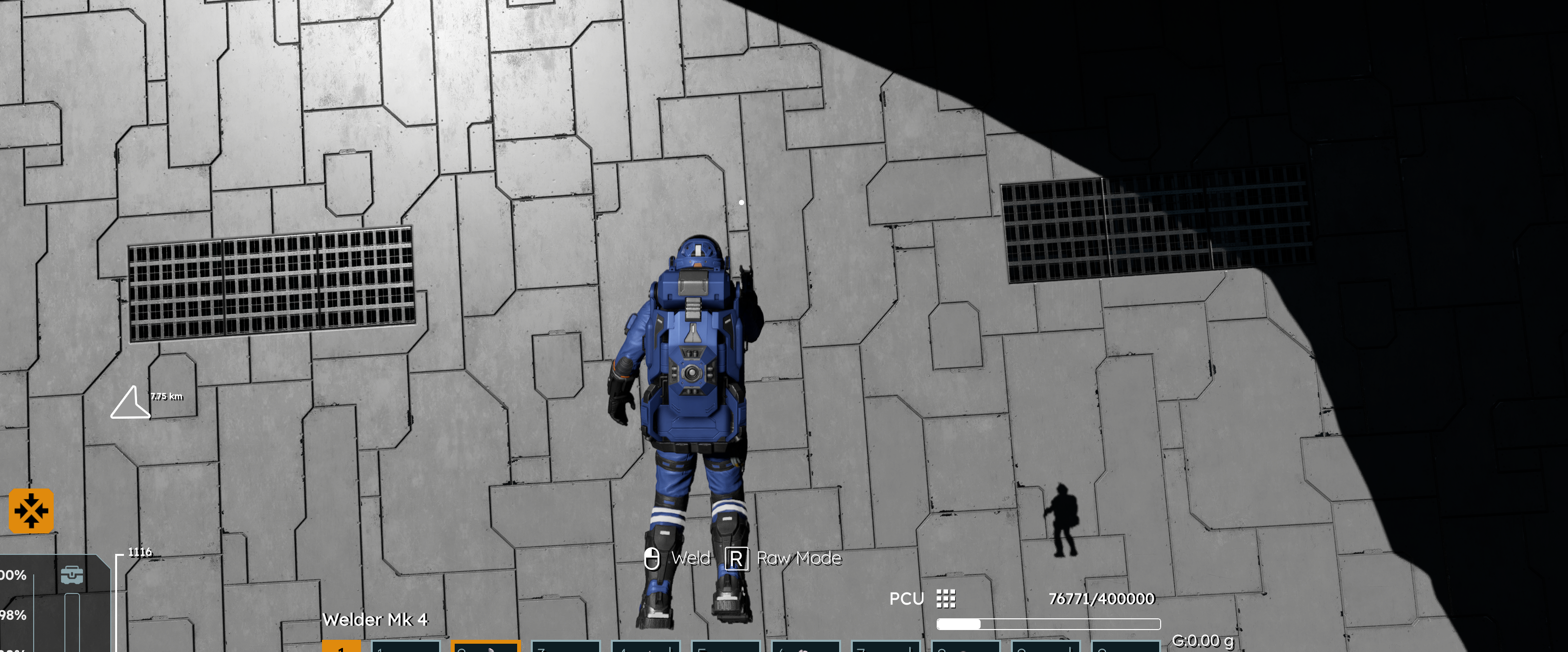
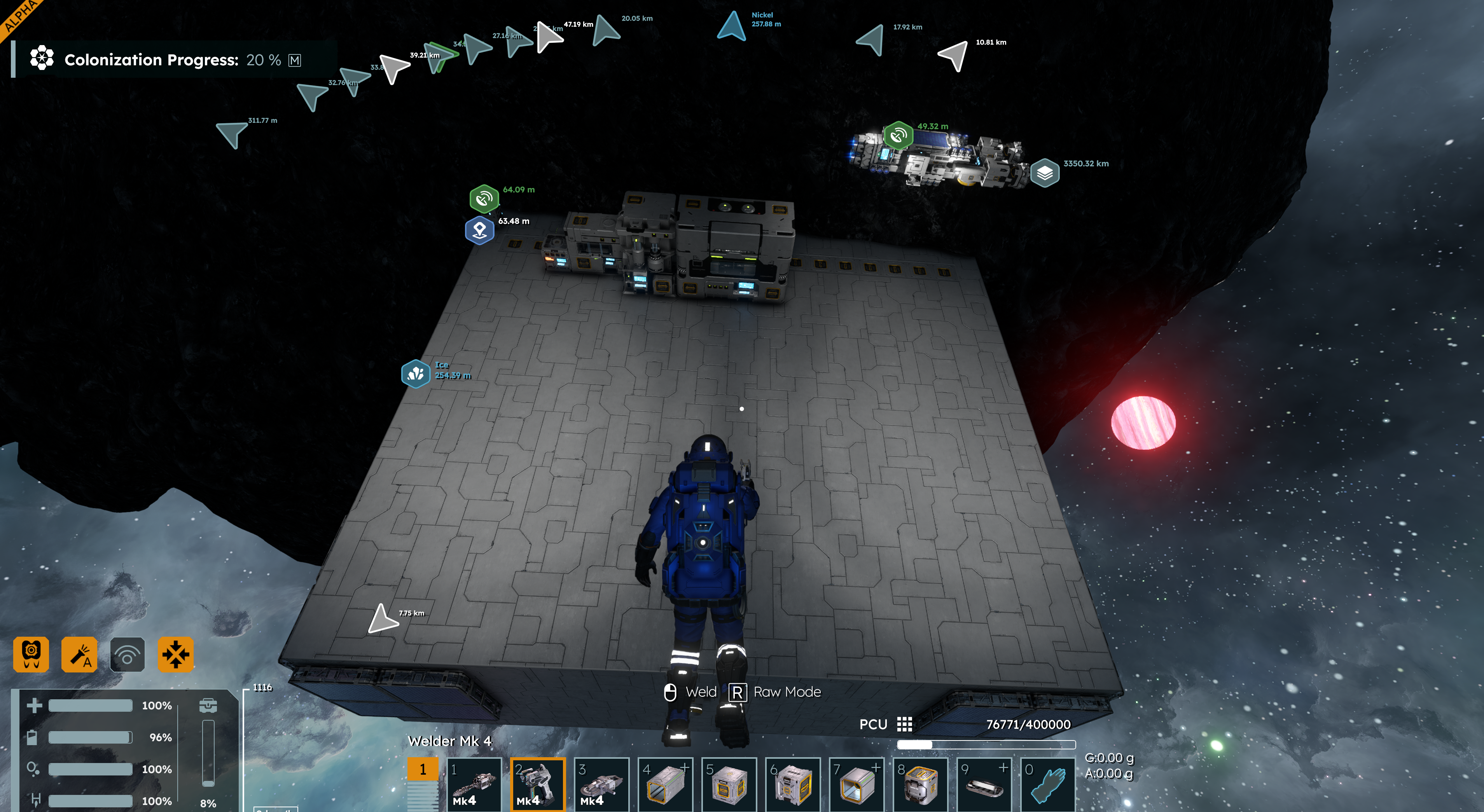
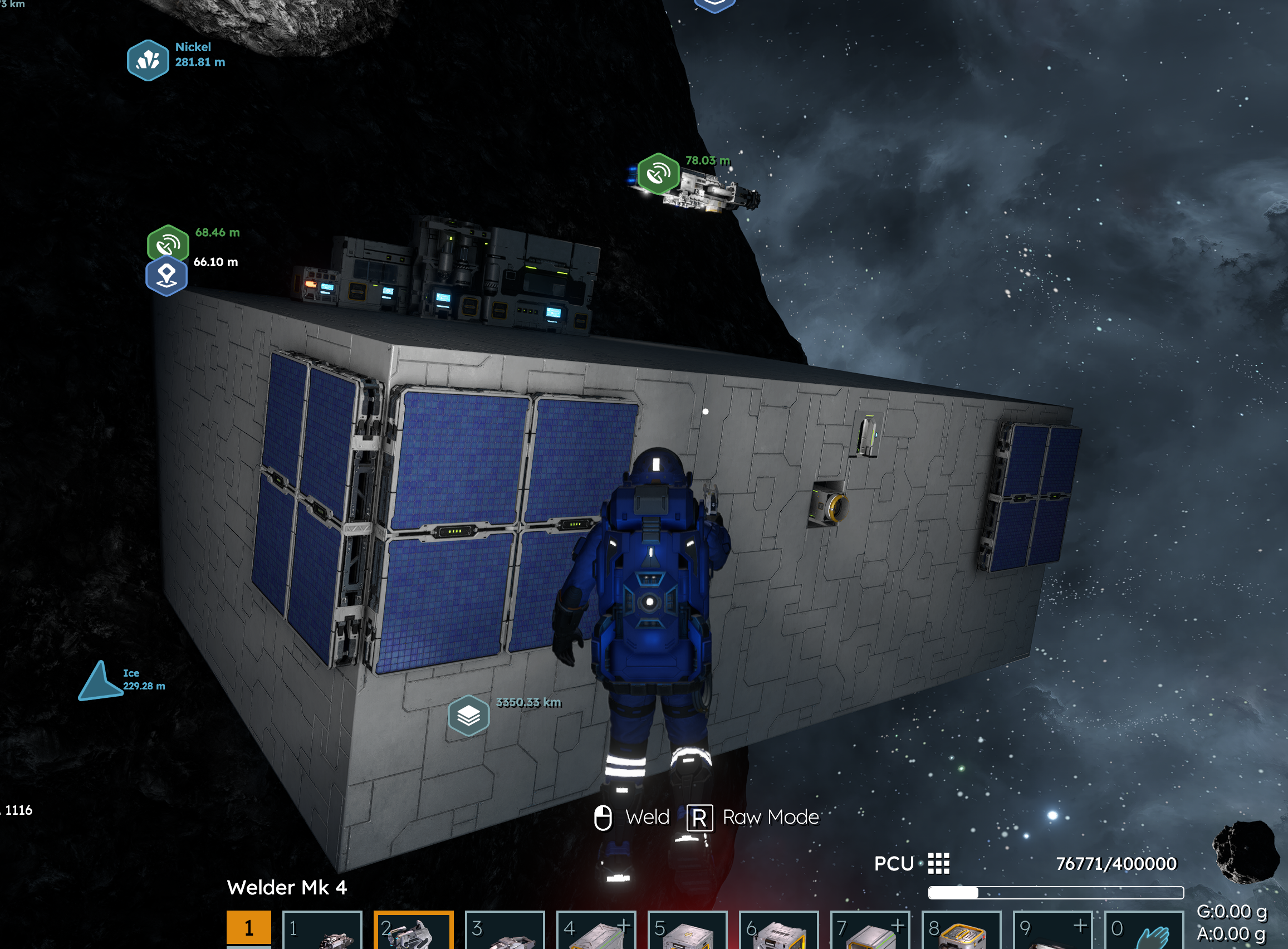
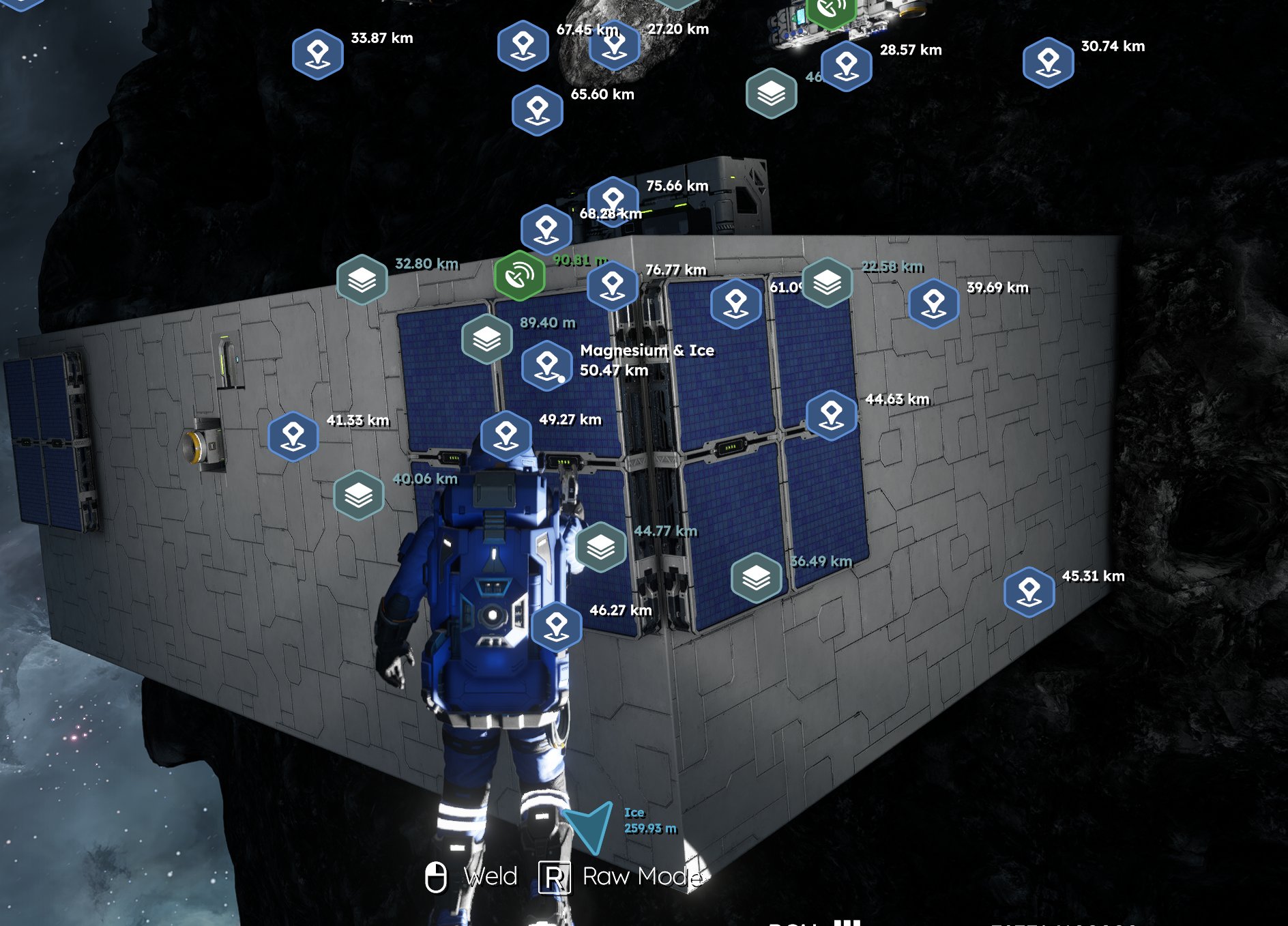
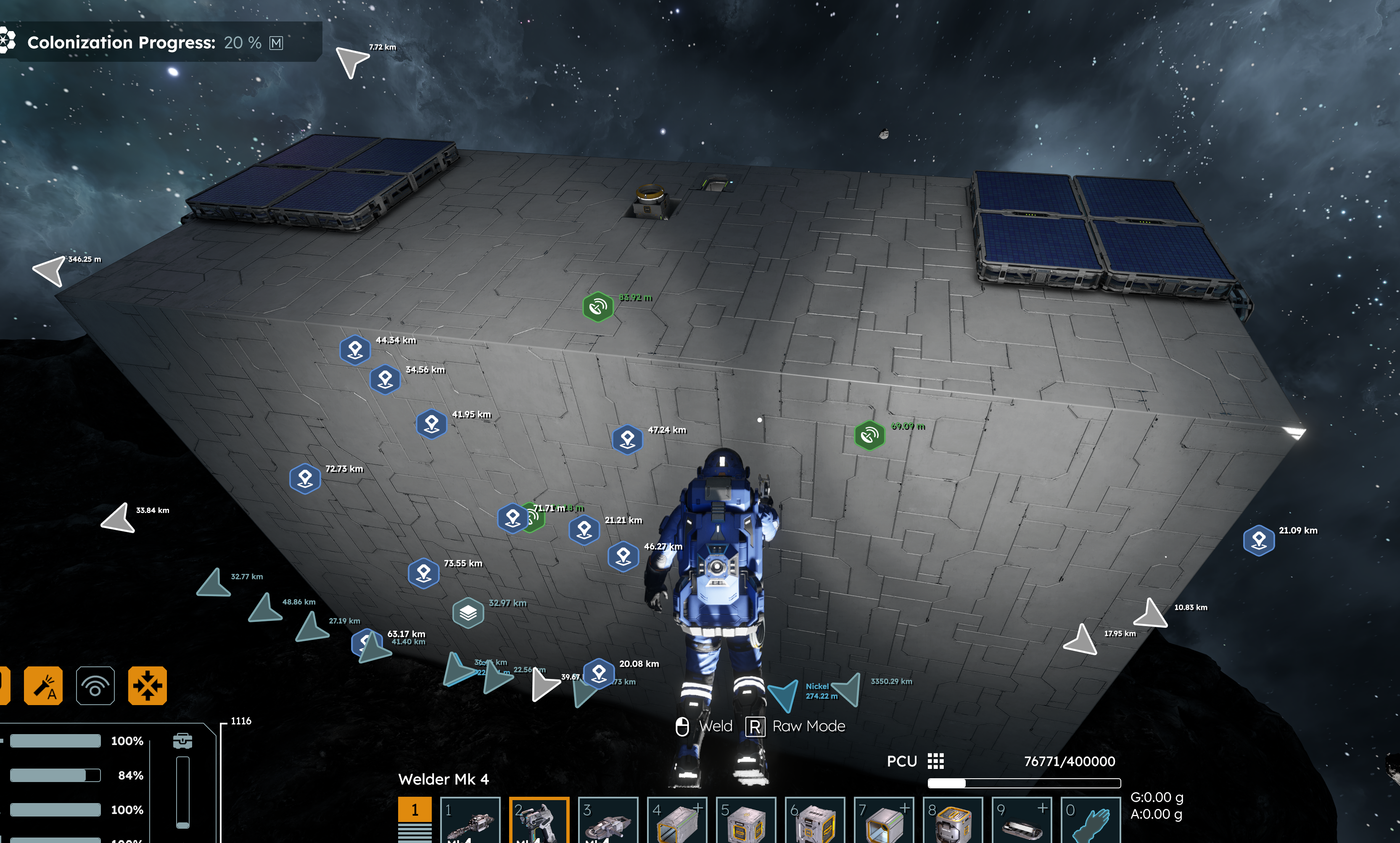
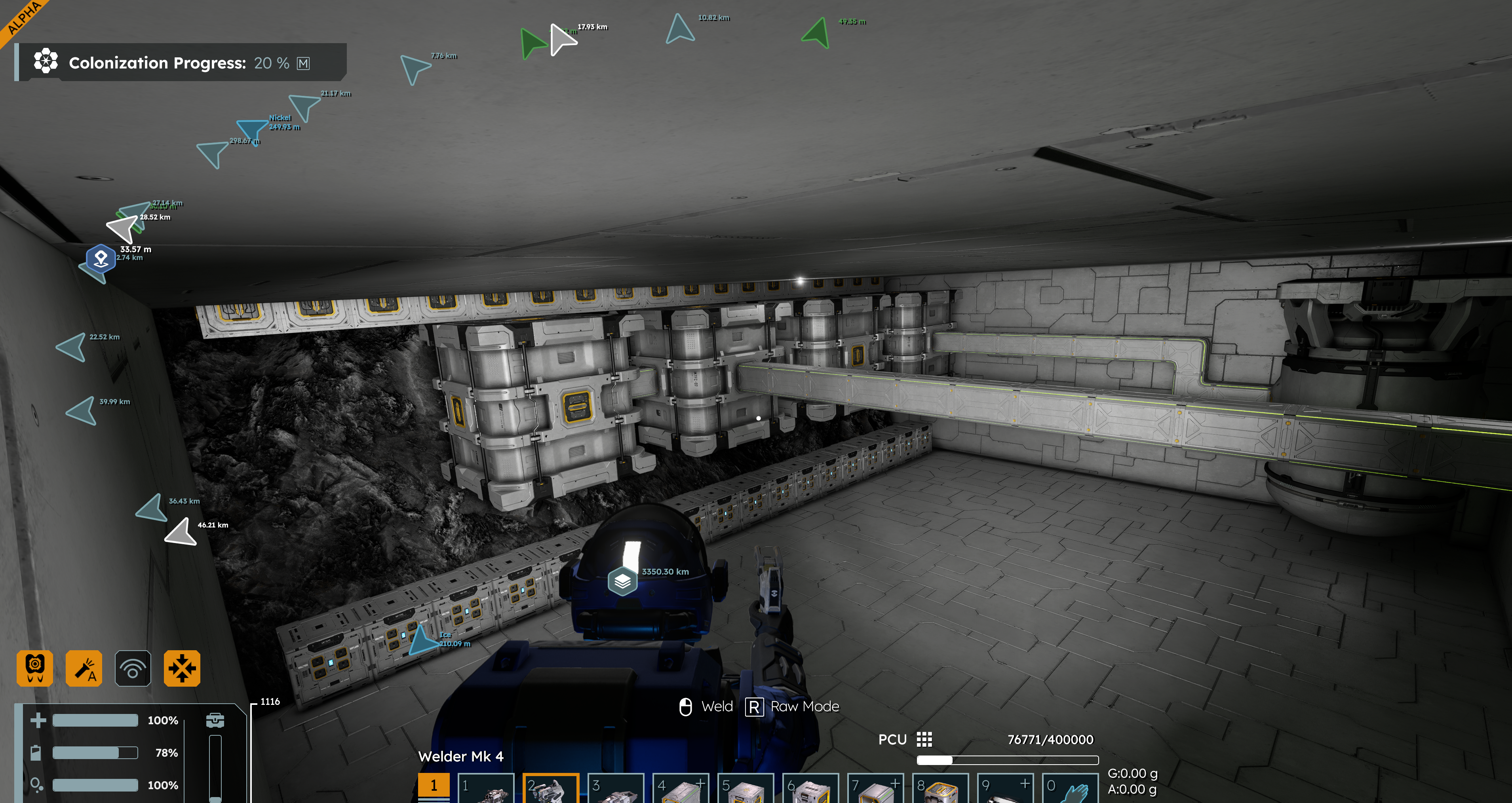
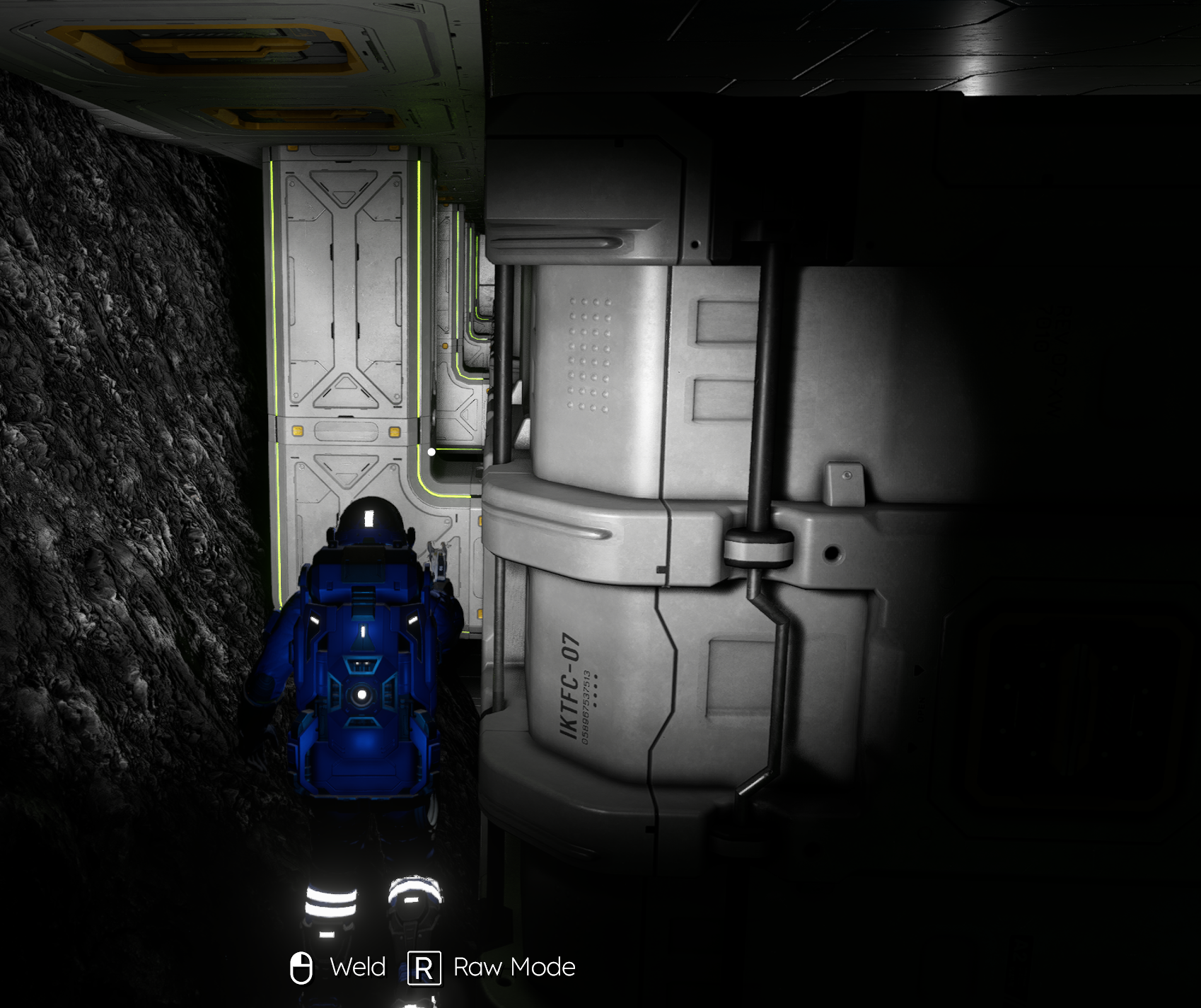
Its not always just distance, sometimes I can be right up against a block and pointing right at it and get the same behavior, but if I switch to a different angle it might (or might not) start working as expected. Regardless, both the welder and grinder feel truly terrible because they will not reliably target the block I'm trying to weld/grind.
Its not always just distance, sometimes I can be right up against a block and pointing right at it and get the same behavior, but if I switch to a different angle it might (or might not) start working as expected. Regardless, both the welder and grinder feel truly terrible because they will not reliably target the block I'm trying to weld/grind.
Same issue here. It's not only about distance. Some blocks have very precise detection that you need to be looking at exactly the right place.
For example, I have noticed that if you look at the power cell of a battery, the game register you're looking at it but anywhere else on the block is iffy.
Same issue here. It's not only about distance. Some blocks have very precise detection that you need to be looking at exactly the right place.
For example, I have noticed that if you look at the power cell of a battery, the game register you're looking at it but anywhere else on the block is iffy.
Maybe this has some hint? Body position don't look right.
Maybe this has some hint? Body position don't look right.
Yeah, I very quickly get angry at this stuff. Same thing in SE1 but maybe worse in SE2. This cant be allowed to continue in SE2. Holding down mouse button all the time in video.
Yeah, I very quickly get angry at this stuff. Same thing in SE1 but maybe worse in SE2. This cant be allowed to continue in SE2. Holding down mouse button all the time in video.
V.33 : i have started a new game and the behavior of the grinder and welder is not present at the moment.
V.33 : i have started a new game and the behavior of the grinder and welder is not present at the moment.
It's like only one or two sides of the block can get welded/grinded, and often I have to aim at the very corner of a block to have it accept weld/grind.
It's like only one or two sides of the block can get welded/grinded, and often I have to aim at the very corner of a block to have it accept weld/grind.
Yeah. Very specific spots on a block seem to be acceptable targets for grind/weld. It's like the block has holes in it that are not targetable.
Yeah. Very specific spots on a block seem to be acceptable targets for grind/weld. It's like the block has holes in it that are not targetable.
Same here
Same here
Experienced this as well with detailing blocks and windows. Windows are only grindable from one side most of the time
Experienced this as well with detailing blocks and windows. Windows are only grindable from one side most of the time
I've noticed this on most all blocks. Welding and grinding are very difficult. Seems there are very specific, single-pixel points that need to be pointed at before welding and grinding work and even then, because of the characters ambient movements, the effect will stop.
I've noticed this on most all blocks. Welding and grinding are very difficult. Seems there are very specific, single-pixel points that need to be pointed at before welding and grinding work and even then, because of the characters ambient movements, the effect will stop.
I concur with this.. and I also think the welders range needs extending a little.. (Maybe that could be tied to the tool's level.. i.e Mk1 range is 0.5 metres, Mk 2 is 0.75m, Mk 3 is 1m etc)
This issue also makes it fun when trying to grind down a block that has come loose because you've accidentally ground away what it was anchored to! (In space I mean)
I concur with this.. and I also think the welders range needs extending a little.. (Maybe that could be tied to the tool's level.. i.e Mk1 range is 0.5 metres, Mk 2 is 0.75m, Mk 3 is 1m etc)
This issue also makes it fun when trying to grind down a block that has come loose because you've accidentally ground away what it was anchored to! (In space I mean)
I'm having a similar issue. Blocks of all type can only be welded, or ground down from a certain side, angle, or at times, only if you find the correct couple of pixels and hold exactly there as mentioned above.
I'm having a similar issue. Blocks of all type can only be welded, or ground down from a certain side, angle, or at times, only if you find the correct couple of pixels and hold exactly there as mentioned above.
Kind of far out and may be a symptom but Is this possibly tied to the visible timing of the Tool Tip? When things are still and I _manage_ to get the tool tip to appear, grind/weld works. When I cannot get the TT, I cannot grind/weld. I suspect moving/floating objects the tool tip keeps getting reset- certainly does not feel like I have a direct connection to the block though it is obvious i should. Hit boxes definitely seem off in this regard.
Kind of far out and may be a symptom but Is this possibly tied to the visible timing of the Tool Tip? When things are still and I _manage_ to get the tool tip to appear, grind/weld works. When I cannot get the TT, I cannot grind/weld. I suspect moving/floating objects the tool tip keeps getting reset- certainly does not feel like I have a direct connection to the block though it is obvious i should. Hit boxes definitely seem off in this regard.
Small atmospheric thrusters and 3x3 catwalk blocks have given me a lot of problems welding. I'm sure there are others but those two have been burned into my brain.
Most blocks start out welding fine, but halfway through I have to re-aim and move around to find the build node.
Grinding down my crashed ship was a effort in futility, and I had the same experience as standard welding, with flickering when aiming at small loose blocks that were piled up at the bottom of the crater. Ore balls mixed in were causing everything to jitter making it worse.
Small atmospheric thrusters and 3x3 catwalk blocks have given me a lot of problems welding. I'm sure there are others but those two have been burned into my brain.
Most blocks start out welding fine, but halfway through I have to re-aim and move around to find the build node.
Grinding down my crashed ship was a effort in futility, and I had the same experience as standard welding, with flickering when aiming at small loose blocks that were piled up at the bottom of the crater. Ore balls mixed in were causing everything to jitter making it worse.
I notice this sometimes too.. grinder will start to grind but then stop and object seem not there or something even though I am on top of it. happens with the wielder too need a range increase. Grinder should be grinding what on the dot (crosshair) have to move around and I might get it grinded..
I notice this sometimes too.. grinder will start to grind but then stop and object seem not there or something even though I am on top of it. happens with the wielder too need a range increase. Grinder should be grinding what on the dot (crosshair) have to move around and I might get it grinded..
its possible that this might be worse with higher tier tools (possibly?) the tutorial with tier 1 its still noticeable, but in my post missions fully upgraded save, its almost unusable !
its possible that this might be worse with higher tier tools (possibly?) the tutorial with tier 1 its still noticeable, but in my post missions fully upgraded save, its almost unusable !
They should give you a highlight of what you're going to weld
also have two modes: fast weld and individual weld
fast weld: holding down left click welds everything non stop in range
individual weld: holding down left click welds the thing you're looking at, until it's done, and continuing to hold down the button will do nothing until you left go and click again on something else
individual mode would be better for grinding especially to prevent accidentally grinding away unexpected things
They should give you a highlight of what you're going to weld
also have two modes: fast weld and individual weld
fast weld: holding down left click welds everything non stop in range
individual weld: holding down left click welds the thing you're looking at, until it's done, and continuing to hold down the button will do nothing until you left go and click again on something else
individual mode would be better for grinding especially to prevent accidentally grinding away unexpected things
I suspect that the hitbox is offset from the actual 3D model. I haven't verified this, but try from all 6 faces when it happens. That could verify what I'm thinking. When this happens I can often use tools from a further than expected distance with ease. Unfortunately, every time this happens to me, the block I'm working on seems to be attached at a bunch of other points so I can't try all angles.
I suspect that the hitbox is offset from the actual 3D model. I haven't verified this, but try from all 6 faces when it happens. That could verify what I'm thinking. When this happens I can often use tools from a further than expected distance with ease. Unfortunately, every time this happens to me, the block I'm working on seems to be attached at a bunch of other points so I can't try all angles.
I made a mod increasing the range to 5m. It does not fix the bug itself but it helps finding a spot and nice to reach tighter places. https://steamcommunity.com/sharedfiles/filedetails/?id=3619370368
I made a mod increasing the range to 5m. It does not fix the bug itself but it helps finding a spot and nice to reach tighter places. https://steamcommunity.com/sharedfiles/filedetails/?id=3619370368
Hello Engineers,
We have reported this issue and added this thread to our internal ticket (SE2-29426).
Kind Regards,
Bartosz
Keen Software House
Hello Engineers,
We have reported this issue and added this thread to our internal ticket (SE2-29426).
Kind Regards,
Bartosz
Keen Software House
Hello Allison M,
We have reported this issue and added this thread to our internal ticket (SE2-29426).
Kind Regards,
Bartosz
Keen Software House
Hello Allison M,
We have reported this issue and added this thread to our internal ticket (SE2-29426).
Kind Regards,
Bartosz
Keen Software House
Hello Engineers,
We have reported this issue and added this thread to our internal ticket (SE2-29426).
Kind Regards,
Bartosz
Keen Software House
Hello Engineers,
We have reported this issue and added this thread to our internal ticket (SE2-29426).
Kind Regards,
Bartosz
Keen Software House
Hello Morthur Bothdi,
We have reported this issue and added this thread to our internal ticket (SE2-29427).
Kind Regards,
Bartosz
Keen Software House
Hello Morthur Bothdi,
We have reported this issue and added this thread to our internal ticket (SE2-29427).
Kind Regards,
Bartosz
Keen Software House
Hello Star_Kindler,
We have reported this issue and added this thread to our internal ticket (SE2-29426).
Kind Regards,
Bartosz
Keen Software House
Hello Star_Kindler,
We have reported this issue and added this thread to our internal ticket (SE2-29426).
Kind Regards,
Bartosz
Keen Software House
Hello Kelly B. ,
We have reported this issue and added this thread to our internal ticket (SE2-29426).
Kind Regards,
Bartosz
Keen Software House
Hello Kelly B. ,
We have reported this issue and added this thread to our internal ticket (SE2-29426).
Kind Regards,
Bartosz
Keen Software House
Hello Deon Beauchamp,
We have reported this issue and added this thread to our internal ticket (SE2-29426).
Kind Regards,
Bartosz
Keen Software House
Hello Deon Beauchamp,
We have reported this issue and added this thread to our internal ticket (SE2-29426).
Kind Regards,
Bartosz
Keen Software House
Hello Francis Théberge,
We have reported this issue and added this thread to our internal ticket (SE2-29426).
Kind Regards,
Bartosz
Keen Software House
Hello Francis Théberge,
We have reported this issue and added this thread to our internal ticket (SE2-29426).
Kind Regards,
Bartosz
Keen Software House
I have the same issue and I have noticed that the longer you weld, grind or combination of both, the less likely you will be able to find a position that works to weld/grind. Moving around the block usually finds a side that works from other sides that you can be touching the block and it won't react. I have also noticed that if I save and restart the game it will work as expected for a while again. If I am build out a larger BP, I will have to restart the game multiple times to be able to complete the build, but if I'm mostly flying around it will take longer before I run into the issue.
I have the same issue and I have noticed that the longer you weld, grind or combination of both, the less likely you will be able to find a position that works to weld/grind. Moving around the block usually finds a side that works from other sides that you can be touching the block and it won't react. I have also noticed that if I save and restart the game it will work as expected for a while again. If I am build out a larger BP, I will have to restart the game multiple times to be able to complete the build, but if I'm mostly flying around it will take longer before I run into the issue.
I am having a similar issue grinding or welding with the Mk 3 tools. I am right on top of the large drills, and the welder and grinder need to be at a specific spot or specific angle to even recognize and weld or grind the drills.
I am having a similar issue grinding or welding with the Mk 3 tools. I am right on top of the large drills, and the welder and grinder need to be at a specific spot or specific angle to even recognize and weld or grind the drills.
Had the same issue, only one/two faces/vertexs at 2.5m scale or even 1/2 a face on a small ion thruster, right 50% of a long face if long face is vertical at 1m scale being able to be welded/ground down. Also placing multiple of the same part the absolute position of the weldable face is the same. Like if a ion thruster is pointing down and the top left half of it is weldable one placed pointing up at the same time the same top left 1/2 face is weldable.
Also came back to my save and the recently added 2.5m smelter missing while i was saved at a station (probably unrelated?)
OH and occasionally a quit to menu and reload will make all faces usable for like 3-5mins.
Had the same issue, only one/two faces/vertexs at 2.5m scale or even 1/2 a face on a small ion thruster, right 50% of a long face if long face is vertical at 1m scale being able to be welded/ground down. Also placing multiple of the same part the absolute position of the weldable face is the same. Like if a ion thruster is pointing down and the top left half of it is weldable one placed pointing up at the same time the same top left 1/2 face is weldable.
Also came back to my save and the recently added 2.5m smelter missing while i was saved at a station (probably unrelated?)
OH and occasionally a quit to menu and reload will make all faces usable for like 3-5mins.
I have found that moving the block/ship a little, then having it come to a full stop, fixes this for a little while, but will go back to being hard after a few grinds. This doesn't work with stations of course.
I have found that moving the block/ship a little, then having it come to a full stop, fixes this for a little while, but will go back to being hard after a few grinds. This doesn't work with stations of course.
Its annoying to search for the right pixel to weld or grind. Sometimes it works, sometimes it doesn't...
Its annoying to search for the right pixel to weld or grind. Sometimes it works, sometimes it doesn't...
currently grinding a wreck poi and the damaged blocks are pretty bad to grind, but it seems like the sides of the blocks are better to aim at and it will actually grind, unlike the outer side of the blocks where I guess the warping from the damage happens.
it's not perfect with most blocks even with new placements to either weld or grind
currently grinding a wreck poi and the damaged blocks are pretty bad to grind, but it seems like the sides of the blocks are better to aim at and it will actually grind, unlike the outer side of the blocks where I guess the warping from the damage happens.
it's not perfect with most blocks even with new placements to either weld or grind
Oh.. this was already reported too.
Oh.. this was already reported too.
Hello Engineers,
Welder and Grinder target acquisition is now more consistent and should no longer loose focus on blocks. As such, I will close this thread.
Kind Regards,
Bartosz
Keen Software House
Hello Engineers,
Welder and Grinder target acquisition is now more consistent and should no longer loose focus on blocks. As such, I will close this thread.
Kind Regards,
Bartosz
Keen Software House
I just downloaded the game and the grind/welding is insufferable. I got to one of the contacts to grind a ship, I eventually jumped out of the provided grinder ship and did most of it by hand, the grinders were missing everything, even as I'm smashing around into them. This was a problem in SE1 for a loooooong time, some of the most popular most were to increase the distance, and here we are starting fresh with the same agitating crap.The welding was equally bad, faster by hand.
How was this marked as solved, please don't tell me it was even worse before and this is the improvement.
I just downloaded the game and the grind/welding is insufferable. I got to one of the contacts to grind a ship, I eventually jumped out of the provided grinder ship and did most of it by hand, the grinders were missing everything, even as I'm smashing around into them. This was a problem in SE1 for a loooooong time, some of the most popular most were to increase the distance, and here we are starting fresh with the same agitating crap.The welding was equally bad, faster by hand.
How was this marked as solved, please don't tell me it was even worse before and this is the improvement.
Replies have been locked on this page!