


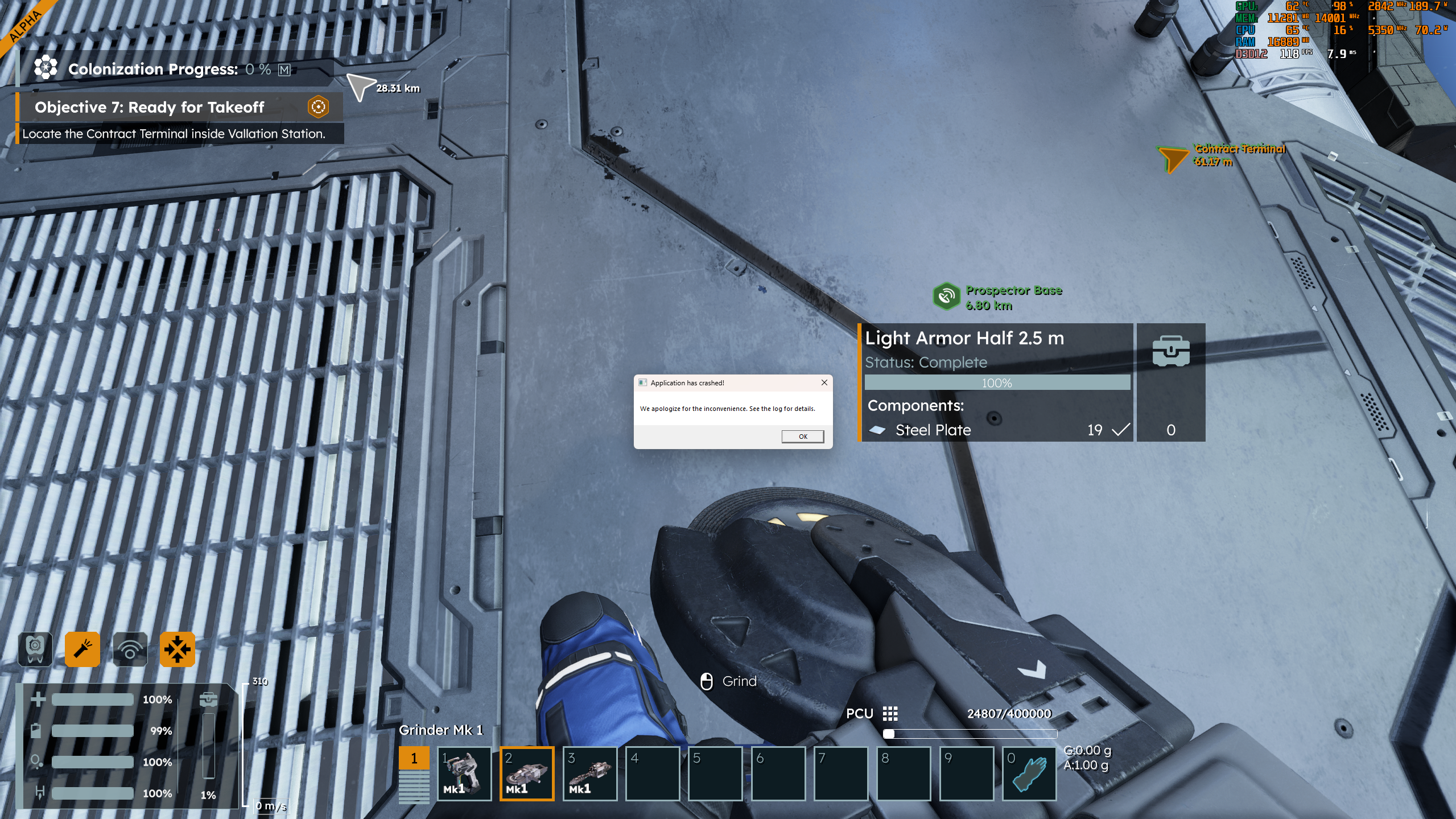
While on the Vallation contract station, if you attempt to grind anything, the game will crash.

game crash when i try to use hand tools in the safe zone
Solved
the game crashes when i try to use instruments in the safe zone. idk, maybe you already know about it. happens in version 2.0.2.21
Files:
Screenshot 2025...
Screenshot 2025...
SpaceEngineers2...
SpaceEngineers2...
SpaceEngineers2...
SpaceEngineers2...
SpaceEngineers2...
SpaceEngineers2...
SpaceEngineers2...
SpaceEngineers2...
SpaceEngineers2...
SpaceEngineers2...
SpaceEngineers2...
SpaceEngineers2...
DxDiag.txt
SpaceEngineers2...
SpaceEngineers2...
SpaceEngineers2...
SpaceEngineers2...
SpaceEngineers2...
SpaceEngineers2...
SpaceEngineers2...
SpaceEngineers2...
DxDiag.txt
251203-131449-0...
 I have the same bug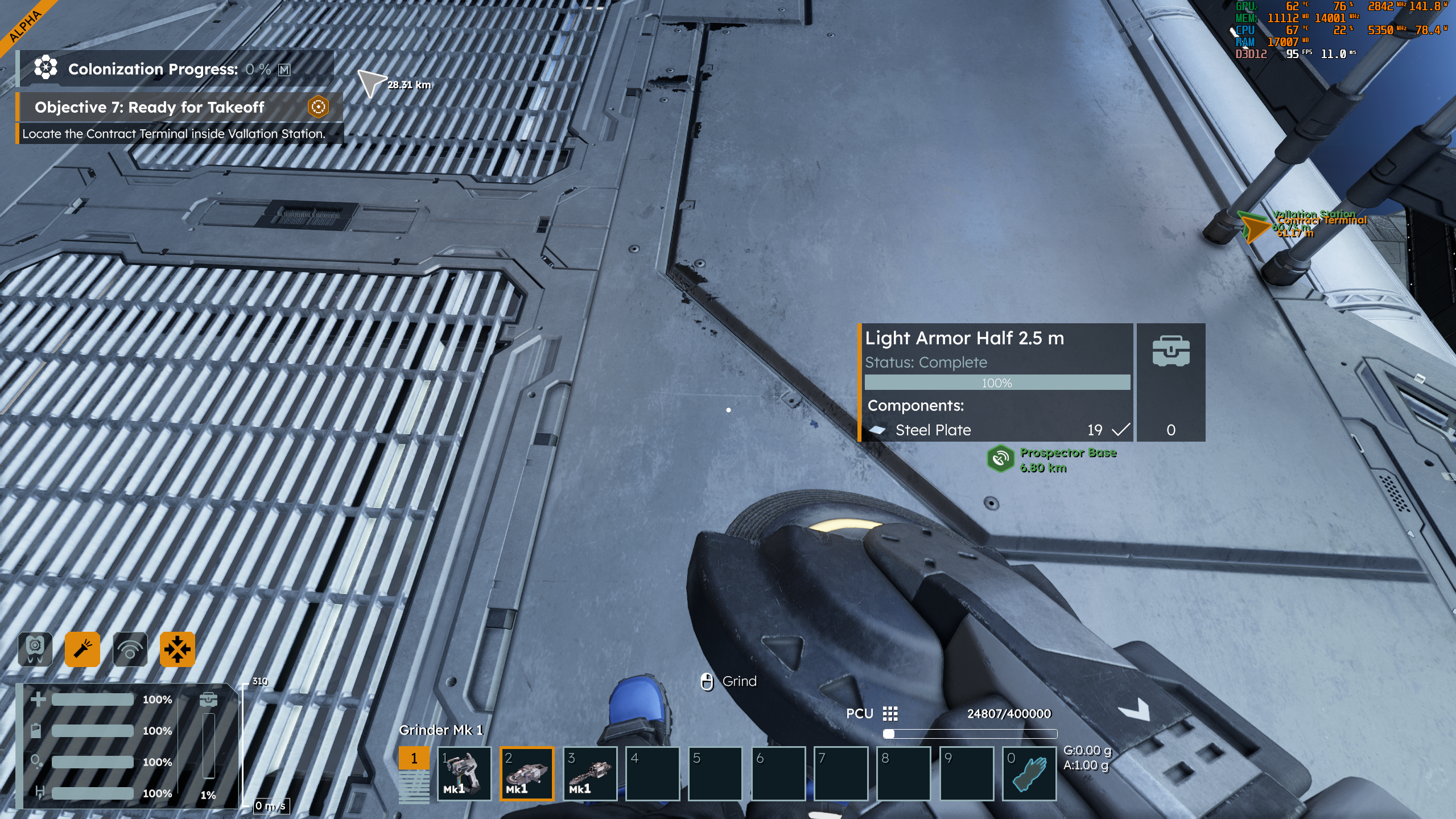
You can't vote. Please authorize!
You can't vote. Please authorize!
Hello Saharok Tyan,
I wasn't able to reproduce the crash, trying to use hand tools in a safe zone just triggers a notification "Grinding (Welding) in safe zone is not allowed".
Could you please send us your logs? You can find them here: C:\Users\(your_username)\AppData\Roaming\SpaceEngineers2\Temp\Logs
We would also appreciate a save file of your game before the game crashes. You can find your saves here: C:\Users\(your_username)\AppData\Roaming\SpaceEngineers2\AppData\SaveGames
Kind Regards,
Katerina
Keen Software House
Hello Saharok Tyan,
I wasn't able to reproduce the crash, trying to use hand tools in a safe zone just triggers a notification "Grinding (Welding) in safe zone is not allowed".
Could you please send us your logs? You can find them here: C:\Users\(your_username)\AppData\Roaming\SpaceEngineers2\Temp\Logs
We would also appreciate a save file of your game before the game crashes. You can find your saves here: C:\Users\(your_username)\AppData\Roaming\SpaceEngineers2\AppData\SaveGames
Kind Regards,
Katerina
Keen Software House
Hello Nigel,
Do you have Toast Notifications turned off?
Have you tried to scroll Toolbar Items with Toast Notifications turned On?
Kind Regards,
Bartosz
Keen Software House
Hello Nigel,
Do you have Toast Notifications turned off?
Have you tried to scroll Toolbar Items with Toast Notifications turned On?
Kind Regards,
Bartosz
Keen Software House
Hello Bartosz,
My Toast Notifications were indeed OFF. Turning them ON Resolved the issue of crashing.
Thank you for the quick Reply!
Best Regards,
Nigel
Hello Bartosz,
My Toast Notifications were indeed OFF. Turning them ON Resolved the issue of crashing.
Thank you for the quick Reply!
Best Regards,
Nigel
Hello Nigel,
The source of this issue has been fixed with Hotfix 2 for Vertical Slice 2
As such, I will close this thread.
Happy Engineering!
Kind Regards,
Bartosz
Keen Software House
Hello Nigel,
The source of this issue has been fixed with Hotfix 2 for Vertical Slice 2
As such, I will close this thread.
Happy Engineering!
Kind Regards,
Bartosz
Keen Software House
Replies have been locked on this page!