


unable to see any EOS servers
Solved
Good morning, sir/ Maam
I have just purchased a new PC, and installed Space Engineers. Ever since have been unable to see any EOS servers.
i have taken the following steps with troubleshooting.
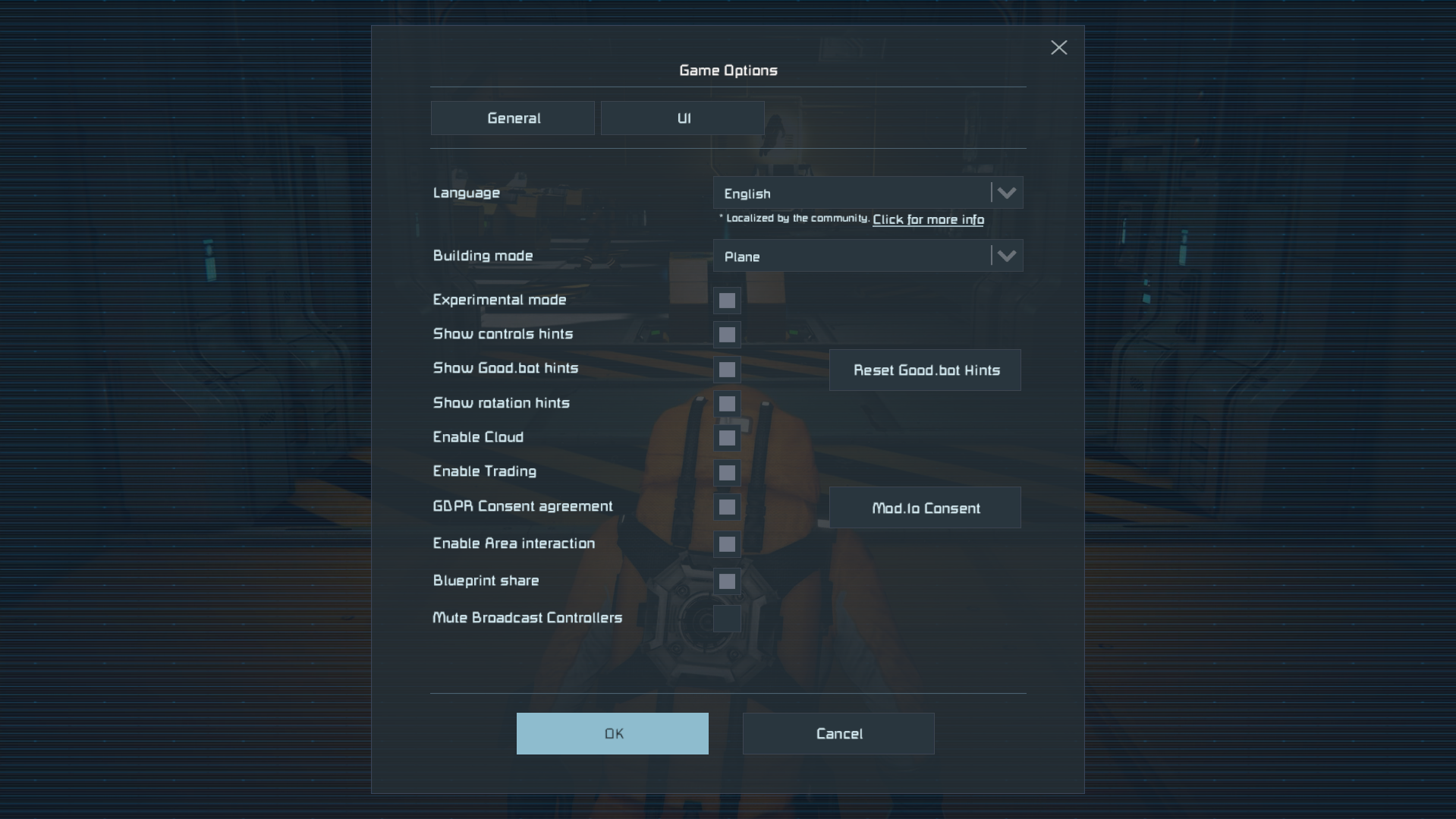
experimental is turned on
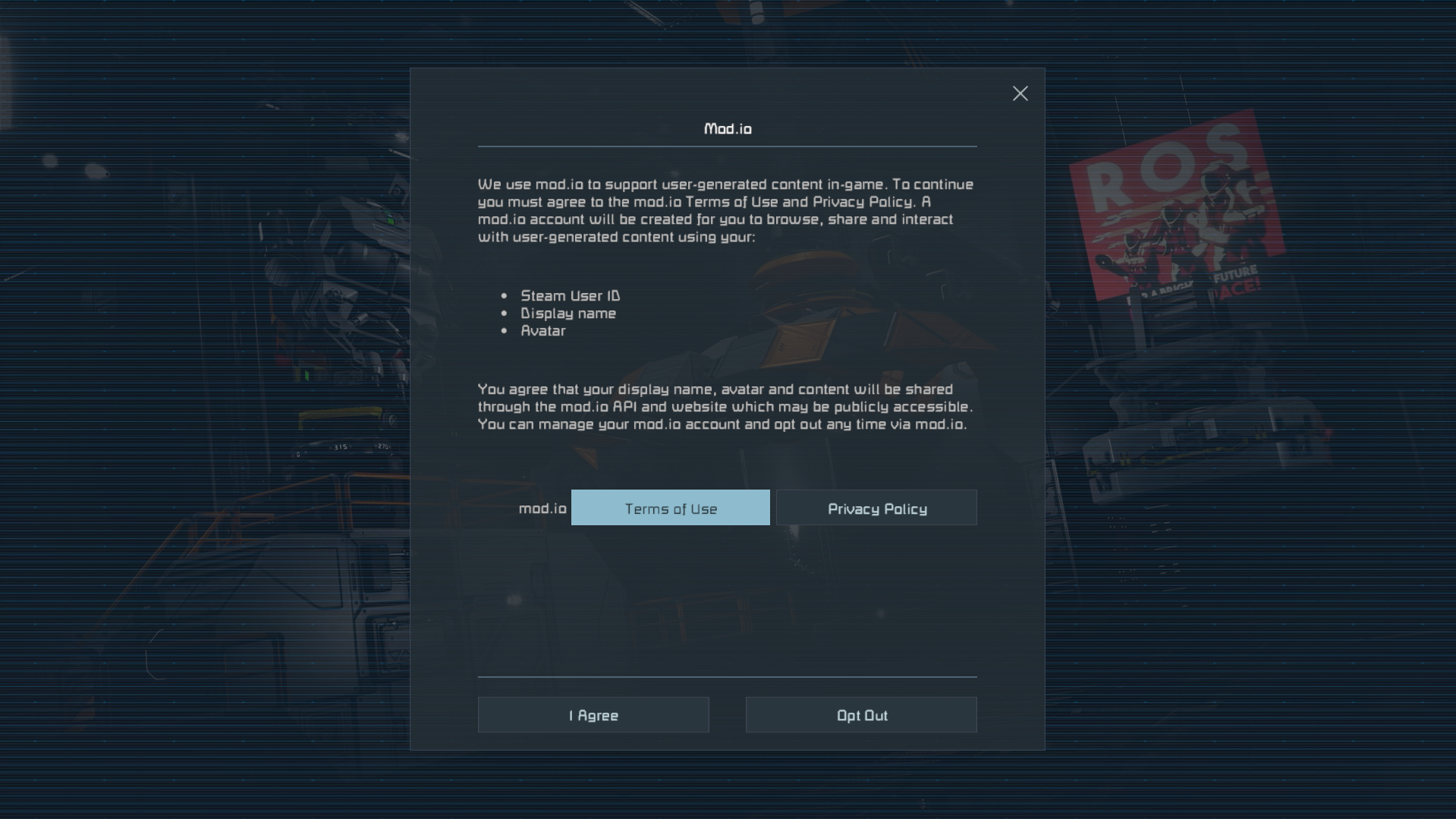
i have agreed to the terms and conditions for mod.io
restarted Router
Restarted PC
space engineers is a fresh install
attempted a direct join but was unable to
double checked my firewalls to ensure space engineers is allowed
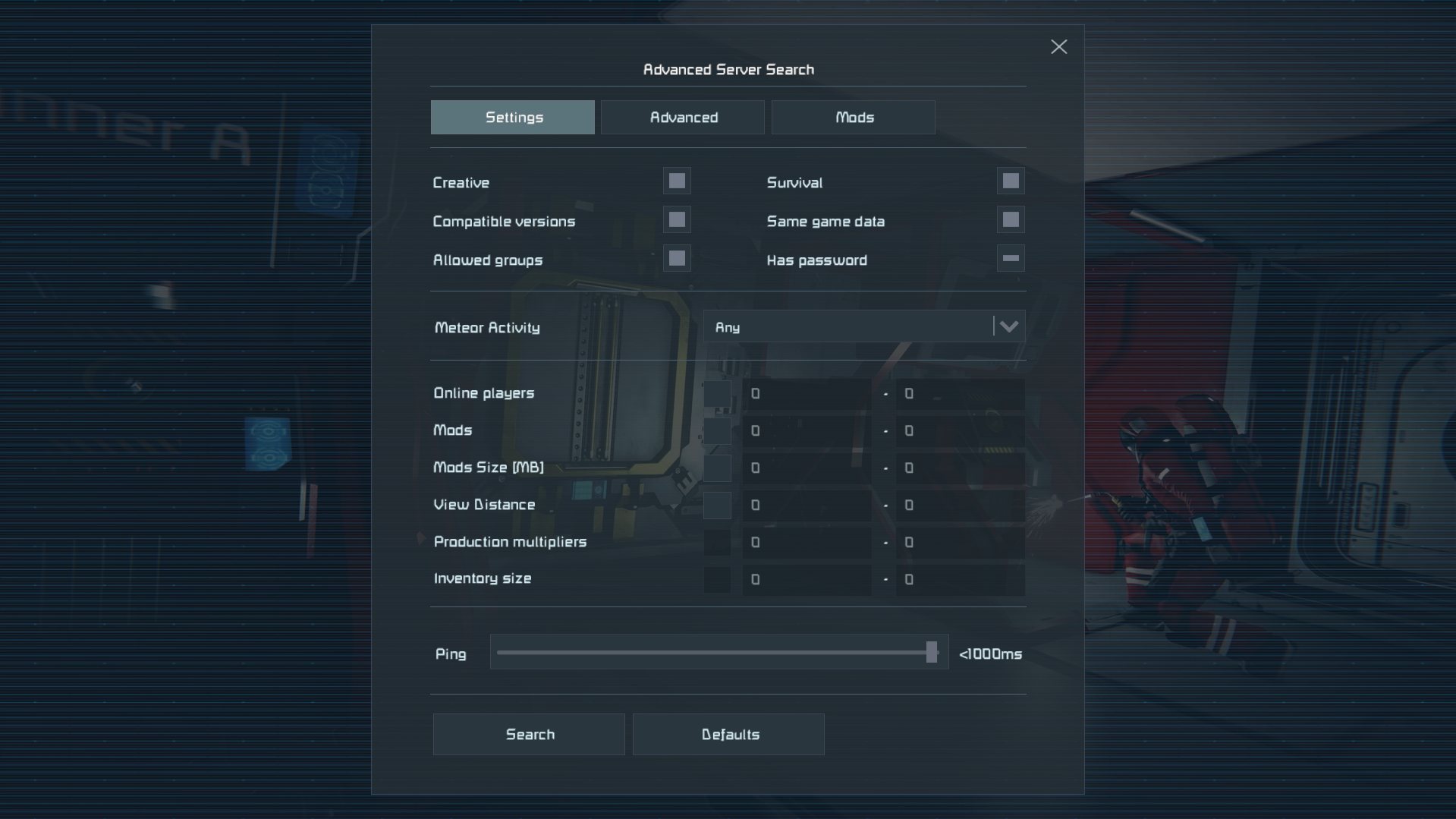
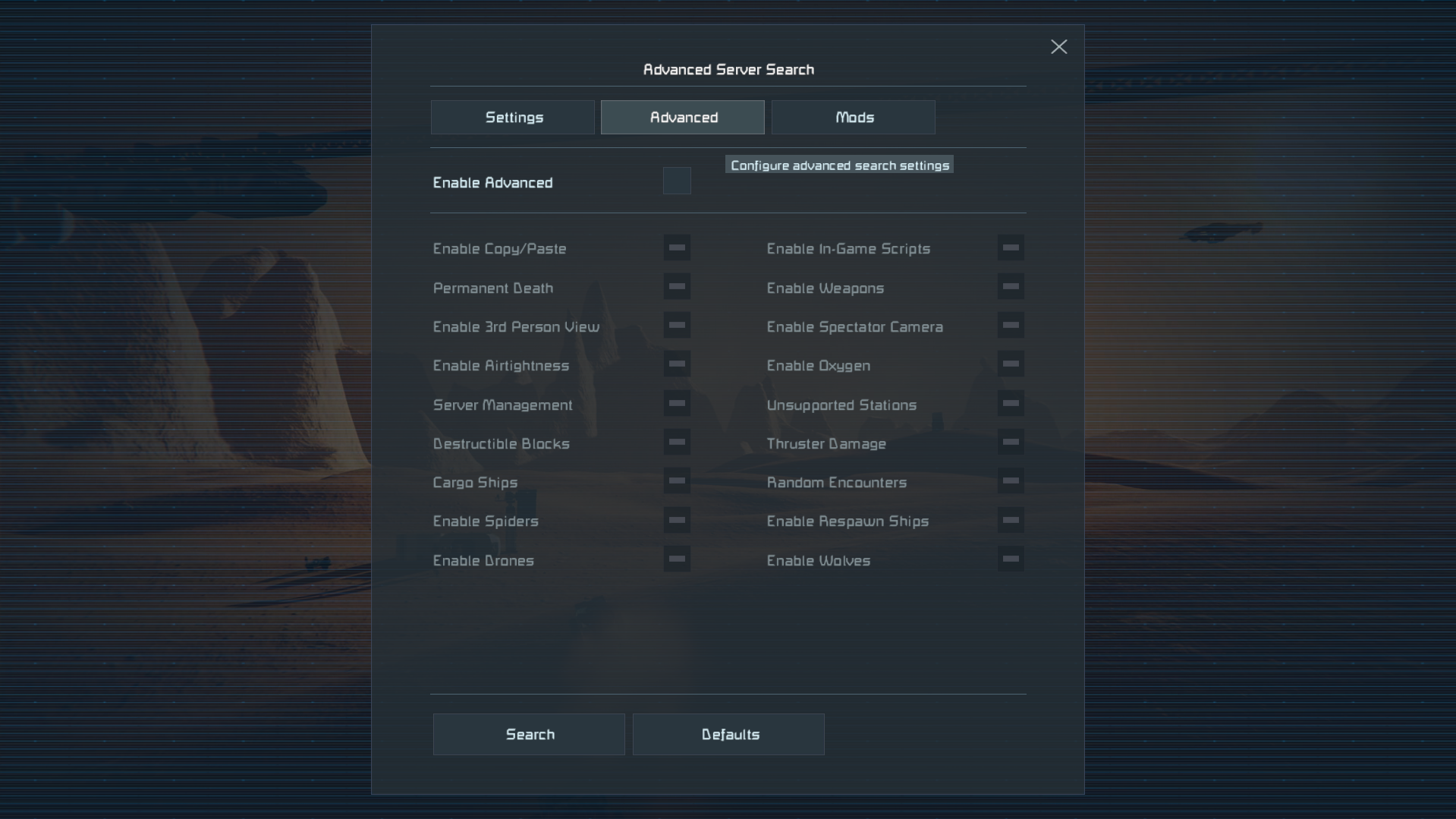
attached are screenshots of what i am seeing.
thank you very much for your help.
very respectfully, Dean
 I have the same bug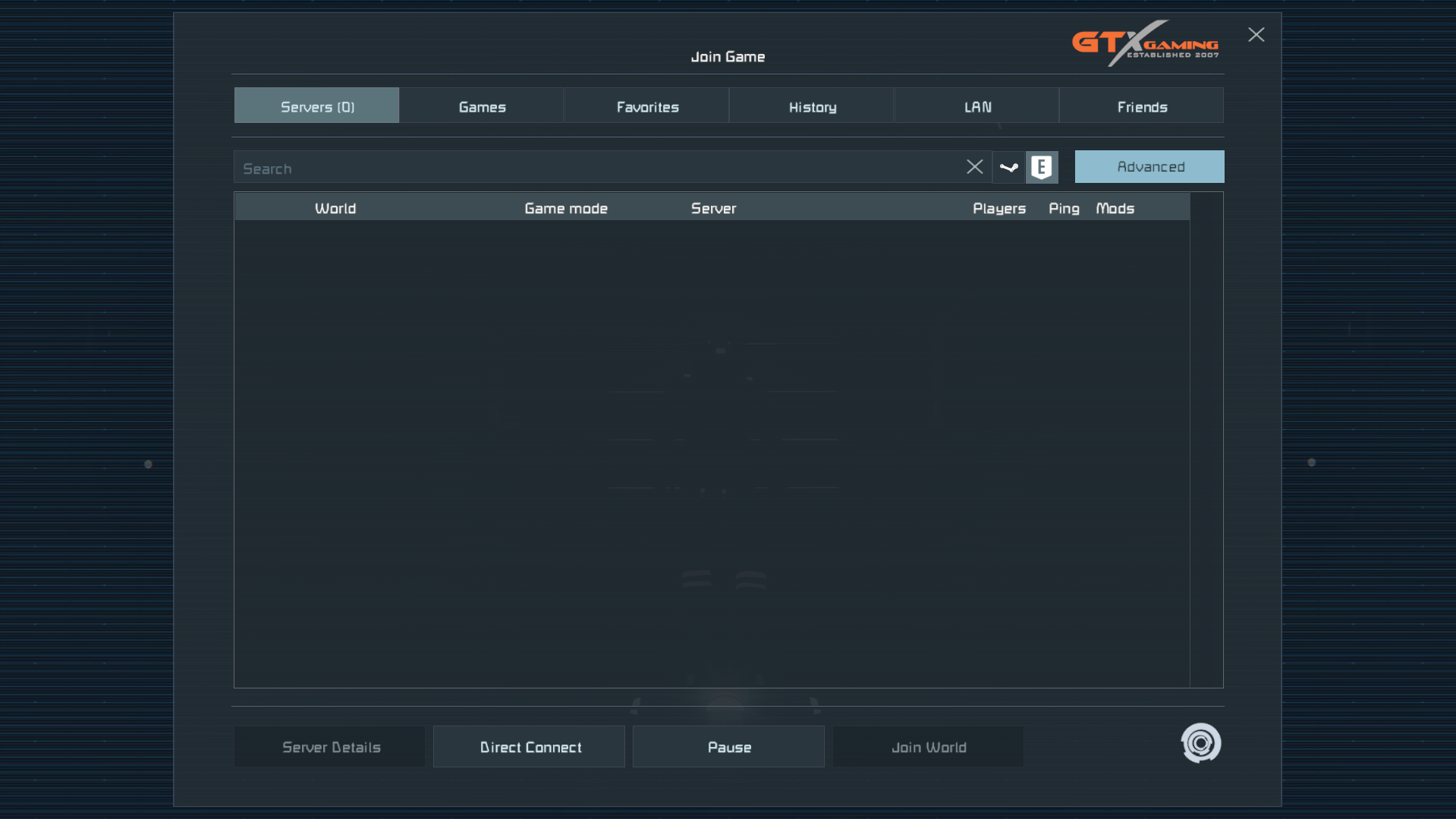
Hello Dean,
Thank you for reaching out on the forum.
Could you please share a bit more information about the issue? Firstly, which game version you are currently running. You can find this in the bottom-right corner of the main menu. The latest version is 1.208.015, so please confirm whether that matches what you’re seeing. If you’re on an older version, please update the game and check whether the issue still occurs afterward.
If the issue continues after updating, do you see any specific error message when trying to Direct Join an EOS server?
Additionally, are you able to see and join Steam-based servers (non-EOS)? If not, please make sure Steam itself is set to Online mode and not Offline. You can check this by opening Steam, clicking “Steam” in the top-left corner, and confirming that “Go Online” is not shown.
If the issue still happens while Steam is in Online mode, please send us a screen recording/video showing the issue, including an attempt to Direct Join an EOS server in the same session. Along with that, please attach the log file from that session so we can investigate further.
Kind regards,
Keen Software House: QA Department
Hello Dean,
Thank you for reaching out on the forum.
Could you please share a bit more information about the issue? Firstly, which game version you are currently running. You can find this in the bottom-right corner of the main menu. The latest version is 1.208.015, so please confirm whether that matches what you’re seeing. If you’re on an older version, please update the game and check whether the issue still occurs afterward.
If the issue continues after updating, do you see any specific error message when trying to Direct Join an EOS server?
Additionally, are you able to see and join Steam-based servers (non-EOS)? If not, please make sure Steam itself is set to Online mode and not Offline. You can check this by opening Steam, clicking “Steam” in the top-left corner, and confirming that “Go Online” is not shown.
If the issue still happens while Steam is in Online mode, please send us a screen recording/video showing the issue, including an attempt to Direct Join an EOS server in the same session. Along with that, please attach the log file from that session so we can investigate further.
Kind regards,
Keen Software House: QA Department
good evening sir/ Maam,
i apologize for the delay in giving you all an update as the internet was down yesterday, but as requested, i have attached a video of what i am seeing,as well ass the %appData file
good evening sir/ Maam,
i apologize for the delay in giving you all an update as the internet was down yesterday, but as requested, i have attached a video of what i am seeing,as well ass the %appData file
Hello Dean,
Thanks for sharing the log files and the screen recording. From the startup information, we can see that Space Engineers is being launched through a third-party tool (Pulsar-v2.0.4\Legacy.exe) instead of directly via Steam.
This tool injects modifications into the game at launch, and it is preventing Epic Online Services from completing secure network connections. Because of this, EOS servers cannot be listed, and direct join attempts fail. This information is also visible in your log file:
EOS|LogHttp: libcurl error: 60 (Peer certificate cannot be authenticated)
...
SSL certificate problem: unable to get local issuer certificate
Please try launching Space Engineers directly from your Steam Library (without Pulsar or any external launcher) and check whether the EOS server list appears normally.If the issue still occurs afterward, please send us latest screen recording/video showing the behavior and fresh log files.
Kind regards,
Keen Software House: QA Department
Hello Dean,
Thanks for sharing the log files and the screen recording. From the startup information, we can see that Space Engineers is being launched through a third-party tool (Pulsar-v2.0.4\Legacy.exe) instead of directly via Steam.
This tool injects modifications into the game at launch, and it is preventing Epic Online Services from completing secure network connections. Because of this, EOS servers cannot be listed, and direct join attempts fail. This information is also visible in your log file:
EOS|LogHttp: libcurl error: 60 (Peer certificate cannot be authenticated)
...
SSL certificate problem: unable to get local issuer certificate
Please try launching Space Engineers directly from your Steam Library (without Pulsar or any external launcher) and check whether the EOS server list appears normally.If the issue still occurs afterward, please send us latest screen recording/video showing the behavior and fresh log files.
Kind regards,
Keen Software House: QA Department
Good Afternoon Sir/ Maam,
as requested, i have launched space engineers directly through steam, and removed the third-party launcher, from the steam page. as shown in the video, it still refuses to load EOS servers. I have also attached updated %appdata% folders in hopes that this may shed some light on the situation.
very respectfully,
Dean
Good Afternoon Sir/ Maam,
as requested, i have launched space engineers directly through steam, and removed the third-party launcher, from the steam page. as shown in the video, it still refuses to load EOS servers. I have also attached updated %appdata% folders in hopes that this may shed some light on the situation.
very respectfully,
Dean
Hello Dean,
Thank you for sharing the latest logs and screen-recording.
After reviewing the new logs, the issue appears to be related to Epic Online Services (EOS) failing to establish a secure connection on your system. The logs show repeated certificate validation errors when the game tries to contact EOS services, which would explain why EOS servers are not appearing in the server browser and why direct join attempts fail
To further resolve this, please try the following steps:
First, make sure your Windows system date, time, and time zone are set correctly and synchronized automatically. Incorrect system time can cause certificate validation failures.
Please ensure Windows is fully up to date, including optional updates, as missing root certificates can prevent secure connections from working properly.
If you are using any antivirus software, firewall, VPN, or network security tool (including ISP-provided security), please temporarily disable it and check again. Some security tools inspect HTTPS traffic and can block EOS connections.
If possible, please try connecting to the internet using a different method. For example, if you normally use Wi-Fi, switch to a wired connection or a mobile hotspot, or vice versa, and see if that makes any difference.
After trying these steps, restart the game and check whether EOS servers are now visible.
If the issue persists, please send us the latest log files.
Kind regards,
Keen Software House: QA Department
Hello Dean,
Thank you for sharing the latest logs and screen-recording.
After reviewing the new logs, the issue appears to be related to Epic Online Services (EOS) failing to establish a secure connection on your system. The logs show repeated certificate validation errors when the game tries to contact EOS services, which would explain why EOS servers are not appearing in the server browser and why direct join attempts fail
To further resolve this, please try the following steps:
First, make sure your Windows system date, time, and time zone are set correctly and synchronized automatically. Incorrect system time can cause certificate validation failures.
Please ensure Windows is fully up to date, including optional updates, as missing root certificates can prevent secure connections from working properly.
If you are using any antivirus software, firewall, VPN, or network security tool (including ISP-provided security), please temporarily disable it and check again. Some security tools inspect HTTPS traffic and can block EOS connections.
If possible, please try connecting to the internet using a different method. For example, if you normally use Wi-Fi, switch to a wired connection or a mobile hotspot, or vice versa, and see if that makes any difference.
After trying these steps, restart the game and check whether EOS servers are now visible.
If the issue persists, please send us the latest log files.
Kind regards,
Keen Software House: QA Department
Good afternoon sir/ma'am
It appears that a complete un install- re install followed by a file verification from Steam has resolved the issue. Im now able to see and join EOS servers even using the 3rd party application.
Thank you all very much for your help with this issue.
Merry Christmas everyone
Very respectfully
Dean
Good afternoon sir/ma'am
It appears that a complete un install- re install followed by a file verification from Steam has resolved the issue. Im now able to see and join EOS servers even using the 3rd party application.
Thank you all very much for your help with this issue.
Merry Christmas everyone
Very respectfully
Dean
Hello Dean,
Thank you for your reply.
Happy to hear that you are no longer experiencing this issue.
Since there is no more assistance needed from our side, we will close this thread now.
Please do not hesitate to contact us again, should you experience/observe any other issue/problem with/in the game, by opening a new thread here on the forum.
Thank you for your understanding.
Happy Engineering!
Kind Regards,
Keen Software House: QA Department
Hello Dean,
Thank you for your reply.
Happy to hear that you are no longer experiencing this issue.
Since there is no more assistance needed from our side, we will close this thread now.
Please do not hesitate to contact us again, should you experience/observe any other issue/problem with/in the game, by opening a new thread here on the forum.
Thank you for your understanding.
Happy Engineering!
Kind Regards,
Keen Software House: QA Department
Replies have been locked on this page!