


First of all, sorry for my english ;)
On my Dedicated Server, we go to new Trade Station (on Pertam)... we found a new "Advertising LCD" with the message "click here to get GPS". But, when we want to click on it, we have a error message because of the safe zone don't allowed us to use it.
I am on PC, I use XBox Controller... and I have same issue when I take my mouse.
 I have the same bug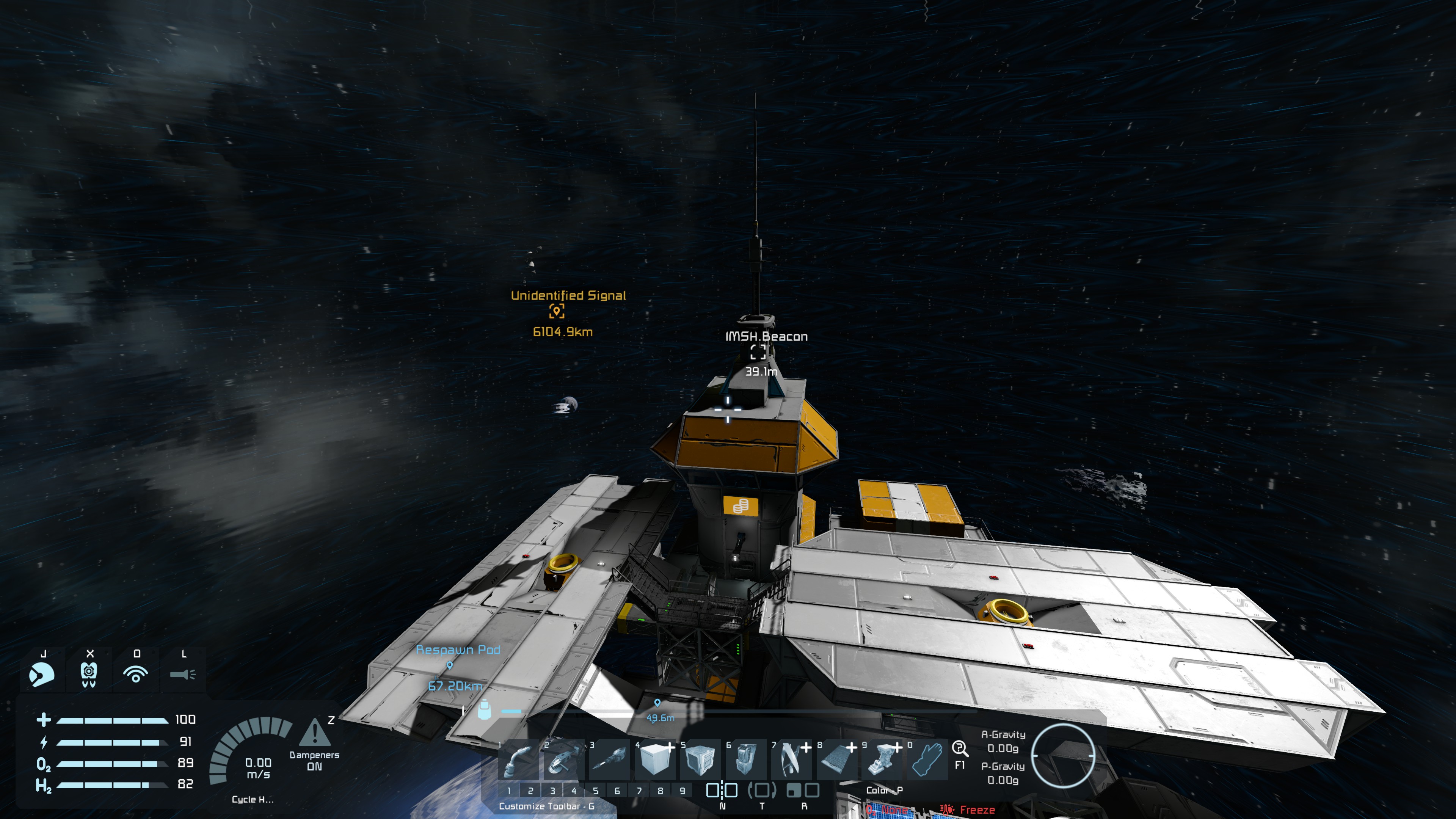
Hello Engineer,
We reproduced the issue and reported it internally.
Thank you,
Ludmila,
Head of Space Engingeers QA
Hello Engineer,
We reproduced the issue and reported it internally.
Thank you,
Ludmila,
Head of Space Engingeers QA
I visited my first station since update. Clicked that LCD, GPS popped up then game crashes.
*Edit: Did this 3 times in a row now. Game always crashes.
I visited my first station since update. Clicked that LCD, GPS popped up then game crashes.
*Edit: Did this 3 times in a row now. Game always crashes.
I am also having an issue where the billboards say 'access denied' and have to use the alt-f10 menu to enable use all terminals.
Can't rule out a mod conflict though. I have a GPS distance helper mod but not the same one and the GPS locations work fine, I'm just unable to use the billboards without admin privileges. I can access store blocks just fine no intervention necessary.
I am also having an issue where the billboards say 'access denied' and have to use the alt-f10 menu to enable use all terminals.
Can't rule out a mod conflict though. I have a GPS distance helper mod but not the same one and the GPS locations work fine, I'm just unable to use the billboards without admin privileges. I can access store blocks just fine no intervention necessary.
I also am having this issue on Playstation. It's a new world with no mods enabled. I dropped onto pertam and went to the first station from the datapad and found one of the new LCDs and it just says access denied when I try to use it. I've tried keyboard and mouse as well as controller.
I also am having this issue on Playstation. It's a new world with no mods enabled. I dropped onto pertam and went to the first station from the datapad and found one of the new LCDs and it just says access denied when I try to use it. I've tried keyboard and mouse as well as controller.
Hello!
Thank you for contacting us. Since this direct question about the game/updated, I'm moving your ticket to our support page, where our QA team will take care of you.
Kind Regards,
Keen Software House
Hello!
Thank you for contacting us. Since this direct question about the game/updated, I'm moving your ticket to our support page, where our QA team will take care of you.
Kind Regards,
Keen Software House
Hello Engineer,
We believe the issue could be caused by the fact that you are using the Quick Start button, as described in this bug report. Can you please confirm if this is the case? If yes, we are planning to fix it in the next hotfix. You would still need to create a new save once it is out.
Thank you.
Kind Regards,
Ludmila Danilchenko
Head of Space Engineers QA Department.
Hello Engineer,
We believe the issue could be caused by the fact that you are using the Quick Start button, as described in this bug report. Can you please confirm if this is the case? If yes, we are planning to fix it in the next hotfix. You would still need to create a new save once it is out.
Thank you.
Kind Regards,
Ludmila Danilchenko
Head of Space Engineers QA Department.
Hello Engineers,
Thank you for reaching out to us.
Could you please check if the issue still occurs on the latest game version (1.209.022)?
To check this, after updating the game, please first verify the game files (Right-click on Space Engineers in Steam Library → Properties → Installed Files → Verify Integrity of Game Files) and wait for the verification process to complete successfully. After that, launch the game and start a new vanilla/unmodded world, then check if the issue still occurs.
If the issue persists, please send us the vanilla/unmodded world save where the issue occurred and the log files from the time the issue occurred. This information would help us investigate the issue further.
Kind Regards,
Keen Software House: QA Department
Hello Engineers,
Thank you for reaching out to us.
Could you please check if the issue still occurs on the latest game version (1.209.022)?
To check this, after updating the game, please first verify the game files (Right-click on Space Engineers in Steam Library → Properties → Installed Files → Verify Integrity of Game Files) and wait for the verification process to complete successfully. After that, launch the game and start a new vanilla/unmodded world, then check if the issue still occurs.
If the issue persists, please send us the vanilla/unmodded world save where the issue occurred and the log files from the time the issue occurred. This information would help us investigate the issue further.
Kind Regards,
Keen Software House: QA Department
Yes this is what I did. I started my new game using the quick start.
Yes this is what I did. I started my new game using the quick start.
Replies have been locked on this page!