


Asteroid disappeared on reload at contract
Won't Fix
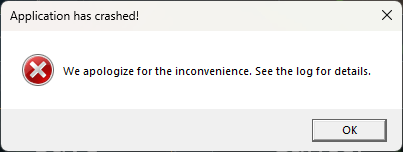
So I was going to thhe contract that I'll name in a comment soon. I honestly forget what I was doing at the critical moment. I think i might have been saving. My computer crashed. I reloaded the world from the file attached "verdure - arrived", and on reload the asteroid the contract was on was gone and the contract seemed to have very suspicious tracking details (see screenshot 222814). I laughed and posted to discord then switched back and tried to save the world to send that one.. and then Space Engineers 2 crashed and gave screenshot 223155.
 I have the same bug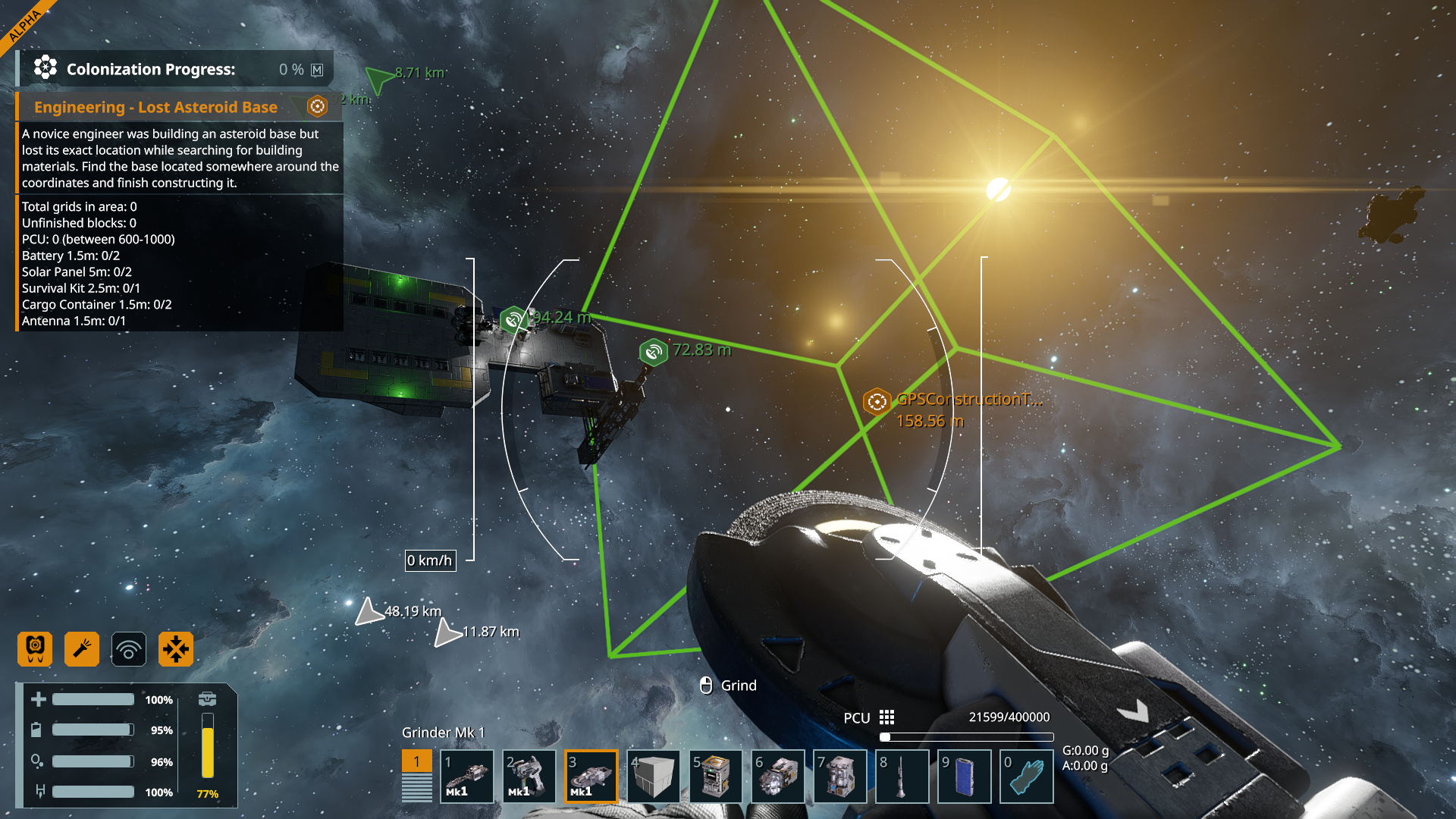
Access denied
Access denied
Access denied
Apparently the contract is called "Engineering - Lost Asteroid Base". Also this is happening on v2.3.0.2783
Apparently the contract is called "Engineering - Lost Asteroid Base". Also this is happening on v2.3.0.2783
More crash logs
More crash logs
Hello Hanniah,
It appears that the attached Save file is corrupted, especially if your PC crashed during saving and some objects didn't save properly. Have you tried to load any backup files of that Save? You can access the Backups through the Advanced Settings: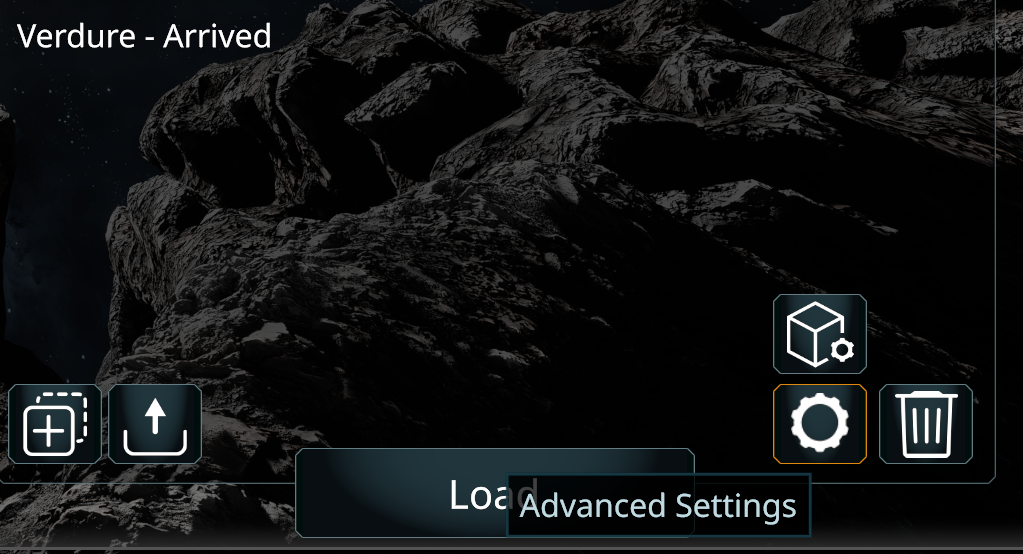
Let me know if that helps.
Kinds Regards,
Bartosz
Keen Software House
Hello Hanniah,
It appears that the attached Save file is corrupted, especially if your PC crashed during saving and some objects didn't save properly. Have you tried to load any backup files of that Save? You can access the Backups through the Advanced Settings:
Let me know if that helps.
Kinds Regards,
Bartosz
Keen Software House
Hello Hanniah,
As there has been no activity to this thread in some time, I will close it. If you're still experiencing this issue, please create a new thread.
Kind Regards,
Bartosz
Keen Software House
Hello Hanniah,
As there has been no activity to this thread in some time, I will close it. If you're still experiencing this issue, please create a new thread.
Kind Regards,
Bartosz
Keen Software House
Replies have been locked on this page!