


This object is in archive!

Graphical bug which stays in the same spot
Solved
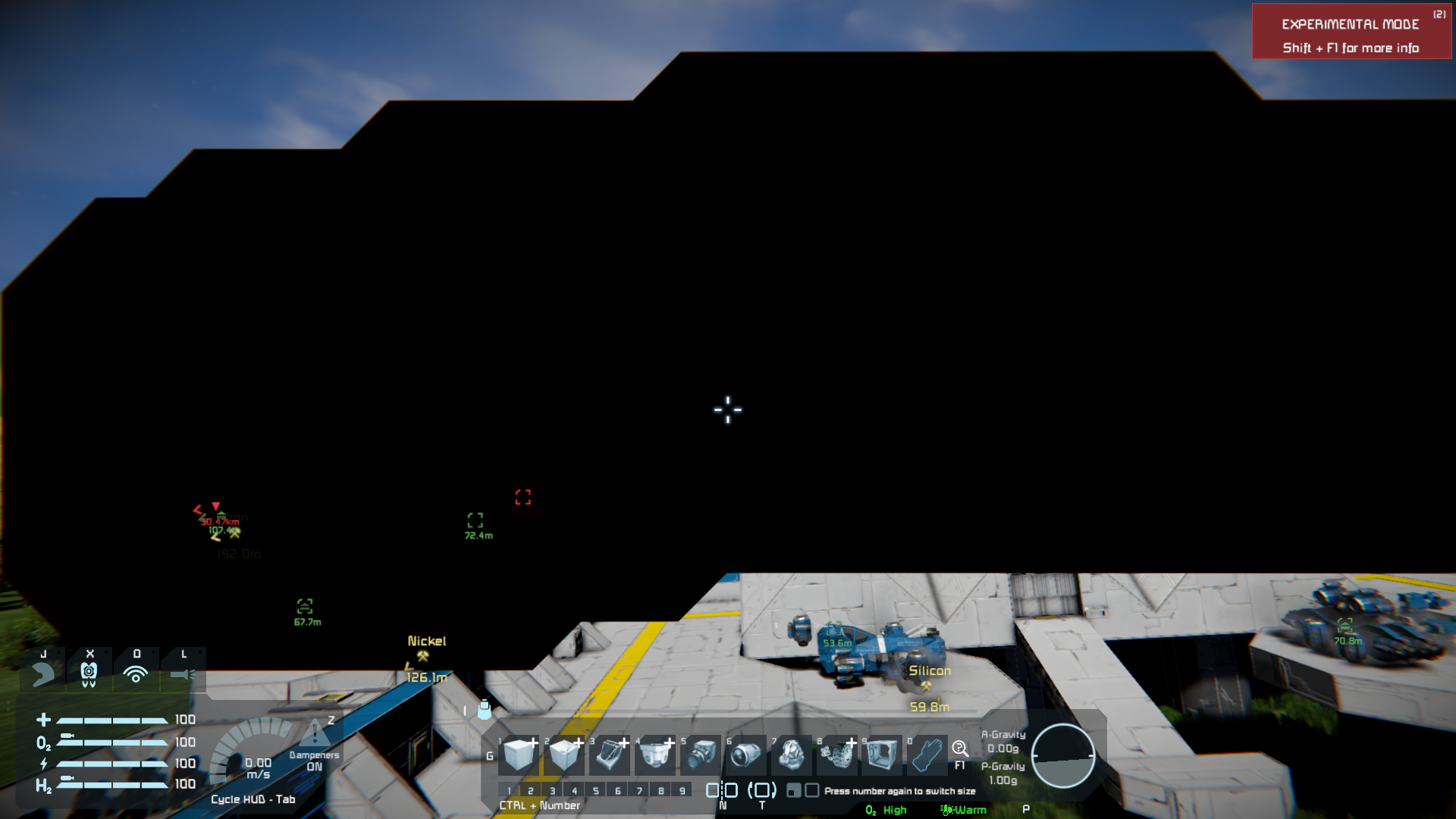
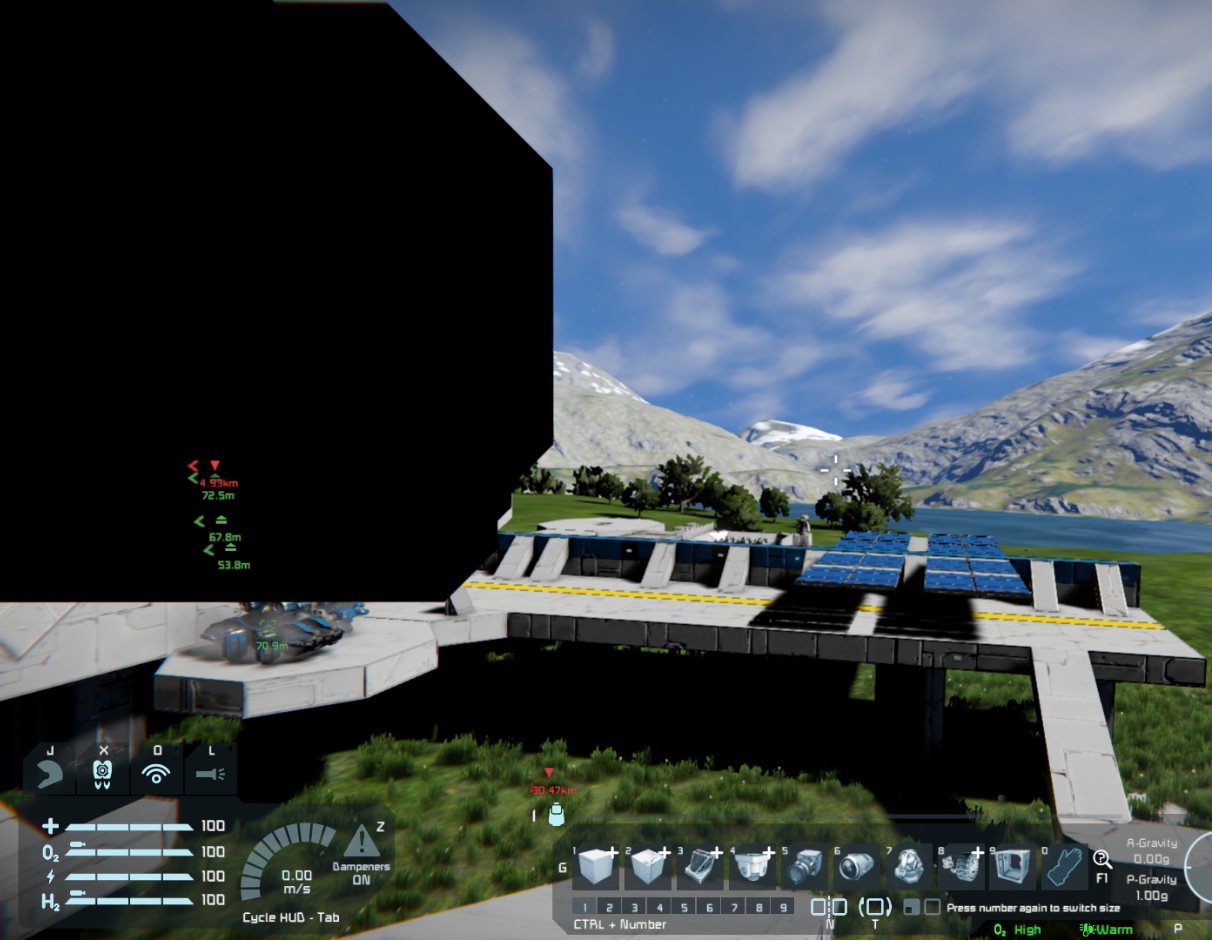
The bug is the whole time in the same place if I move my character around and it sometimes expands, it also appears in different worlds which I just now created. I looked for answers and how to solve it but I found nothing that could help me.
in the world where it first appeared everything is black and I can only see the sky. The 2nd world which I just started also shows the bug but there it is smaller and stays in the same spot (so if I turn around the bug is behind me and if I turn 90 degrees the bug is on my left like picture 2 and 3 show)
 I have the same bug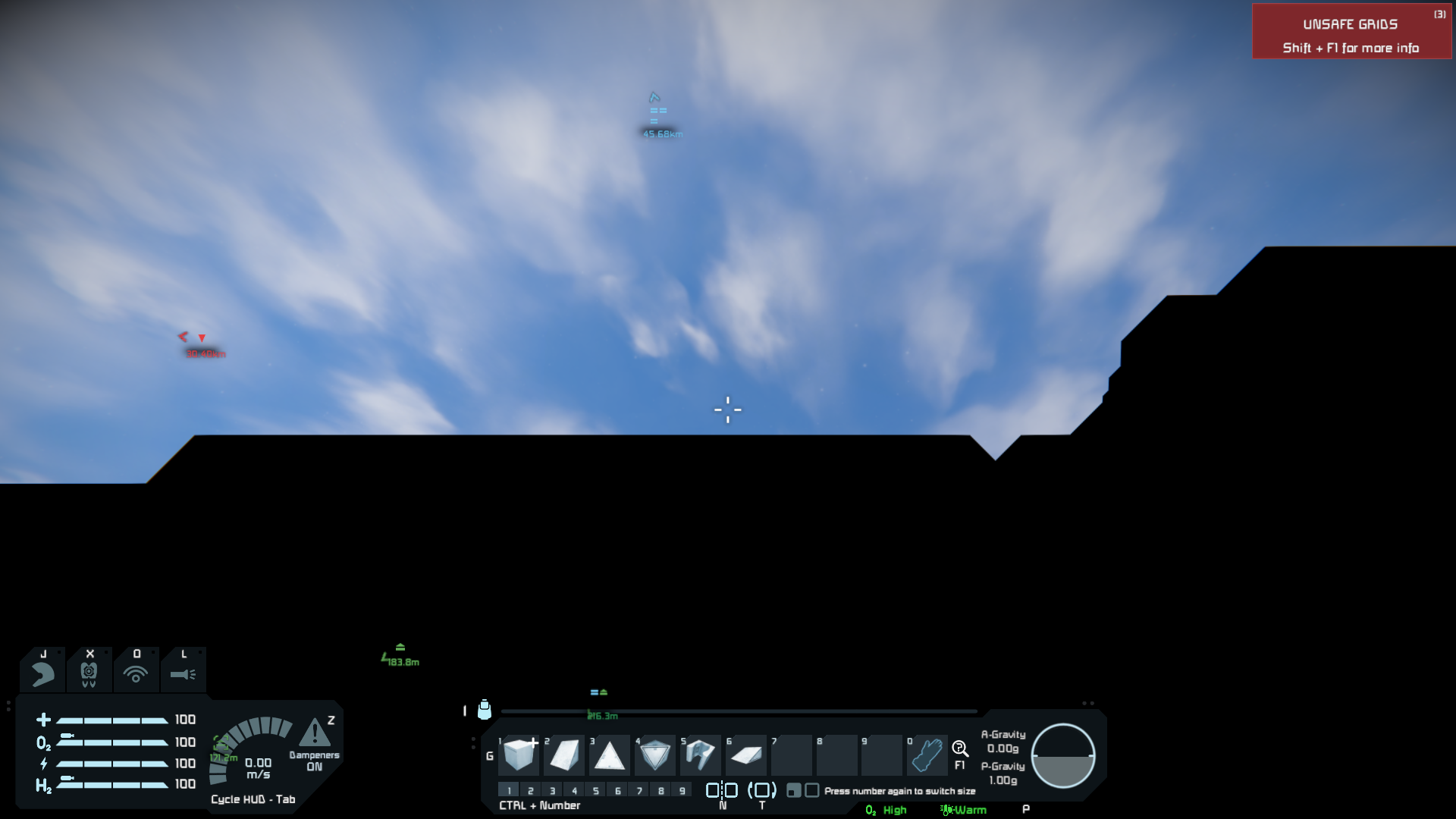
You can't vote. Please authorize!
You can't vote. Please authorize!
You can't vote. Please authorize!
Hello, Engineer!
Thank you for your report. Do you observe this issue on all graphic presets (Low / Medium / High)? Could you please write us your PC specs? Please try following steps:
Thank you.
Kind Regards
Keen Software House: QA Department
Hello, Engineer!
Thank you for your report. Do you observe this issue on all graphic presets (Low / Medium / High)? Could you please write us your PC specs? Please try following steps:
Thank you.
Kind Regards
Keen Software House: QA Department
Replies have been locked on this page!