


Shadows on alphamasked materials are backwards
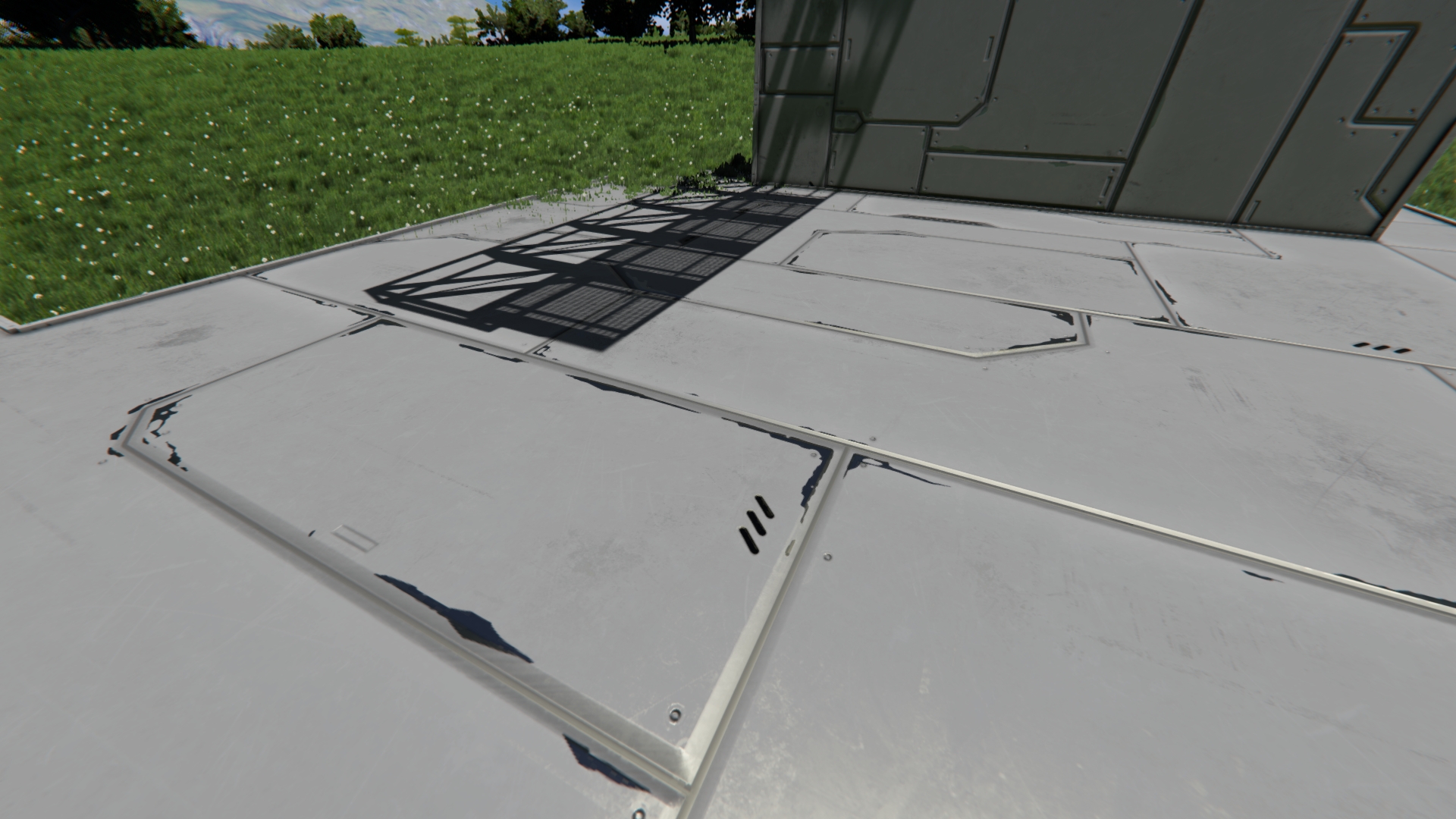
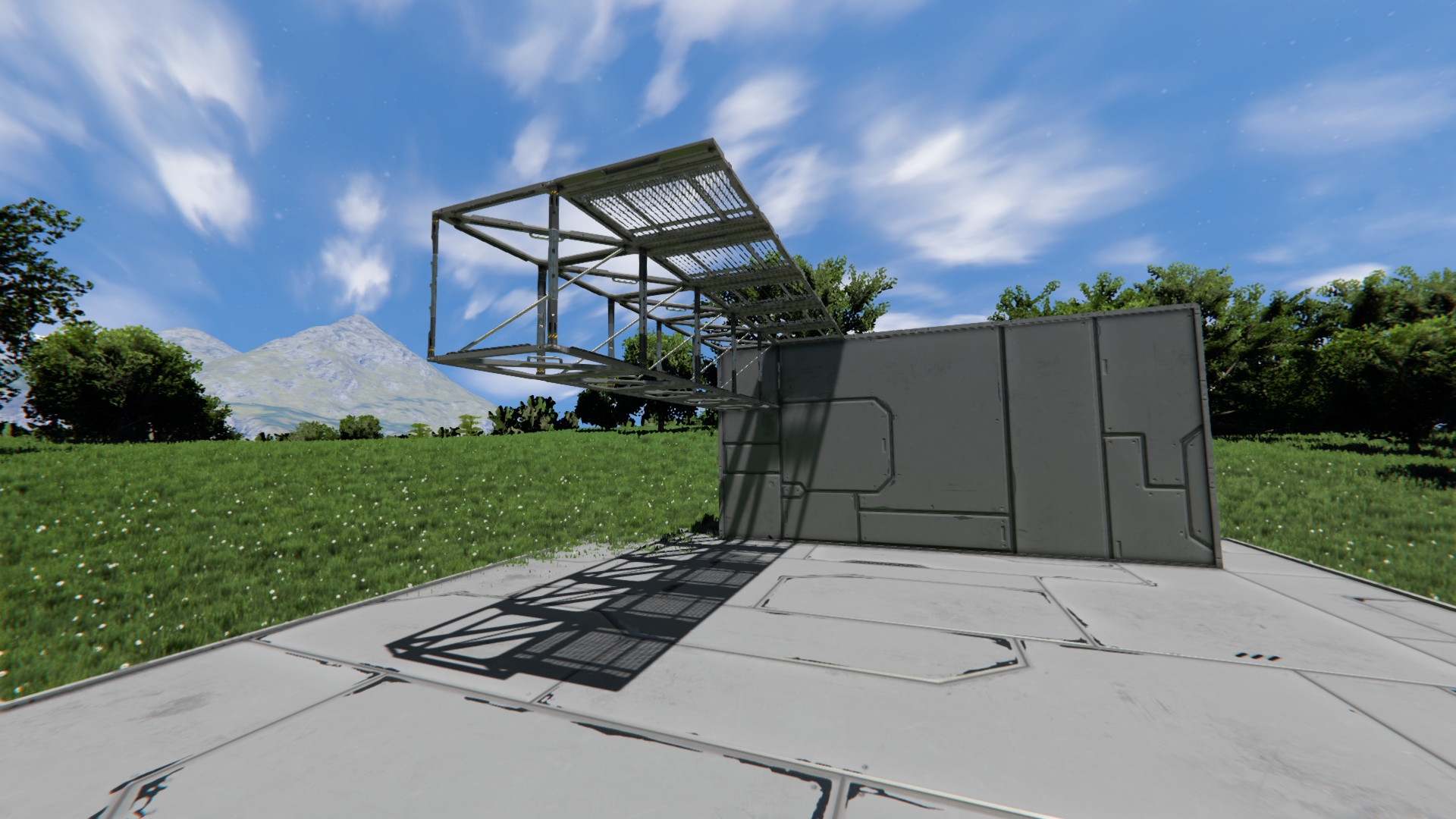
They are detailed when you don't see the block or when you're far away from the block, and are opaque when you see them or close to them. And worst of all seems that setting model quality to low makes them more consistent, meaning that it's more expensive when it shouldn't be.
STR:
1. Ensure model detail and shadow detail is high.
2. Somewhere with sunlight, place a flat surface to see the shadows, and some level above that place some grated catwalks (you need to be able to fit in-between)
3. Play around with distance and seeing the grated catwalk while looking at its shadow.
4. Turn model detail low, now see that its shadow is almost always detailed.
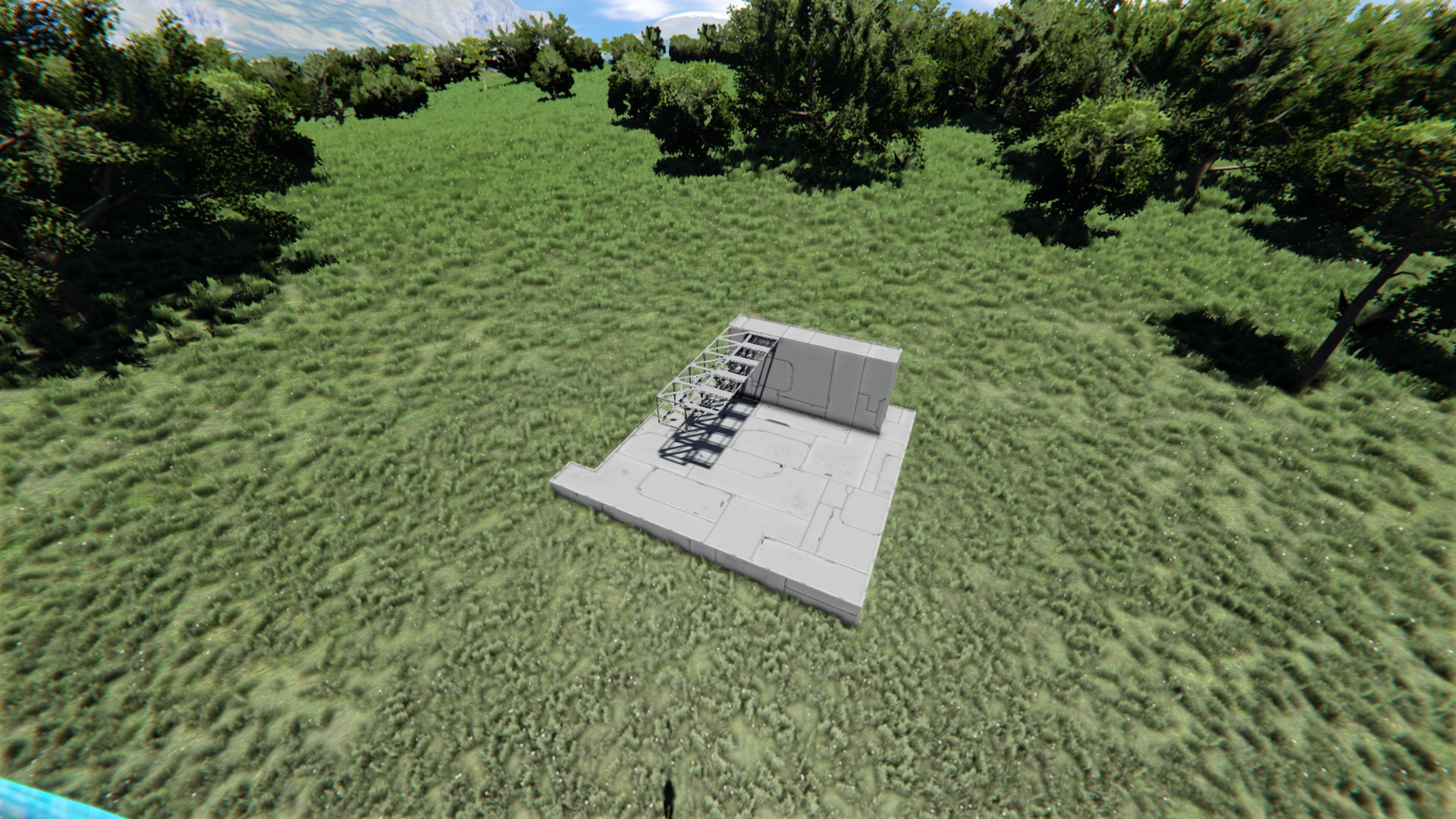
Also see attached images, the high vs low are the model quality setting only, everything else is high (textures were medium but I did re-test things with high preset and it behaves the same)
Ignore the scaffoldings, they're there to show comparable small geometry shadows.
The far image though might not be relevant but showed it anyway, it doesn't seem like it shows the alphamask but in general it looks better than the first image.
 I have the same bug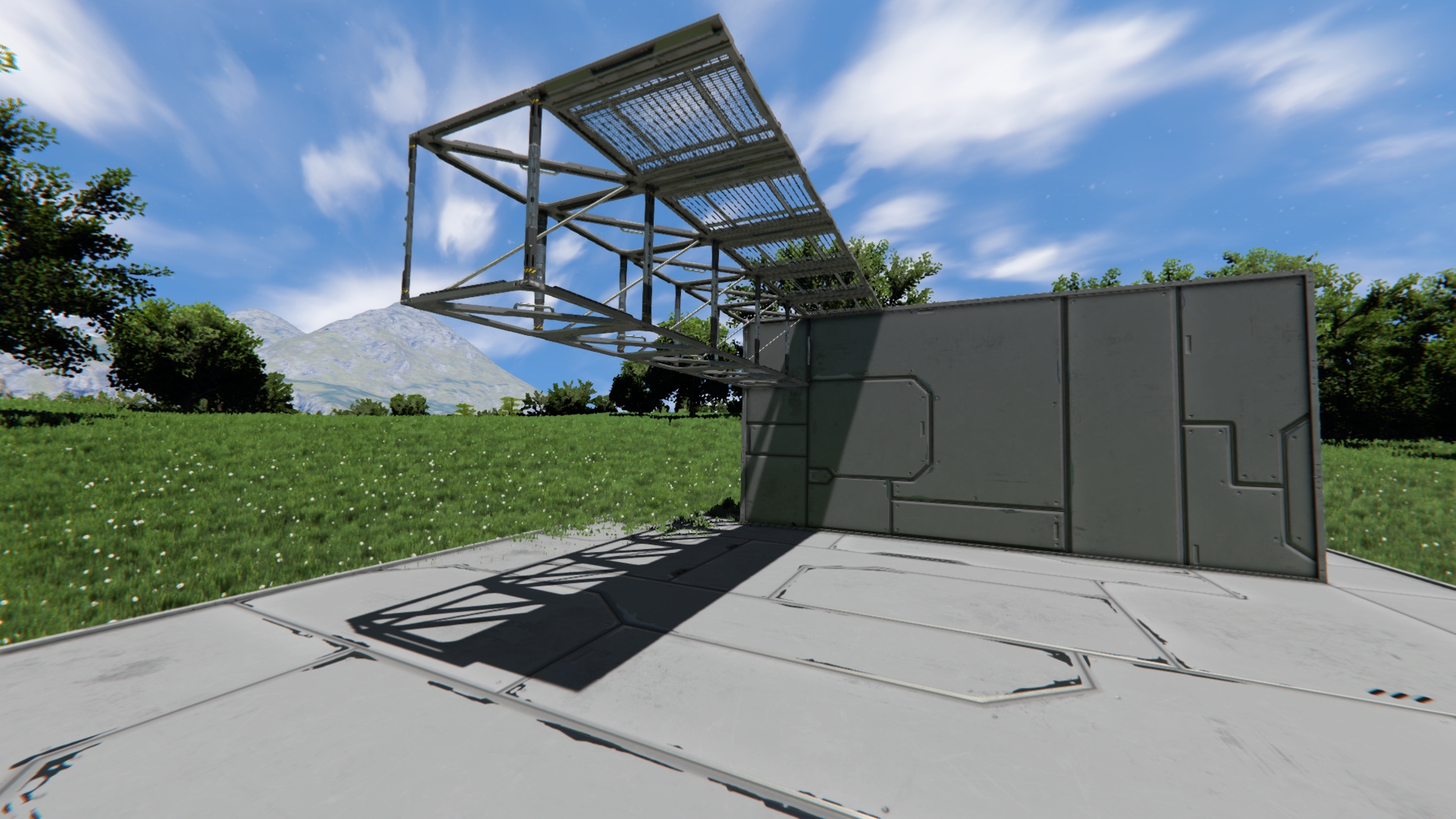
Hello Digi,
Thank you for reaching our forum with this problem.
Issue was successfully reproduce on our side and put into our internal system.
Kind regards,
Keen Software House: QA Department
Hello Digi,
Thank you for reaching our forum with this problem.
Issue was successfully reproduce on our side and put into our internal system.
Kind regards,
Keen Software House: QA Department
Replies have been locked on this page!