


collision not accurate for all blocks
Investigating
many users reported similar problems with the block collisions.
the update for the block collisions made the game way better but it seems that some of the collisions don't work properly.
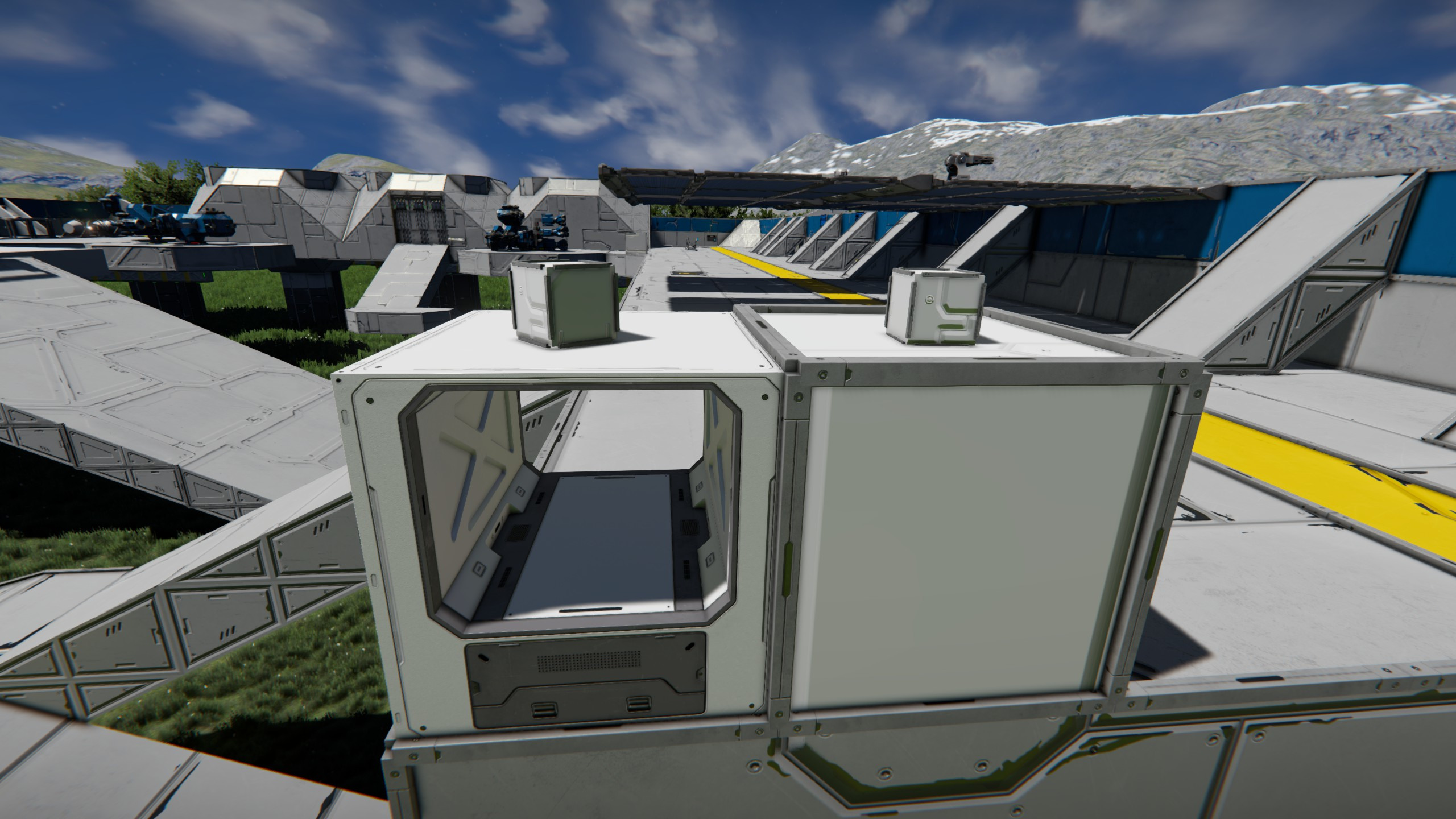
when placing a small grid armor block lose on a large grid armor block, there is no gap between those two. but placing a small grid armor block on top of a large grid willis duct block, there is a gap between those two. so the collision box for the willist ducts is not right. and i bet there are more blocks where the collision is not acurate.
on the keenswh "port ladon dron factory" is a large grid elevator which doesn't work no longer because of the collision.
please fix this
 I have the same bug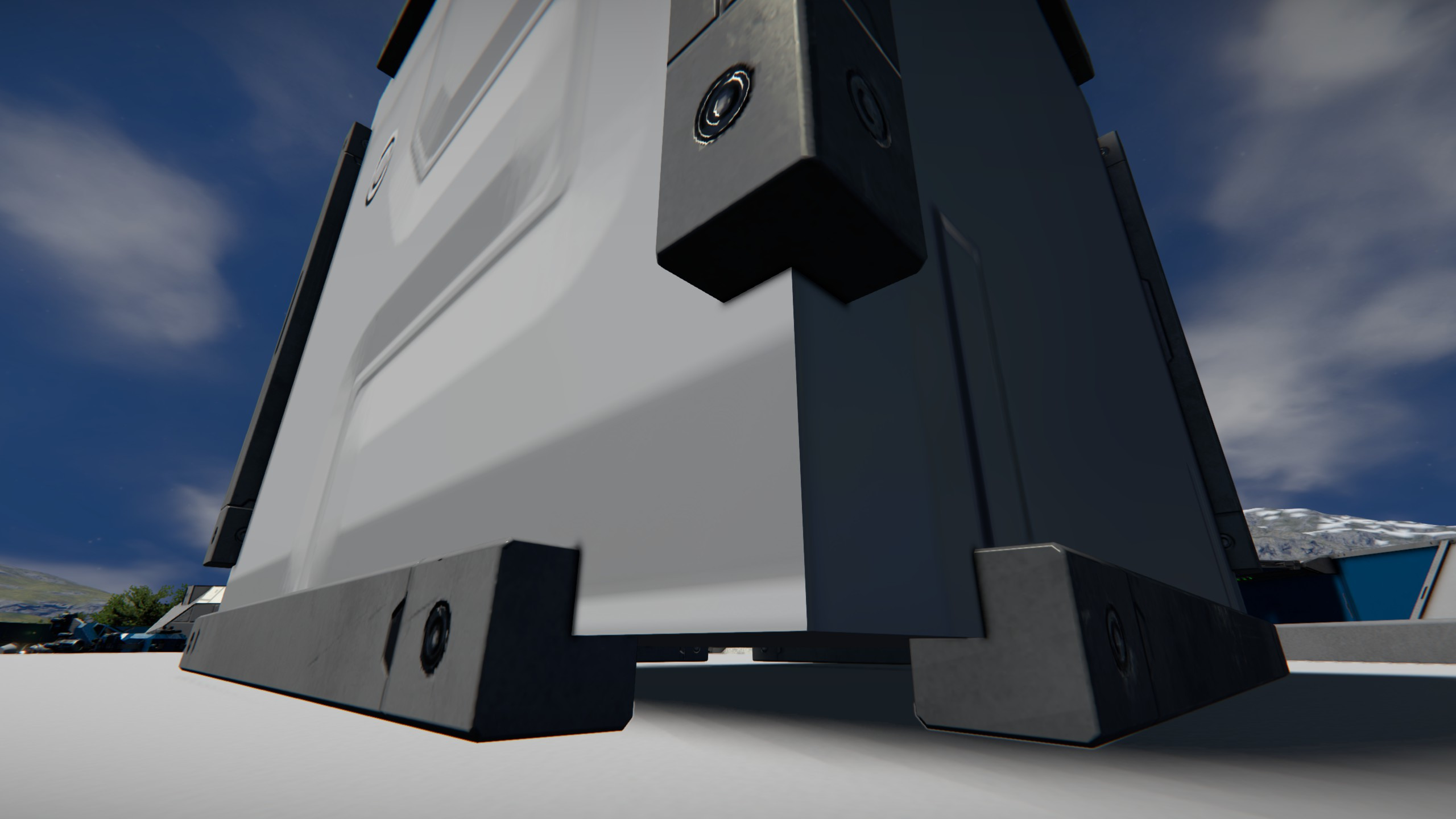
You can't vote. Please authorize!
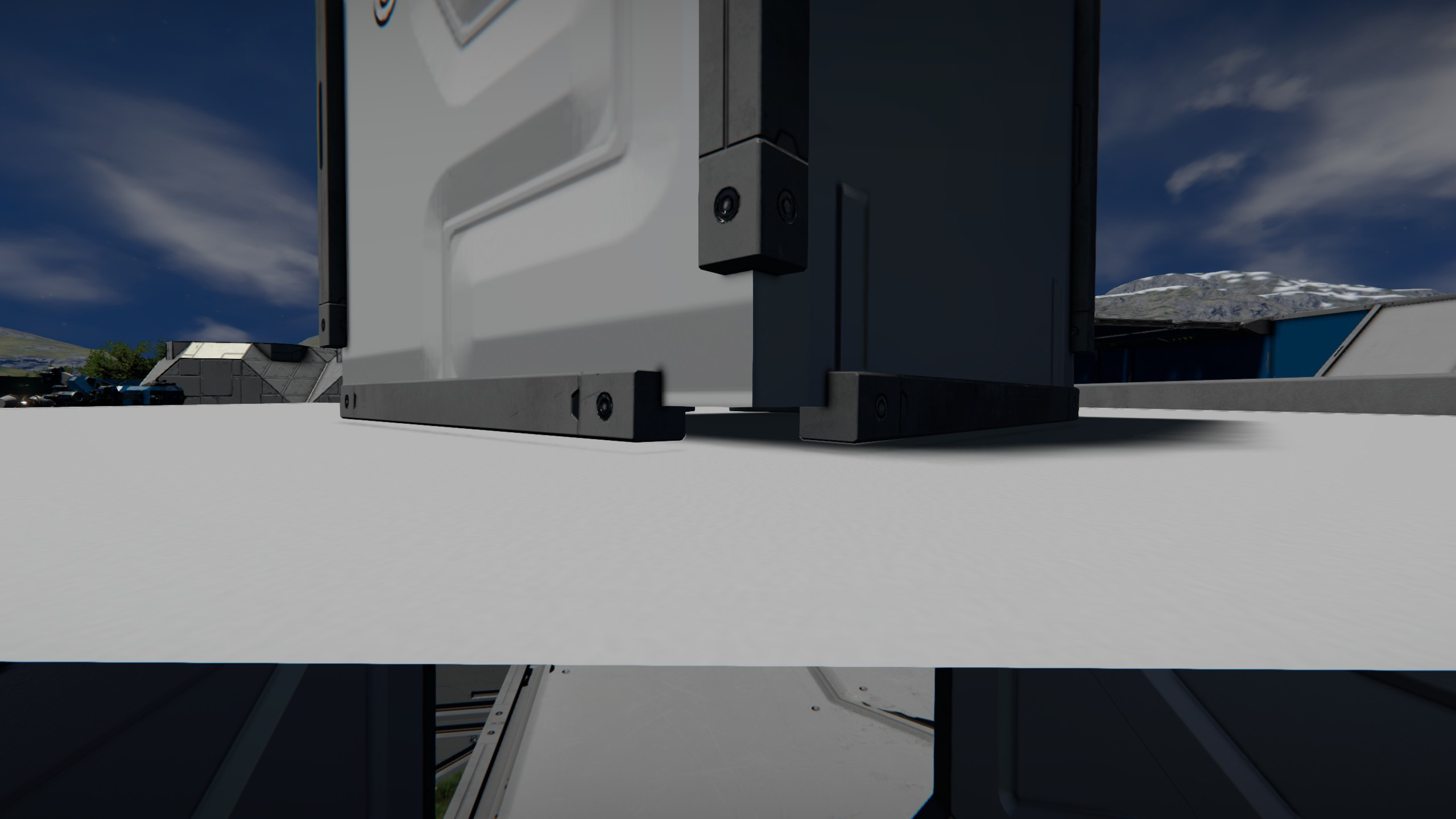
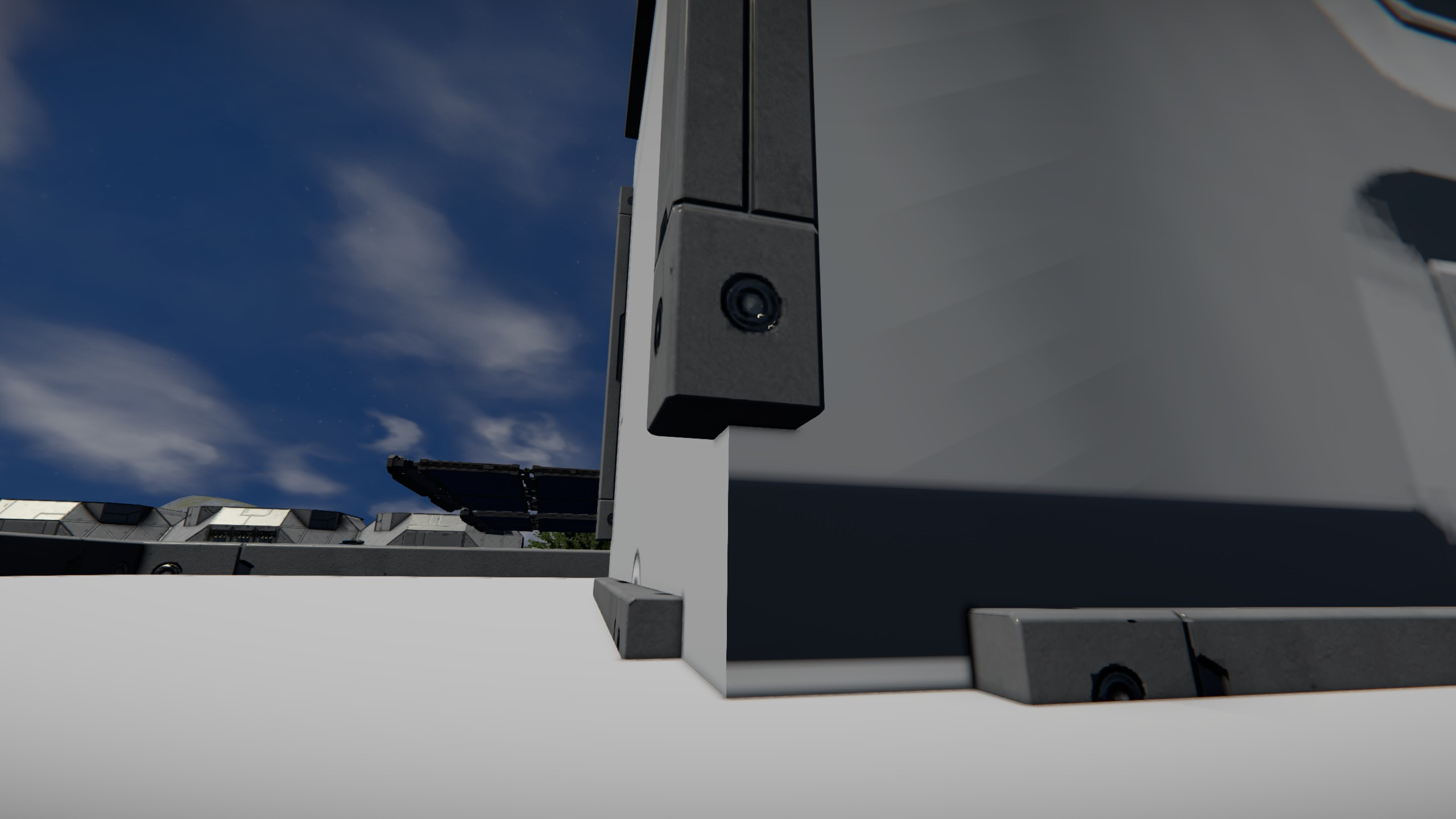
Here is the same setup (armor block next to Willis duct) with a small armor block on top. Notice how the small block is not level.
Here is the same setup (armor block next to Willis duct) with a small armor block on top. Notice how the small block is not level.
Hello Engineer,
Thank you for reporting this and for describing the collision behavior you’ve observed.
To help us look into this further, could you please share additional examples of blocks where you notice similar collision inconsistencies? In particular, it would be helpful to know whether this issue affects all variants of the Willis Duct blocks, or only specific ones, so we know exactly where to focus our investigation.
If you’re aware of other blocks showing the same behavior, or if you have a short list of affected blocks, please let us know. Any additional details or examples would be appreciated.
Thank you for your help.
Kind regards,
Keen Software House
Hello Engineer,
Thank you for reporting this and for describing the collision behavior you’ve observed.
To help us look into this further, could you please share additional examples of blocks where you notice similar collision inconsistencies? In particular, it would be helpful to know whether this issue affects all variants of the Willis Duct blocks, or only specific ones, so we know exactly where to focus our investigation.
If you’re aware of other blocks showing the same behavior, or if you have a short list of affected blocks, please let us know. Any additional details or examples would be appreciated.
Thank you for your help.
Kind regards,
Keen Software House
Hello Engineer,
As there has been no reply to this thread in some time, we will close it. If you're experiencing this issue, please create a new thread.
Kind regards,
Keen Software House: QA Department
Hello Engineer,
As there has been no reply to this thread in some time, we will close it. If you're experiencing this issue, please create a new thread.
Kind regards,
Keen Software House: QA Department
sorry that there hasn't been a reply but the issue does not affect only one block. there are a few videos on youtube also showing the problem. i would show more of those collision issues but at the moment the game is not playable for me as long as the jittering movement is not fixed.
sorry that there hasn't been a reply but the issue does not affect only one block. there are a few videos on youtube also showing the problem. i would show more of those collision issues but at the moment the game is not playable for me as long as the jittering movement is not fixed.
Hello Engineer,
We apologize for incorrectly closing this thread on our side.
The issue has been recorded internally and is currently under investigation.
If you have additional examples, or as mentioned previously, a list of the affected blocks, that would be very helpful.
Kind Regards,
Keen Software House
Hello Engineer,
We apologize for incorrectly closing this thread on our side.
The issue has been recorded internally and is currently under investigation.
If you have additional examples, or as mentioned previously, a list of the affected blocks, that would be very helpful.
Kind Regards,
Keen Software House
at the moment the collision on all willis ducts is wrong and also on the angled interior walls a and b. im pretty sure there are more blocks.
on the keen swh workshop world "port ladon drone factory" the elevator isn't working anymore because of that issue.
https://steamcommunity.com/sharedfiles/filedetails/?l=german&id=2961503383
at the moment the collision on all willis ducts is wrong and also on the angled interior walls a and b. im pretty sure there are more blocks.
on the keen swh workshop world "port ladon drone factory" the elevator isn't working anymore because of that issue.
https://steamcommunity.com/sharedfiles/filedetails/?l=german&id=2961503383
Replies have been locked on this page!