


LCD screen thickness has issues looking proper with other blocks
I'm enjoying the new LCD blocks for the most part but I'm finding a disparity between some of the angled panels and flat ones. The angled panels are the same size as their armor block counterparts and fit nicely but the flat panels are .25m thick which is 1/4 a full armor block or 1/2 a half block and I've had a lot of issues getting them to look good with armor and other LCD panels.
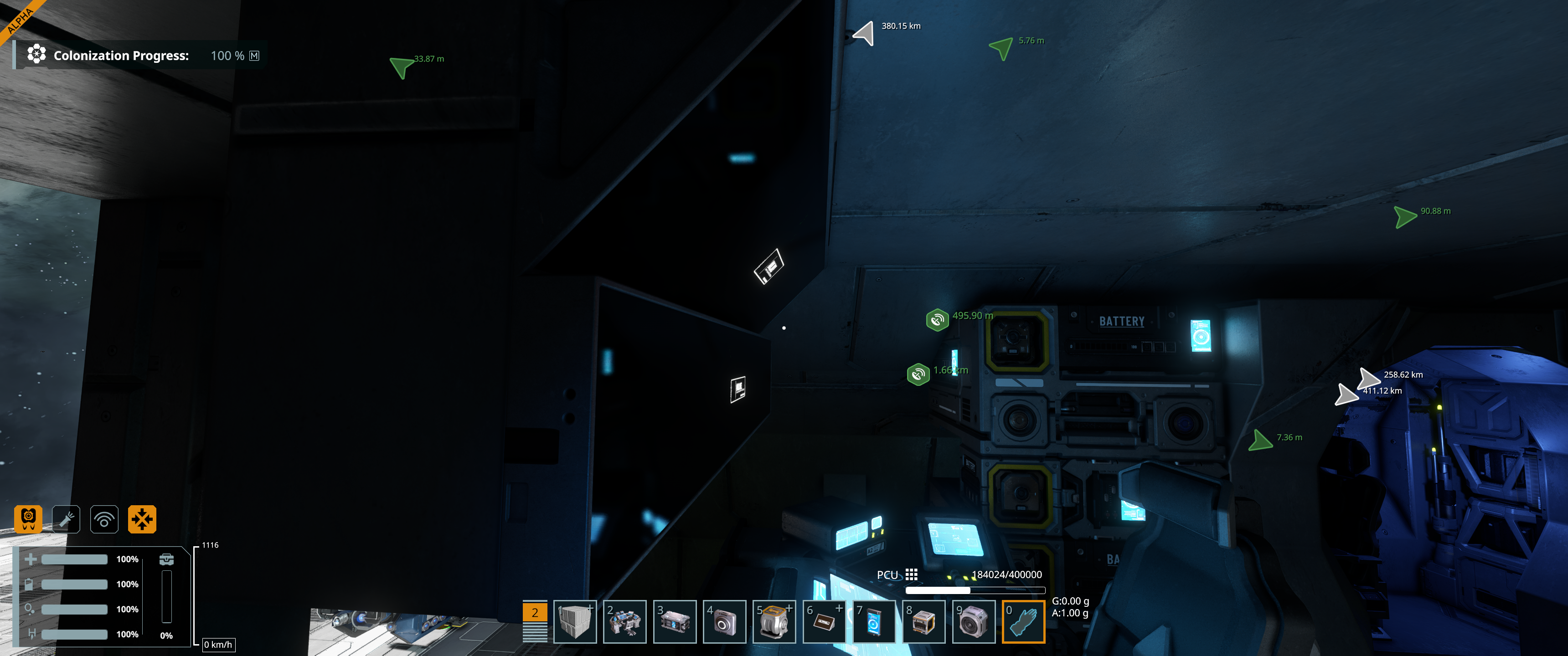
ie: (See screenshots a & b attached) if you take a 45deg. angled LCD and say place it on the ceiling, then take a flat panel and place it below it to create a multi-screen display the flat panel will recess .25m back from the 45deg and look out of place (Screenshot a). If you move the panel forward a half block then it will stick out .25m and block part of the 45 angled panel (screenshot b).
Ideally we could have block variants like the 45deg angled ones that are the same size as armor blocks so they fit well, then have stand alone LCD panels like say glass windows but are SE1 LCD thick for surface placement. This would give us a .5m thick half block panel for flush mounting or a thinner one (rough .1m) to just put on the surface. Either option would look better than the really out of place .25m thickness we have at the moment.
Another option would be for LCDs is to allow us to place them within the .25m area either back (current placement) or forward which would bring it flush to the surface. But this would essentially need a custom placement grid for just the LCDs or other .25m blocks
After playing around with them quite a bit I'm finding the new "thicker" SE2 panels to be much harder to work with than the SE1 "thin" panels. You can't really embed them into walls and placing them on the surface makes them stick out. Modern TVs are also thinner than these and SE1 has thinner panels as well. Thicker flat panels feels like regression here not progression
Side note: When they get updated for more functional scripts like fuel, battery, speed, altimeter a transparent LCD would be nice as I used that a lot in SE1
(Bug?) We can't change background colors right now, it's just black but there is a background section in the control panel which alludes to that being a feature like in SE1. Adjusting values currently does nothing
 I like this feedback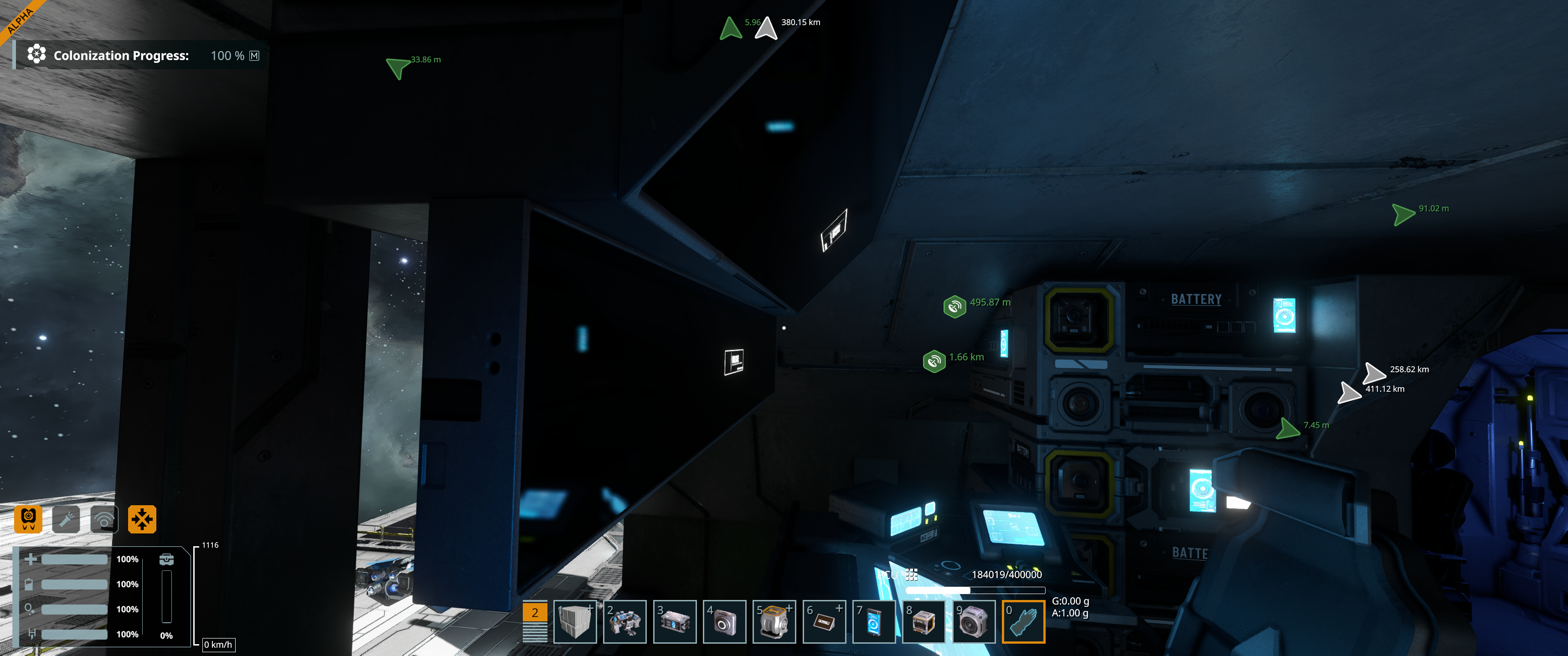
I realize after coming back to the game for today that my measurements were wrong. LCDs are half of a .25m block which is what puts them at such an odd size. So .125m
If there were to be thinner panels something like .05 thick or smaller not .1 like I suggested above
I realize after coming back to the game for today that my measurements were wrong. LCDs are half of a .25m block which is what puts them at such an odd size. So .125m
If there were to be thinner panels something like .05 thick or smaller not .1 like I suggested above
Replies have been locked on this page!