


[URGENT]
Not a Bug
Not sure of the exact cause but something is allowing the game to functionally brick a windows 11 pc
The bug involves using a control panel on a small battery to view the list of things in the barn, and it had 12 small batterys a smeltery and other basic stuff
The game froze on the menu, then closed, and then black screened, then the mouse stopped working and vanished
After a reboot computer said "repairing C: drive" and after a reboot after that there was the linked images
 I have the same bug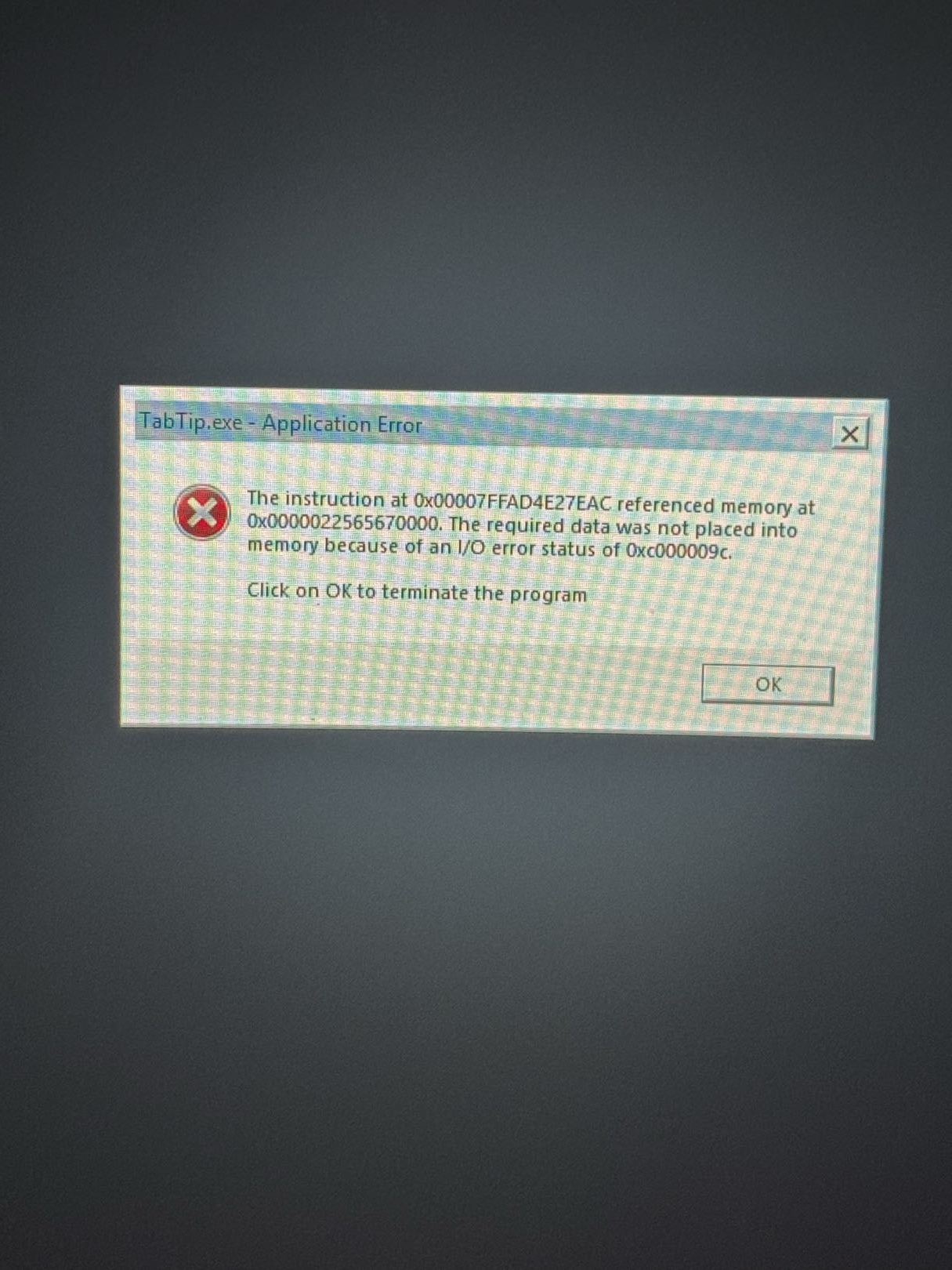
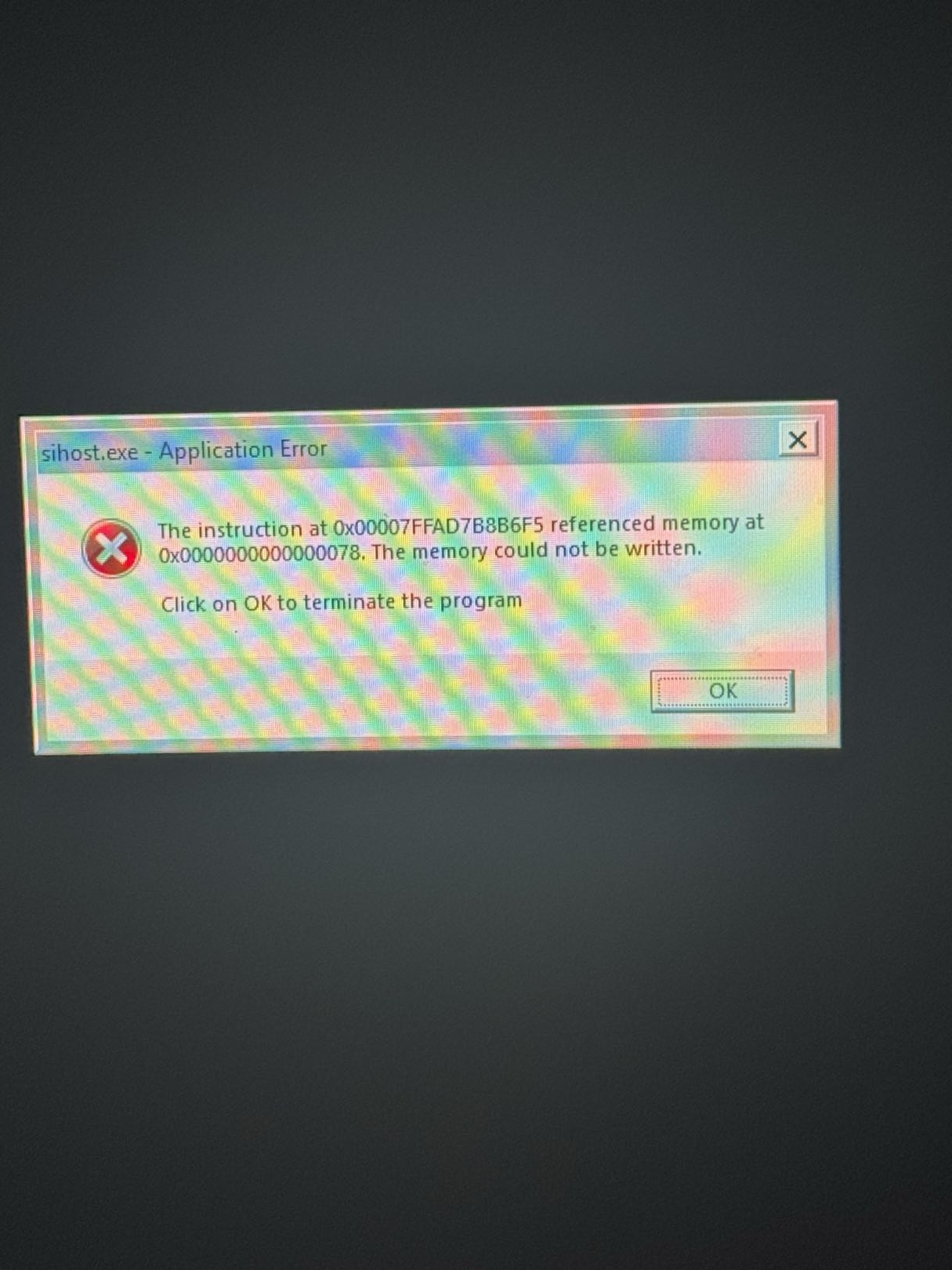
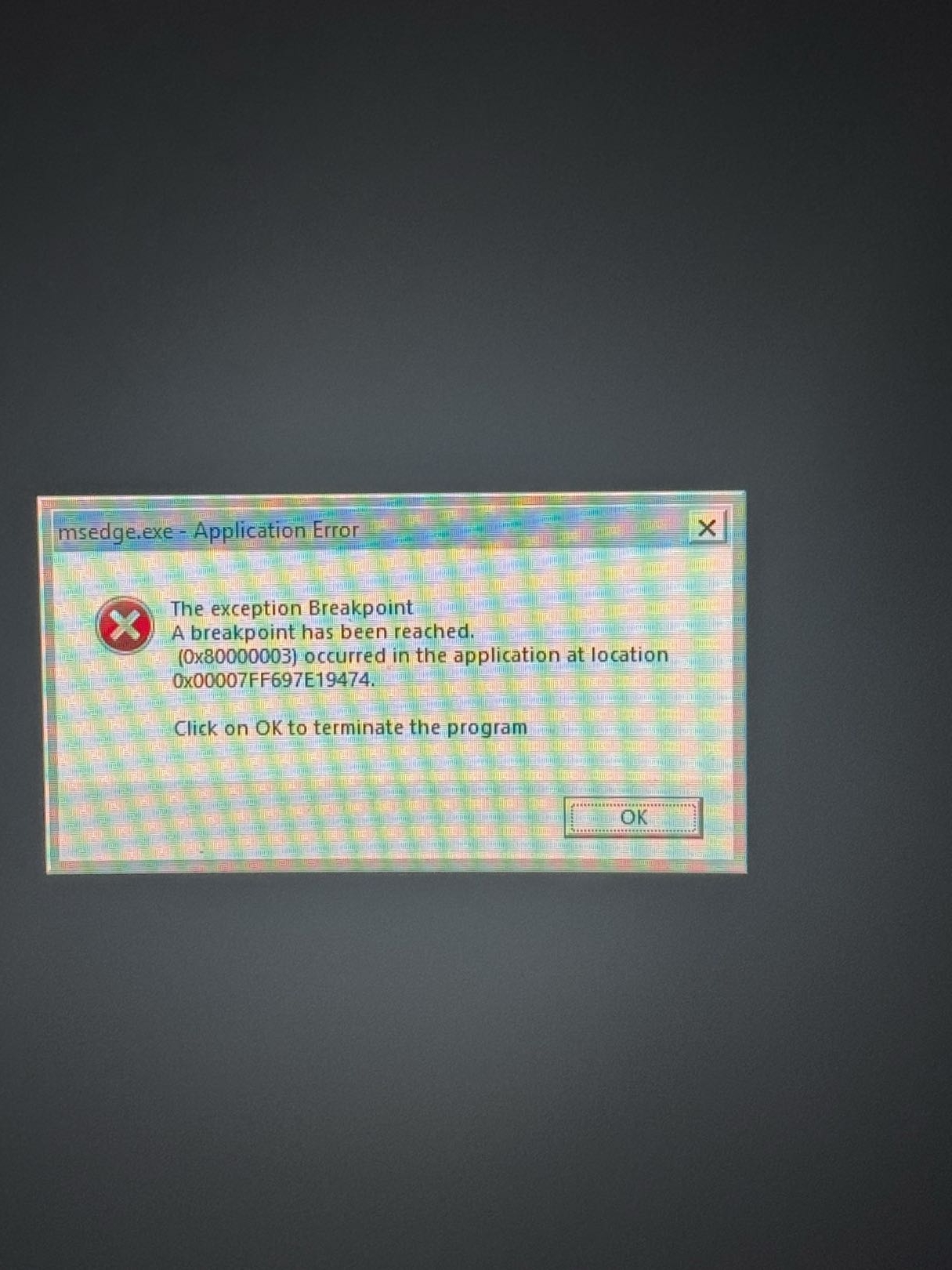
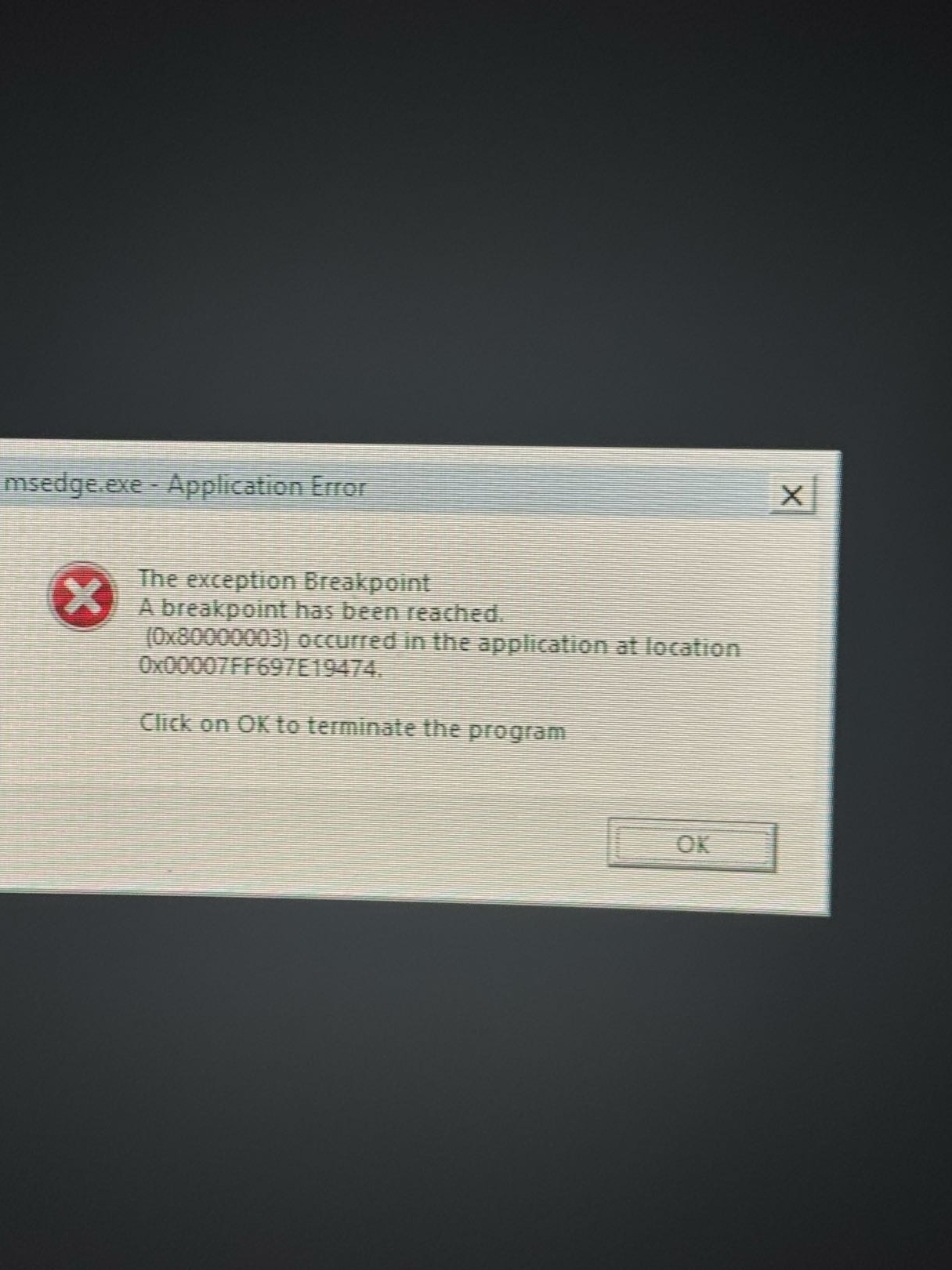
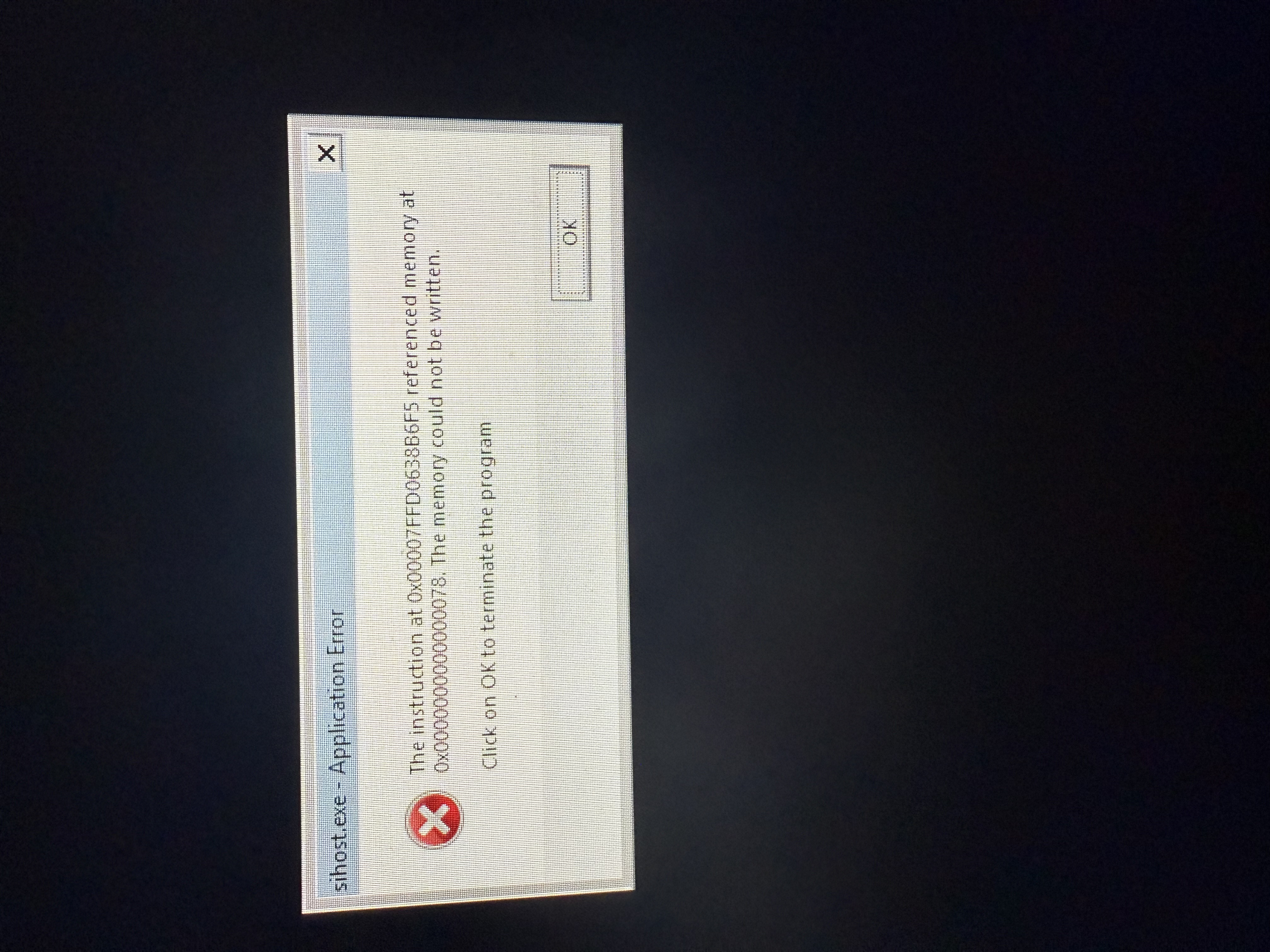
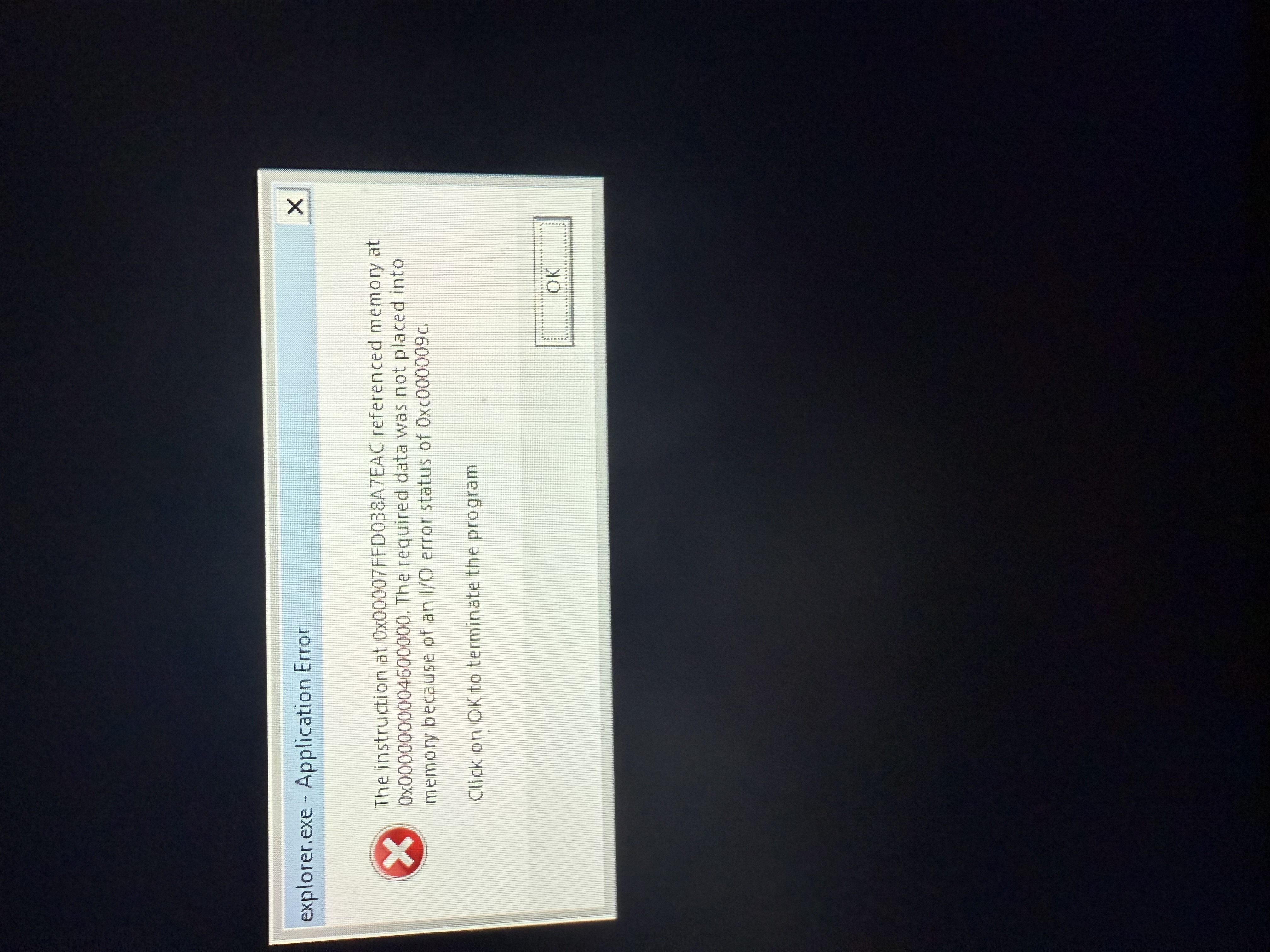
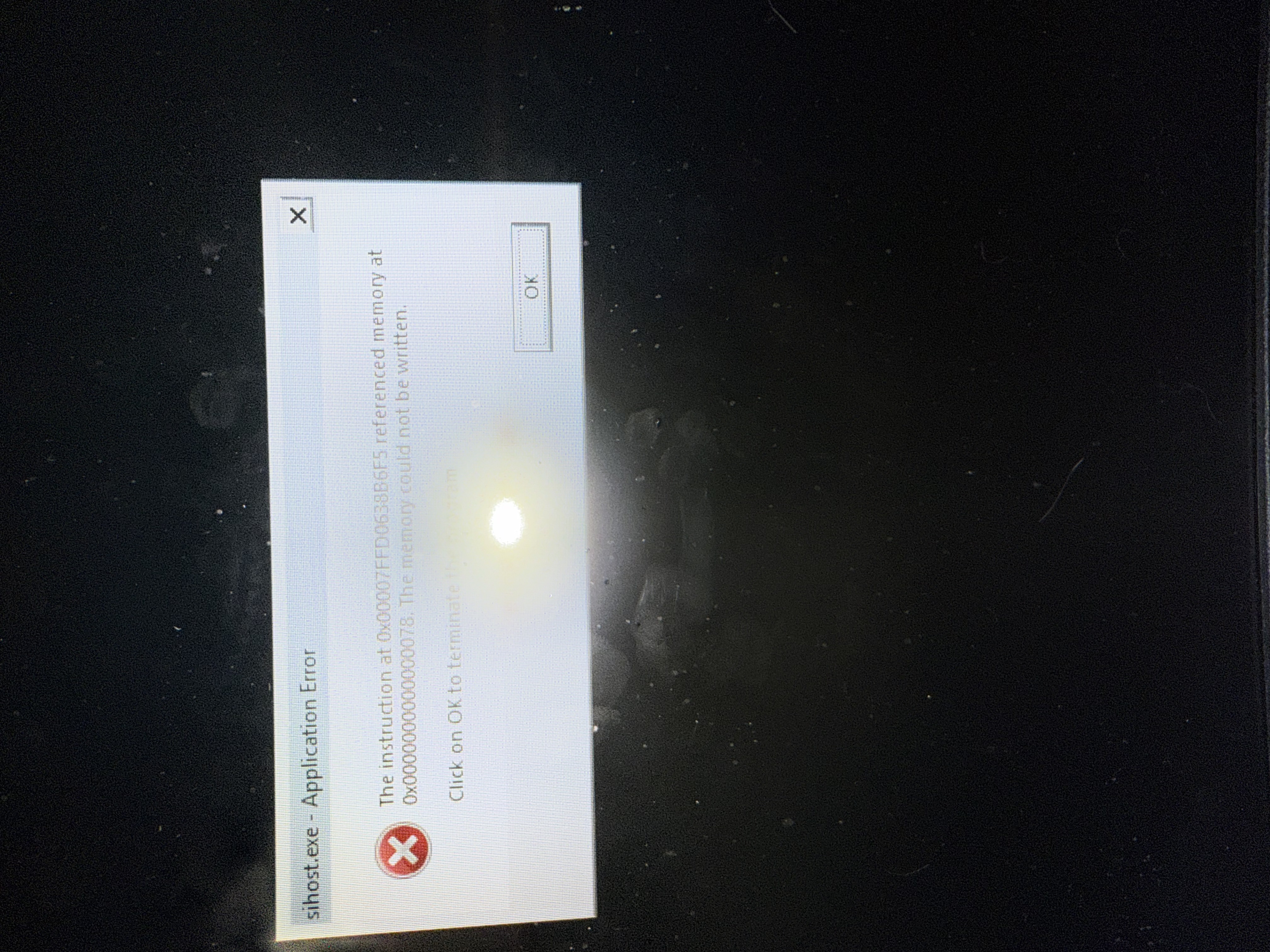

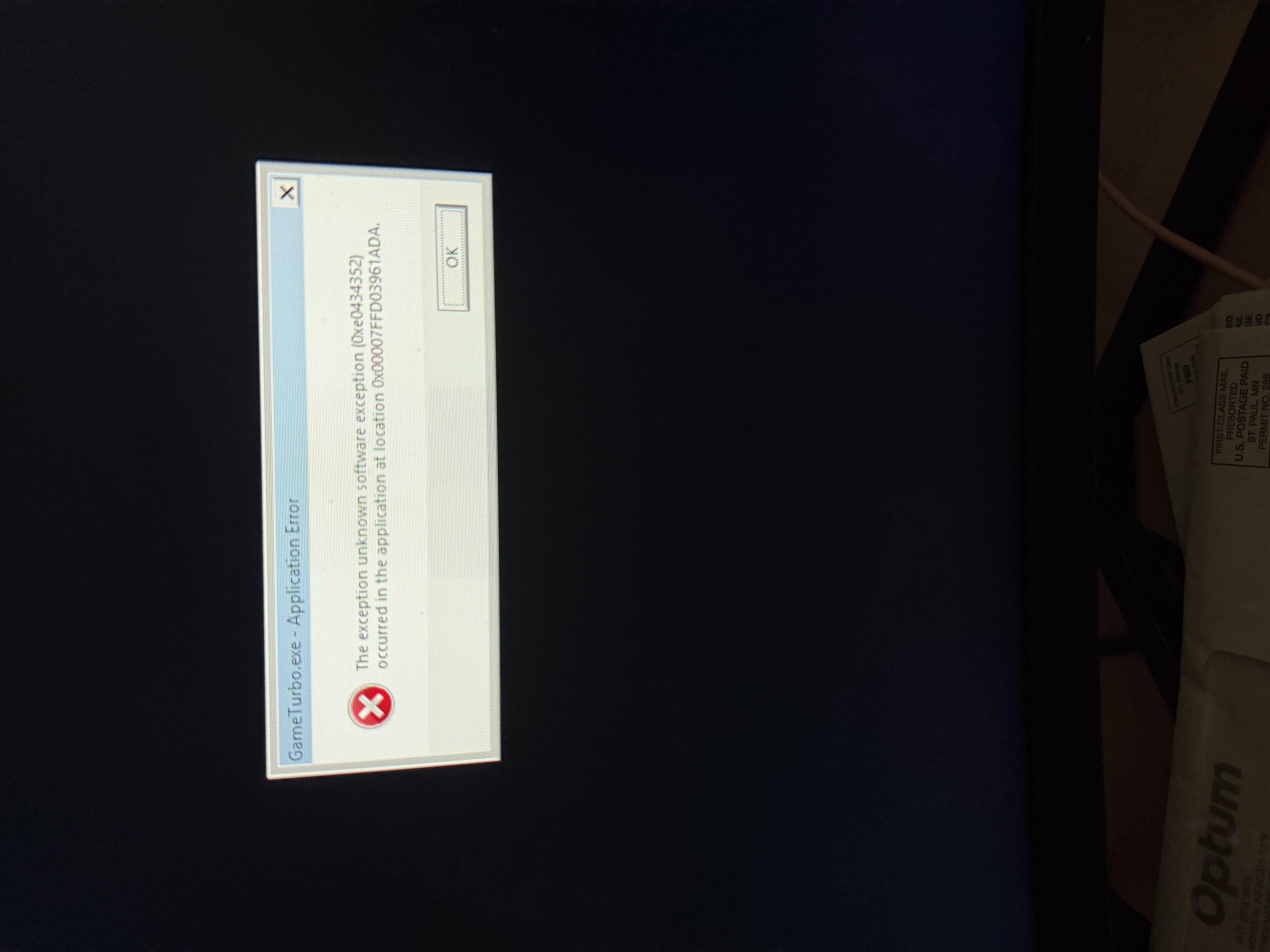
You can't vote. Please authorize!
I really dont want to reinstall my os :( I have so much stuff on my pc
I really dont want to reinstall my os :( I have so much stuff on my pc
Hello Vivian Chambers,
Could you please provide your Game logs? You can find them here:
They will look like this:
In the meantime, do you have any overlays enabled while playing? Is your OS and drivers up to date?
Kind Regards,
Bartosz
Keen Software House
Hello Vivian Chambers,
Could you please provide your Game logs? You can find them here:
They will look like this:
In the meantime, do you have any overlays enabled while playing? Is your OS and drivers up to date?
Kind Regards,
Bartosz
Keen Software House
After some trouble shooting in the command prompt, my pc seems to have had every single one of its core drivers corrupted
After some trouble shooting in the command prompt, my pc seems to have had every single one of its core drivers corrupted
Hello Vivian Chambers,
We are very sorry that this has happened to you.
Please note that it is extremely unlikely that any Game could functionally brick a PC with Windows 11, especially in the way you have experienced. Core drivers are deep withing the OS and Games run in User mode which limits their access. A Game could expose the OS issue but not cause it
What could be most likely cause of this are:
I am afraid in this situation, we cannot provide more assistance than recommending to recover the data from your drive if possible and reinstall the system. As such, I will close this thread as Not a Bug.
Kind Regards,
Bartosz
Keen Software House
Hello Vivian Chambers,
We are very sorry that this has happened to you.
Please note that it is extremely unlikely that any Game could functionally brick a PC with Windows 11, especially in the way you have experienced. Core drivers are deep withing the OS and Games run in User mode which limits their access. A Game could expose the OS issue but not cause it
What could be most likely cause of this are:
I am afraid in this situation, we cannot provide more assistance than recommending to recover the data from your drive if possible and reinstall the system. As such, I will close this thread as Not a Bug.
Kind Regards,
Bartosz
Keen Software House
Replies have been locked on this page!