


The conveyors seem to have a problem with the large cargo container.
I built one but couldn't get materials through it or 'see' other containers and connectors on the network.
After some testing, I found one of the side ports to not be working at all.. To test, build one and attach a conveyor with an access port on it (Like a 'T' piece).
 I have the same bug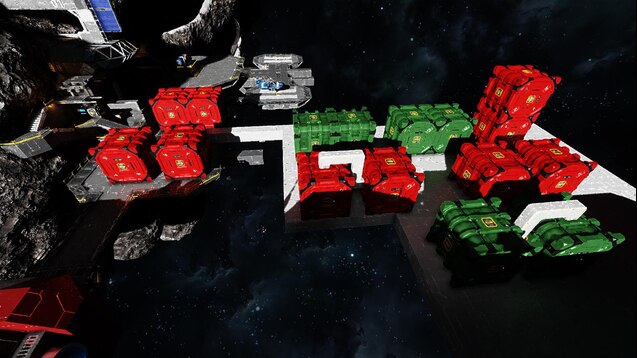
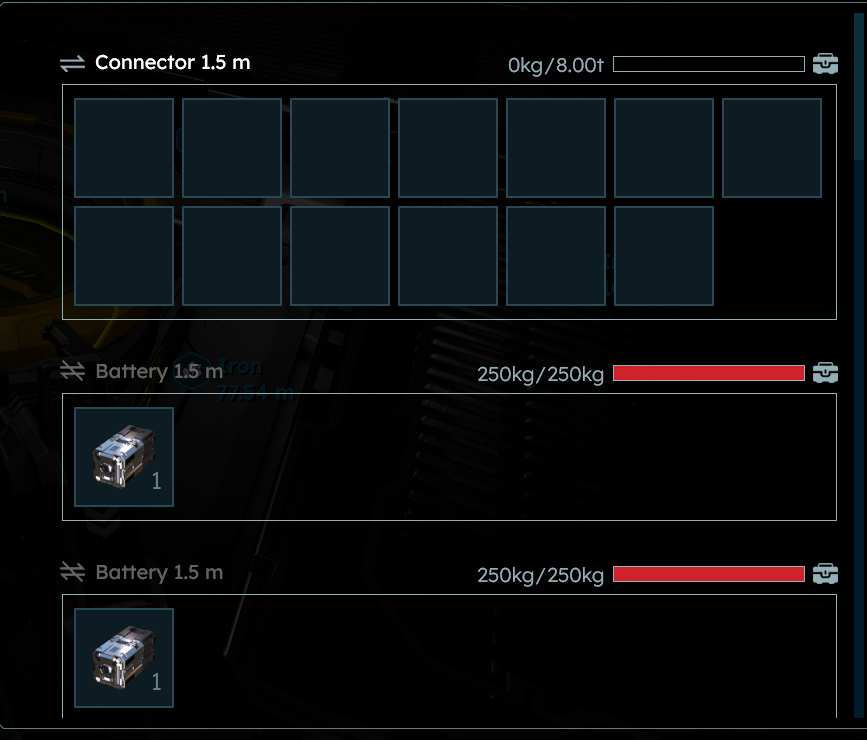
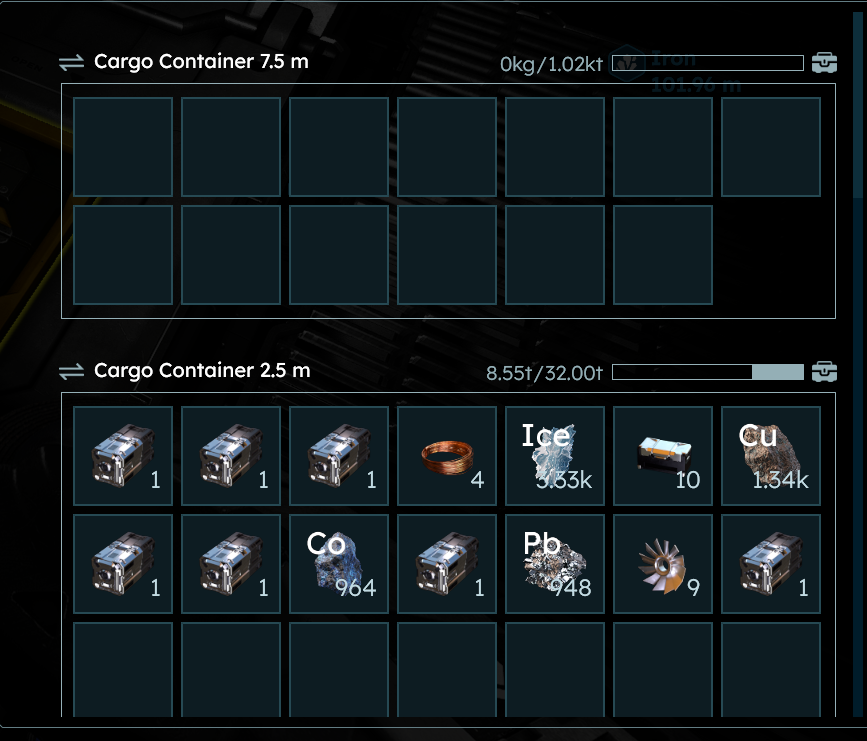
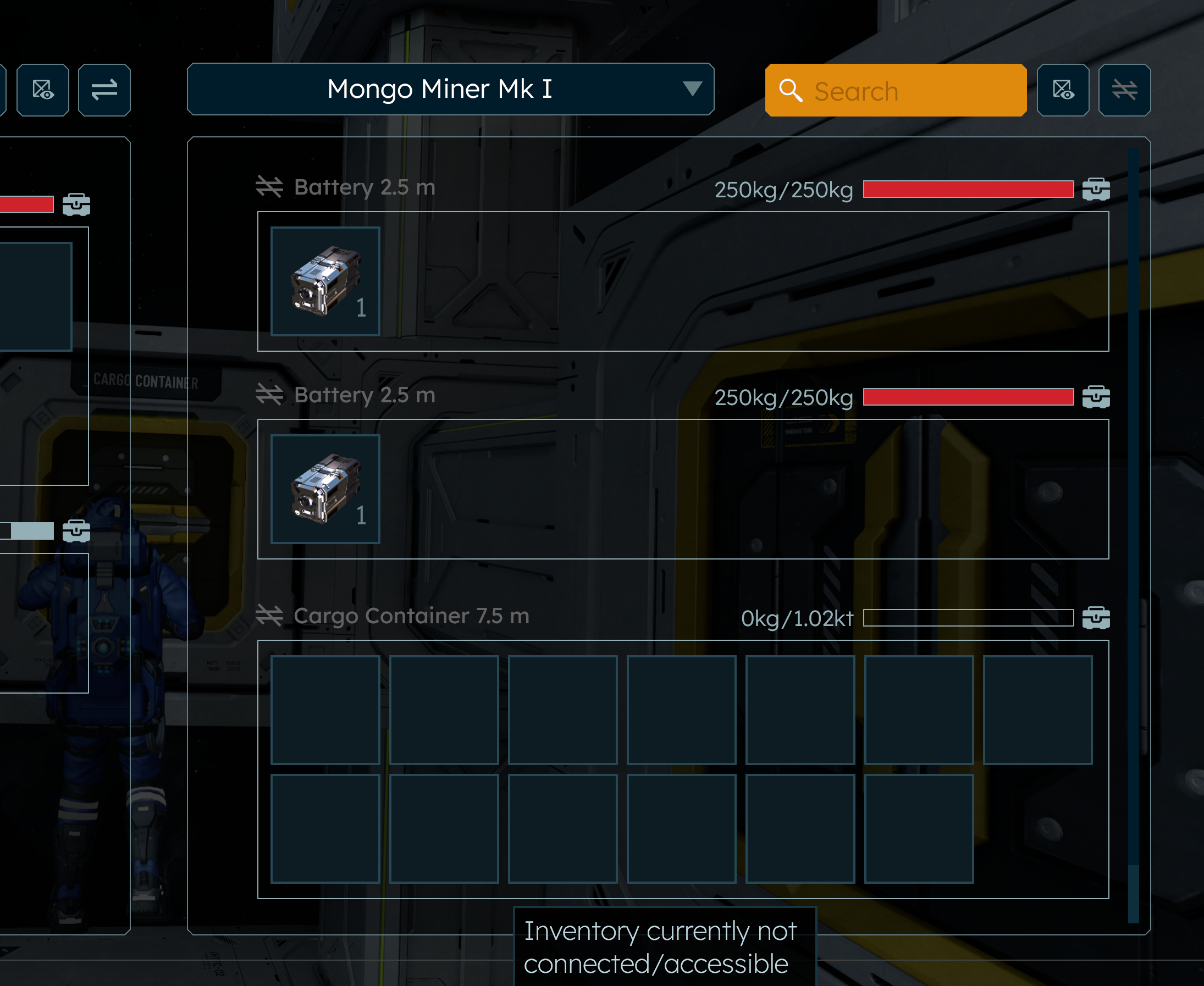
I also am having this problem.
I also am having this problem.
Got the same problem, large cargo did not forward hydrogen.
Got the same problem, large cargo did not forward hydrogen.
Just posted about this... AFTER searching to see if anyone else had reported the same and didn't find anything!
Just posted about this... AFTER searching to see if anyone else had reported the same and didn't find anything!
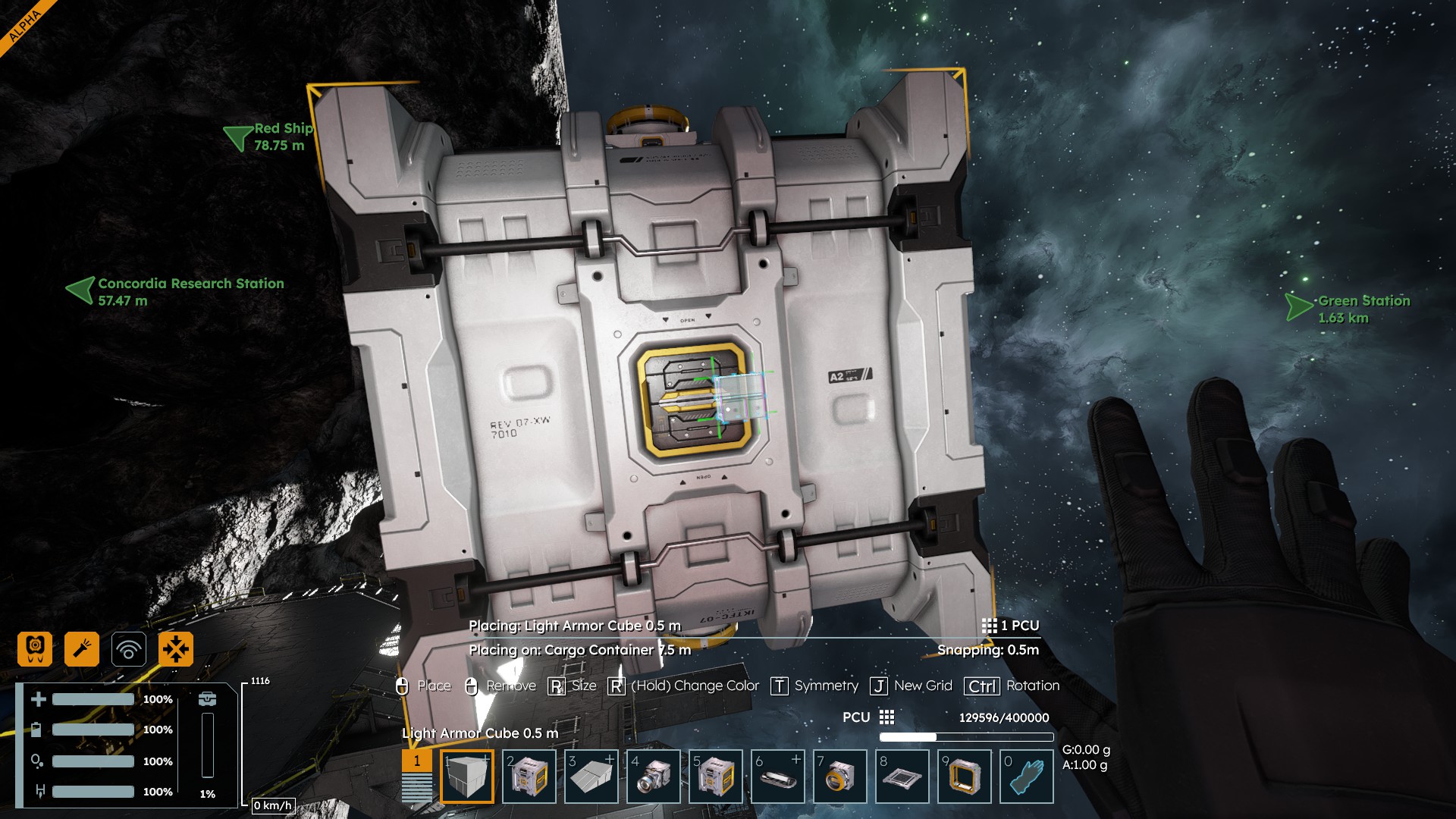
Was going to report this. The "A2" side of the 7.5 cargo is broken., You can put something in it, and open that port and you can see the item. Place a block connecting to it, (like a conveyor) and you can no longer see into the block. It is just the side with the 'A2' icon not the 'b7' side.
Was going to report this. The "A2" side of the 7.5 cargo is broken., You can put something in it, and open that port and you can see the item. Place a block connecting to it, (like a conveyor) and you can no longer see into the block. It is just the side with the 'A2' icon not the 'b7' side.
Holy **** I thought I was losing my mind
Holy **** I thought I was losing my mind
Same issues here, all ports are accessible directly, but if you attach a connector or other conveyors to the port on the "A2" side you can't access the contents of the rest of the grid. All the other ports appear to work as expected.
Same issues here, all ports are accessible directly, but if you attach a connector or other conveyors to the port on the "A2" side you can't access the contents of the rest of the grid. All the other ports appear to work as expected.
Reported a couple of times... Most voted for post is HERE.. Surprisingly not picked up in the latest bugs marked 'Reported'
Reported a couple of times... Most voted for post is HERE.. Surprisingly not picked up in the latest bugs marked 'Reported'
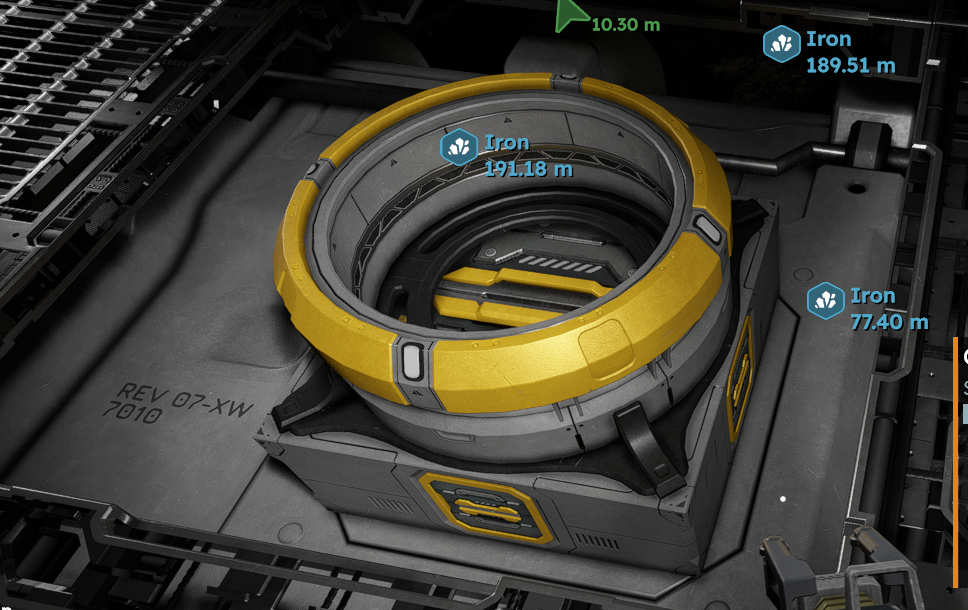
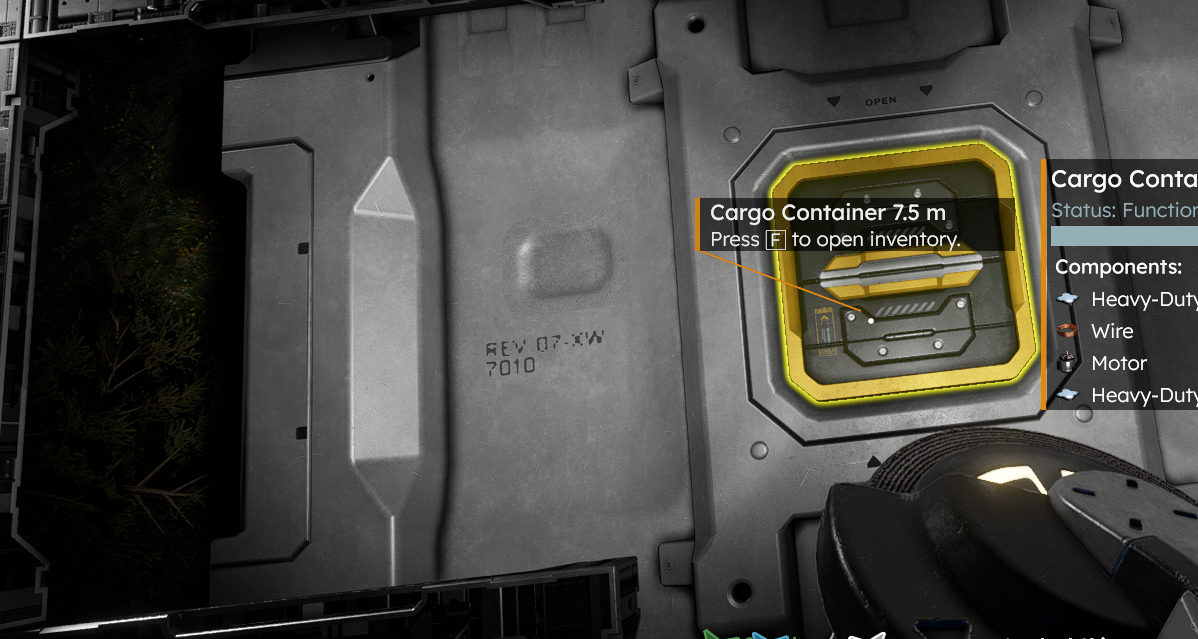
Yep, the port that isn't working has markings "A2" and "REV 07-XW 7010" (check out the attachment).
You can still access it manually, but not through a conveyor line which caused quite a frustration to me when I noticed that one of my connectors isn't linked to the rest of cargo system.
Yep, the port that isn't working has markings "A2" and "REV 07-XW 7010" (check out the attachment).
You can still access it manually, but not through a conveyor line which caused quite a frustration to me when I noticed that one of my connectors isn't linked to the rest of cargo system.
The port also does not allow hydrogen to pass through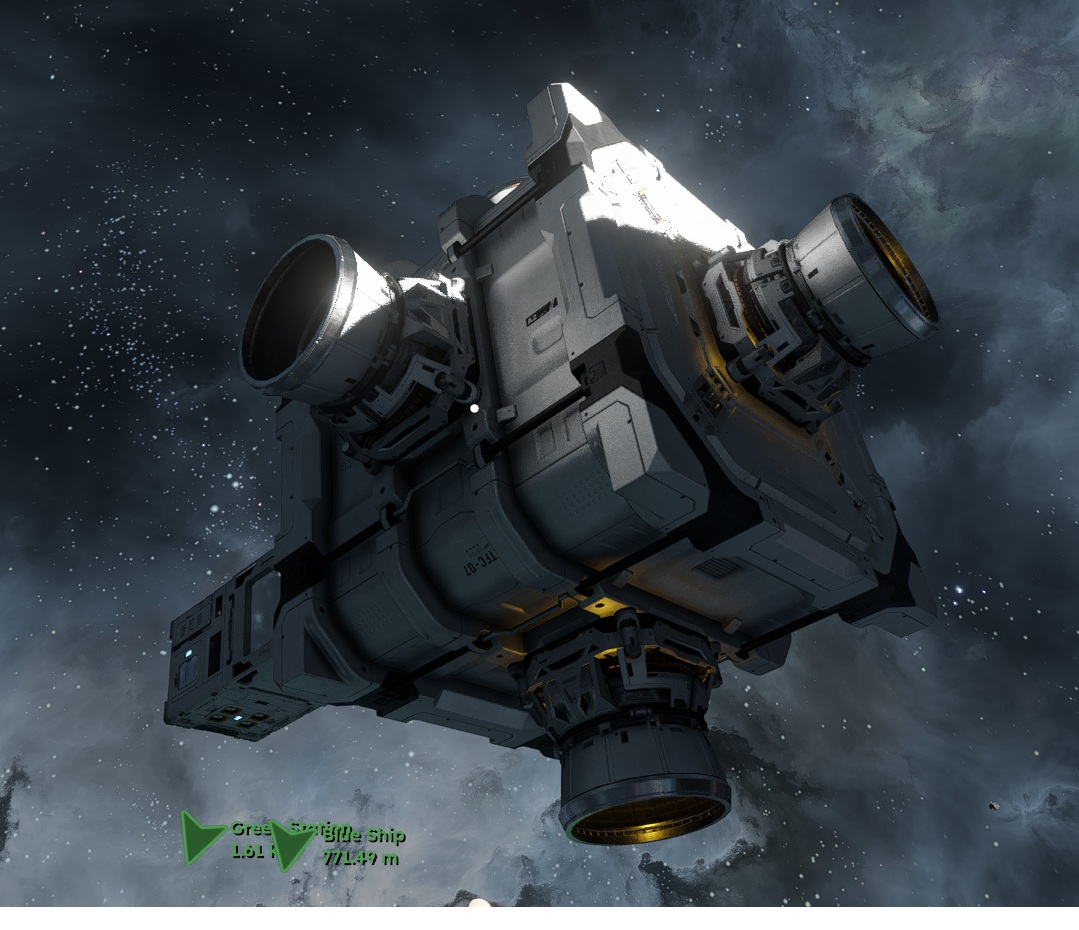
The port also does not allow hydrogen to pass through
Here is the link to the bug report with screenshots and every bit of info needed: link
Here is the link to the bug report with screenshots and every bit of info needed: link
Also reported HERE (First report) and HERE
Hopefully will be picked up on the next time Bartosz wanders by... lol
Also reported HERE (First report) and HERE
Hopefully will be picked up on the next time Bartosz wanders by... lol
also when piped to a base 1 port will not work to pass anything through ore/components/hydrogen replaced blocks multiple times but still 1 port failed to work with conveyors only direct access with character
also when piped to a base 1 port will not work to pass anything through ore/components/hydrogen replaced blocks multiple times but still 1 port failed to work with conveyors only direct access with character
Yeah.. Four or five reports of this now.
Yeah.. Four or five reports of this now.
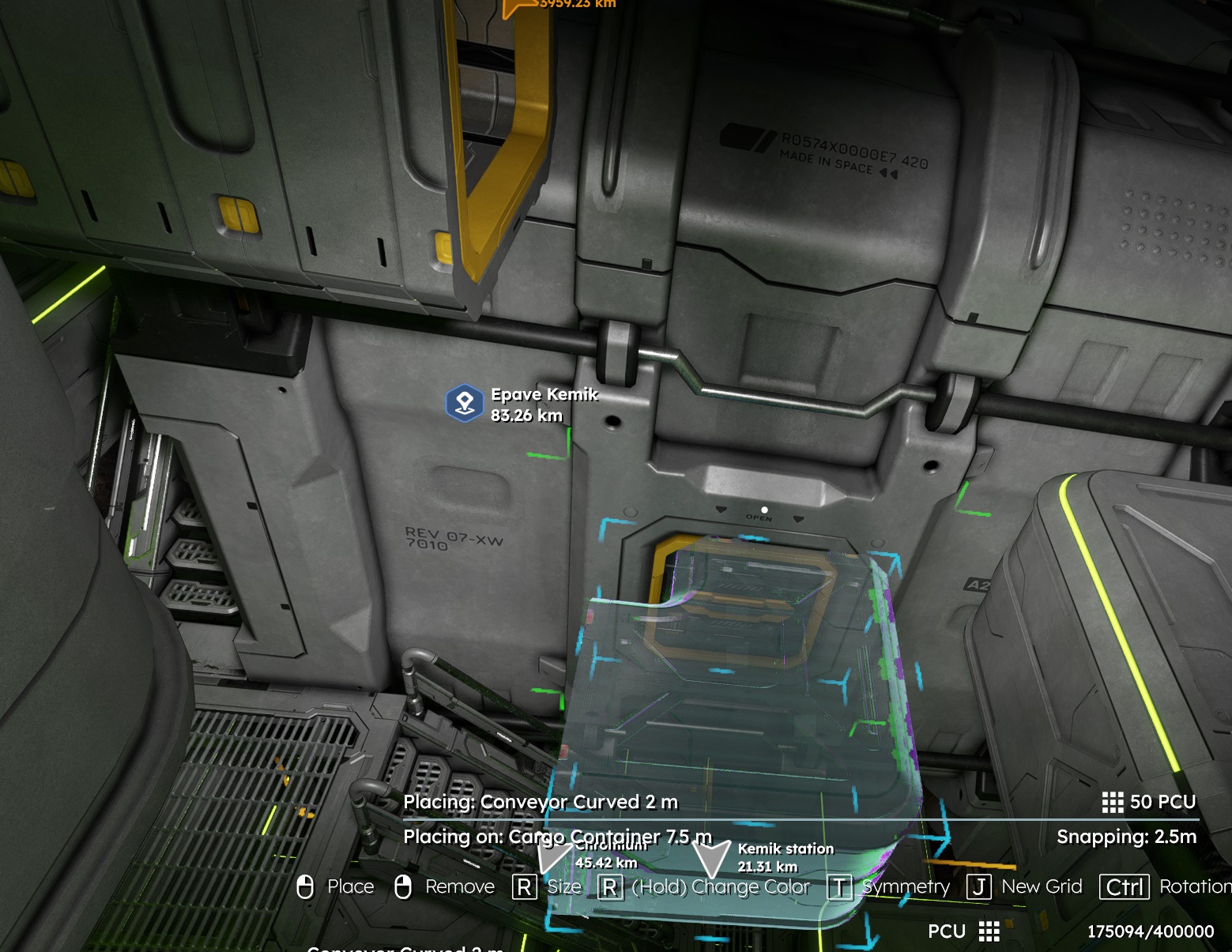
The broken port is also mis aligned. Placing a conveyor on the port automatically off sets it and does not connect properly.
The Assembler has the same NO ACCESS issue on the bottom port.
The broken port is also mis aligned. Placing a conveyor on the port automatically off sets it and does not connect properly.
The Assembler has the same NO ACCESS issue on the bottom port.
Hello Engineers,
I have reported this issue and attached this thread to our internal ticket (SE2-29486).
Kind Regards,
Bartosz
Keen Software House
Hello Engineers,
I have reported this issue and attached this thread to our internal ticket (SE2-29486).
Kind Regards,
Bartosz
Keen Software House
This shows how the one port is offset by one detail cube, if that helps at all!
This shows how the one port is offset by one detail cube, if that helps at all!
I placed 2 7.5m containers on my base and had the same issue. I put a connector between the containers, and now both are showing as connected.
I placed 2 7.5m containers on my base and had the same issue. I put a connector between the containers, and now both are showing as connected.
I may have found a bug with one of the 7.5m Cargo Container's side conveyorports. I cannot get it to connect to the rest of the network at all, myself. Submitting a separate bug report on this
I may have found a bug with one of the 7.5m Cargo Container's side conveyorports. I cannot get it to connect to the rest of the network at all, myself. Submitting a separate bug report on this
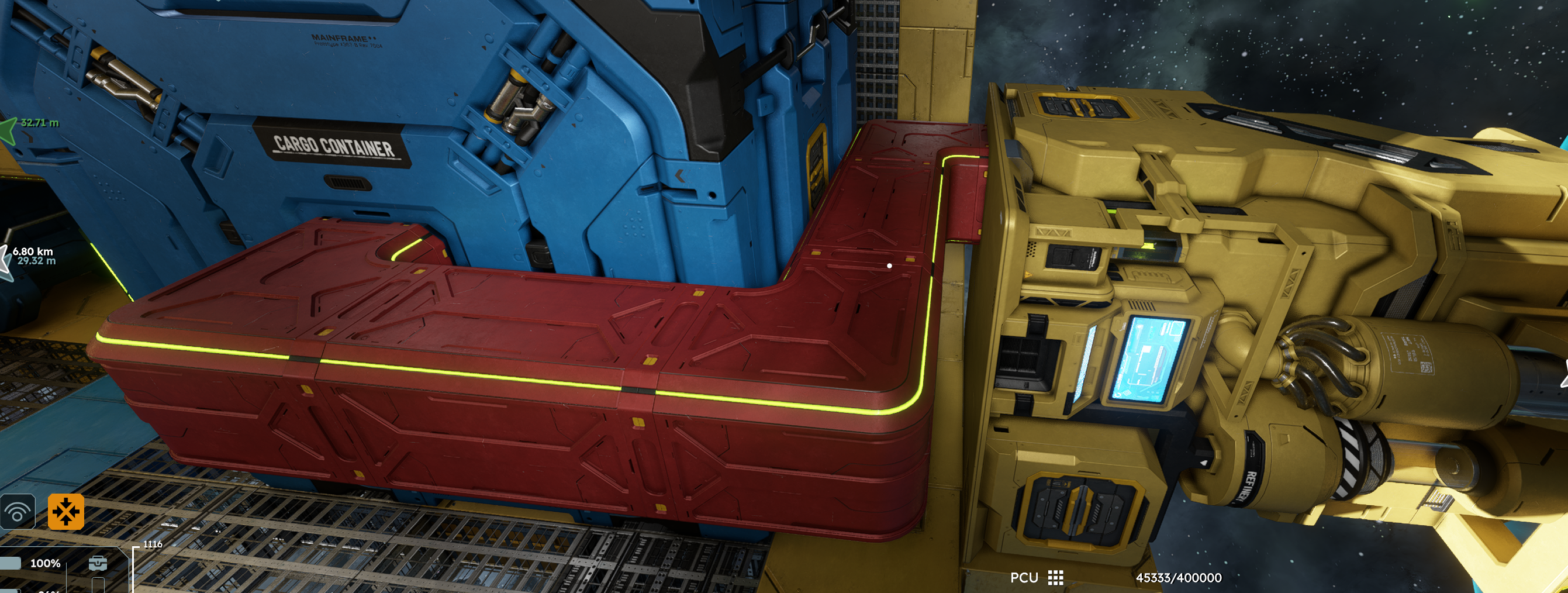
I was also able to fix this on my ship using the conveyor with the large and small ports. I connected the large port to the 7.5m cargo container that was not connected, then used small conveyors to connect the ship's connector to the small port of the conveyor. This fixed the issue of the large cargo container not being connected to the other containers in the ship, and I was able to drag a large chunk of ore (~275k) between the large cargo containers, making more room for mining.
The attached screenshot shows the conveyor system workaround for those that might be interested.
I was also able to fix this on my ship using the conveyor with the large and small ports. I connected the large port to the 7.5m cargo container that was not connected, then used small conveyors to connect the ship's connector to the small port of the conveyor. This fixed the issue of the large cargo container not being connected to the other containers in the ship, and I was able to drag a large chunk of ore (~275k) between the large cargo containers, making more room for mining.
The attached screenshot shows the conveyor system workaround for those that might be interested.
I, too, have experienced this bug. I looked into the block definition with the SE2 MDK, and I believe the issue lies in a bad X position for the Model Dummy `ConveyorLeft`, which inadvertently places the dummy inside the model mesh where neighboring conveyored block entities are unable to reach it and thus unable to form a conveyor connection
I, too, have experienced this bug. I looked into the block definition with the SE2 MDK, and I believe the issue lies in a bad X position for the Model Dummy `ConveyorLeft`, which inadvertently places the dummy inside the model mesh where neighboring conveyored block entities are unable to reach it and thus unable to form a conveyor connection
I've experienced this bug on the medium cargo containers too. Along with one of the production machines (forget which one). Running an extra conveyor line seems like the only workaround. I wonder if this may be why the game sometimes doesn't allow a line of cargo containers to be placed as if the mount point may be missing when the container is facing a certain direction.
I've experienced this bug on the medium cargo containers too. Along with one of the production machines (forget which one). Running an extra conveyor line seems like the only workaround. I wonder if this may be why the game sometimes doesn't allow a line of cargo containers to be placed as if the mount point may be missing when the container is facing a certain direction.
I've come to the conclusion that this is likely a grid that has been inadvertently split into two grids (currently no way to merge grids...)
ideally you should be able to "merge" two static grids by simply running a conveyor from one to the other...
I've come to the conclusion that this is likely a grid that has been inadvertently split into two grids (currently no way to merge grids...)
ideally you should be able to "merge" two static grids by simply running a conveyor from one to the other...
Hello Engineers,
This issue has been fixed on our internal environment and should be shipped as a part of Vertical Slice 2.2. As such, I will close this thread.
Kind Regards,
Bartosz
Keen Software House
Hello Engineers,
This issue has been fixed on our internal environment and should be shipped as a part of Vertical Slice 2.2. As such, I will close this thread.
Kind Regards,
Bartosz
Keen Software House
Replies have been locked on this page!