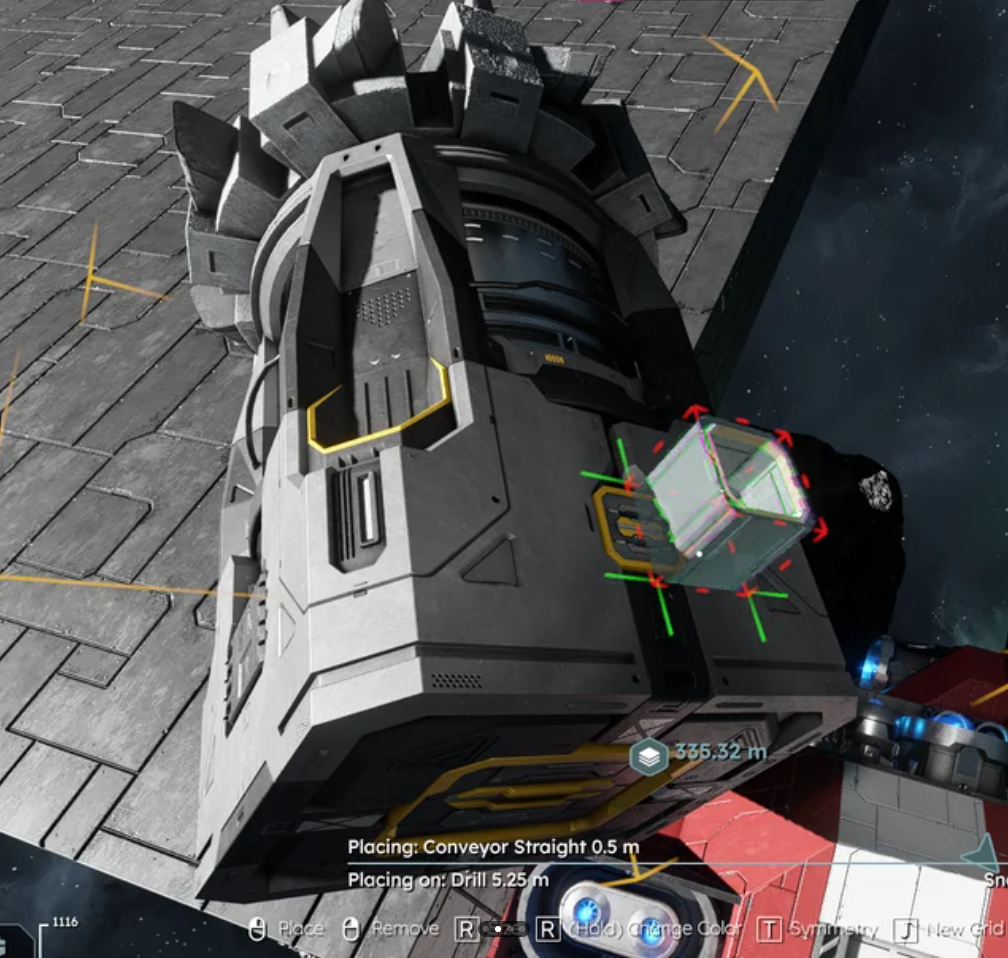
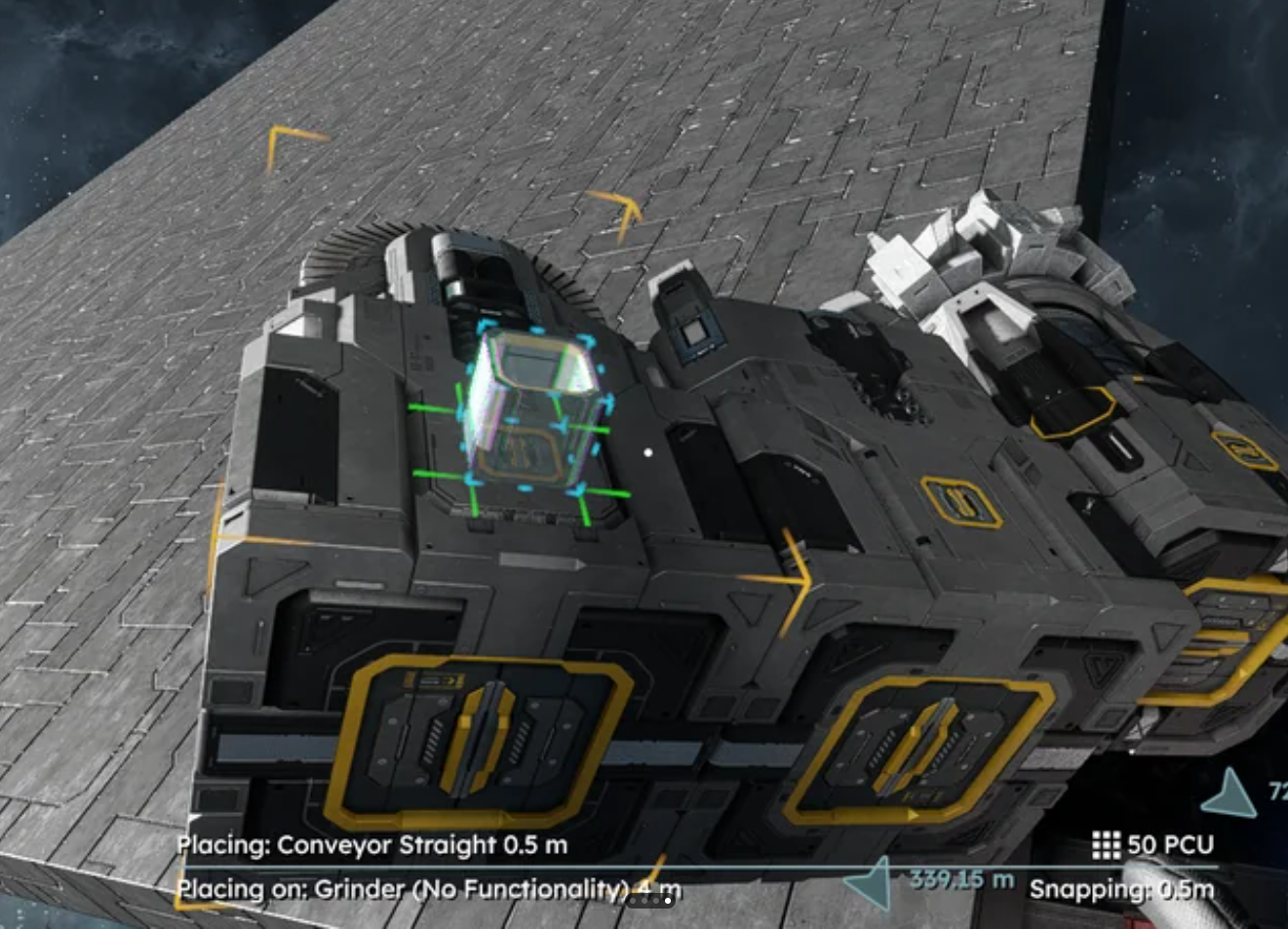
Please reference the attached image to reproduce the issue.
When I say "rotate" it is with the ctrl-E
On large drills, only one side of the drill is allowed to be placed next to another block. If you try to place one and the bounding box is read/not allowed, you can rotate the drill until the one allowed side allows the drill to be placed.
A quick example would be to look at the left and right most drills. As you can see the connector side of the drill is up against another block.
The drill is not centered in its bounding box, so only 1 of the 4 sides will connect next to another block. This one side is closer to the drill than the other 3 sides. If you have a flat armored surface and project the large drill so that the drill head is facing you, you can see that 3 of the sides take up half of the block it is projecting on while one side of the drills bounding box only takes up 1/4 of that width. Basically, the drill is not centered in its bounding box and 3 of the 4 sides need to be reduce 50% to match the one side.
Another issue this causes is that if you project the large drill onto a flat surface and then rotate it, 3 of the sides keep the drill in the same place in the projection while the narrow bounding side moves the drill way out of where it was positioned. You can keep rotating to see the mounting positions change when they hit the one short bounded side. Again, you can put a large armor block down and project the large drill to mount to the armored block, rotate the drill and you will see it is the same position on 3 of the 4 sides.


 I have the same bug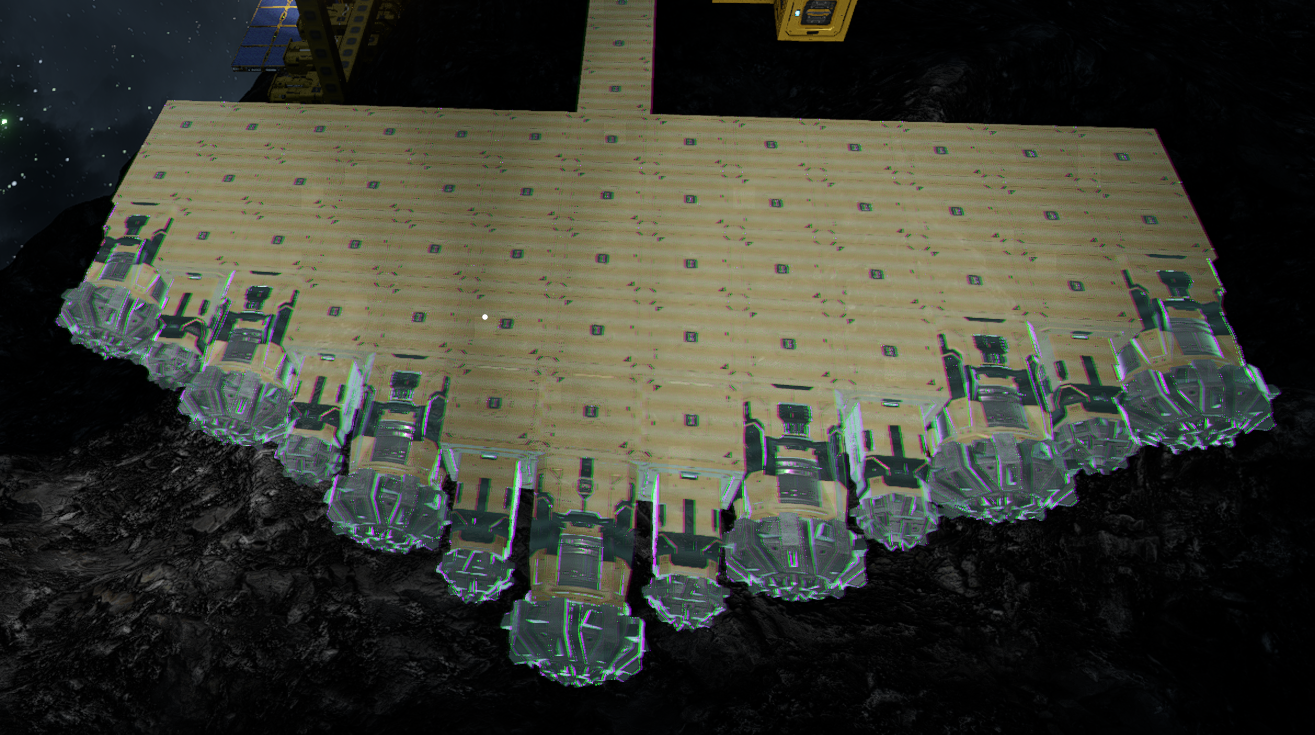
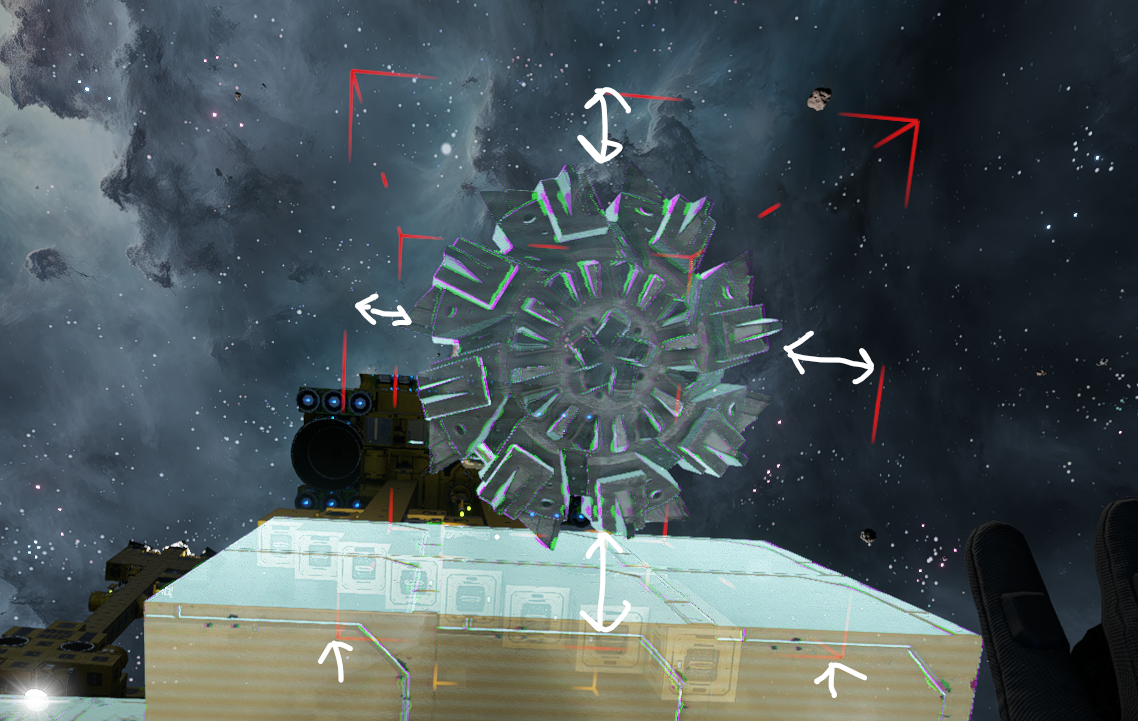
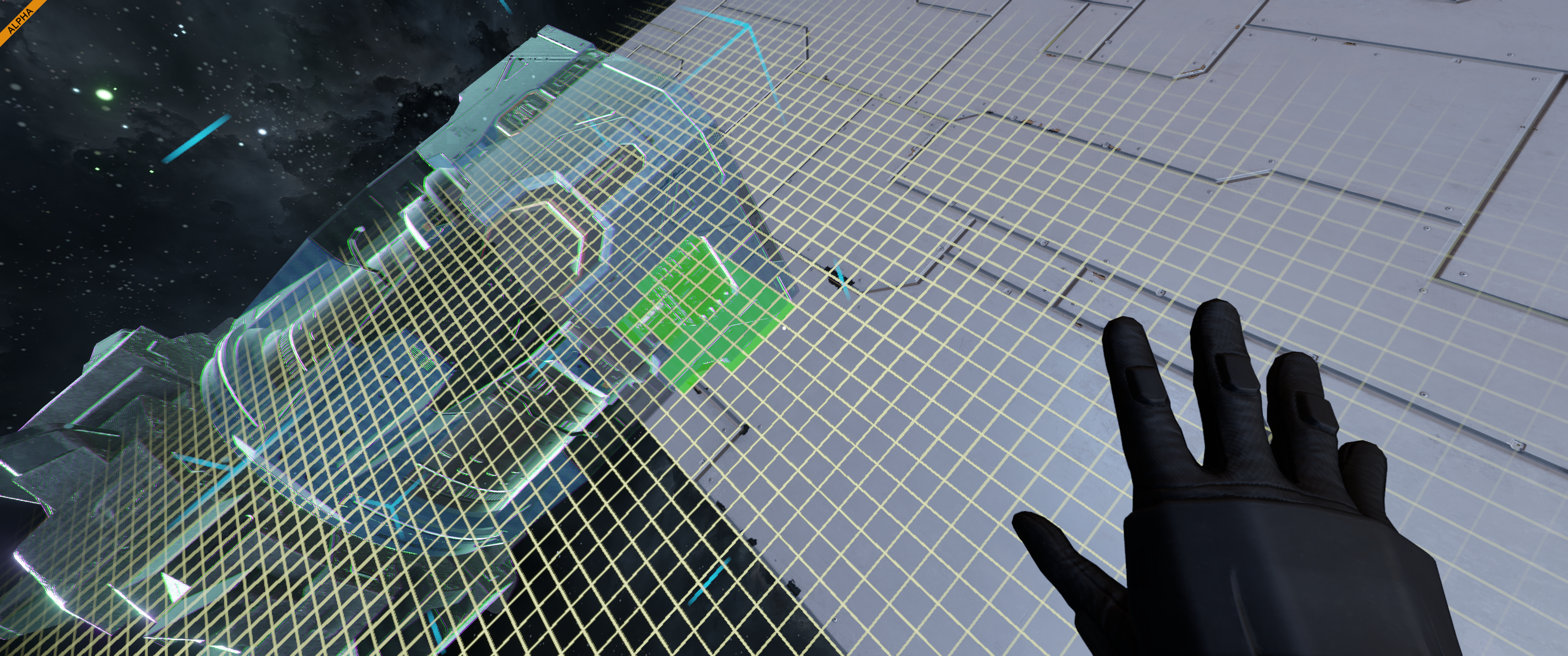
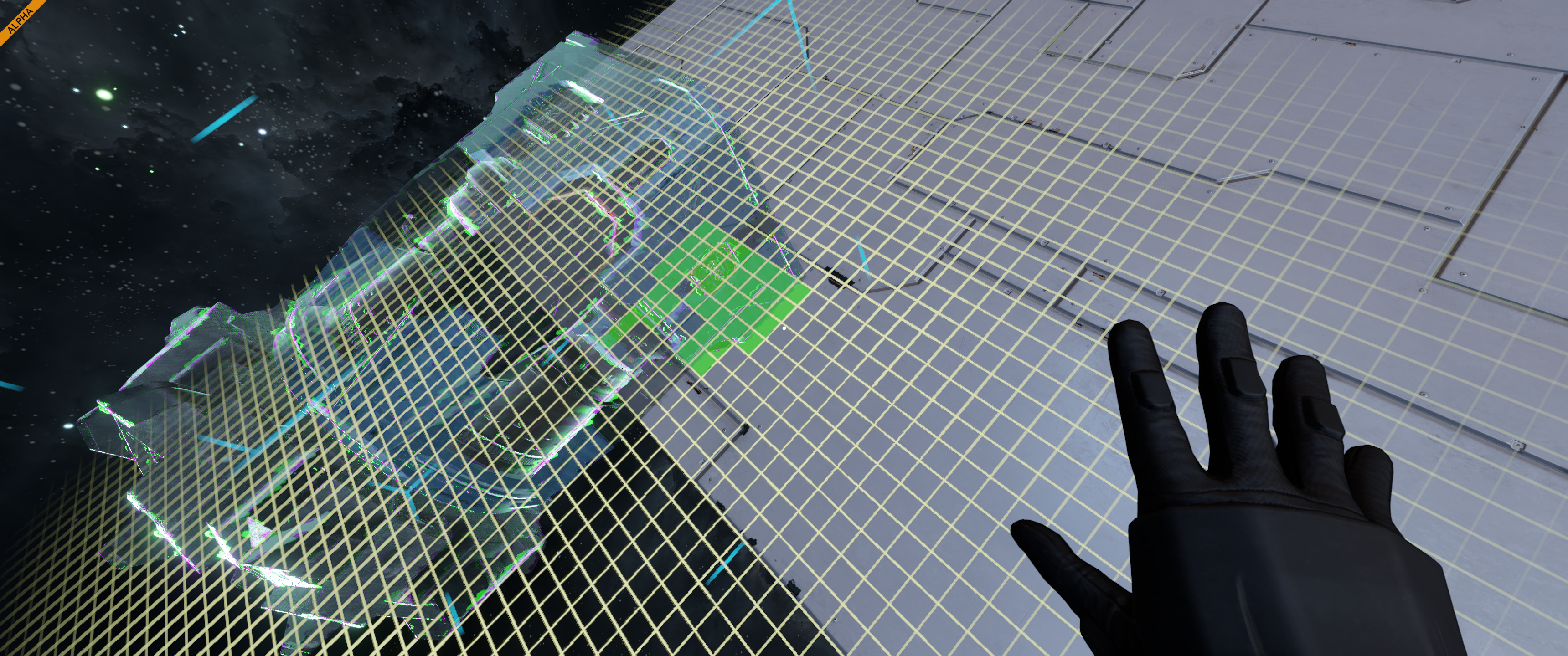
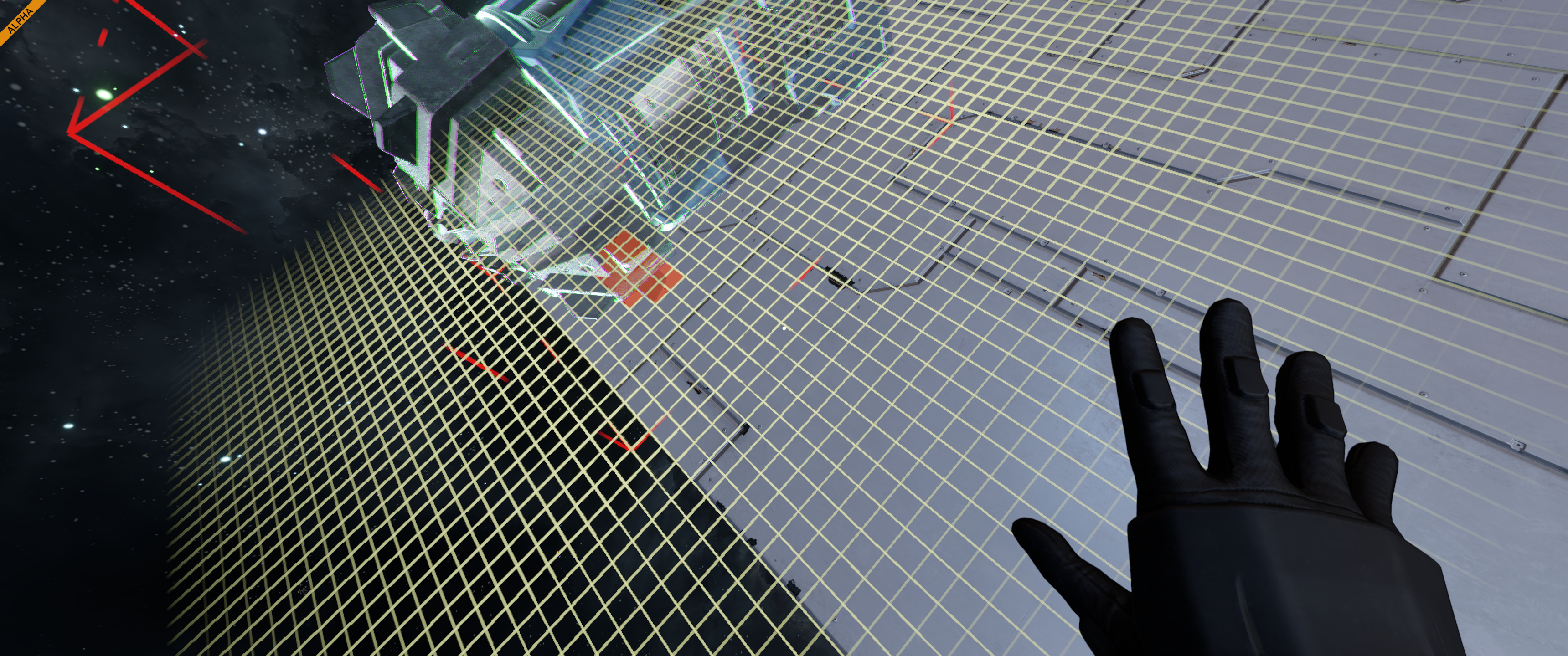
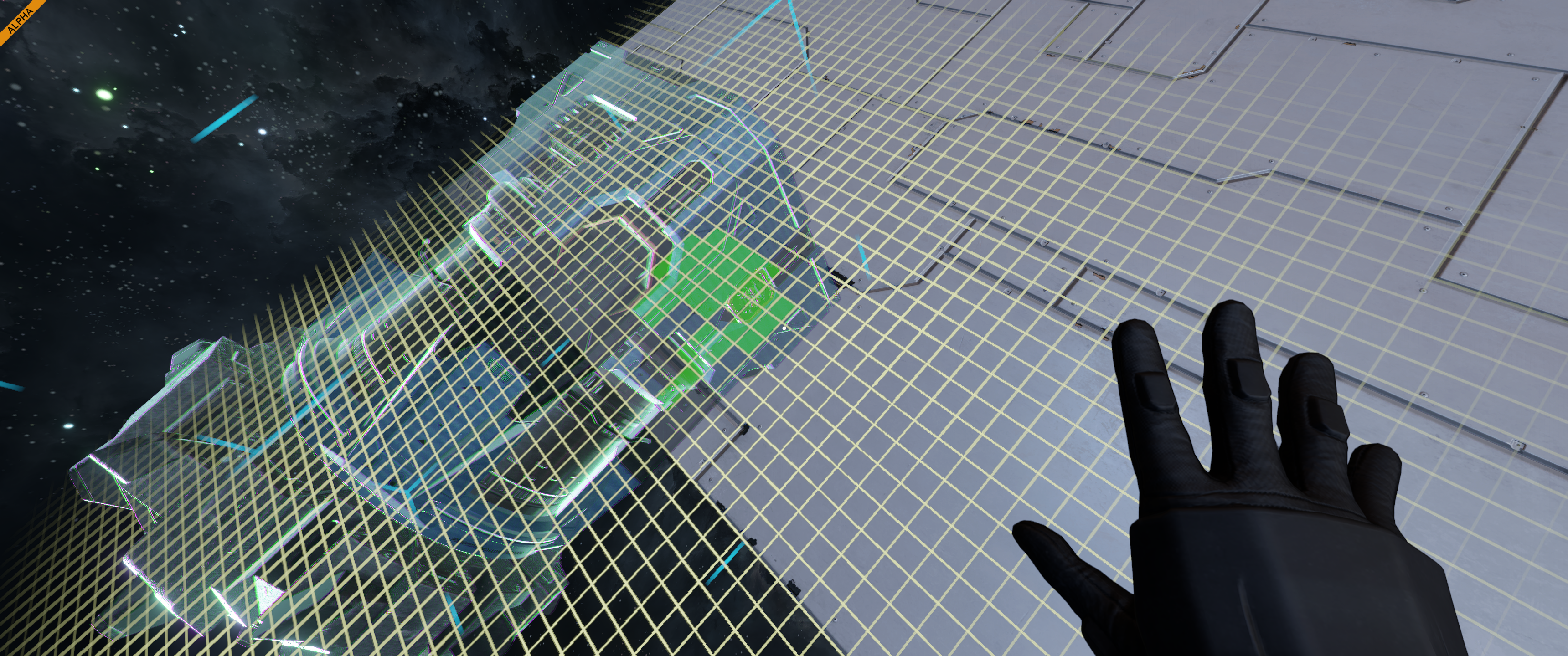
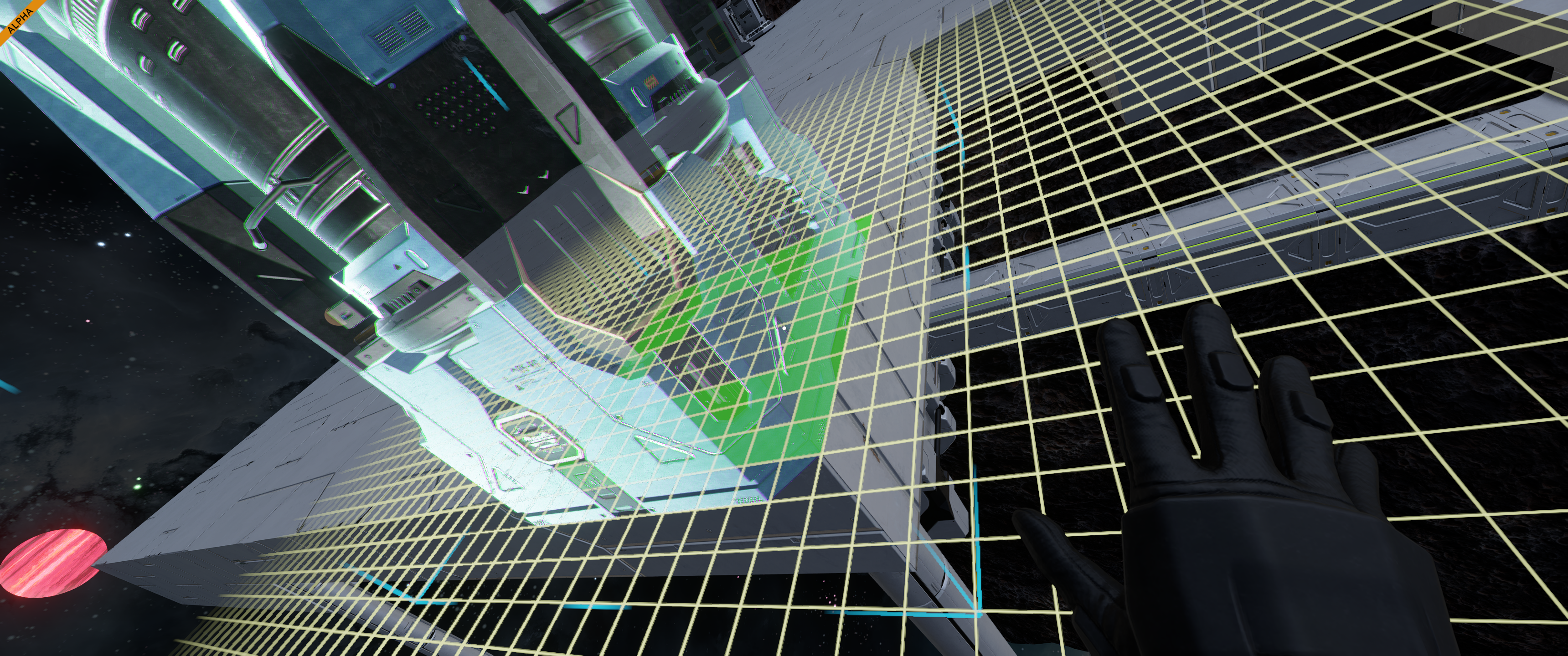
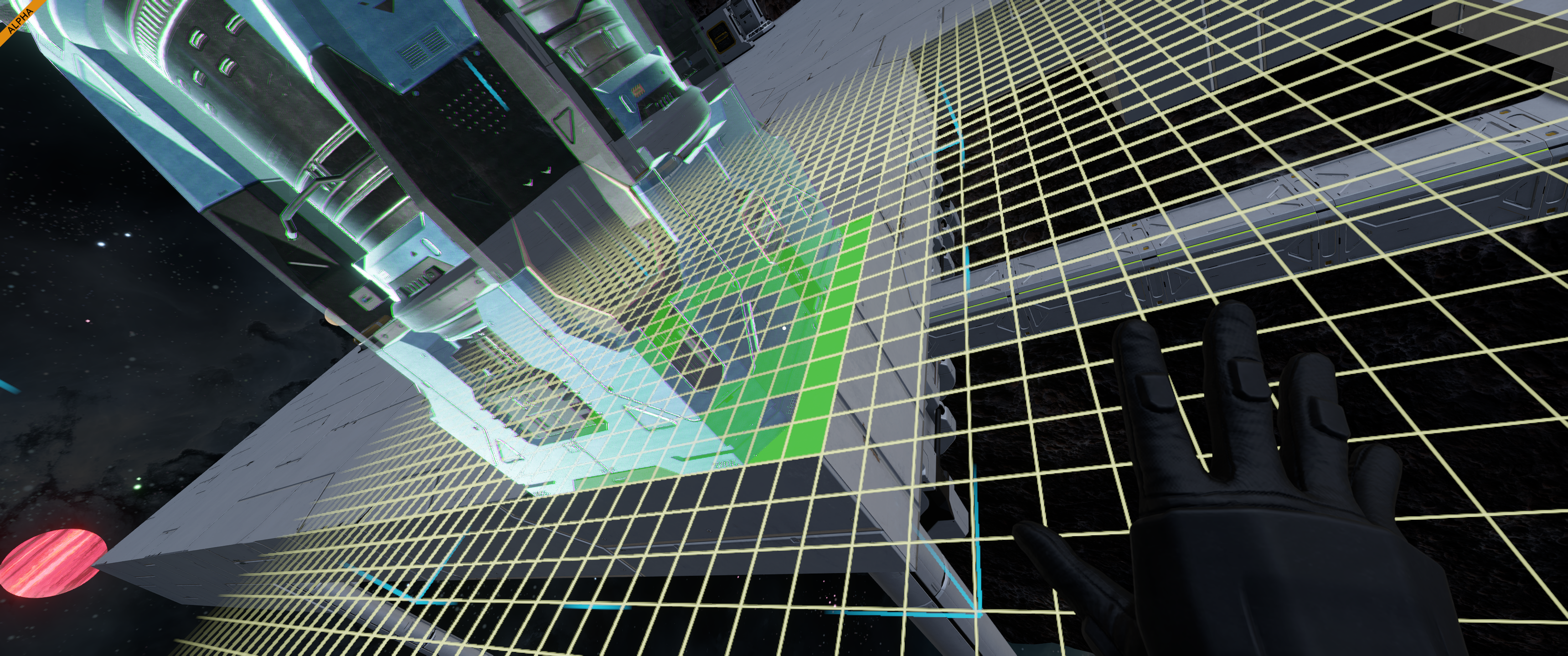
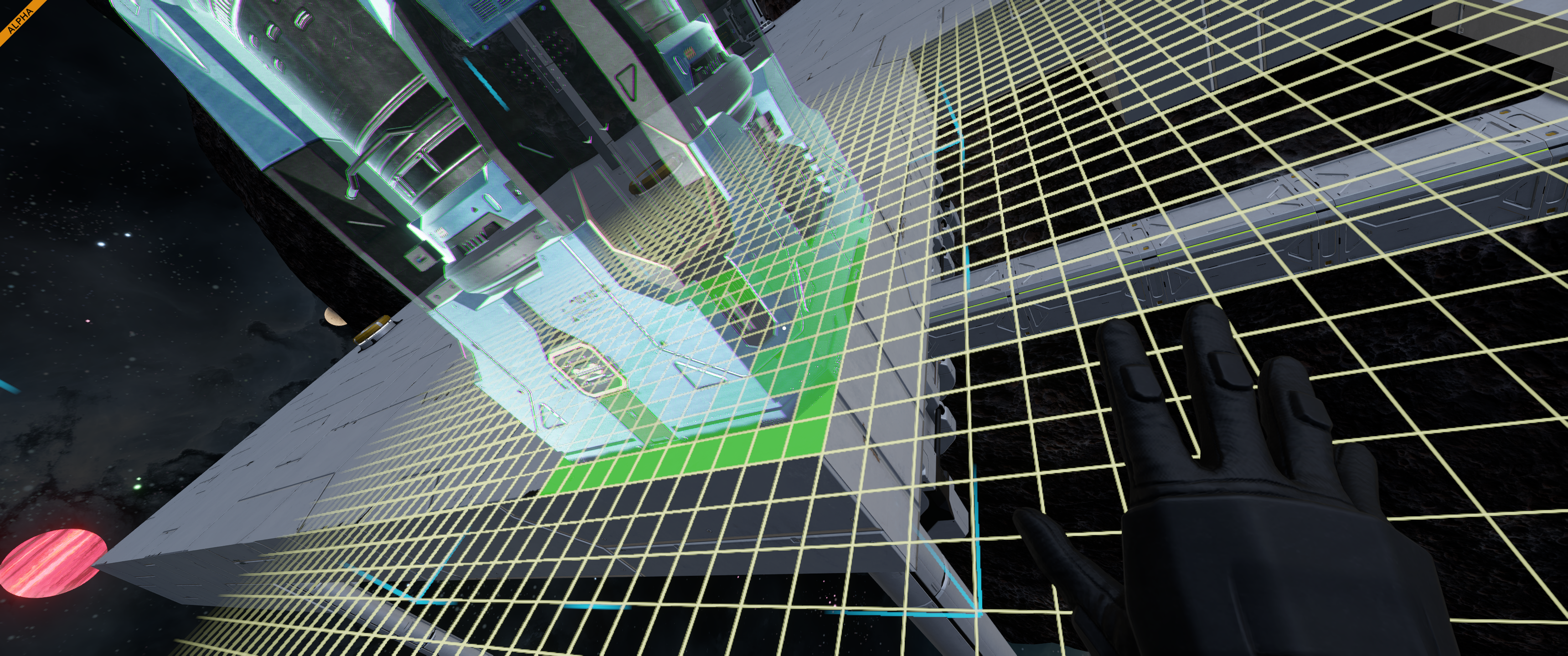
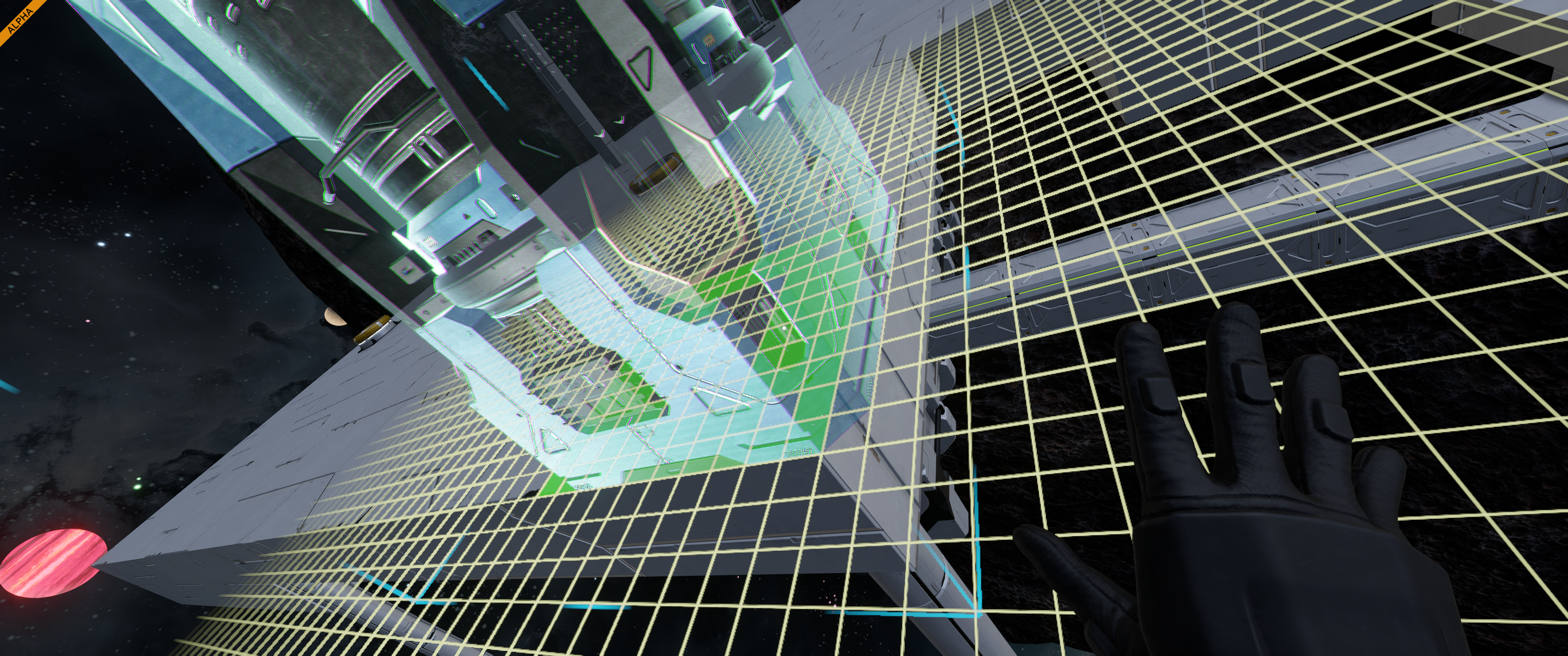
I think I figured out what the issue is, the hitbox for the drill appears to be offset by 0.5m on one side, blocks placed on this side float above the drill, while on the other side, they cannot be attached.
I think I figured out what the issue is, the hitbox for the drill appears to be offset by 0.5m on one side, blocks placed on this side float above the drill, while on the other side, they cannot be attached.
Can you move it in place with ctrl and align it that way?
Can you move it in place with ctrl and align it that way?
I also encountered this bug. It seems that the small conveyor port on one side of the 5.25m drill is placed correctly, but on the other side the game tries to snap it 0.25 meters off.
I also encountered this bug. It seems that the small conveyor port on one side of the 5.25m drill is placed correctly, but on the other side the game tries to snap it 0.25 meters off.
Hello Javan Napoli,
I have reproduced and reported this issue internally. I have also added this thread to our internal ticket (SE2-29848).
Kind Regards,
Bartosz
Keen Software House
Hello Javan Napoli,
I have reproduced and reported this issue internally. I have also added this thread to our internal ticket (SE2-29848).
Kind Regards,
Bartosz
Keen Software House
I have also experienced this issue. Cannot drill through the material, head getting stuck very quickly after going in ~0.5m. Might also want to bump up the volume of material being removed by the tip, since with a larger radius of the drill, there's a larger area in between multiple heads, which could leave "stumps" that stop the ship.
I have also experienced this issue. Cannot drill through the material, head getting stuck very quickly after going in ~0.5m. Might also want to bump up the volume of material being removed by the tip, since with a larger radius of the drill, there's a larger area in between multiple heads, which could leave "stumps" that stop the ship.
Hello Engineers,
Large Drill is no longer offset and its side conveyor ports are accessible again. As such, I will close this thread.
Kind Regards,
Bartosz
Keen Software House
Hello Engineers,
Large Drill is no longer offset and its side conveyor ports are accessible again. As such, I will close this thread.
Kind Regards,
Bartosz
Keen Software House
Replies have been locked on this page!