


Incorrect Aspect Ratio(Ultrawide Monitor)
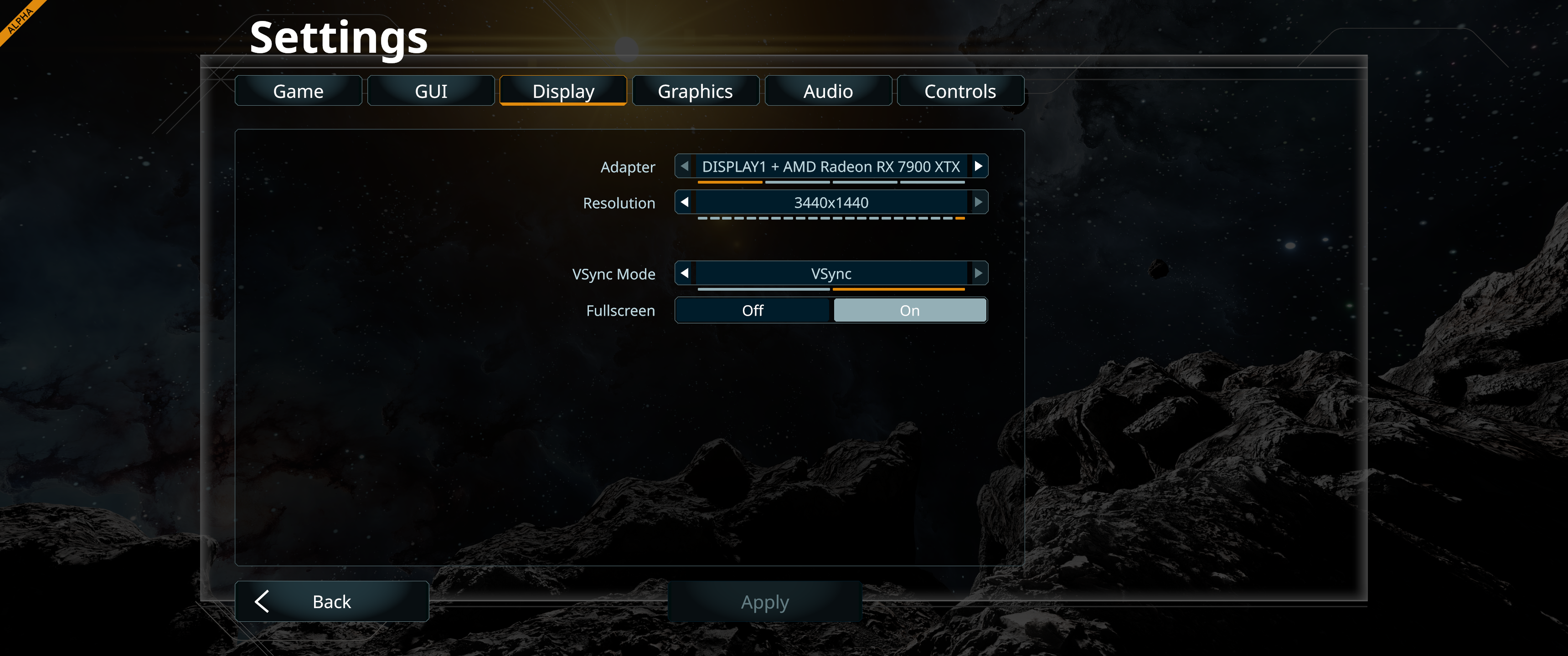
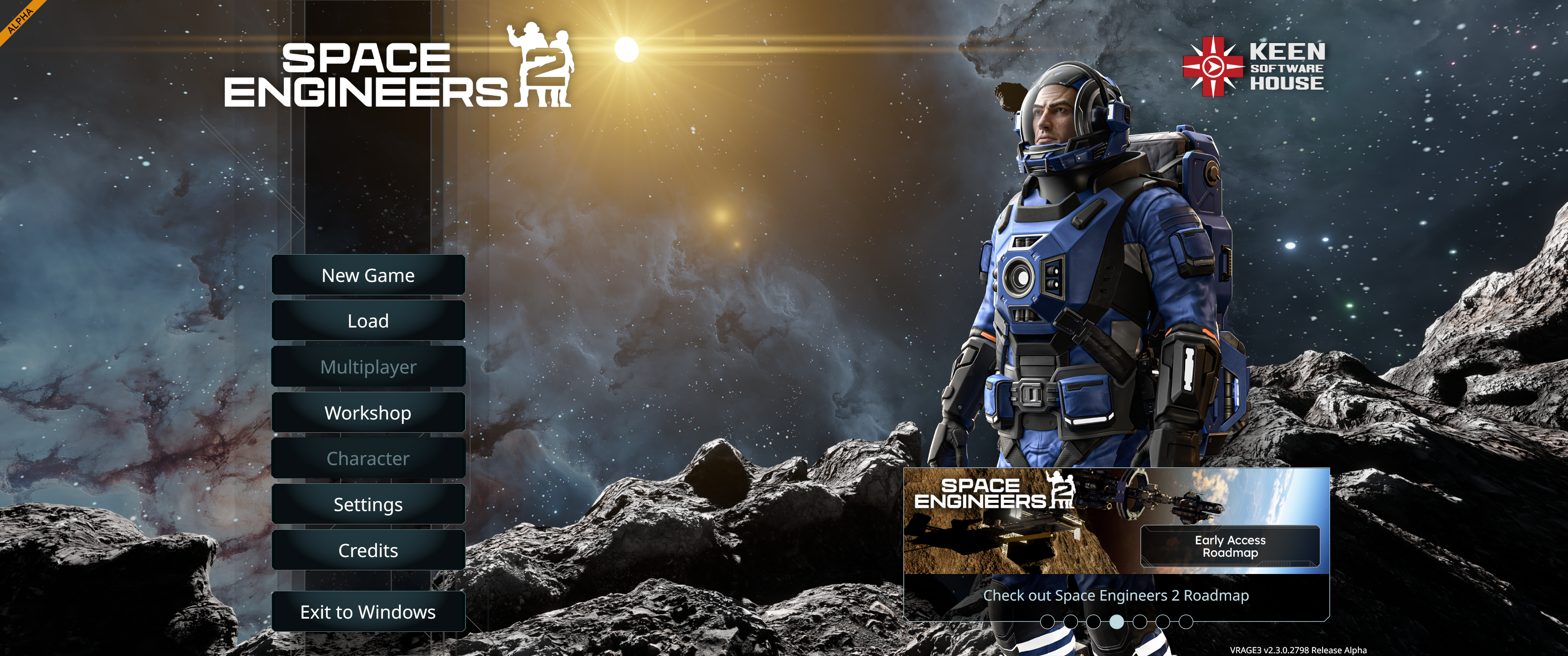
So I got a new 21:9 3440*1440 monitor. The game handles this resolution without any issues and has no visible scaling issues, however i prefer playing at 2560*1440 for a few different reasons including overall performance, stability and video recording at 16:9.
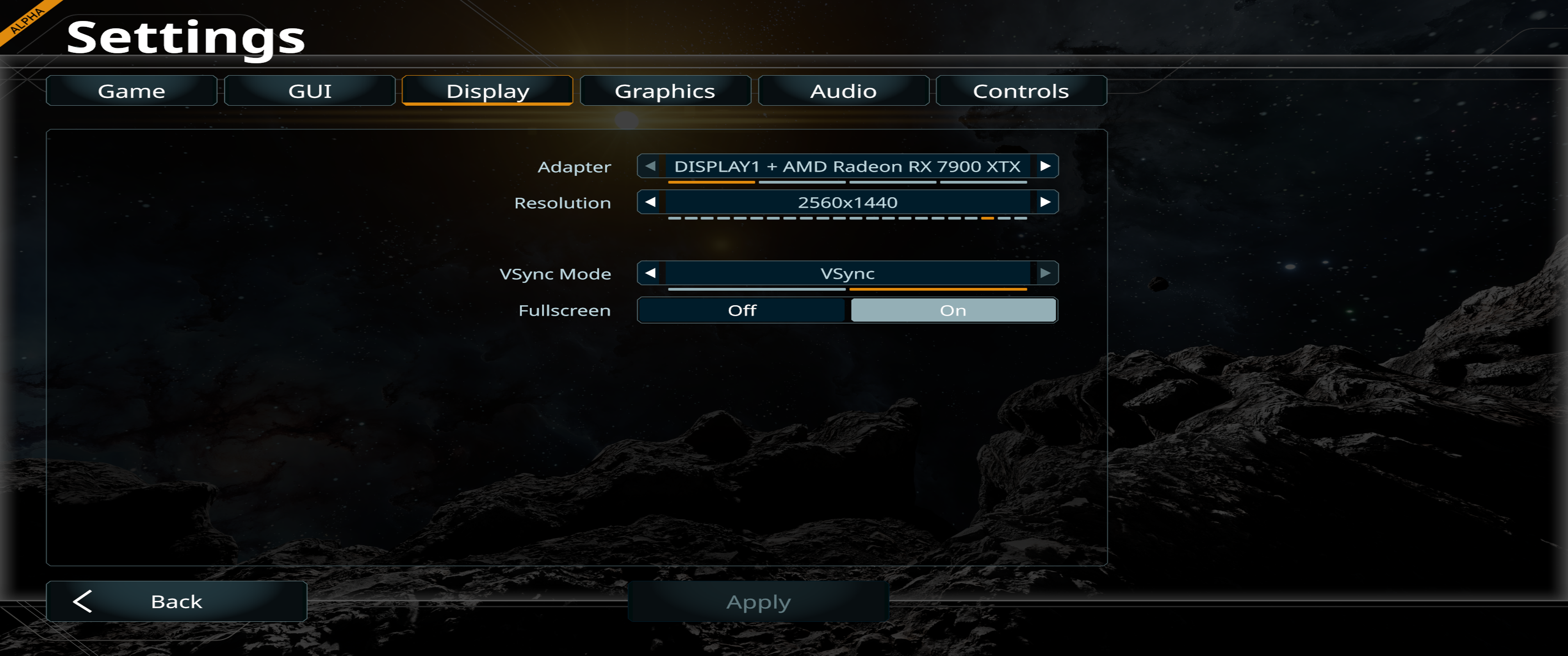
When changing to 2560*1440, the image just gets stretched instead of adding black borders on the sides like most games do. It seems to me like it's not scalling according to the resolution.
I've attached a few screenshots for examples.
I've also re-installed the game, validated the game files. I've tried forcing the scaling using the AMD Adrenaline software. I've tried disabling window's full screen optimizations on the executable. I've tried manually changing the resolution in the RenderDisplayOptionsPart file and I've also set it to read only so it can't be modified by the game. I've tried clearing the cache in the temp folder everytime to make sure nothing was carrying over from previous attempts.
Basically i've tried everything that Google Gemini or ChatGPT has suggested I try.
Can we please have an in-game video option added to change the aspect ratio manually or have it automatically scale accordingly with the appropriate borders?
Thank you,
Update, the screenshots for better quality. you can clearly see that the 2560*1440 are stretched butthey should just have black borders instead and be scaled at 16:9.
 I have the same bug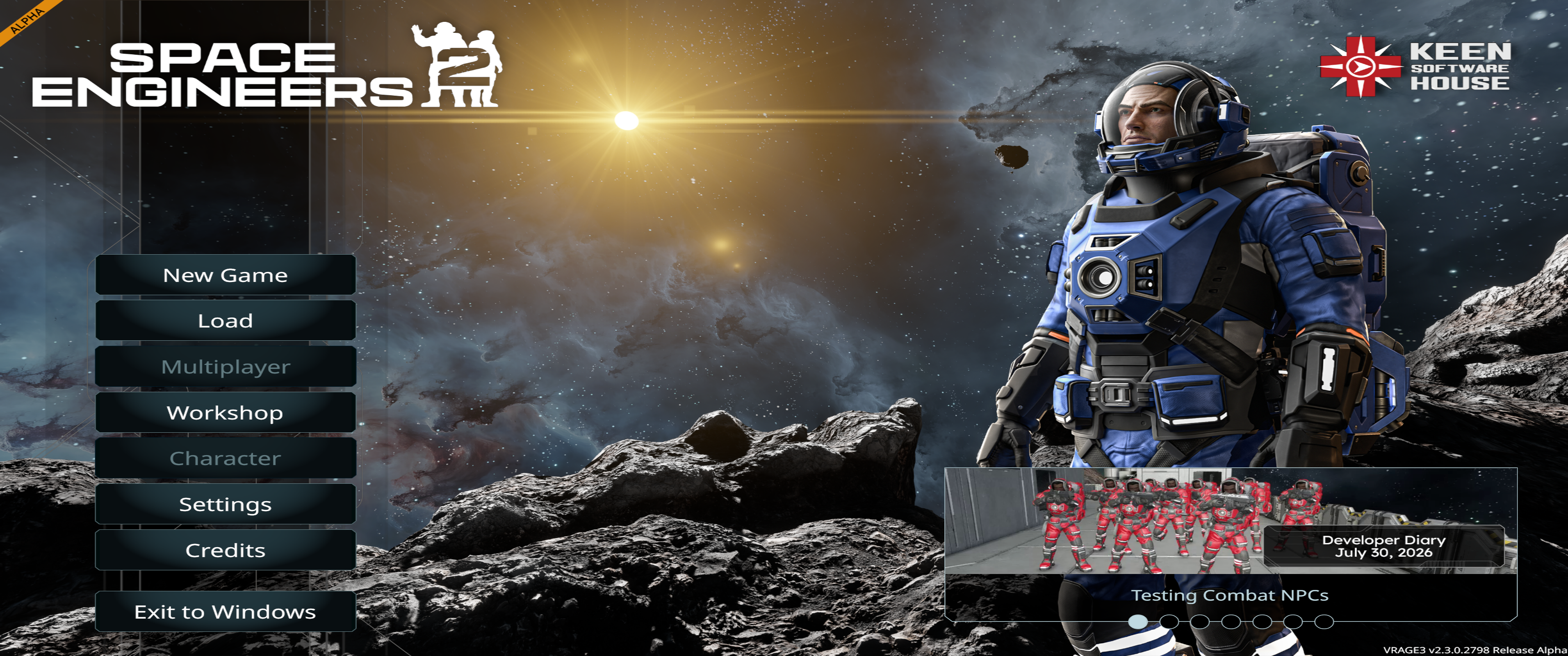
Replies have been locked on this page!