


Game Crash / lag spikes every three seconds
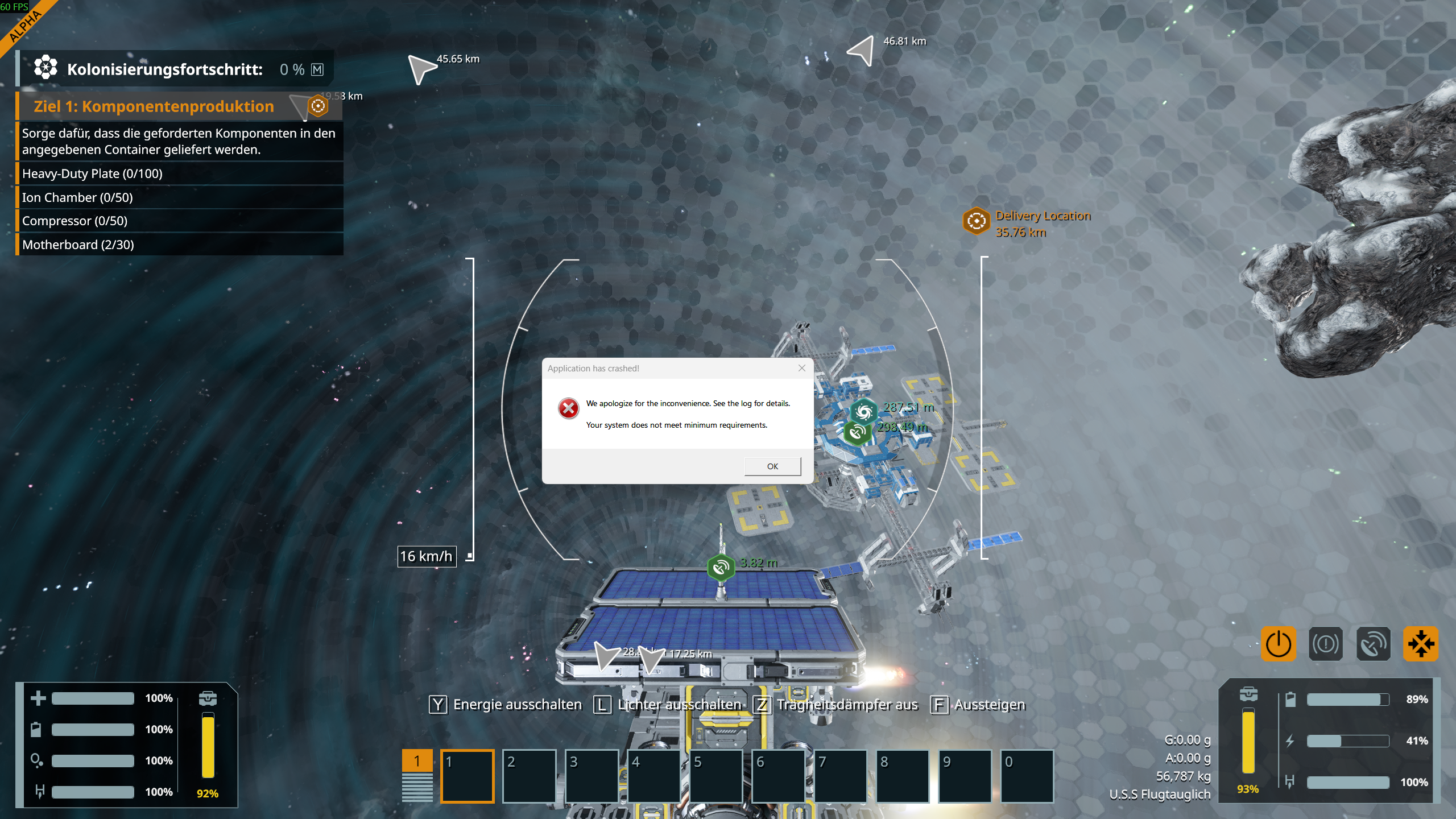
I've been playing S.E. 2 for over 30 hours, and it has been running without any issues so far. Since yesterday, I've been getting lag spikes every three seconds, and after that, the game started crashing regularly, claiming that my system doesn't meet the minimum requirements.
My system:
AMD Ryzen 7 9800X3D, GeForce RTX 5070 Ti, 32 GB RAM, Windows 11
The onboard graphics card is disabled. I also checked the log, but it doesn't seem like the issue is with my system. It generated a very long error code, and the only thing I could gather from it is that there might be something wrong with the game engine?!
I already had Steam verify the integrity of the game files, and I even reinstalled the game, but neither of those fixed the problem.
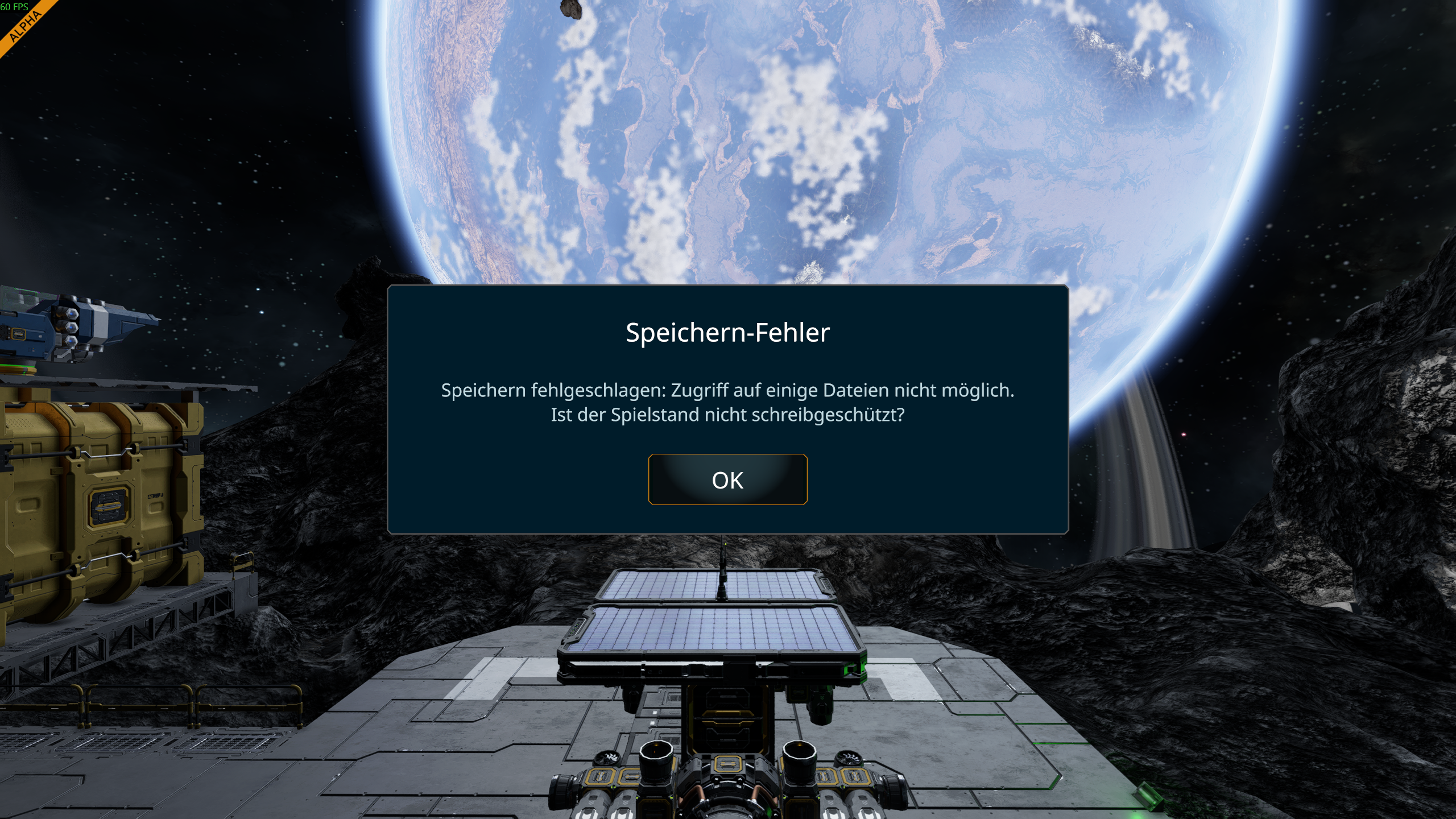
On top of that, whenever I try to save a copy, I now get the following error message:
Save Error
Save failed: Unable to access some files. Is the save game write-protected?
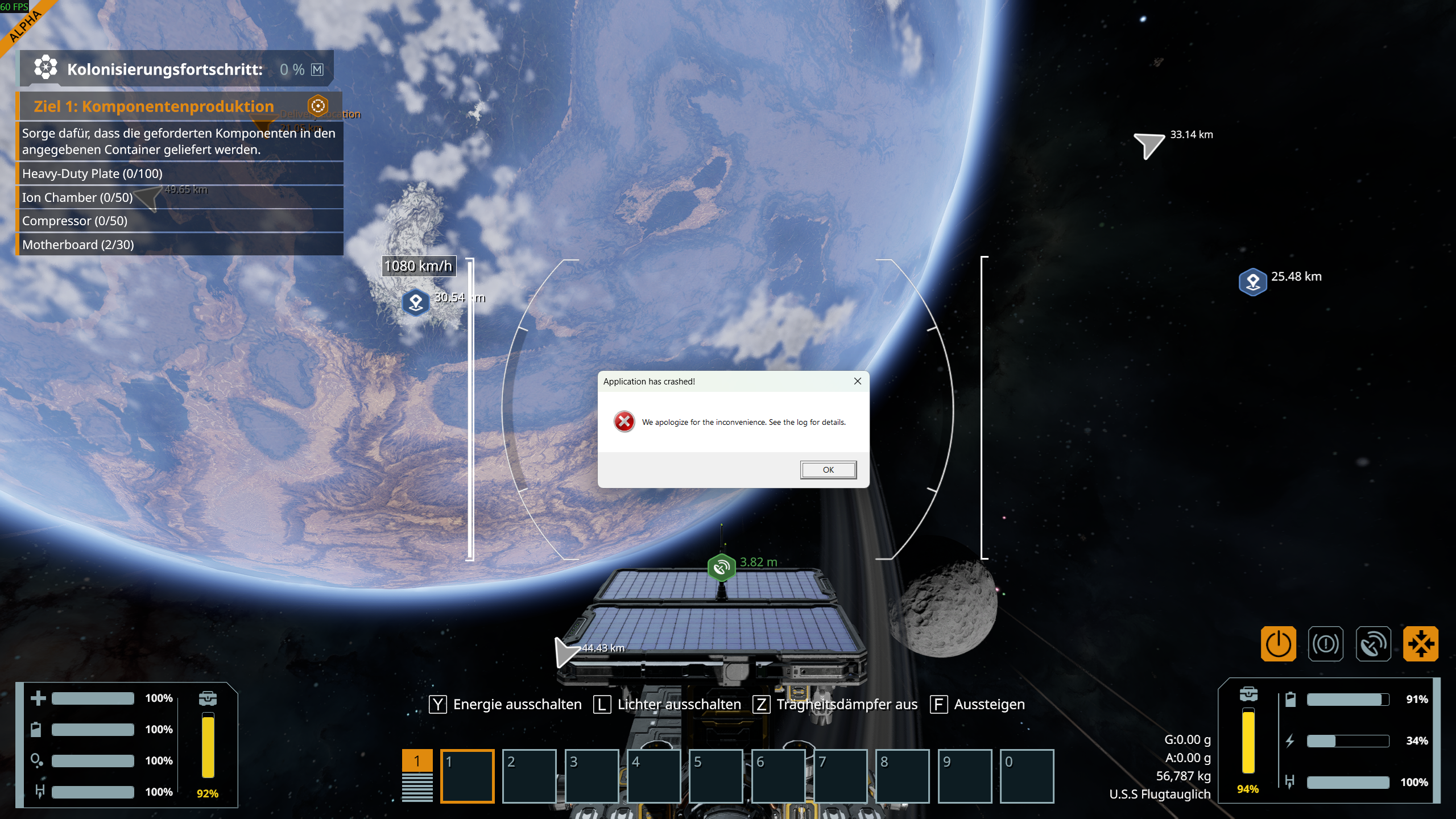
And when the game crashes now, I get the following error message:
We apologize for the inconvenience. See the log for details.
Im stuck at this time! Please Help.
https://steamcommunity.com/app/1133870/discussions/0/594062684485499340/
 I have the same bug
Hello Social Gamer Network,
From the logs you've provided I can see that the crash most likely occurs due to extremely long Save folder name and Windows not being able to read the files inside.
You can find your Save folder here:
Please try to shorten the name of your Save file and try to run the Game again.
Let me know if this helps.
Kind Regards,
Bartosz
Keen Software House
Hello Social Gamer Network,
From the logs you've provided I can see that the crash most likely occurs due to extremely long Save folder name and Windows not being able to read the files inside.
You can find your Save folder here:
Please try to shorten the name of your Save file and try to run the Game again.
Let me know if this helps.
Kind Regards,
Bartosz
Keen Software House
Hello, and thank you for the quick reply.
I shortened the name of the save game. So far, the game hasn't crashed again, which is good. However, the lag is still there, and unfortunately I'm still getting the save error when I try to create a copy of the save.
Hello, and thank you for the quick reply.
I shortened the name of the save game. So far, the game hasn't crashed again, which is good. However, the lag is still there, and unfortunately I'm still getting the save error when I try to create a copy of the save.
Hello Social Gamer Network,
When creating a copy of a Save, do you rename it manually or just save it as " - copy"? Have you tried numbering the copies of the Saves? For example:
Welcome to Verdure 1 -> Welcome to Verdure 2 etc.
Kind Regards,
Bartosz
Keen Software House
Hello Social Gamer Network,
When creating a copy of a Save, do you rename it manually or just save it as " - copy"? Have you tried numbering the copies of the Saves? For example:
Welcome to Verdure 1 -> Welcome to Verdure 2 etc.
Kind Regards,
Bartosz
Keen Software House
Hello Social Gamer Network,
As there has been no activity to this thread in some time, I will close it. If you're still experiencing this issue, please create a new thread.
Kind Regards,
Bartosz
Keen Software House
Hello Social Gamer Network,
As there has been no activity to this thread in some time, I will close it. If you're still experiencing this issue, please create a new thread.
Kind Regards,
Bartosz
Keen Software House
Replies have been locked on this page!