


[VS2.3] Game consitently "Failed to Load World" when using Custom Suit Mod
Submitted
After updating some of my custom suits mod with the new features that the Mod Editor allows one of them consitently fails to load the game. 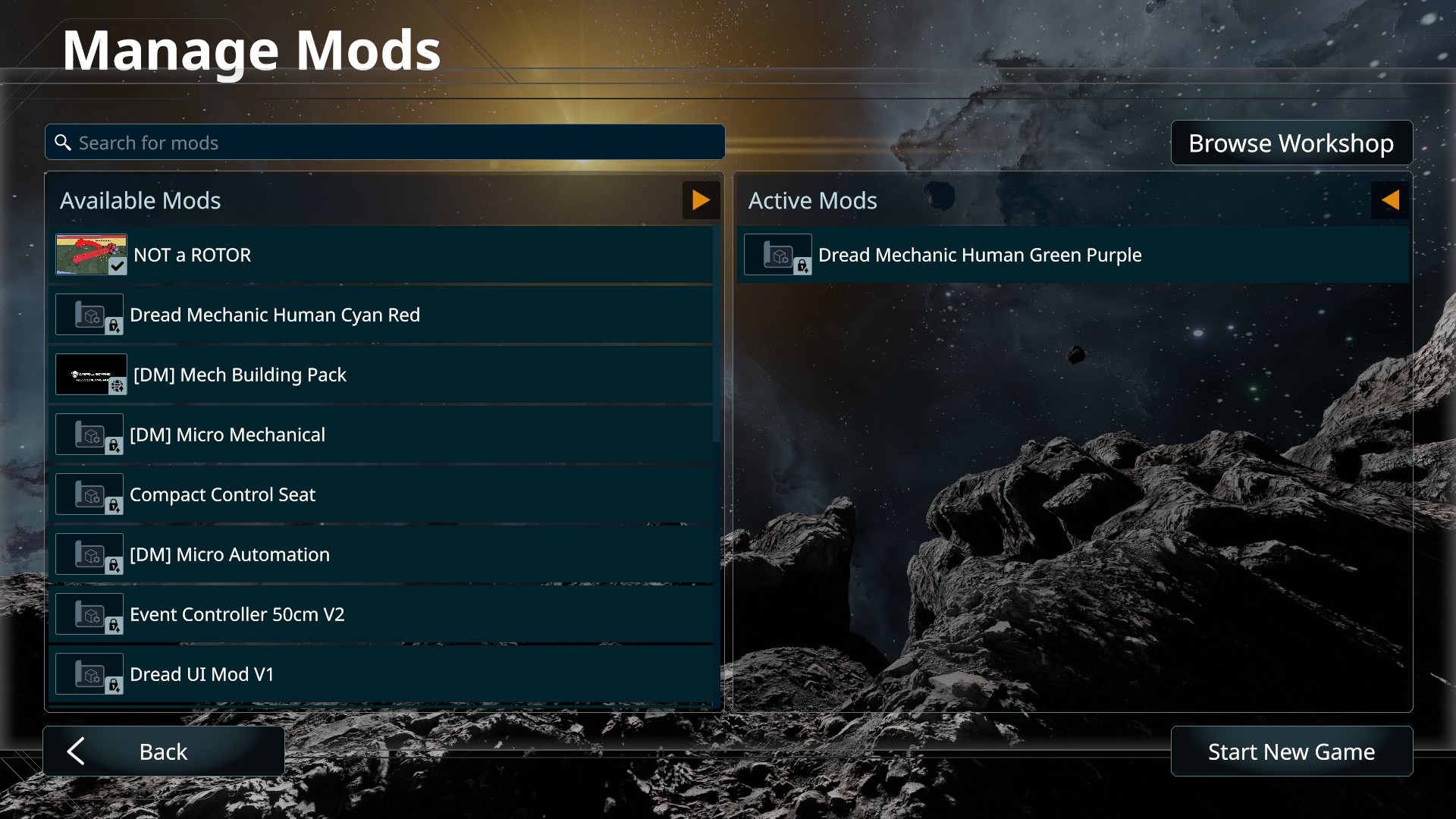
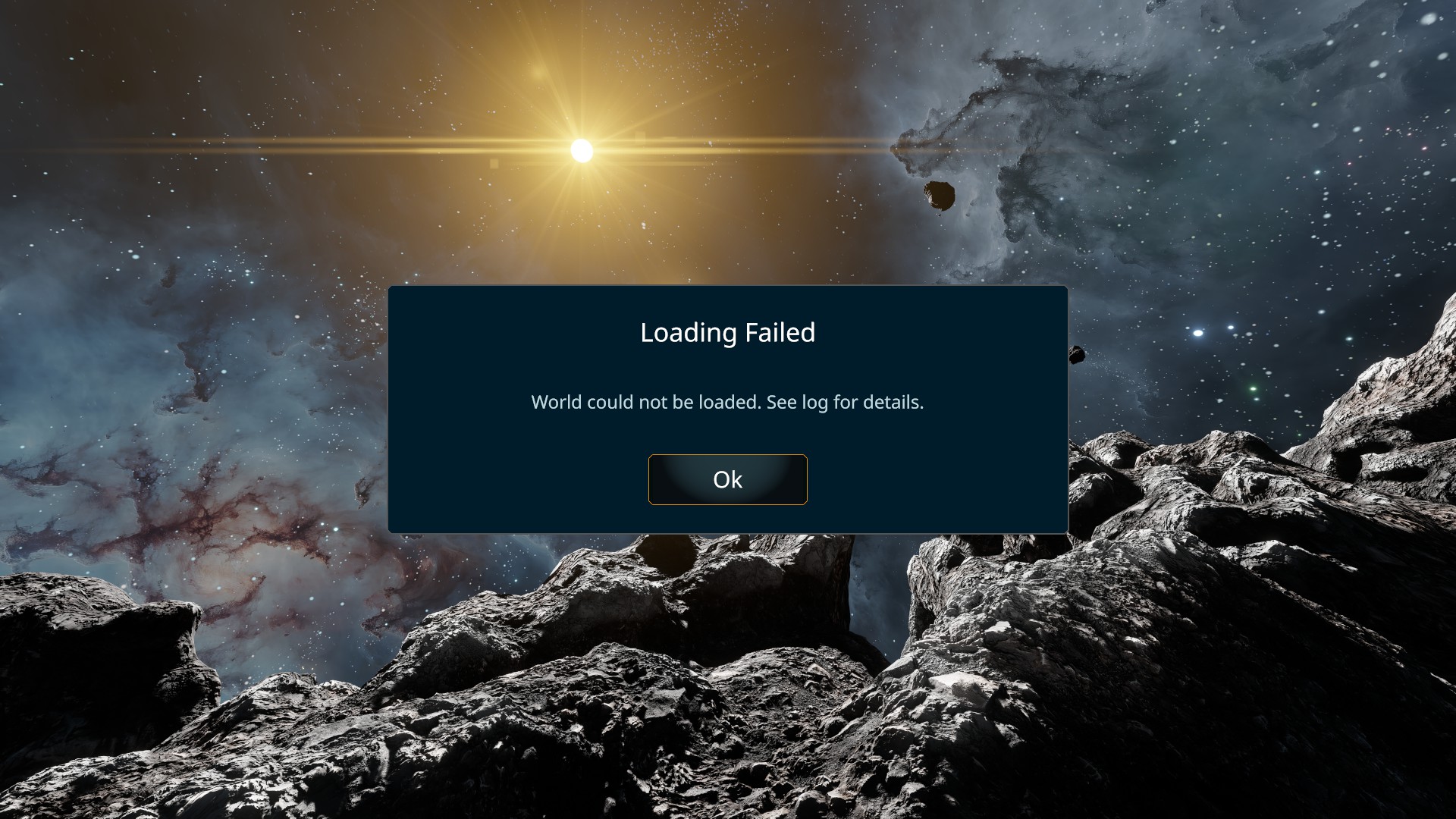
I have probably made a mistake somewhere with one of the mods but I thought it would be worth uploading the crash logs anyway in case there is a serious problem hidden away in there.
My other suit mod with is just a pallete swap of the one that isn't working so I'm not sure why one works and the other does not.
Cheers
Files:
Logs.zip
 I have the same bug
[UPDATE]
Upon closer inspection of my mod folders, the "working" one is using the default EmissiveOff_NR.comtex for some of the MagBoot textures while the "broken" one was using a copy that I had made myself.
The exact same files are used in my mod directory as in the Editor, but the mod appears to prefer the default files for that particular texture.
I reset the MagBoot def to look at that specific default texture instead and now both mods load without issue.
[UPDATE]
Upon closer inspection of my mod folders, the "working" one is using the default EmissiveOff_NR.comtex for some of the MagBoot textures while the "broken" one was using a copy that I had made myself.
The exact same files are used in my mod directory as in the Editor, but the mod appears to prefer the default files for that particular texture.
I reset the MagBoot def to look at that specific default texture instead and now both mods load without issue.
[UPDATE]
On further testing I can't appear to be able to load both mods at the same time...I assume they may be some limitation on how many custom skins you can have loaded into a single save?
Removing one of the mods produces the same "Failed to Load" error.
Swapping the loaded mods over still gets a "Failed to Load".
Removing both mods again allows the world to load properly.
So it appears you can only have one custom skin at a time or I'm still going wrong somewhere.
[UPDATE]
On further testing I can't appear to be able to load both mods at the same time...I assume they may be some limitation on how many custom skins you can have loaded into a single save?
Removing one of the mods produces the same "Failed to Load" error.
Swapping the loaded mods over still gets a "Failed to Load".
Removing both mods again allows the world to load properly.
So it appears you can only have one custom skin at a time or I'm still going wrong somewhere.
Replies have been locked on this page!