


Sabotage - renegade hideout Objective 2 Destroy production facilities
Solved
Travelled from Verdure to Kemik, completed the first contract, no issues. Accepted the 2nd, went to the hidden base, completed the objectives and nothing, it doesn't say congratulations or go get your reward from the contracts terminal, just the same screen without any objectives listed. I can send the save file if you need it too
 I have the same bug
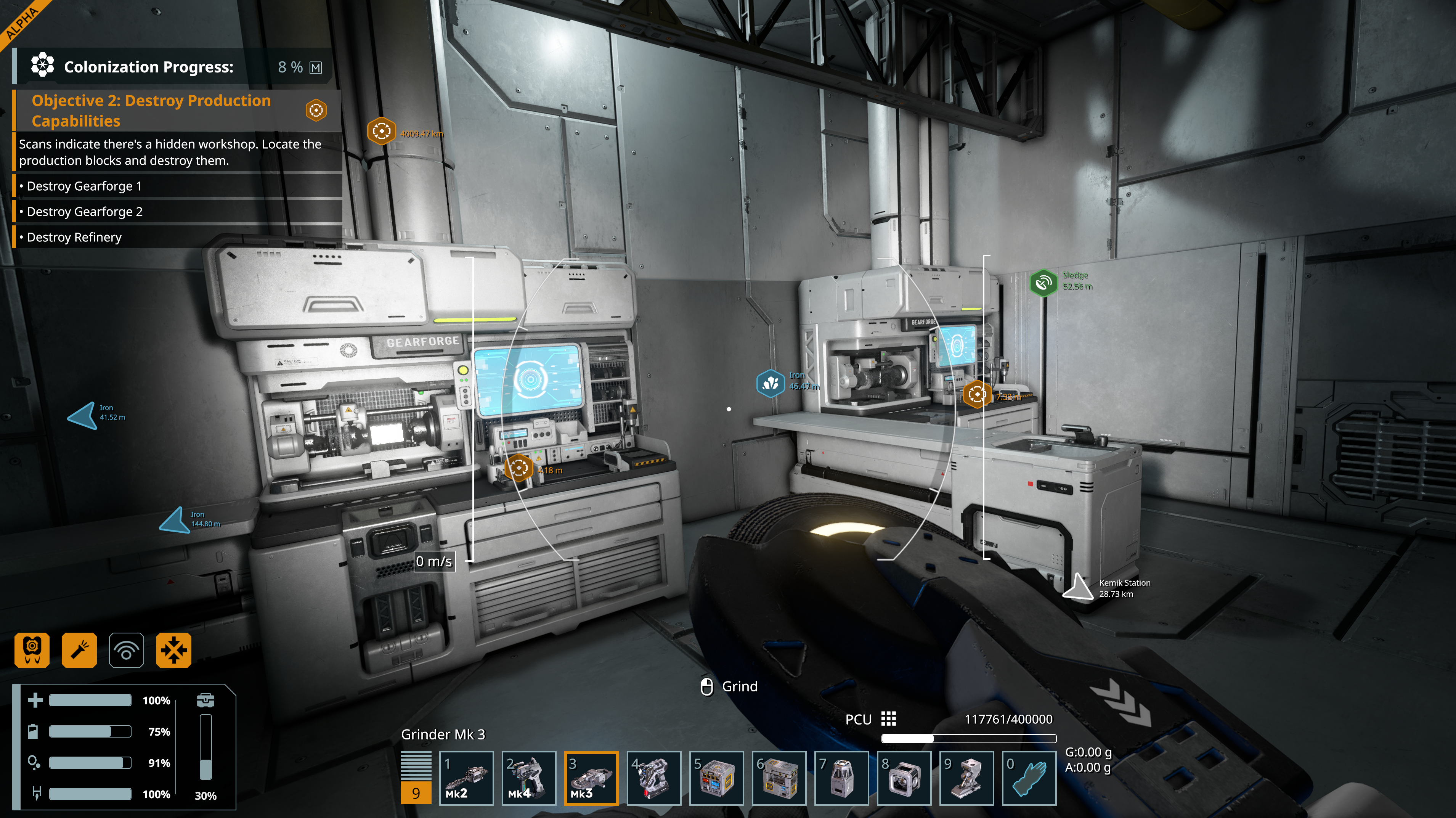
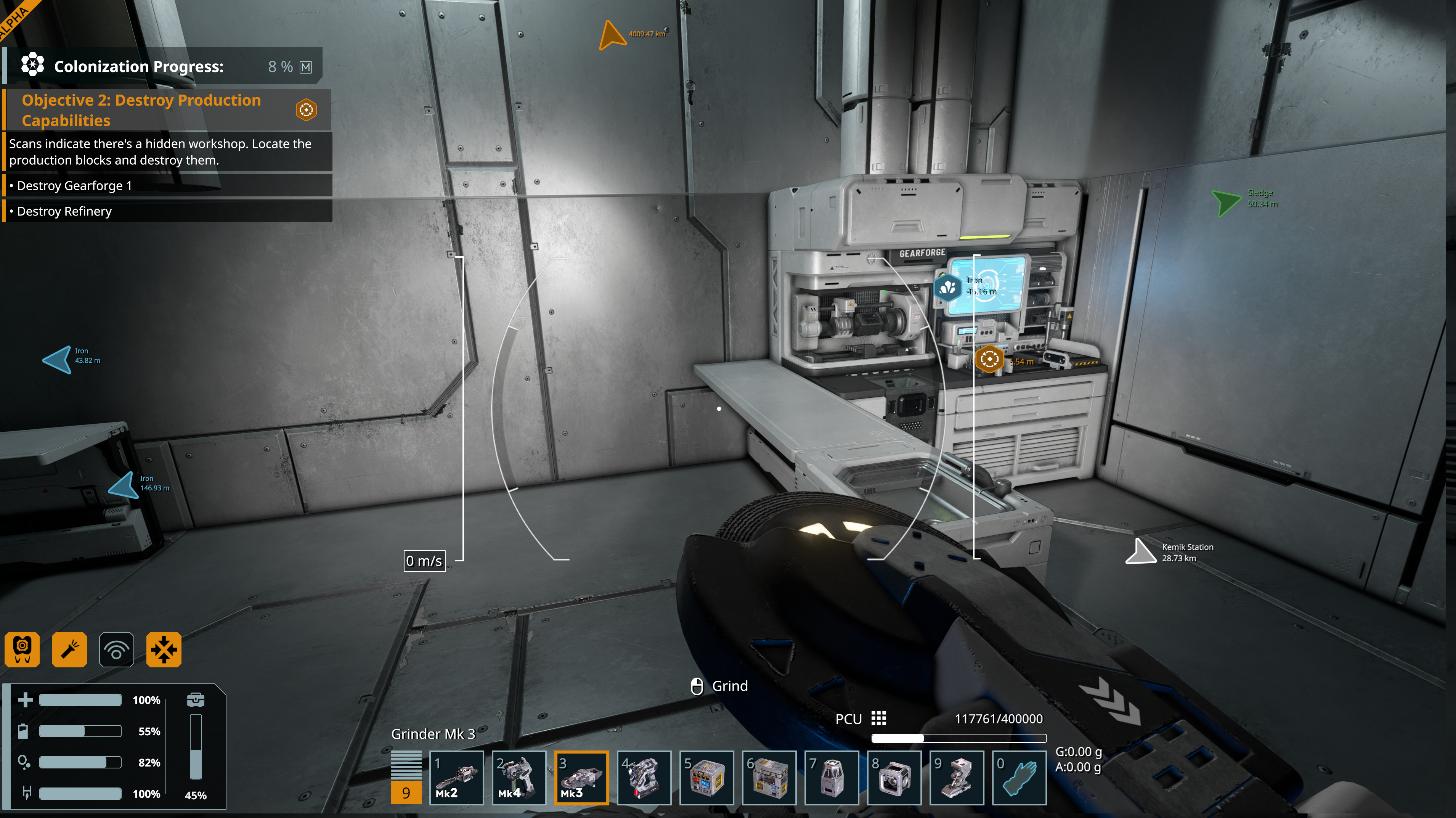
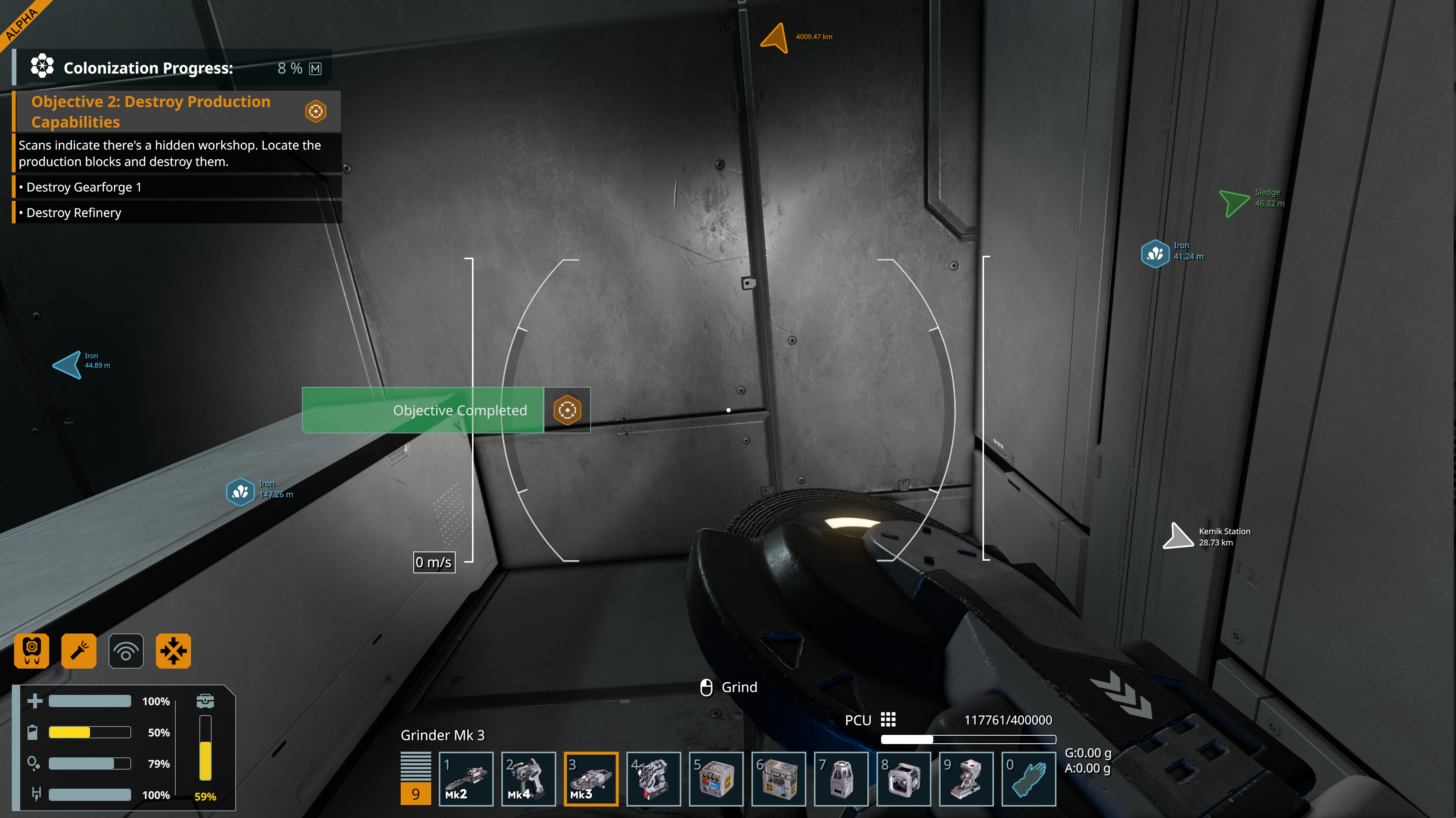
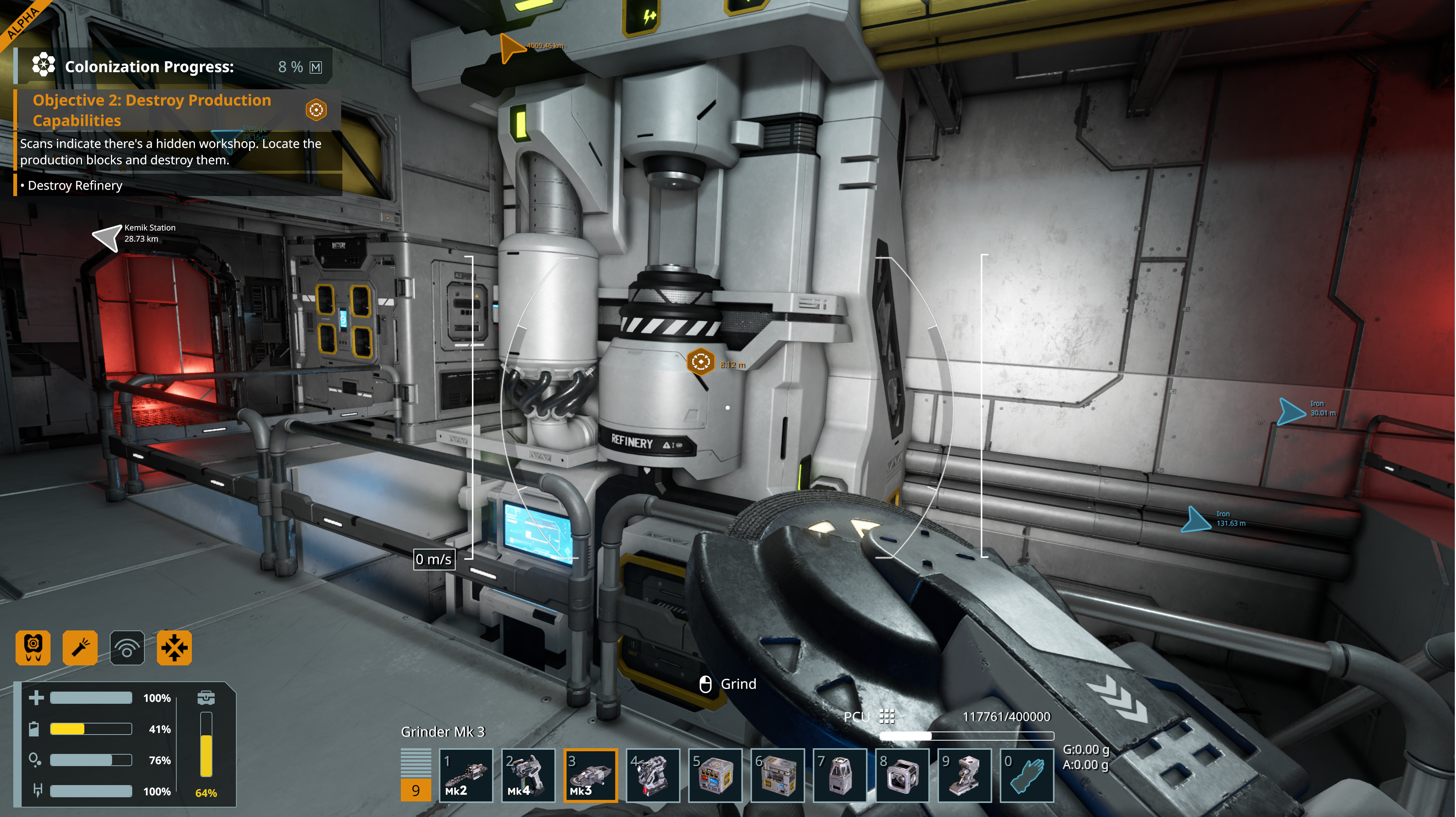
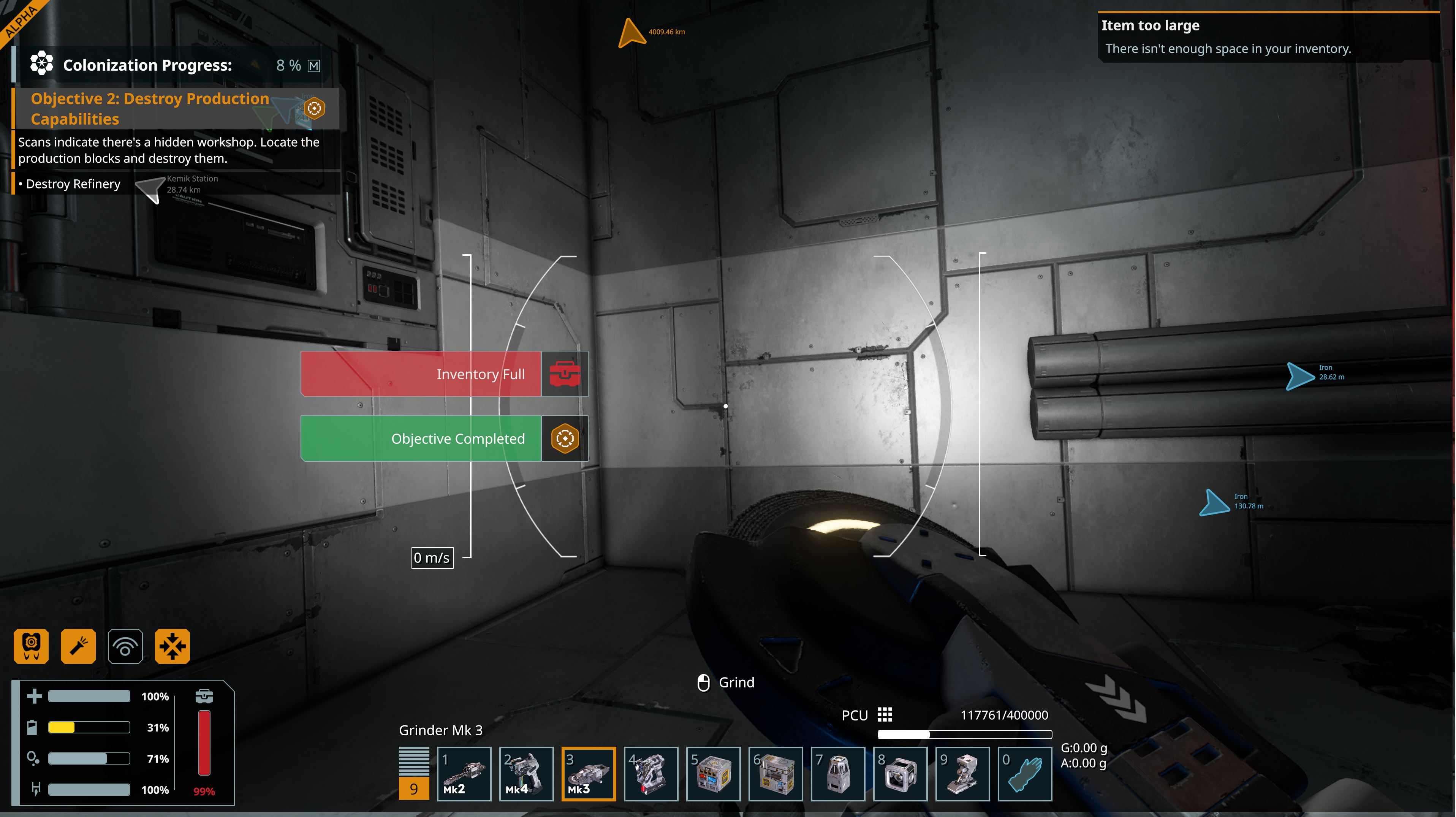
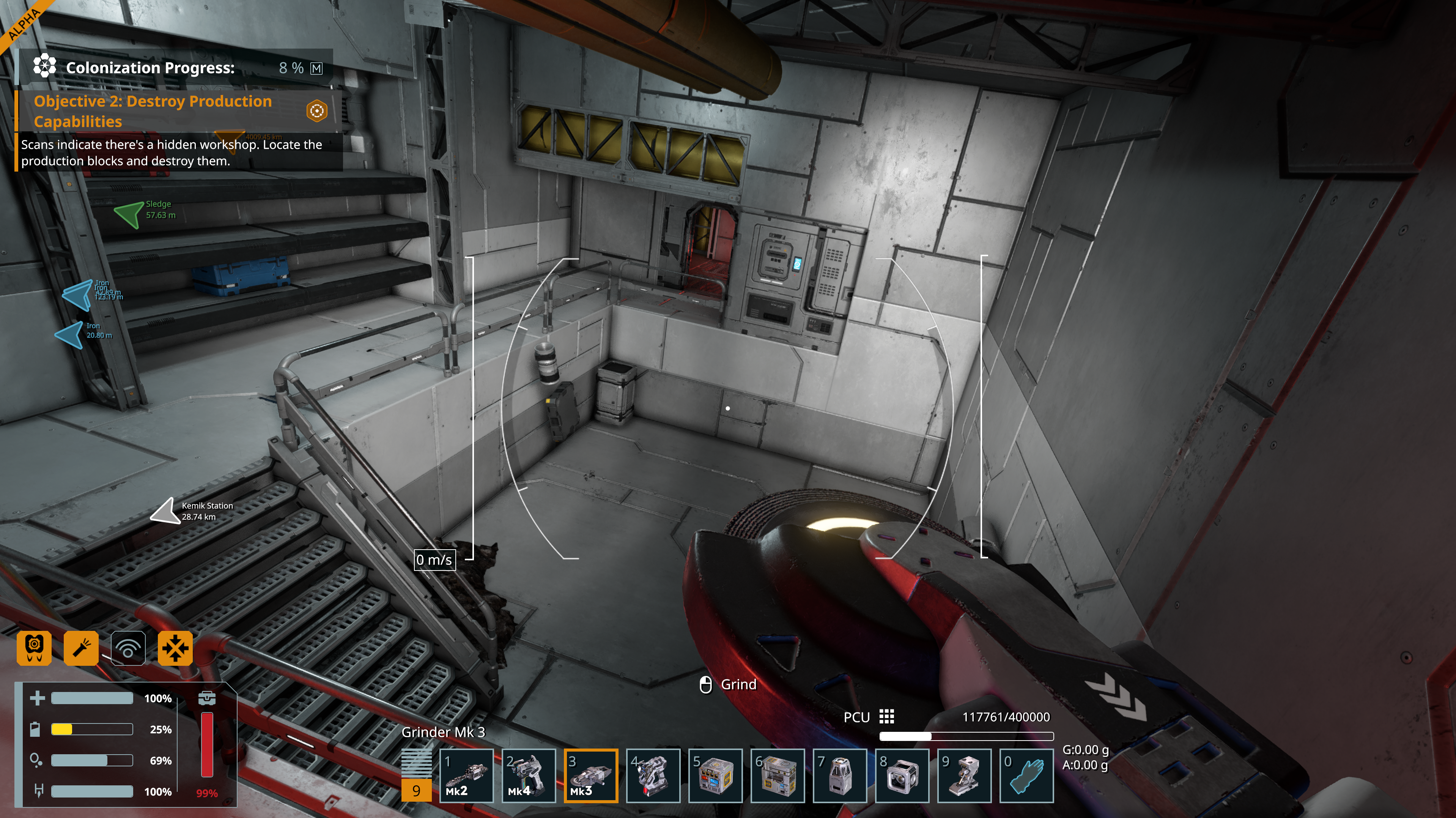
OK, went back to a save before accepting the contract, chose it and completed it and it is now working, it seems the contract didn't like the update
OK, went back to a save before accepting the contract, chose it and completed it and it is now working, it seems the contract didn't like the update
Hello Optimus Perky,
I was able to complete the Sabotage - Renegade Hideout outpost by grinding down the marked blocks without any issue. Are you playing on a new Save (Created in 2.3 version)? Have you tried verifying the Game files through Steam?
Kind Regards,
Bartosz
Keen Software House
Hello Optimus Perky,
I was able to complete the Sabotage - Renegade Hideout outpost by grinding down the marked blocks without any issue. Are you playing on a new Save (Created in 2.3 version)? Have you tried verifying the Game files through Steam?
Kind Regards,
Bartosz
Keen Software House
Hi Bartosz,
The save was created in v2.2 The update installed just after I travelled to Kemik. After I reloaded I started the contracts, the first was fine and the second I'm having this issue. I've literally just loaded the game after validating the files... Arrrggg, just need to find a backup save of before attempting the mission....
Hi Bartosz,
The save was created in v2.2 The update installed just after I travelled to Kemik. After I reloaded I started the contracts, the first was fine and the second I'm having this issue. I've literally just loaded the game after validating the files... Arrrggg, just need to find a backup save of before attempting the mission....
OK, so after validating the files and loading a save from before the completion of the mission, i.e. have accepted but not started it, upon completion I still get the same. The Refinery disappears from the list, and instead of the completion screen it comes back with a blank list
OK, so after validating the files and loading a save from before the completion of the mission, i.e. have accepted but not started it, upon completion I still get the same. The Refinery disappears from the list, and instead of the completion screen it comes back with a blank list
OK, went back to a save before accepting the contract, chose it and completed it and it is now working, it seems the contract didn't like the update
OK, went back to a save before accepting the contract, chose it and completed it and it is now working, it seems the contract didn't like the update
Hello Optimus Perky,
Roger. I'm glad to hear that the issue is solved.
I will close this thread as such.
Kind Regards,
Bartosz
Keen Software House
Hello Optimus Perky,
Roger. I'm glad to hear that the issue is solved.
I will close this thread as such.
Kind Regards,
Bartosz
Keen Software House
If the objectives are not completed in order, i.e. destroy the Gearforges last - the contract will not complete.
If the objectives are not completed in order, i.e. destroy the Gearforges last - the contract will not complete.
I did suffer the same glitch. Destroying them two gearforges and the refinery wouldn't work on any sequence. What solved my issue was to go back to station, abandon the contract and restart it over. When I finished the first attempt of repetition after abandoning it and re-joining it, it worked.
It was not the order, it was a contract service update malfunction.
I did suffer the same glitch. Destroying them two gearforges and the refinery wouldn't work on any sequence. What solved my issue was to go back to station, abandon the contract and restart it over. When I finished the first attempt of repetition after abandoning it and re-joining it, it worked.
It was not the order, it was a contract service update malfunction.
Ken was right, it’s the order in which the required components are disabled.
Do the gearforges first, then the refinery is listed as part of the second hideout.
Ken was right, it’s the order in which the required components are disabled.
Do the gearforges first, then the refinery is listed as part of the second hideout.
Same here.
It’s the order in which the required components are disabled. It took me repeating the contract multiple times before I learned this by reading this post.
Do the gearforges first, then the refinery is listed as part of the second hideout.
Also, I had the game crash at least 4 times whenever my suit inventory got full by grinding up the components. To prevent this I had to offload my inventory once or twice into my ship to avoid filling my inventory.
Same here.
It’s the order in which the required components are disabled. It took me repeating the contract multiple times before I learned this by reading this post.
Do the gearforges first, then the refinery is listed as part of the second hideout.
Also, I had the game crash at least 4 times whenever my suit inventory got full by grinding up the components. To prevent this I had to offload my inventory once or twice into my ship to avoid filling my inventory.
Replies have been locked on this page!