


Block placement error
Built vehicle via direct block extension from a station and cut it free.
After cutting it free I redocked with the station via connector to move materials, while connected I attempted to place new blocks to the ship grid.
They weren't showing up so I disconnected and tried again, same issue.
After landing the ship and looking around I found all of the blocks I attempted to place in a random nearby airspace that my ship was never occupying. I still cannot add new blocks to the ship they appear in this airspace in relation to each previous piece as though there is a ghost ship stuck in that position stealing my block placements. If I place a block and immediately try to delete it it has no effect on the floating ghost ship blocks, and I cannot delete the floating ghost ship blocks directly.
Placing and removing on the original station grid still works as expected. If I fly the ship around the blocks do not move they are fixed.
Not sure where save file is located but attached is an image of the issue.
 I have the same bug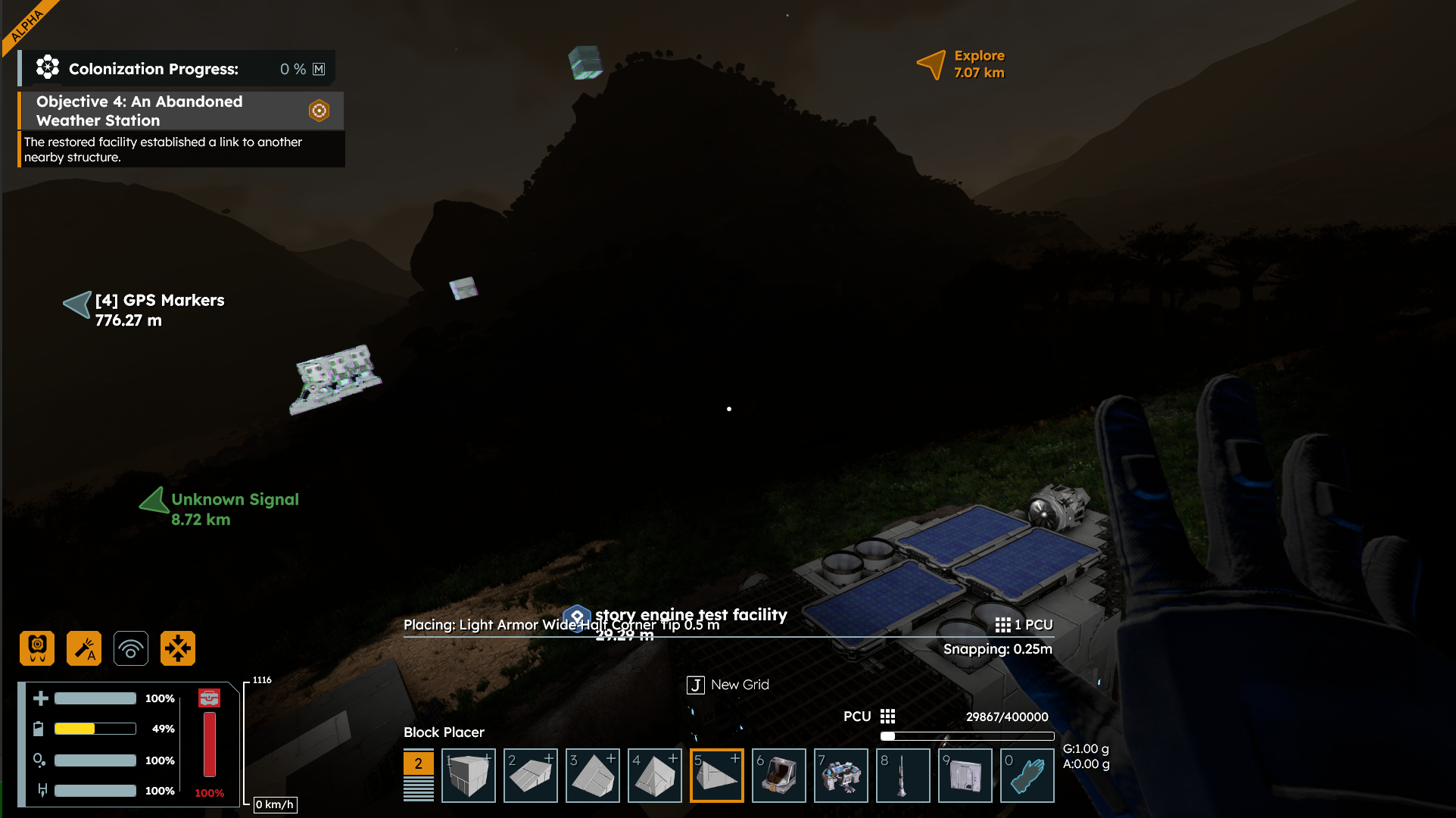
Replies have been locked on this page!