


Large scale blueprint has obstruction issue
I have been working on a "large scale" extension of the Starter Platform, to provide for a larger landing platform for larger mining ships and transports. I laid out the entire structure, including connector and conveyor system connected to my factories, using blueprints. (See screenshot 141555 for the scope of the construction.)
I blueprinted the landing surface and gangway first, starting from the base and moving to the side then out using light armor halves. I then opened a hole and used a cargo container connected to the light armor to place the conveyor junction. I then connected up the connector and pipes before deleting the cargo container and bringing back the pipes to join them with the existing conveyor system. Screenshot 142208 shows the conveyor T and conveyor spanners that had to be added to connect everything up.
When I started welding, I suddenly found that the new blueprints were unexpectedly complaining about there being an obstruction when there was no overlap. After a certain point, I was no longer able to weld from the existing structure to the blueprints. This started at the joiners from the T junction to the U bend and also was happening with the half light armors when they were connected to the base. The entire blueprint could not be welded.
There's no visible overlap between the blueprints and the structures that I can see (screenshot 141436) but welding is blocked.
To fix the issue, I'm having to delete the blueprints and then re-place them by pointing the blueprints initially at the new construction. Black areas are where I have been replacing the blueprints but not fully welding them up yet because I'm running low on Iron.
I'm basically deleting 9 half light armors and 3 straight conveyors at a time, then re-placing them and welding them up. I'm gradually fixing the issue and getting the basic structure placed before welding everything up completely, since I will have to perform a few iron hauls with my small miner.
I also have not left the area and come back since placing the blueprints. I had a good amount of iron ore to get started (a little over 32 Kg) so round trips to get more ore have not been needed yet. The blueprints have not been unloaded and reloaded since I have placed them, other than a few deaths while I was submitting this ticket.
I'm not sure what's happening here - maybe the area thinks the blueprints are a new grid and won't let them weld close together when they're not joined? Maybe the snap has an error?
There might be a few temporary or permanent fixes that could be performed to address this issue.
Idea 1:
When pointing the welder or placing a blueprint, display a grid identifier (such as Starter Platform) for which grid the blueprint or item belongs to. This could help identify if this issue is due to a new grid vs. existing grid.
Idea 2:
Add a key to Join Grid for blueprints. If a new blueprint is touching an existing grid, this could allow a player to join the two grids together intentionally. When Join Grid is picked, have the player point to the grid to connect to and click the left mouse button to accept or right-click to cancel. If accepted, re-map the connected blueprints to the new grid.
If this is what is happening, that could let me fix the issue until the bug is identified and cured.
Idea 3:
Extend the New Grid button to placed blueprints. When building a ship in space, if I select New Grid while placing a landing gear, for example, the new landing gear is floating rather than being connected to the existing platform when being constructed. I also can't orientate the landing gear so the boot is down when trying to place it on the platform without selecting New Grid first. By allowing the orientation of the boot to have the magnetic foot connected to the platform and placing it, the New Grid button could be used to disconnect the landing gear from the platform without actually breaking its positioning.
Long-term, orienting the landing gear towards a structure while it is connected and then placing the landing gear could automatically trigger a new grid to start that is disconnected from the existing grid.
Item 4:
Add a Tweak Blueprint button when pointing the welder at a blueprint. What this button would do when this odd "Obstruction Detected" error occurs is to examine the blueprints and their connections to each other and "tweak" them to fix the connection error. This could be temporary and used to fix this glitch short-term until the bug is identified and corrected.
However, this might also be useful when designing and connecting a distributed base and allow the player to use the arrow and/or WSADQE keys or mouse to fine-tune the placement of a blueprint with an existing grid. Areas that have a problem overlap could be highlighted in red, and the player could tweak the positioning until the red areas go away. Either the grids can safely be connected to the blueprints, or there's enough of a gap with rocks that the blockage is removed.
 I have the same bug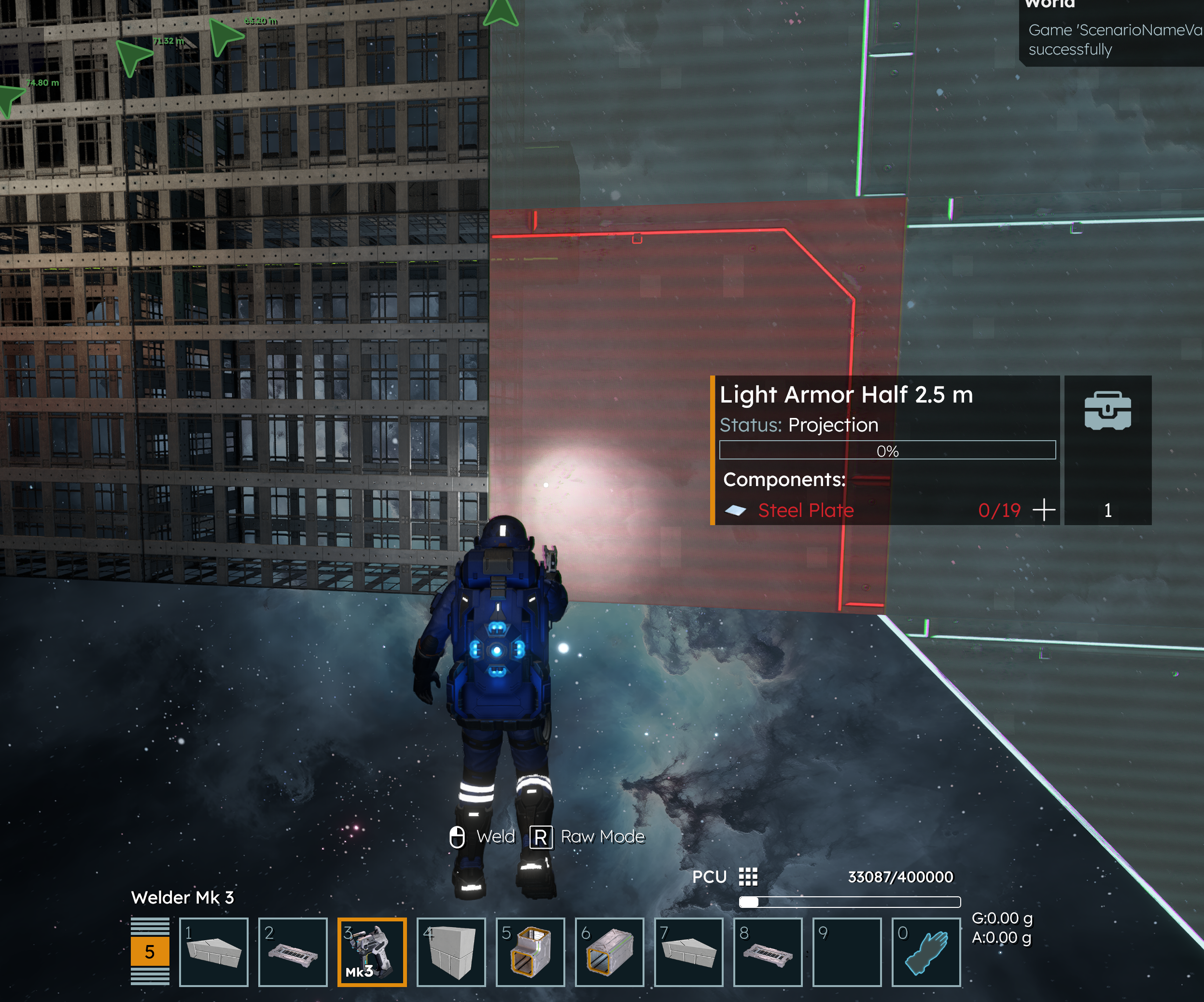
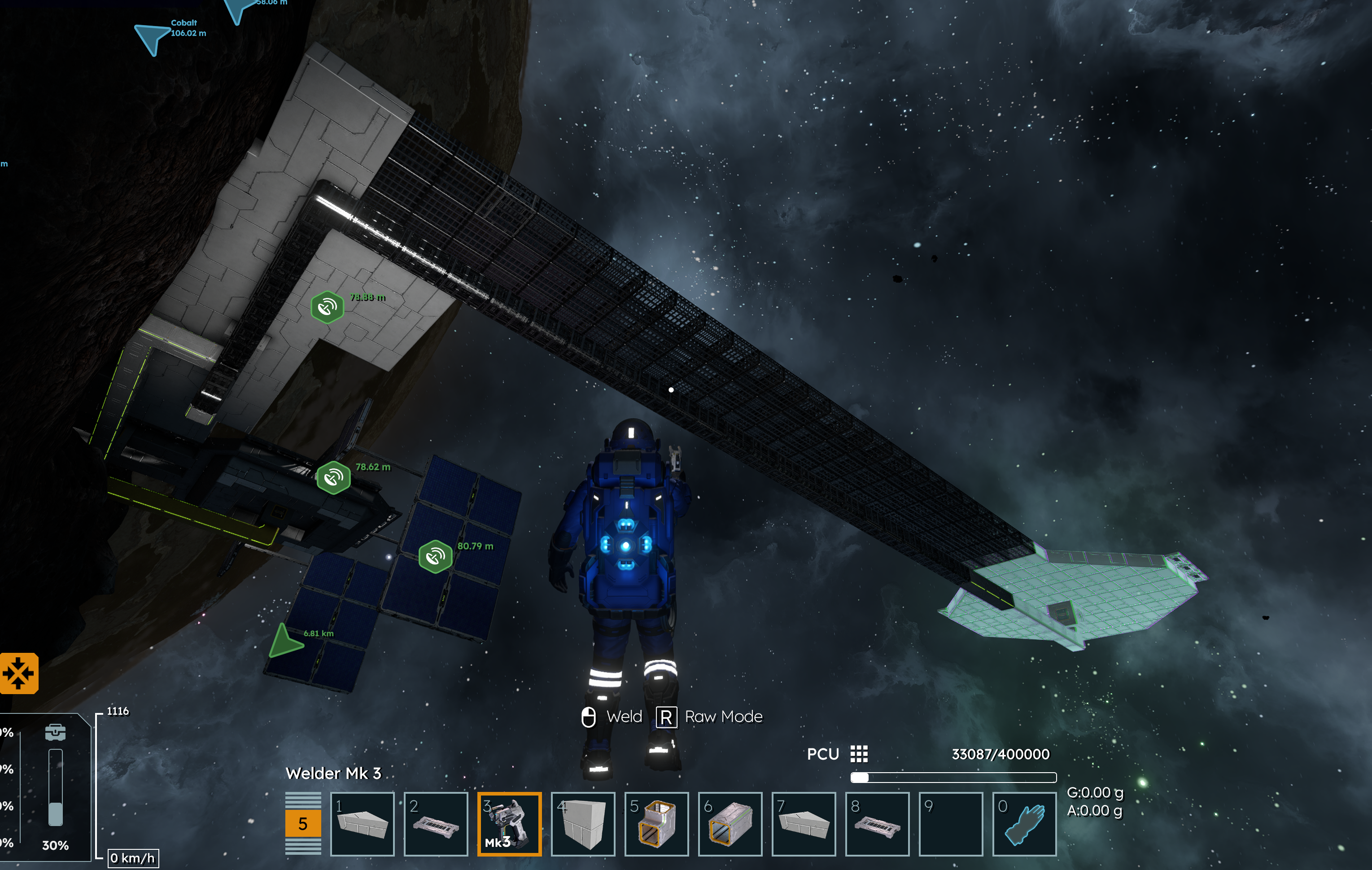
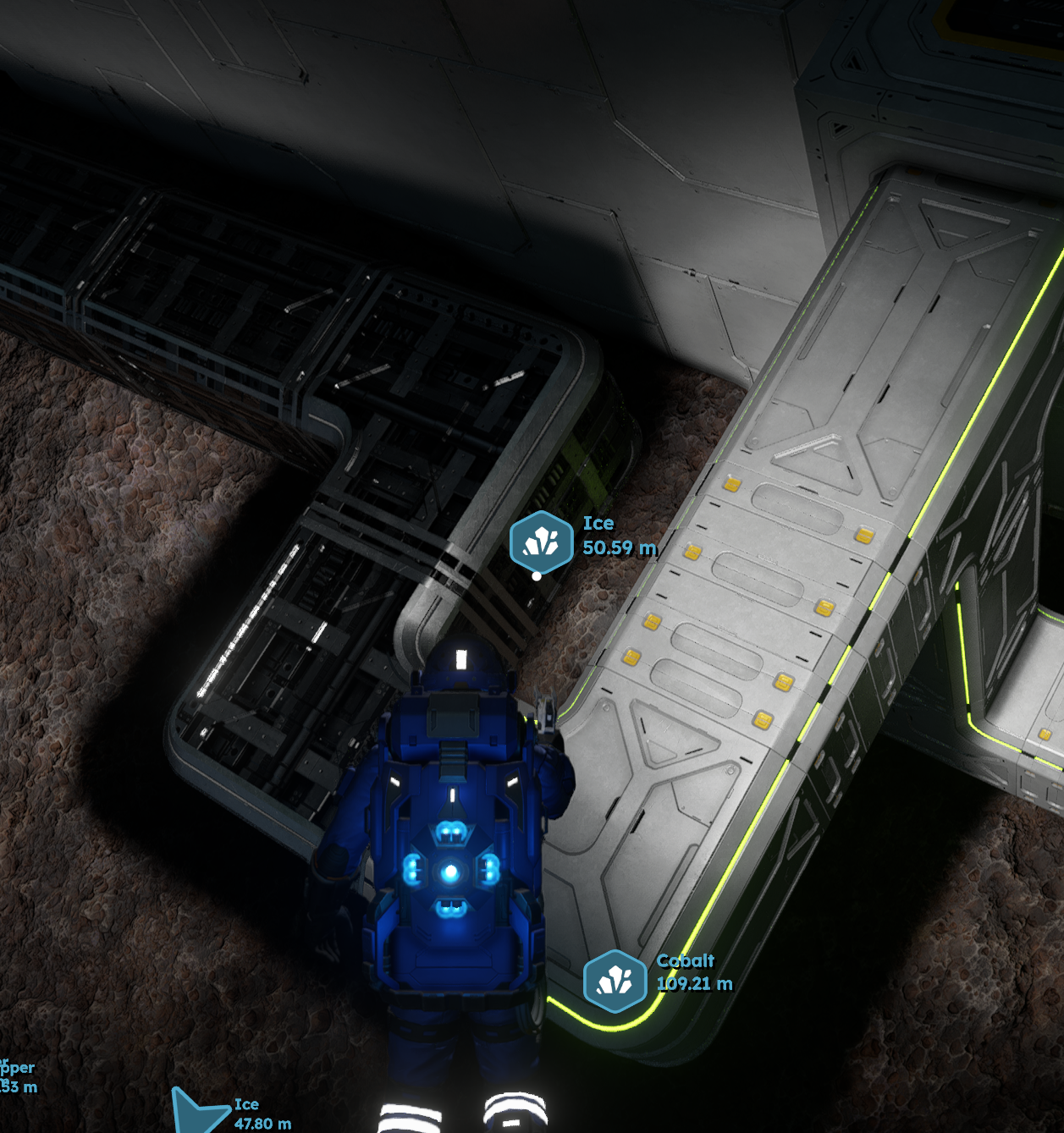
This happens to me a lot as well. Additionally, when I delete the projection of the "obstructed" block, I can no longer place a projection there. This has only happened to me on planets so far, and for some reason it happens especially with catwalks. It's almost like the projection's measurements are slightly off, but the welded block is correct, causing the overlap on the "pinched" block. You can verify the physical dimensions are correct by dropping the block into its place from above
This happens to me a lot as well. Additionally, when I delete the projection of the "obstructed" block, I can no longer place a projection there. This has only happened to me on planets so far, and for some reason it happens especially with catwalks. It's almost like the projection's measurements are slightly off, but the welded block is correct, causing the overlap on the "pinched" block. You can verify the physical dimensions are correct by dropping the block into its place from above
Replies have been locked on this page!