


working before VS2 update, I have updated drivers. log attached.

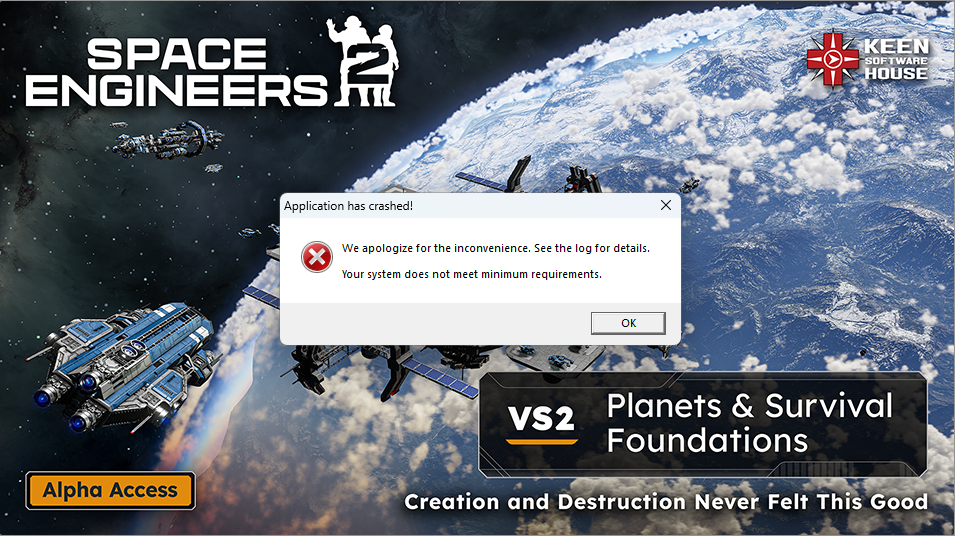
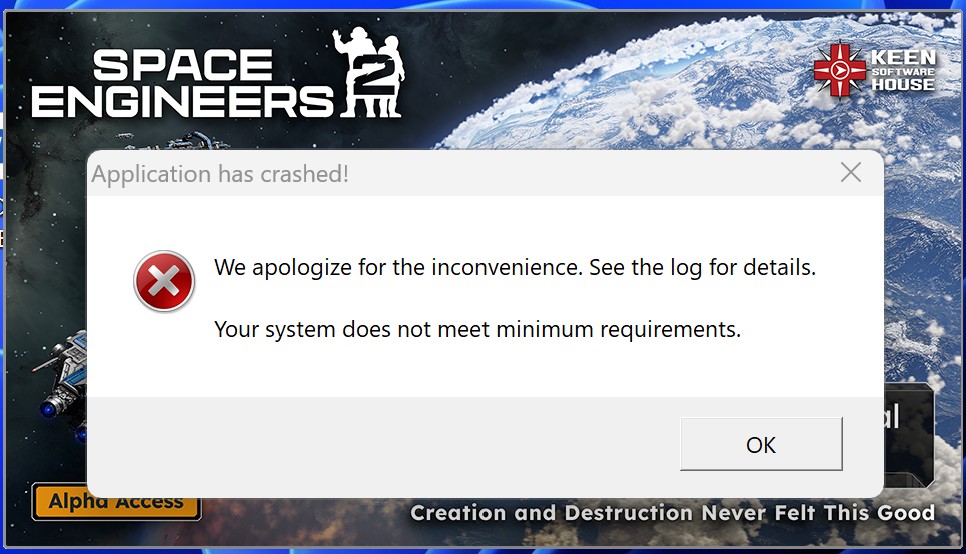
Game Now crashes at launch and says min specs not met.
Reported
I have about 10 hr in SE2, and I was able to play the VS2 for a few days, and now all of a sudden it's saying my pc doesn't meet the min specs. I have a pretty decent computer: I have a NVIDIA GeForce RTX 3080, an Intel i9-9900k, and 32 GB of RAM. I have already tried almost every option to fix it by updating drivers, verifying files, and even a full clean install with no fix. Pls help me fix this. This is the second time I posted this because it's been a full 2 days with no visit, help, or fix.
 I have the same bug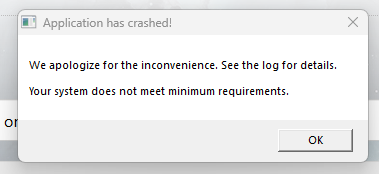
Hello Ben Krinke,
If I understand correctly, you have tried launching the Game without CPU overclocking, right?
Are any logs created in this folder:
C:\Users\(your_username)\AppData\Roaming\SpaceEngineers2\Temp\Logs
If yes, please attach both log and Render12 files
Kind Regards,
Bartosz
Keen Software House
Hello Ben Krinke,
If I understand correctly, you have tried launching the Game without CPU overclocking, right?
Are any logs created in this folder:
C:\Users\(your_username)\AppData\Roaming\SpaceEngineers2\Temp\Logs
If yes, please attach both log and Render12 files
Kind Regards,
Bartosz
Keen Software House
here are the contents of the logs folder.
yes i have disabled overclocking for both the cpu (asrock atuner) and gpu (msi afterburner.)
here are the contents of the logs folder.
yes i have disabled overclocking for both the cpu (asrock atuner) and gpu (msi afterburner.)
Hello Vincent,
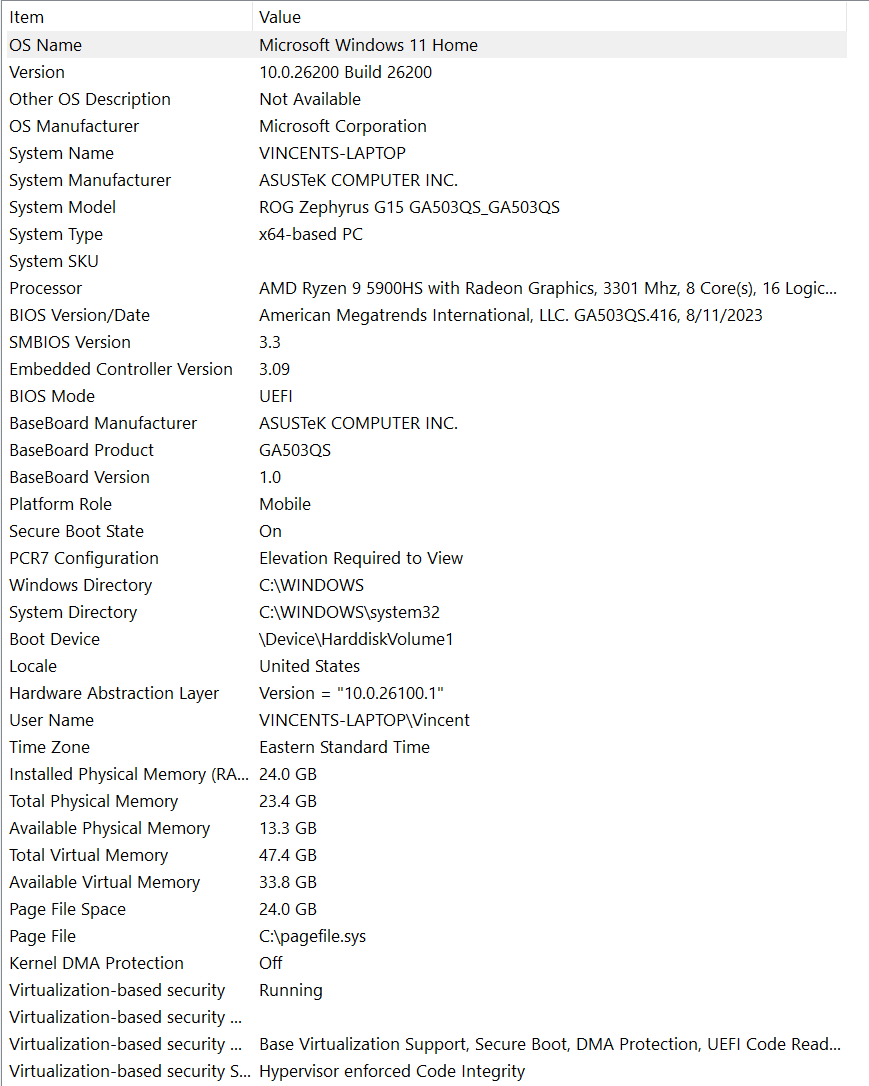
It seems from the logs that the Game is detecting your OS as Windows 8 instead of Windows 11 which causes the crash. Are you running the Game in compatibility mode? Additionally, I see that you use -dx12 launch command, have you tried launching the Game without it?
Kind Regards,
Bartosz
Keen Software House
Hello Vincent,
It seems from the logs that the Game is detecting your OS as Windows 8 instead of Windows 11 which causes the crash. Are you running the Game in compatibility mode? Additionally, I see that you use -dx12 launch command, have you tried launching the Game without it?
Kind Regards,
Bartosz
Keen Software House
Hello Wyatt M.,
On which OS you are playing? According to the logs provided, you have Windows 8 which is not supported.
Kind Regards,
Bartosz
Keen Software House
Hello Wyatt M.,
On which OS you are playing? According to the logs provided, you have Windows 8 which is not supported.
Kind Regards,
Bartosz
Keen Software House
I run windows 11, and have since before I even purchased the game, I check if it was in window compatiblity mode and its not but it is set to run as admin.
I run windows 11, and have since before I even purchased the game, I check if it was in window compatiblity mode and its not but it is set to run as admin.
Hello Wyatt M.,
Could you please provide a screenshot showing the properties/compatibility? Additionally, could you check if Steam is not running in compatibility mode?
Kind Regards,
Bartosz
Keen Software House
Hello Wyatt M.,
Could you please provide a screenshot showing the properties/compatibility? Additionally, could you check if Steam is not running in compatibility mode?
Kind Regards,
Bartosz
Keen Software House
Hello John Hendrix Tinsley,
Could you please provide your Game logs? You can find the logs here:
C:\Users\(your_username)\AppData\Roaming\SpaceEngineers2\Temp\Logs
Kind Regards,
Bartosz
Keen Software House
Hello John Hendrix Tinsley,
Could you please provide your Game logs? You can find the logs here:
C:\Users\(your_username)\AppData\Roaming\SpaceEngineers2\Temp\Logs
Kind Regards,
Bartosz
Keen Software House
Hello Engineers,
I would ask you to check and send us the contents of this registry key:
HKEY_LOCAL_MACHINE\SOFTWARE\Microsoft\Windows NT\CurrentVersion
You can find by opening the Registry Editor.
Kind Regards,
Bartosz
Keen Software House
Hello Engineers,
I would ask you to check and send us the contents of this registry key:
HKEY_LOCAL_MACHINE\SOFTWARE\Microsoft\Windows NT\CurrentVersion
You can find by opening the Registry Editor.
Kind Regards,
Bartosz
Keen Software House
Hello Engineers,
We have reported this issue internally and added this thread to our internal ticket (SE2-29483).
I will update you once we have a working solution.
Kind Regards,
Bartosz
Keen Software House
Hello Engineers,
We have reported this issue internally and added this thread to our internal ticket (SE2-29483).
I will update you once we have a working solution.
Kind Regards,
Bartosz
Keen Software House
Has there been an update to this issue?
I’m currently on Windows 11 25H2 (OS Build 26200.x) and getting the same crash on launch with the “minimum requirements not met” message.
I checked the logs and it looks like the game is detecting my OS as Windows 8 (6.2.9200), which seems to match what others are reporting.
Unfortunately, I’m unable to roll back Windows as the “Go back” option is greyed out, so I can’t easily test on an older version.
Hardware is well above minimum specs (Ryzen 5 5600X, RTX 4060 Ti, 16GB RAM).
Happy to provide more info if needed 👍
Has there been an update to this issue?
I’m currently on Windows 11 25H2 (OS Build 26200.x) and getting the same crash on launch with the “minimum requirements not met” message.
I checked the logs and it looks like the game is detecting my OS as Windows 8 (6.2.9200), which seems to match what others are reporting.
Unfortunately, I’m unable to roll back Windows as the “Go back” option is greyed out, so I can’t easily test on an older version.
Hardware is well above minimum specs (Ryzen 5 5600X, RTX 4060 Ti, 16GB RAM).
Happy to provide more info if needed 👍
Replies have been locked on this page!