SE 2 new planets update becomes unresponsive on the early acess splash screen. I was able to play the previous updates no problem. I ran previous update at 50-60 fps with medium settings.
Please advise.
i have the crash report in appdata though for some reason i cant attach, it says incorrect file type
things ive tried:
verify files many times
uninstall and re download
ran as administrator from the steam se 2 app data folder .exe file
disabled all overlays (discord, nvidia, riva tuner)
run game from steam with -dx11 and -dx12 -no splash screen commands
disabled bitdefender
disabled firewall
added se2 .exe as exception through viruscan
run in compatibility mode
my specs:
windows 10
i7 6700k 4.0 ghz (overclocked to 4.2 however attempted to throttle back during launching se2)
asrock z170 extreme4
32 gb ram
rtx 3060
1 tb harddrive(x2) tried moving game files to both hardrive


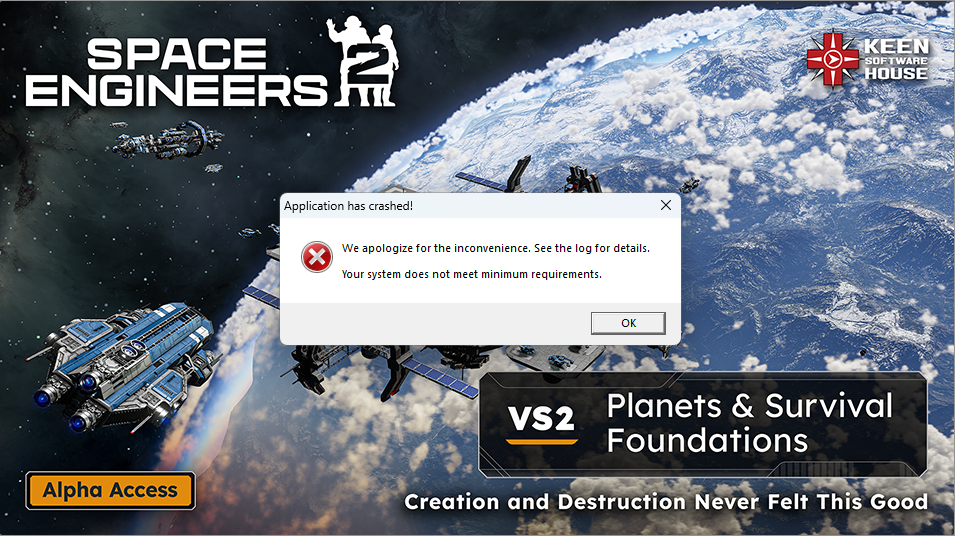
 I have the same bug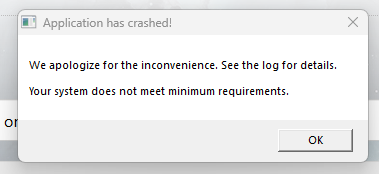
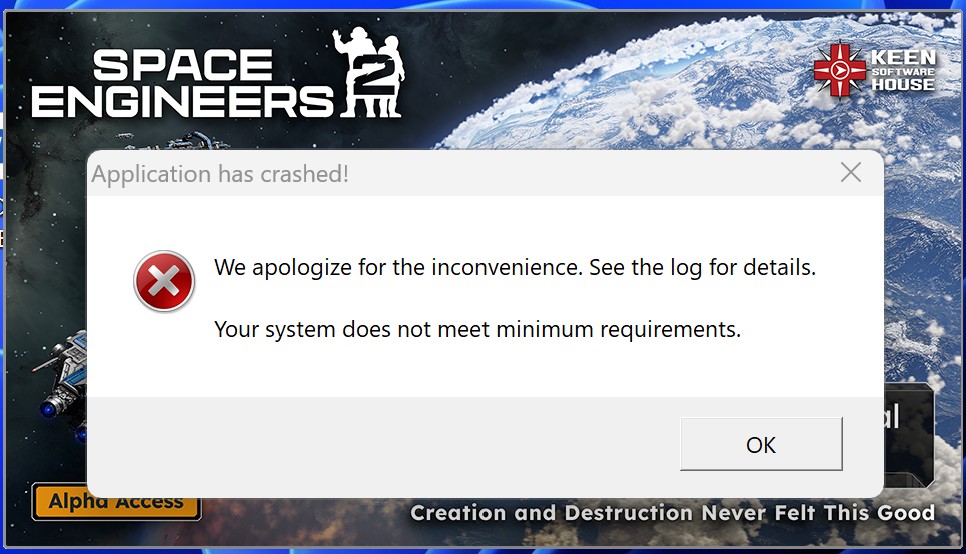
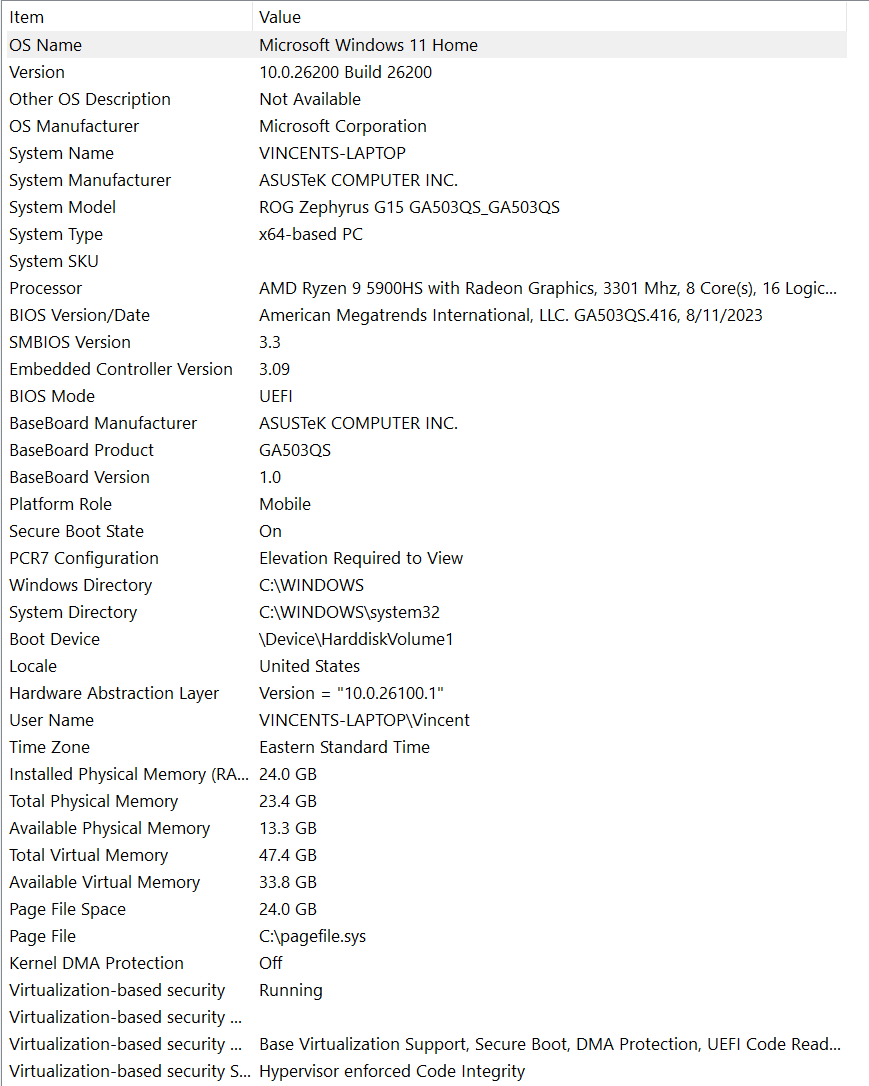
Hello Ben Krinke,
If I understand correctly, you have tried launching the Game without CPU overclocking, right?
Are any logs created in this folder:
C:\Users\(your_username)\AppData\Roaming\SpaceEngineers2\Temp\Logs
If yes, please attach both log and Render12 files
Kind Regards,
Bartosz
Keen Software House
Hello Ben Krinke,
If I understand correctly, you have tried launching the Game without CPU overclocking, right?
Are any logs created in this folder:
C:\Users\(your_username)\AppData\Roaming\SpaceEngineers2\Temp\Logs
If yes, please attach both log and Render12 files
Kind Regards,
Bartosz
Keen Software House
here are the contents of the logs folder.
yes i have disabled overclocking for both the cpu (asrock atuner) and gpu (msi afterburner.)
here are the contents of the logs folder.
yes i have disabled overclocking for both the cpu (asrock atuner) and gpu (msi afterburner.)
Hello Vincent,
It seems from the logs that the Game is detecting your OS as Windows 8 instead of Windows 11 which causes the crash. Are you running the Game in compatibility mode? Additionally, I see that you use -dx12 launch command, have you tried launching the Game without it?
Kind Regards,
Bartosz
Keen Software House
Hello Vincent,
It seems from the logs that the Game is detecting your OS as Windows 8 instead of Windows 11 which causes the crash. Are you running the Game in compatibility mode? Additionally, I see that you use -dx12 launch command, have you tried launching the Game without it?
Kind Regards,
Bartosz
Keen Software House
Hello Wyatt M.,
On which OS you are playing? According to the logs provided, you have Windows 8 which is not supported.
Kind Regards,
Bartosz
Keen Software House
Hello Wyatt M.,
On which OS you are playing? According to the logs provided, you have Windows 8 which is not supported.
Kind Regards,
Bartosz
Keen Software House
I run windows 11, and have since before I even purchased the game, I check if it was in window compatiblity mode and its not but it is set to run as admin.
I run windows 11, and have since before I even purchased the game, I check if it was in window compatiblity mode and its not but it is set to run as admin.
Hello Wyatt M.,
Could you please provide a screenshot showing the properties/compatibility? Additionally, could you check if Steam is not running in compatibility mode?
Kind Regards,
Bartosz
Keen Software House
Hello Wyatt M.,
Could you please provide a screenshot showing the properties/compatibility? Additionally, could you check if Steam is not running in compatibility mode?
Kind Regards,
Bartosz
Keen Software House
Hello John Hendrix Tinsley,
Could you please provide your Game logs? You can find the logs here:
C:\Users\(your_username)\AppData\Roaming\SpaceEngineers2\Temp\Logs
Kind Regards,
Bartosz
Keen Software House
Hello John Hendrix Tinsley,
Could you please provide your Game logs? You can find the logs here:
C:\Users\(your_username)\AppData\Roaming\SpaceEngineers2\Temp\Logs
Kind Regards,
Bartosz
Keen Software House
Hello Engineers,
I would ask you to check and send us the contents of this registry key:
HKEY_LOCAL_MACHINE\SOFTWARE\Microsoft\Windows NT\CurrentVersion
You can find by opening the Registry Editor.
Kind Regards,
Bartosz
Keen Software House
Hello Engineers,
I would ask you to check and send us the contents of this registry key:
HKEY_LOCAL_MACHINE\SOFTWARE\Microsoft\Windows NT\CurrentVersion
You can find by opening the Registry Editor.
Kind Regards,
Bartosz
Keen Software House
Hello Engineers,
We have reported this issue internally and added this thread to our internal ticket (SE2-29483).
I will update you once we have a working solution.
Kind Regards,
Bartosz
Keen Software House
Hello Engineers,
We have reported this issue internally and added this thread to our internal ticket (SE2-29483).
I will update you once we have a working solution.
Kind Regards,
Bartosz
Keen Software House
Replies have been locked on this page!