


[2.0.2.33] Save game corruption - "some files are not accessible"
Need More Information
Attempting to save the game fails with the following dialog:
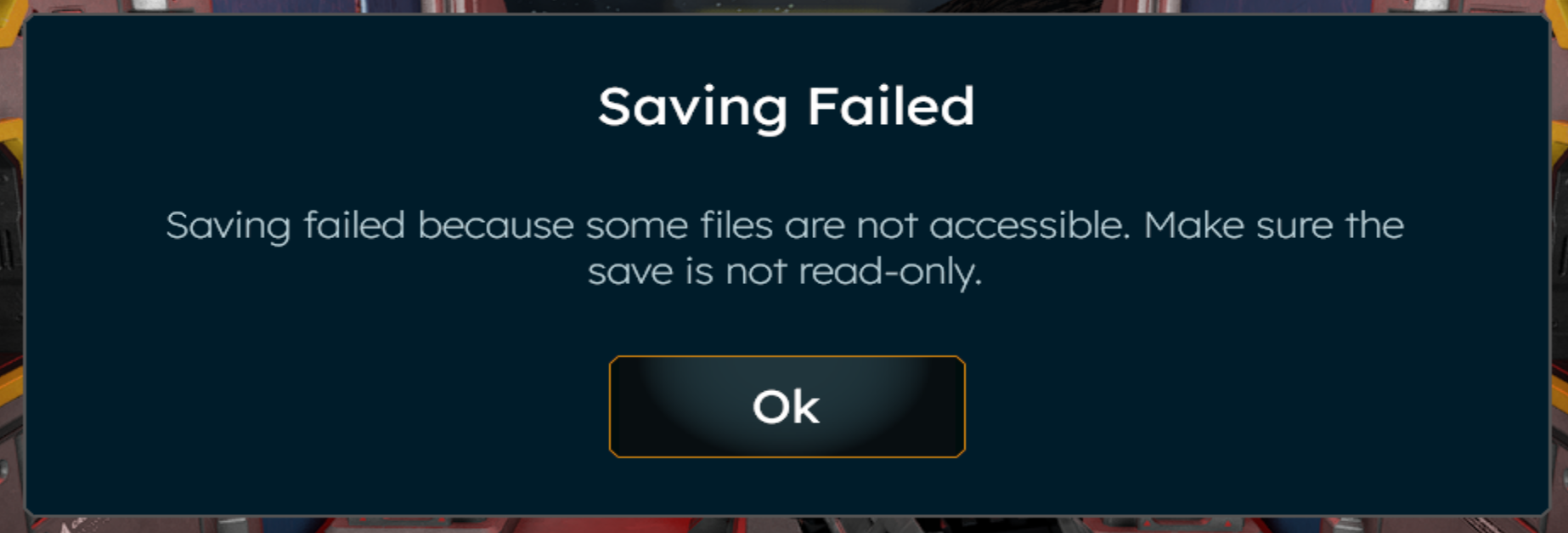
In the log, we see many failed save attempts (mostly autosaves, which silently failed without notifying the player (!!!)), all of which contain the following error text:
Error: Failed to save Welcome To Verdure 1: System.IO.FileNotFoundException: File not found at path SaveGames\Welcome To Verdure 1\Blobs\f99ca135-c355-479a-8c49-01c07b8aef96
And indeed that file does not exist in the save folder. I am not convinced it ever did, but if it did, it got deleted by the game at some point. This looks like either a UUID mismatch or a rogue deletion operation, but it means I have lost the last hour of game progress, which I would have noticed much earlier had the error been shown when the first autosave failed.
Files:
SpaceEngineers2...
 I have the same bug
Hello Brian Ellis,
Does this issue still occurs for you on current Game version: 2.0.2.51?
Kind Regards,
Bartosz
Keen Software House
Hello Brian Ellis,
Does this issue still occurs for you on current Game version: 2.0.2.51?
Kind Regards,
Bartosz
Keen Software House
Hi Bartosz,
I have not had this bug reoccur, so in that sense I cannot reproduce it. However, I think it's definitely a bug that a failure during an autosave does not generate any kind of player-visible feedback, so even if the specific underlying issue I encountered can't easily be resolved, I'd still recommend fixing the general problem that save failures during an autosave don't notify the player.
Hi Bartosz,
I have not had this bug reoccur, so in that sense I cannot reproduce it. However, I think it's definitely a bug that a failure during an autosave does not generate any kind of player-visible feedback, so even if the specific underlying issue I encountered can't easily be resolved, I'd still recommend fixing the general problem that save failures during an autosave don't notify the player.
Replies have been locked on this page!