So I'm trying to complete Station Upgrade - Hydrogen Facility. I have done it twice already but each time I complete the building, it give me credit and says now I must move to another block to transfer the facility. When I touch the new green frame block, it tells me it's complete and the block disappears. 1 second later, it reappears and it's no longer complete. Then a few seconds later my build disappears. The last time I tried I don't think the green box disappeared at all. As I said, I've done this multiple times and it did it each time. I've included a save file as well as various images.


 I have the same bug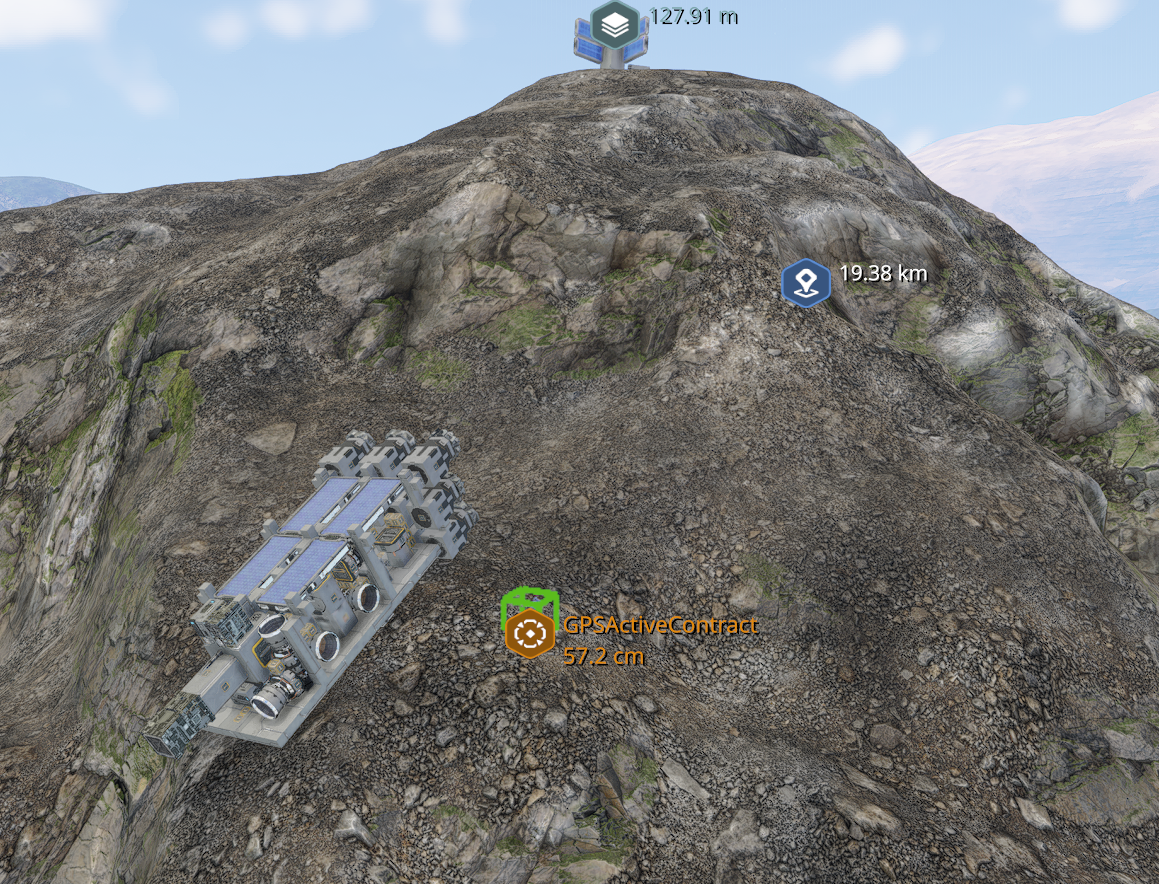
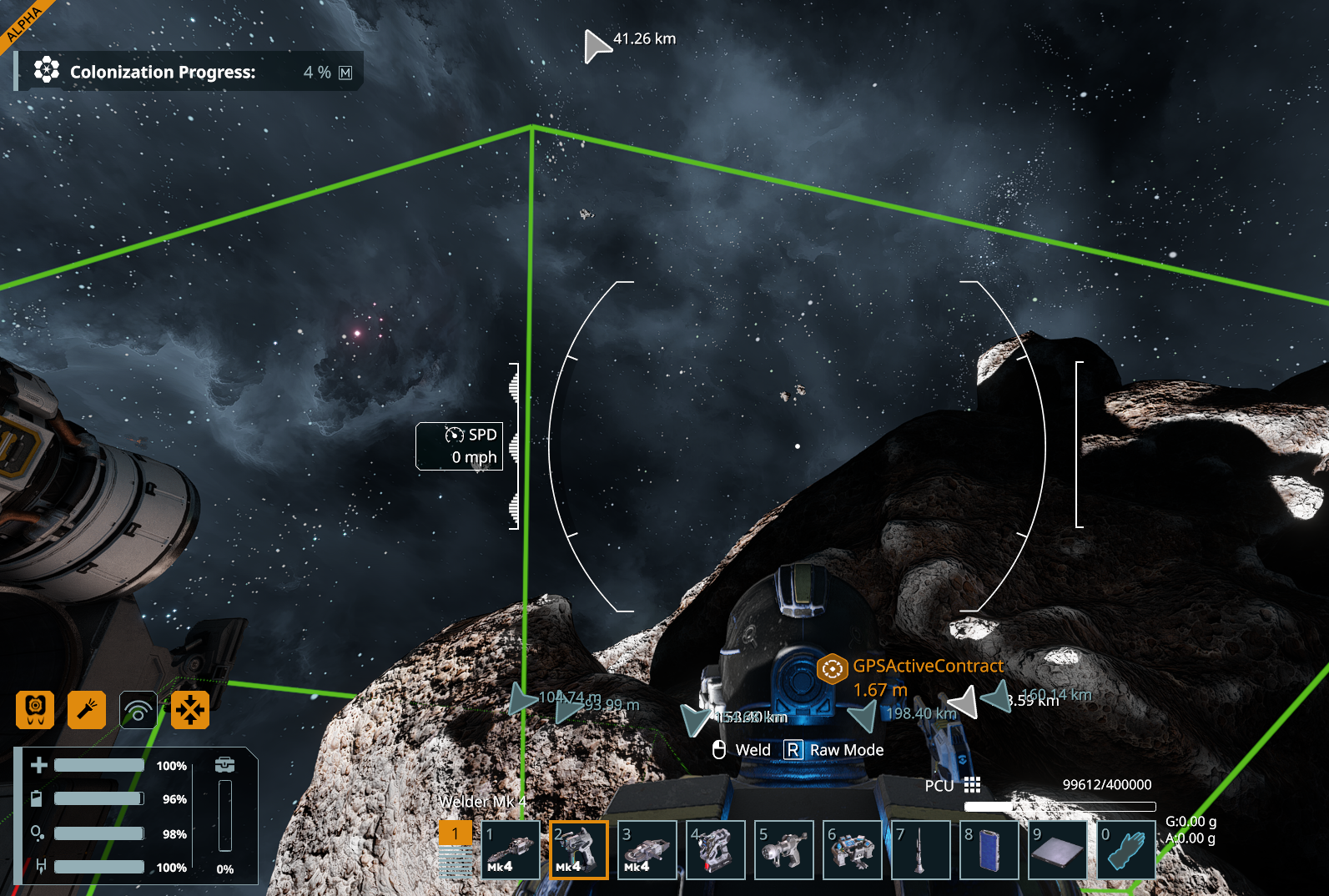
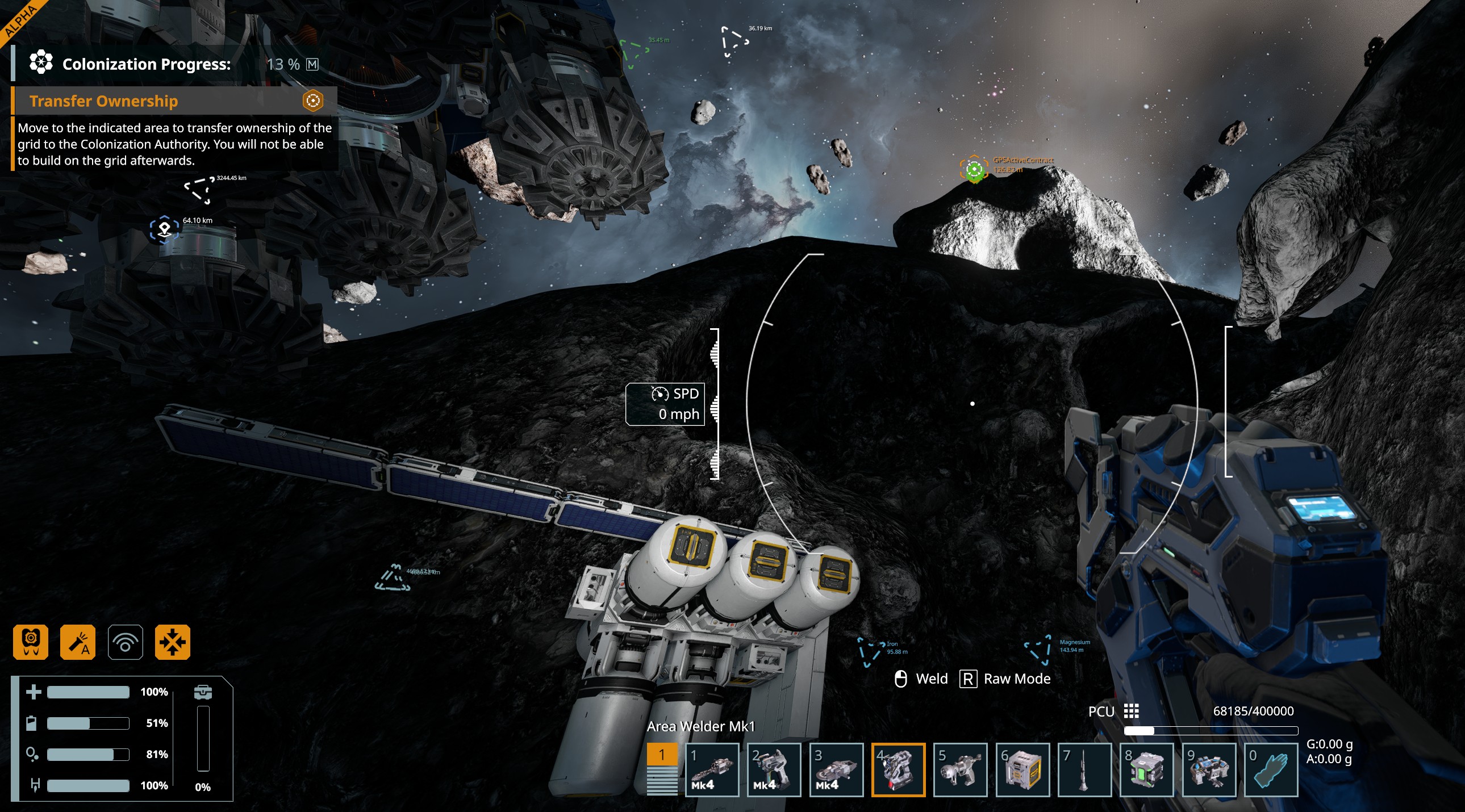
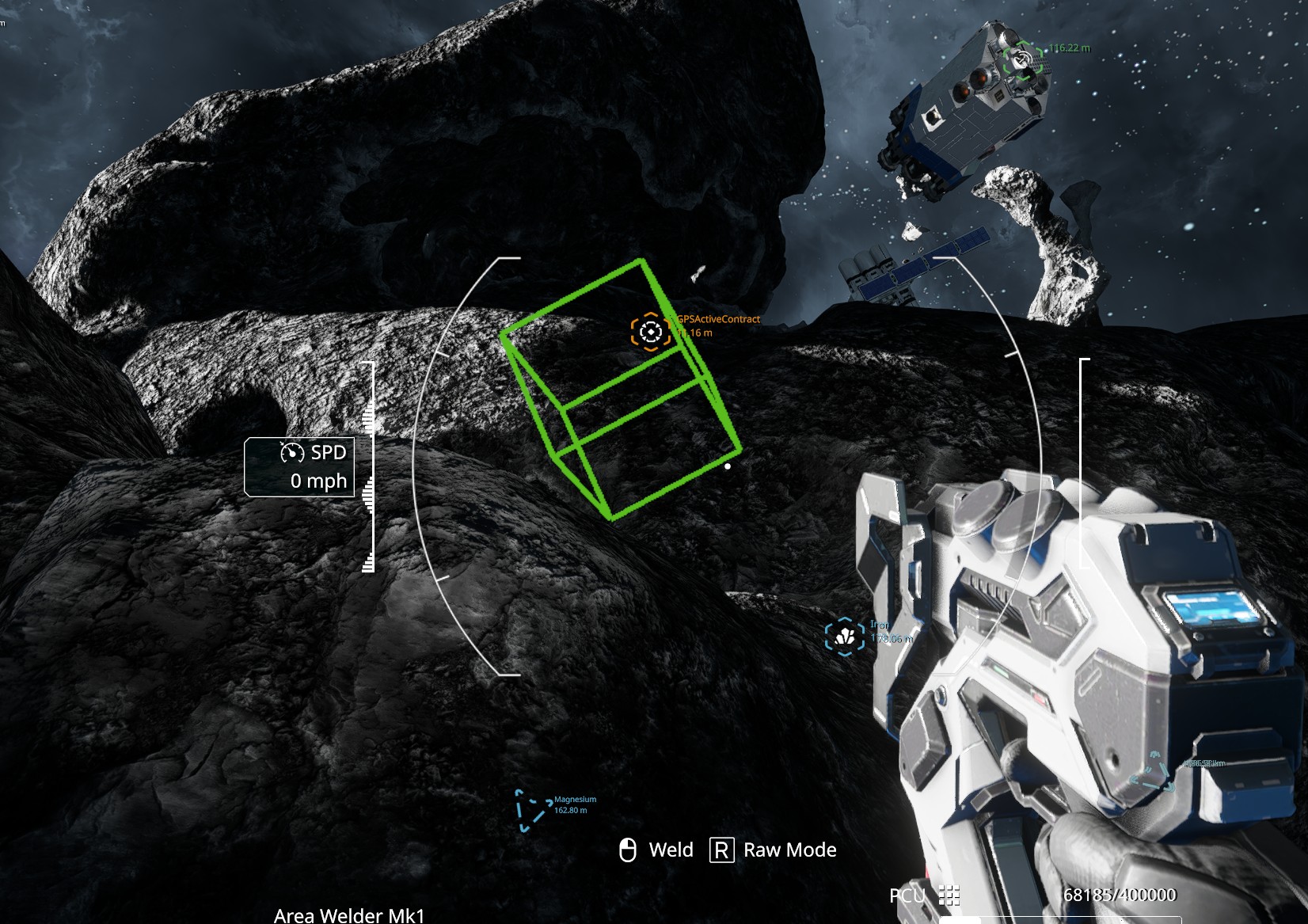
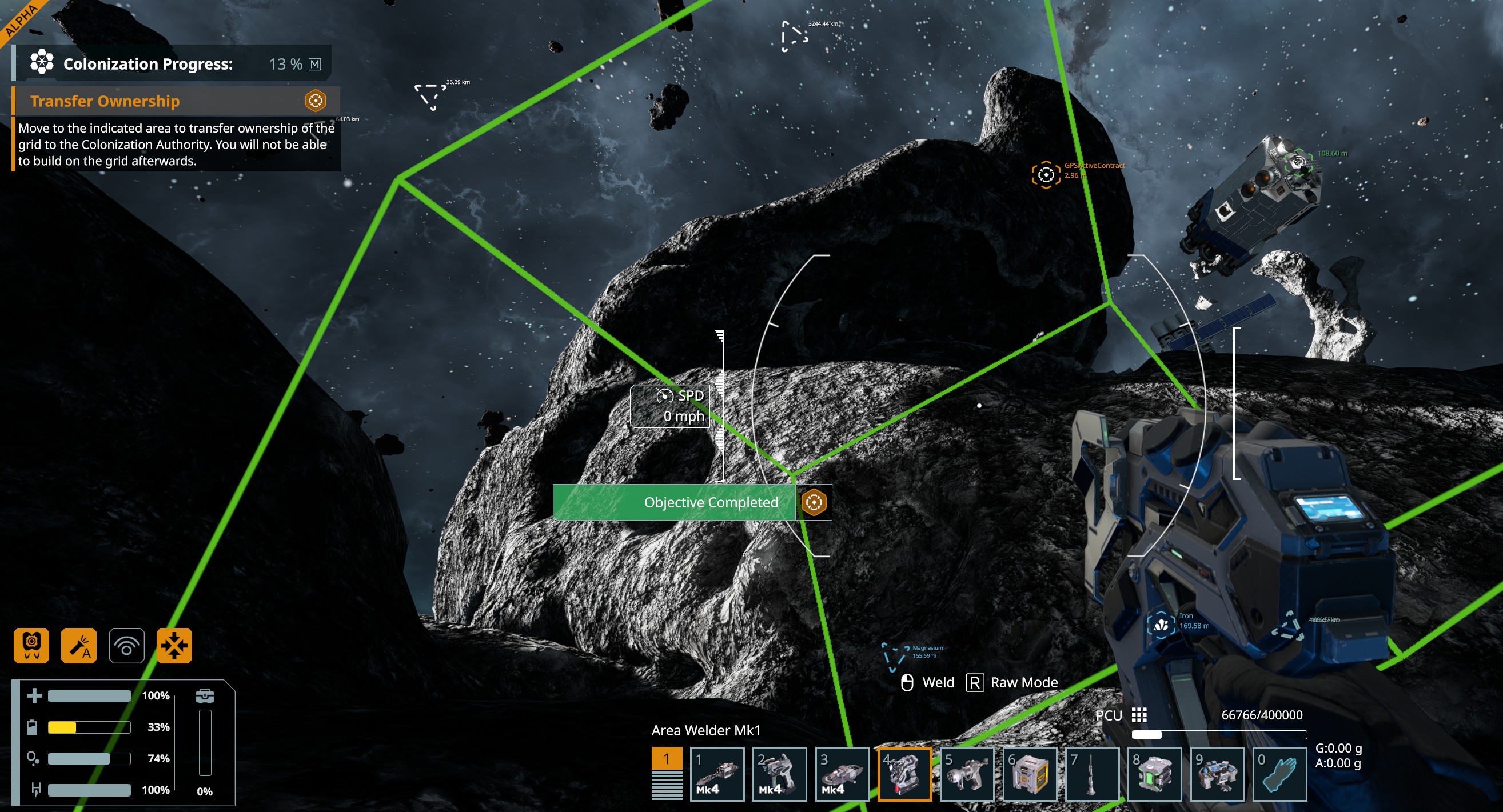
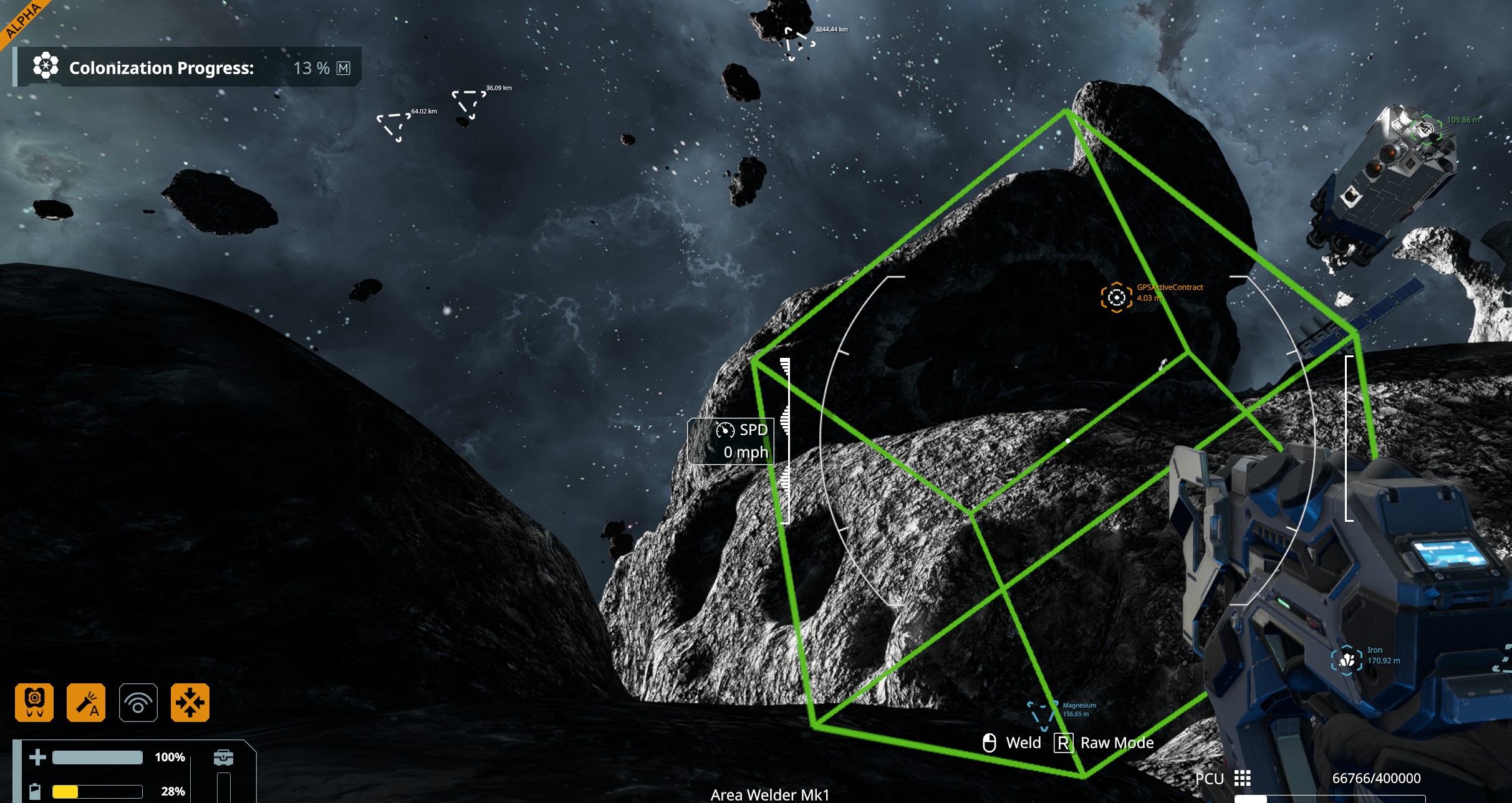
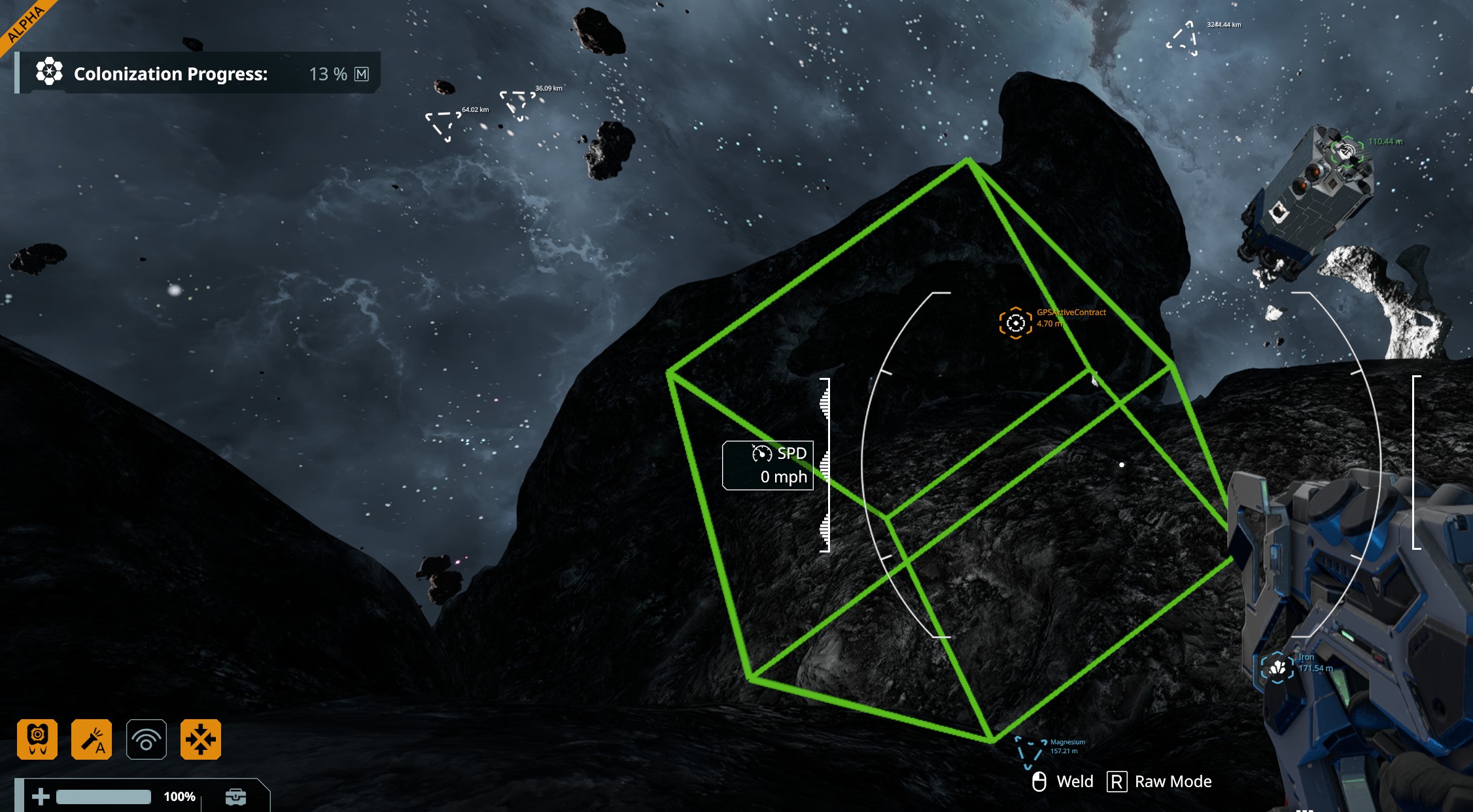
I've made approximately 8 attempts on this and nothing seems to work. I have video of my most recent attempt to show exactly what it's not doing after receiving "Completed" (if required).
I've made approximately 8 attempts on this and nothing seems to work. I have video of my most recent attempt to show exactly what it's not doing after receiving "Completed" (if required).
Hi there, same here : can't complete palatine's milestone mission " Station upgrade - long range communication facility" for the same exact same reason. Finished the work, got a success, tell me to go to the area to transfert property, went there, new success is displayed but, the waypoint does not move and the upper left corner does not display mission successfull. Third time I tried but I'm just blocked whatever I try. I'm stucked now
Hi there, same here : can't complete palatine's milestone mission " Station upgrade - long range communication facility" for the same exact same reason. Finished the work, got a success, tell me to go to the area to transfert property, went there, new success is displayed but, the waypoint does not move and the upper left corner does not display mission successfull. Third time I tried but I'm just blocked whatever I try. I'm stucked now
Same thing and in the debug panel the last objective shows complete. but the terminal will not let me claim it.
Same thing and in the debug panel the last objective shows complete. but the terminal will not let me claim it.
Greetings. I've read similar posts on the forum and have come to the conclusion that the quest completion trigger for this and similar quests isn't working correctly. Unfortunately, all my attempts to complete the quest have failed. (Note: Machine translation)
Greetings. I've read similar posts on the forum and have come to the conclusion that the quest completion trigger for this and similar quests isn't working correctly. Unfortunately, all my attempts to complete the quest have failed. (Note: Machine translation)
Same IssueI have grinded down the site twice and abandoned the quest twice, and I still can’t get the quest to complete. Can we please get this resolved? It’s pretty disappointing, and to be honest, I don’t even want to play anymore. What’s the point if I can’t progress?
Just bloody complete the quest when all the components are built. Why do I have to stand in a green box 100m away? WTF?
What is supposed to happen? Do I have to stand back in the green box because the view is best there? Does a massive Titty rocket come down from space, followed by fireworks, and everyone is happy because of this massive radio beacon I built?
JUST COMPLETE THE QUEST WHEN ALL THE COMPONENTS ARE BUILT, FS
Same IssueI have grinded down the site twice and abandoned the quest twice, and I still can’t get the quest to complete. Can we please get this resolved? It’s pretty disappointing, and to be honest, I don’t even want to play anymore. What’s the point if I can’t progress?
Just bloody complete the quest when all the components are built. Why do I have to stand in a green box 100m away? WTF?
What is supposed to happen? Do I have to stand back in the green box because the view is best there? Does a massive Titty rocket come down from space, followed by fireworks, and everyone is happy because of this massive radio beacon I built?
JUST COMPLETE THE QUEST WHEN ALL THE COMPONENTS ARE BUILT, FS
I have the same issue with the "Station Upgrade - Long Range Communication Facility" from Palatine Station
I have the same issue with the "Station Upgrade - Long Range Communication Facility" from Palatine Station
Hello Engineers,
This is a known issue which is already reported internally and we are planning on releasing a fix as part of today's Hotfix.
I have added this thread to our internal ticket (SE2-34923).
Kind Regards,
Bartosz
Keen Software House
Hello Engineers,
This is a known issue which is already reported internally and we are planning on releasing a fix as part of today's Hotfix.
I have added this thread to our internal ticket (SE2-34923).
Kind Regards,
Bartosz
Keen Software House
I attempted this several more times abandoning/restarting, taking extra time to move between objectives (to make sure it had time to load previous objective completion), moving build point to another spot within the frame etc. Nothing seems to work. I believe this contract is required for sector progression so kinda seems important.
I attempted this several more times abandoning/restarting, taking extra time to move between objectives (to make sure it had time to load previous objective completion), moving build point to another spot within the frame etc. Nothing seems to work. I believe this contract is required for sector progression so kinda seems important.
Hello,
Apologies for the intrusion, my I kindly ask if this hotfix will impact also other Station Upgrade contracts which are failing completion like:
Thank you kindly.
Hello,
Apologies for the intrusion, my I kindly ask if this hotfix will impact also other Station Upgrade contracts which are failing completion like:
Thank you kindly.
Je suis sur Almagest, la mission "Amélioration de station - Unité à hydrogène" est j'ai le même souci, je me suis placer dans le cube vert un message Mission valider et plus rien par contre j'ai toujours le point GOSActiveContract sur le petit cube vert pas moyen de finir cette étape.
Je suis sur Almagest, la mission "Amélioration de station - Unité à hydrogène" est j'ai le même souci, je me suis placer dans le cube vert un message Mission valider et plus rien par contre j'ai toujours le point GOSActiveContract sur le petit cube vert pas moyen de finir cette étape.
Hello Engineers,
Most of the Station Upgrade Contracts in Verdure, Kemik and Oblivara Sectors seem to be affected by this issue. The fix that will be released in today's Hotfix should affect all of the bugged Contracts.
Please make sure to abandon and re-accept the Contract after the Hotfix is released so that the updated logic is applied to the Contract.
Kind Regards,
Bartosz
Keen Software House
Hello Engineers,
Most of the Station Upgrade Contracts in Verdure, Kemik and Oblivara Sectors seem to be affected by this issue. The fix that will be released in today's Hotfix should affect all of the bugged Contracts.
Please make sure to abandon and re-accept the Contract after the Hotfix is released so that the updated logic is applied to the Contract.
Kind Regards,
Bartosz
Keen Software House
Emanuel did you try what Bartosz said, you need to drop contract, and start new one, only than according to Bartosz task logic will work.
Emanuel did you try what Bartosz said, you need to drop contract, and start new one, only than according to Bartosz task logic will work.
Interesting, I will check later when I will be on my PC and let you know if this worked for me, last time I've checked there was no hotfix available yet.
Interesting, I will check later when I will be on my PC and let you know if this worked for me, last time I've checked there was no hotfix available yet.
I’m having trouble with the mission ‘Station Upgrade – Orbital Surveillance Network’ from the Dustspire Junction base. I closed the game, downloaded the hotfix, and then logged back in.
I cancelled the mission, accepted it again, and launched back into space. Then I built the satellites, flew to the drop-off zone, and nothing happens, apart from the mission text disappearing.
I’m having trouble with the mission ‘Station Upgrade – Orbital Surveillance Network’ from the Dustspire Junction base. I closed the game, downloaded the hotfix, and then logged back in.
I cancelled the mission, accepted it again, and launched back into space. Then I built the satellites, flew to the drop-off zone, and nothing happens, apart from the mission text disappearing.
I also restarted the mission after the hotfix, installed all the objects, and completed the intermediate objective, but there was still no transfer of ownership. Thank you for looking into the issue.
I also restarted the mission after the hotfix, installed all the objects, and completed the intermediate objective, but there was still no transfer of ownership. Thank you for looking into the issue.
I’ve tried abandoning the mission, accepting it again, and building a completely new radio tower, but unfortunately the problem remains exactly the same.
The mission objective is completed, but ownership is not transferred, the marker remains, and the mission does not proceed to the “Claim Reward” stage.
The issue occurs with the radio tower mission on Verdure.
So unfortunately, the hotfix did not solve the issue.
I’ve tried abandoning the mission, accepting it again, and building a completely new radio tower, but unfortunately the problem remains exactly the same.
The mission objective is completed, but ownership is not transferred, the marker remains, and the mission does not proceed to the “Claim Reward” stage.
The issue occurs with the radio tower mission on Verdure.
So unfortunately, the hotfix did not solve the issue.
I just retried after the hotfix and can confirm this still doesn't work in the Verdure system, on looking at the hotfix notes in more detail it seems it may have been fixed in a different system.
Same issue as before, when moving to the smaller square to handover the grid it says objective completed but the contract doesn't progress and the player is still able to edit the grid.
I just retried after the hotfix and can confirm this still doesn't work in the Verdure system, on looking at the hotfix notes in more detail it seems it may have been fixed in a different system.
Same issue as before, when moving to the smaller square to handover the grid it says objective completed but the contract doesn't progress and the player is still able to edit the grid.
I also abandoned the mission and restarted after the update, still no Joy. get the completion for building tower, then go to the transfer point and it pings but nothing else happens. It does not advance to the claim rewards Stage. After reading the update log the hotfix was for the Oblivara sector not the Verdure System so yea the game is stuck at this stage of gameplay until another hotfix can be applied. I really wanted to continue, been building my base but can't advance any to the next system to get the resources and new equipment opened to do any more.
I also abandoned the mission and restarted after the update, still no Joy. get the completion for building tower, then go to the transfer point and it pings but nothing else happens. It does not advance to the claim rewards Stage. After reading the update log the hotfix was for the Oblivara sector not the Verdure System so yea the game is stuck at this stage of gameplay until another hotfix can be applied. I really wanted to continue, been building my base but can't advance any to the next system to get the resources and new equipment opened to do any more.
Same here applied the new update restated the mission and still no luck
Same here applied the new update restated the mission and still no luck
Have the exact problem with the construct the hydrogen facility mission stuck. 3rd time I've started over from scratch
Have the exact problem with the construct the hydrogen facility mission stuck. 3rd time I've started over from scratch
also the same happens at station upgrade - orbital cargo hub mission
i hav finished two times the mission but could not complete it. the second time after abandon the mission and receiving it again, the structures i have built vanished
also the same happens at station upgrade - orbital cargo hub mission
i hav finished two times the mission but could not complete it. the second time after abandon the mission and receiving it again, the structures i have built vanished
Same for me on station upgrade - hydrogen. Mission shows as complete but the quest pointer still on the small transfer cube. in the menu the contract is still shown as active. Let me know if there is a workaround!
Same for me on station upgrade - hydrogen. Mission shows as complete but the quest pointer still on the small transfer cube. in the menu the contract is still shown as active. Let me know if there is a workaround!
His long range is on planet, mine is in Space, last one to open next sector.
His long range is on planet, mine is in Space, last one to open next sector.
Toujours pas réparer ?
Toujours pas réparer ?
Same here! I'm still facing the same issue after patch v2.4.0.95 that got installed today for the mission Station Upgrade - Long Range Communication Facility
Same here! I'm still facing the same issue after patch v2.4.0.95 that got installed today for the mission Station Upgrade - Long Range Communication Facility
Interesting I've just finished without problems. I can go to Kemik now.
Interesting I've just finished without problems. I can go to Kemik now.
Long Range Communication Facility not working!!! Please fix!
Long Range Communication Facility not working!!! Please fix!
This is still not fixed despite a previous thread stating it has been.
This is still not fixed despite a previous thread stating it has been.
Did you try uploading your world to the Steam Workshop and then starting a new game from this world?
You keep all your constructions, but you will have to redo the tasks. This solution fixed the problem for me, and I’ve already progressed to the next sector.
For those who say, “I’m not going to do these tasks again,” I would say that there probably won’t be another solution. The game is still in alpha, and some bugs may not be fixable otherwise.
I’m not a developer, so if I hear that this is the solution, considering the current alpha stage of the game, I believe it.
Did you try uploading your world to the Steam Workshop and then starting a new game from this world?
You keep all your constructions, but you will have to redo the tasks. This solution fixed the problem for me, and I’ve already progressed to the next sector.
For those who say, “I’m not going to do these tasks again,” I would say that there probably won’t be another solution. The game is still in alpha, and some bugs may not be fixable otherwise.
I’m not a developer, so if I hear that this is the solution, considering the current alpha stage of the game, I believe it.
No I finished it completely normally like supposed to be done. I had same problems like you guys. But same day when hotfix was realised after Bartosz instructions what to do to apply hotfix changes i completed the task like any other, no debug menu I didn't want to brake my save game
No I finished it completely normally like supposed to be done. I had same problems like you guys. But same day when hotfix was realised after Bartosz instructions what to do to apply hotfix changes i completed the task like any other, no debug menu I didn't want to brake my save game
I actually bit the bullet and restarted from .93 from scratch today. Got stuck with a contract that does not complete the same way with the missle/turret contract. Unfortunately even with a fresh world the contracts still have issues
I actually bit the bullet and restarted from .93 from scratch today. Got stuck with a contract that does not complete the same way with the missle/turret contract. Unfortunately even with a fresh world the contracts still have issues
Did you try to verify steam files, in Dev instructions after release it was mentioned as a step.
So I exported the world verify steam files for SE2 started new game using the world I've previously exported an it worked im on 3 mission now on Kemik. So far no issues. Sorry I didn't mentioned about steam files verification I've totally forgotten about it. It came to my mid when I was reading you still have issues, with this mission. And one more thing if you export world previously edited with debug menu It might be also causing issues on its own. So in that case I would start completely new. But verify steam files for se2 first.
I hope it will work for you guys. As I want you to have a fun like me game have incredible potential. All tho my ships come out ugly as he'll.
Im still learning as creative game like this is my first.
Did you try to verify steam files, in Dev instructions after release it was mentioned as a step.
So I exported the world verify steam files for SE2 started new game using the world I've previously exported an it worked im on 3 mission now on Kemik. So far no issues. Sorry I didn't mentioned about steam files verification I've totally forgotten about it. It came to my mid when I was reading you still have issues, with this mission. And one more thing if you export world previously edited with debug menu It might be also causing issues on its own. So in that case I would start completely new. But verify steam files for se2 first.
I hope it will work for you guys. As I want you to have a fun like me game have incredible potential. All tho my ships come out ugly as he'll.
Im still learning as creative game like this is my first.
Hello Engineers,
This issue was fixed with the Hotfix 1 for VS2.4 and in New Games, the Station Upgrade Contracts can be completed, however, due to how already generated Contracts are stored in the the Saved Game, fix does not work retroactively and the Contracts have to be refreshed.
You should be able to refresh the Contracts by either:
If you are still affected by this issue after performing these solutions, please create a new thread.
Kind Regards,
Bartosz
Keen Software House
Hello Engineers,
This issue was fixed with the Hotfix 1 for VS2.4 and in New Games, the Station Upgrade Contracts can be completed, however, due to how already generated Contracts are stored in the the Saved Game, fix does not work retroactively and the Contracts have to be refreshed.
You should be able to refresh the Contracts by either:
If you are still affected by this issue after performing these solutions, please create a new thread.
Kind Regards,
Bartosz
Keen Software House
Replies have been locked on this page!