


This object is in archive!

Failed to Load Grid
Won't Fix
I was working on a ship and I saved it as a blueprint, but whenever I try to load it I get an error saying it failed to load the grid. When I tried putting the blueprint in my hotbar, the thumbnail would show for a second before switching to an X symbol. I also tried starting a new save, but that didn't fix anything either.
Files:
20250206175556_...
 I have the same bug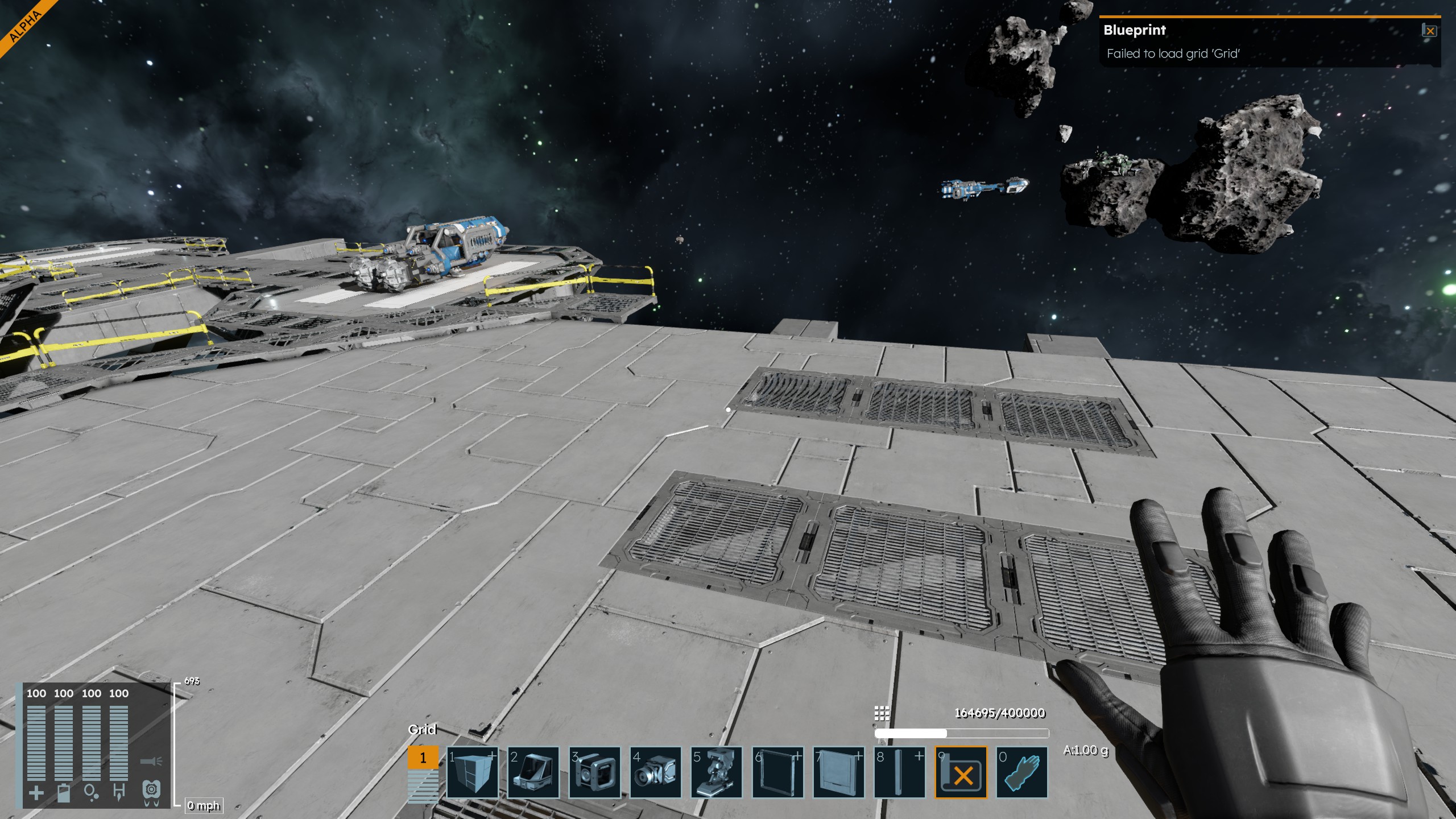
You can't vote. Please authorize!
Hello Paul Stock,
Does this issue still occurs for you? As for the blueprint, you can verify that it was created correctly by going in to the Blueprints folder here:
Find your blueprint and make sure it contains all necessary files and folder:
You can always check if there is a backup version of the blueprint in the .backups and restore it by changing the files.
Kind Regards,
Bartosz
Keen Software House
Hello Paul Stock,
Does this issue still occurs for you? As for the blueprint, you can verify that it was created correctly by going in to the Blueprints folder here:
Find your blueprint and make sure it contains all necessary files and folder:
You can always check if there is a backup version of the blueprint in the .backups and restore it by changing the files.
Kind Regards,
Bartosz
Keen Software House
Hello Paul Stock,
As there has been no activity to this thread in some time, we will close it. If you're still experiencing this issue, please create a new thread.
Kind Regards,
Bartosz
Keen Software House
Hello Paul Stock,
As there has been no activity to this thread in some time, we will close it. If you're still experiencing this issue, please create a new thread.
Kind Regards,
Bartosz
Keen Software House
Hello together,
I just had a similar issue. I checked my log file and found an overlapping block issue:
If I remember correctly there was an offset in the large drill (which was corrected!?). I just deleted the drills and placed new ones and now its working fine. Maybe it was just coincidence with the drills but that was working for me.
You can find the log file here:
C:\Users\(your username)\AppData\Roaming\SpaceEngineers2\Temp\Logs
Hello together,
I just had a similar issue. I checked my log file and found an overlapping block issue:
If I remember correctly there was an offset in the large drill (which was corrected!?). I just deleted the drills and placed new ones and now its working fine. Maybe it was just coincidence with the drills but that was working for me.
You can find the log file here:
C:\Users\(your username)\AppData\Roaming\SpaceEngineers2\Temp\Logs
Replies have been locked on this page!