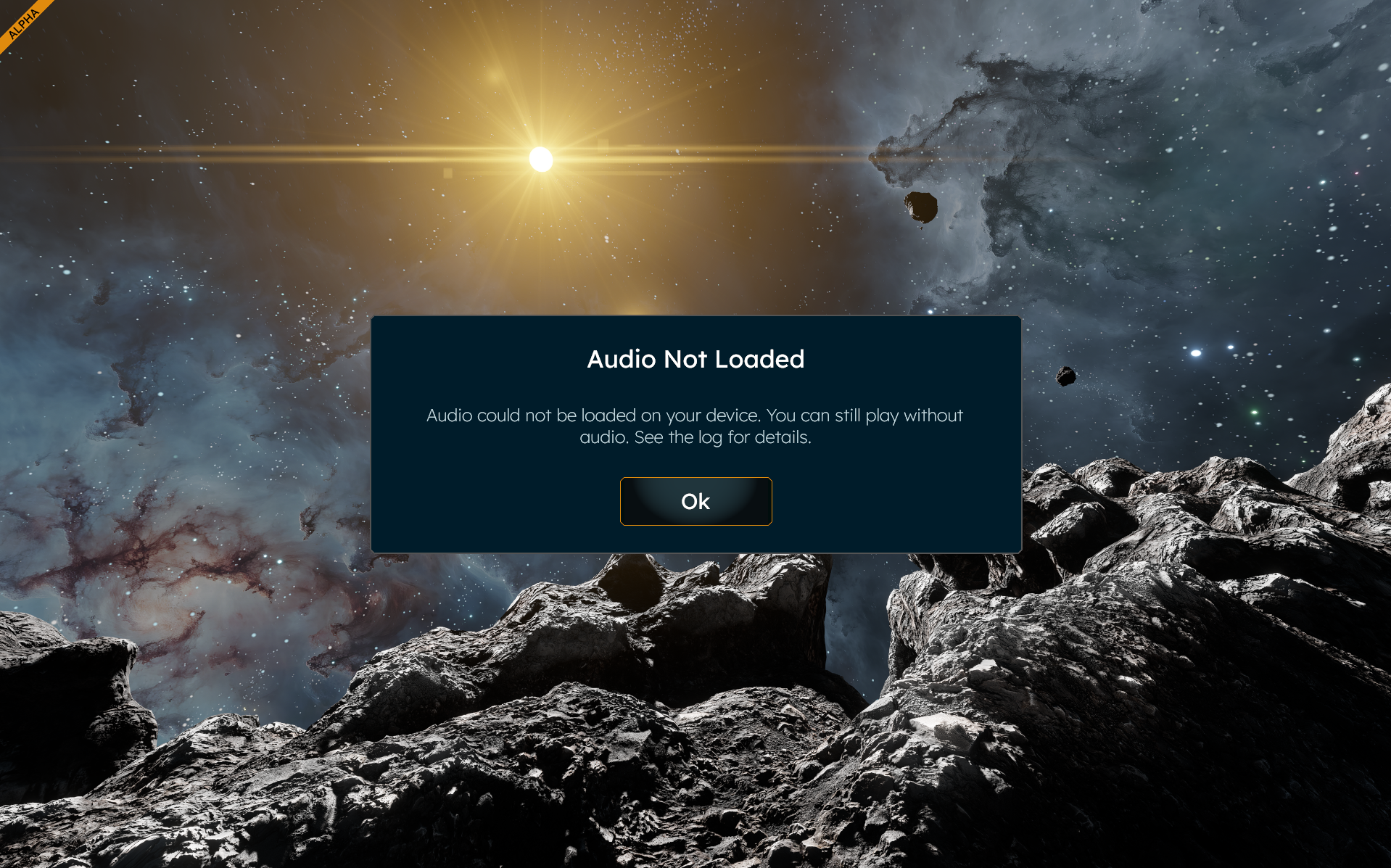
Audio Not Loaded error

William Batzle shared this bug 21 days ago
Need More Information

I am getting the attached error message when trying to launch the game. There is what looks like a button you should be able to click. But you cannot click it and the game never loads. It says to look at the log file. But none of the folders for SE2 contain and log files of any kind. Can someone please look at this issue?

Replies (1)

photo
1

Hello William Batzle,


You can find the Game logs here:

C:\Users\(your_username)\AppData\Roaming\SpaceEngineers2\Temp\Logs

Have you tried verifying Game files through Steam?


Kind Regards,

Bartosz

Keen Software House

photo
1

Folder does not exist.

photo
1

I forgot to mention I verified the files through steam, did an uninstall/re-install and also performed an uninstall, clean reg entries and re-install with reboots. Nothing works.

photo
1

Hello William Batzle,


I see, lets try another thing:

  1. Delete the contents of this folder:
    C:\Users(your_username)\AppData\Roaming\SpaceEngineers2
    Please note that this will delete all save files and blueprints, so we strongly recommend creating a backup beforehand.
  2. Verify game files
    In Steam:
    Right-click Space Engineers 2 → Properties → Installed Files → Verify integrity of game files

After that, try starting the Game again.

Let me know if this helps.


Kind Regards,

Bartosz

Keen Software House

photo
1

I finished trying this method and the only thing that seems better is that the mouse pointer is not the standard windows one and the Appdata folder remains the same. Not sure what to do at this point.

photo
1

Hello William Batzle,


This is unfortunate, but there are still some options.

What we can try is:

1. Go to your Space Engineers 2 folder - Steam\steamapps\common\SpaceEngineers2\GameData\Vanilla\ and delete the Content folder.

cf64e4ecf915037d4142c0334613f846

2. Then, run verification of Game files integrity on Steamc6878a4de77c2fc61d8cf4d6fd1155bb

3. After the verification is complete, launch the Game and try to load any world

Let me know if this helps.


Kind Regards,

Bartosz

Keen Software House

photo
1

I ran it after, and the attached screenshot shows what happened. There is also an update coming down I have to wait for and will send an update once it completes.

photo
1

Same issue unfortunately. Can you provide a list of reg keys to delete? I think there may be some reg key that may be causing this issue. I am in IT and comfortable with deleting keys.

photo
1

I give up. Just like the video issue that kept me from playing. This audio issue will eventually be fixed and some other bug will pop up preventing me from playing. I was hopeful that I could see it make progress. Not in the cards I guess.

photo
Leave a Comment
 
Attach a file
You can't vote. Please authorize!