


The survival voice over in SE2 on new game is playing back at super fast speed for me - https://youtu.be/wSTQBcI61NE. DxDiag is attached. I accidently posted in feedback instead of as a bug initially here https://support.keenswh.com/spaceengineers2/pc/topic/50315-space-engineers-survival-voice-over-playing-too-fast.

SE2 Survial Intro Audio Plays at 2x speed
Solved
Not sure how to describe this besides it sounded like Chip n' Dale Rescue Rangers when the survival intro movie was playing. The video itself was normal, but the audio was seriously sped up and finished halfway through the movie.
In full honesty, it was pretty damn comical and I started cracking up once it just cut out and then the events they described actually happened. In total silence.
 I have the same bug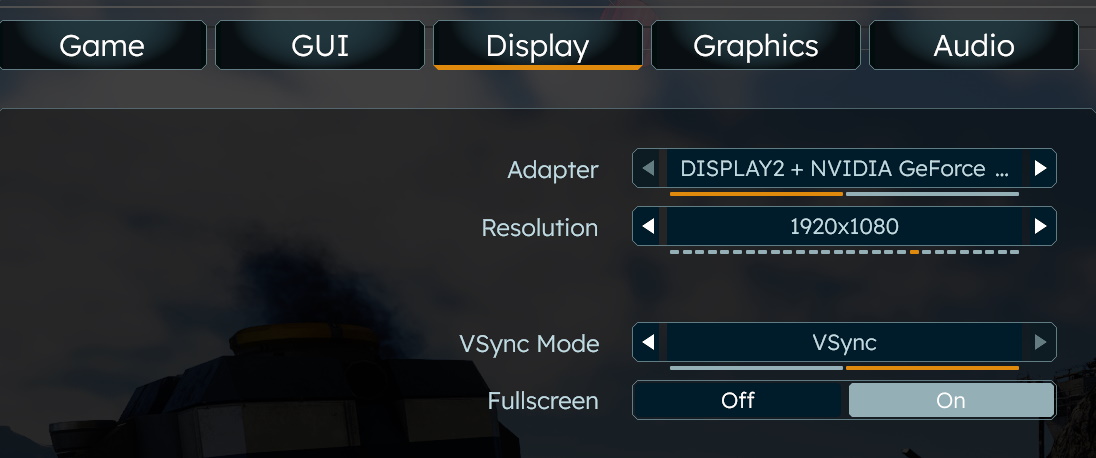
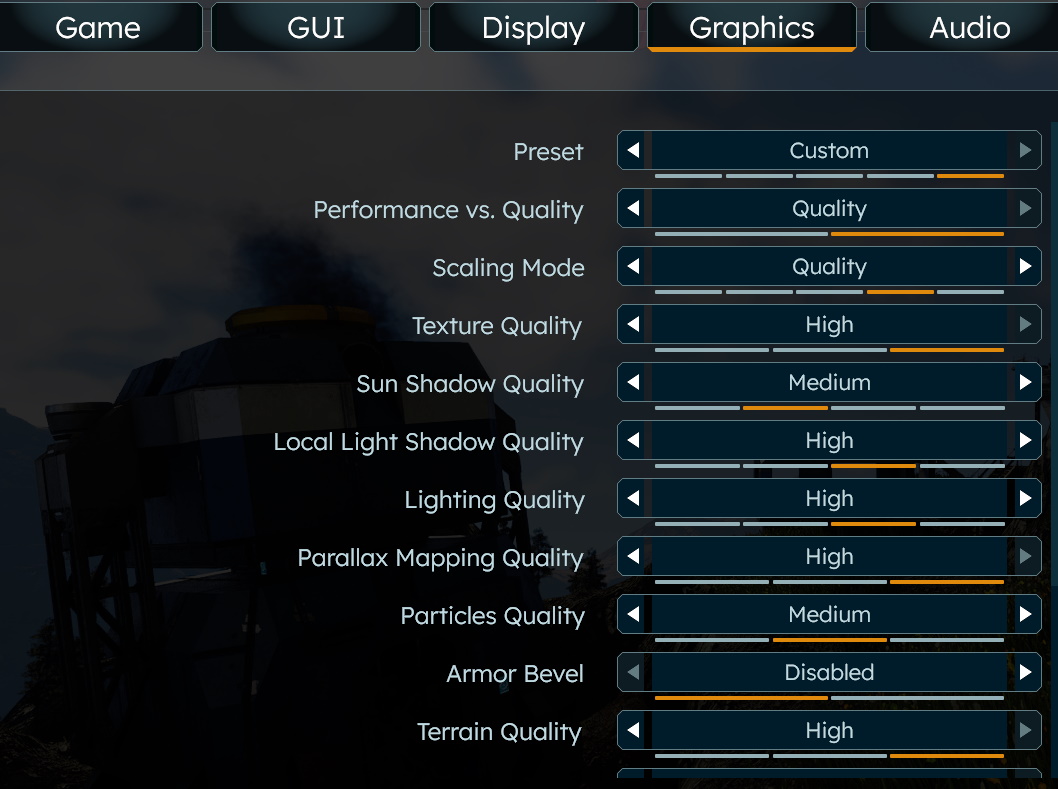
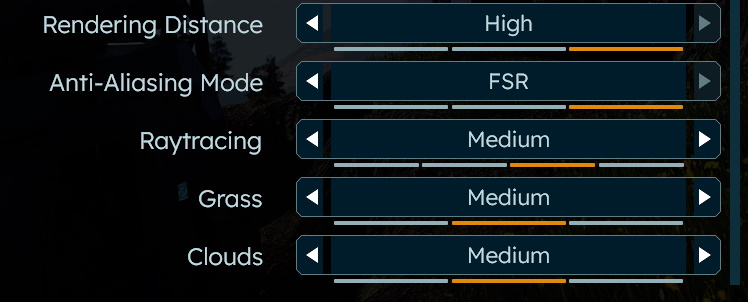
You can't vote. Please authorize!
Same issue - I changed my audio sample rate from 2 channel 24bit 96kHz back to 48kHz and audio now plays fine in the intro.
HyperX Cloud III headset / Windows 11
Same issue - I changed my audio sample rate from 2 channel 24bit 96kHz back to 48kHz and audio now plays fine in the intro.
HyperX Cloud III headset / Windows 11
Hello Engineers,
This issue is tied to your Audio output device's format, anything other than 48kHz will cause the audio in the Intro Cutscene to play either slower or faster. I have reported this issue internally and added this thread to our internal ticket (SE2-29114).
For now, the workaround is to manually set your output device format to 48kHz and the audio will play as intended.
Kind Regards,
Bartosz
Keen Software House
Hello Engineers,
This issue is tied to your Audio output device's format, anything other than 48kHz will cause the audio in the Intro Cutscene to play either slower or faster. I have reported this issue internally and added this thread to our internal ticket (SE2-29114).
For now, the workaround is to manually set your output device format to 48kHz and the audio will play as intended.
Kind Regards,
Bartosz
Keen Software House
Worth noting I'm outputting at 48kHz and the full audio file was just delayed about 4 seconds. The whole cutscene seemed weirdly edited and I didn't realize until the end this is what was happening.
Worth noting I'm outputting at 48kHz and the full audio file was just delayed about 4 seconds. The whole cutscene seemed weirdly edited and I didn't realize until the end this is what was happening.
My audio is set to 2 channel 48kHz, and yet I'm still experiencing the speedup issue. Are there any other fixes available?
My audio is set to 2 channel 48kHz, and yet I'm still experiencing the speedup issue. Are there any other fixes available?
After looking at it a couple more times, it seems the cut scene is sped up overall. Perhaps 10-15% increased speed. The engineers are walking fast and things don't look right.
I do have a Steel Series headset and will try it without next time. But, this shouldn't happen.
After looking at it a couple more times, it seems the cut scene is sped up overall. Perhaps 10-15% increased speed. The engineers are walking fast and things don't look right.
I do have a Steel Series headset and will try it without next time. But, this shouldn't happen.
Same here, using a creative sound blaster z at the highest bitrate possible. Glad to see there's a workaround and that the issue was recognized. Thanks keen
Same here, using a creative sound blaster z at the highest bitrate possible. Glad to see there's a workaround and that the issue was recognized. Thanks keen
Hello Engineers,
This issue is fixed with on the next hotfix. No more chipmunks in the Intro Cutscene :) As such, I will close this thread.
If you encounter this issue again, please create a new thread.
Happy Engineering!
Kind Regards,
Bartosz
Keen Software House
Hello Engineers,
This issue is fixed with on the next hotfix. No more chipmunks in the Intro Cutscene :) As such, I will close this thread.
If you encounter this issue again, please create a new thread.
Happy Engineering!
Kind Regards,
Bartosz
Keen Software House
on my side the audio was 2x slower not running at double the speed; might I suggest Not having the audio separate from the video and have multiple sizes of the video, so that only the correct size of the video play's for what ever the screen size the player has set their display to? (it would save some head aches).
For reference my sound card is a:
Creative Sound BlasterX AE-7 Plus Pure Edition
on my side the audio was 2x slower not running at double the speed; might I suggest Not having the audio separate from the video and have multiple sizes of the video, so that only the correct size of the video play's for what ever the screen size the player has set their display to? (it would save some head aches).
For reference my sound card is a:
Creative Sound BlasterX AE-7 Plus Pure Edition
Replies have been locked on this page!