


No accessibility scaling GUI feature for the visually challenged.
The font and size of graphical widgets (inventory icons) are way too small to make out. As a sufferer from poor eyesight, it's impossible for me to read the majority of the text the game displays on screen. I must rely on prior knowledge, built up by playing similar games over the decades, than what Space Engineers 2 relies upon. There is no ability to increase to size of GUI widgets for the visually challenged and disabled, including font sizes.
The lack of such accessibility features, even this early on, I personally believe, may put Keen Softwarehouse in violation of several European and U.S. laws regarding the reasonably accommodation of those possessing special needs and disables. I do not desire them to be in such violations, and view this as a "bug" in their GUI they simply overlooked.
Example 1: The first file I have attached as an example shows a building list, alongside what I persume (but cannot make out) are quest beacons. The text and icons of this list, and these quests do not take up the whole screen, they are too small for individuals with visual disabilities (in my case, macular degeneration) to read, without placing my face within centimeters of my monitor (which is roughly one meter from where I sit).
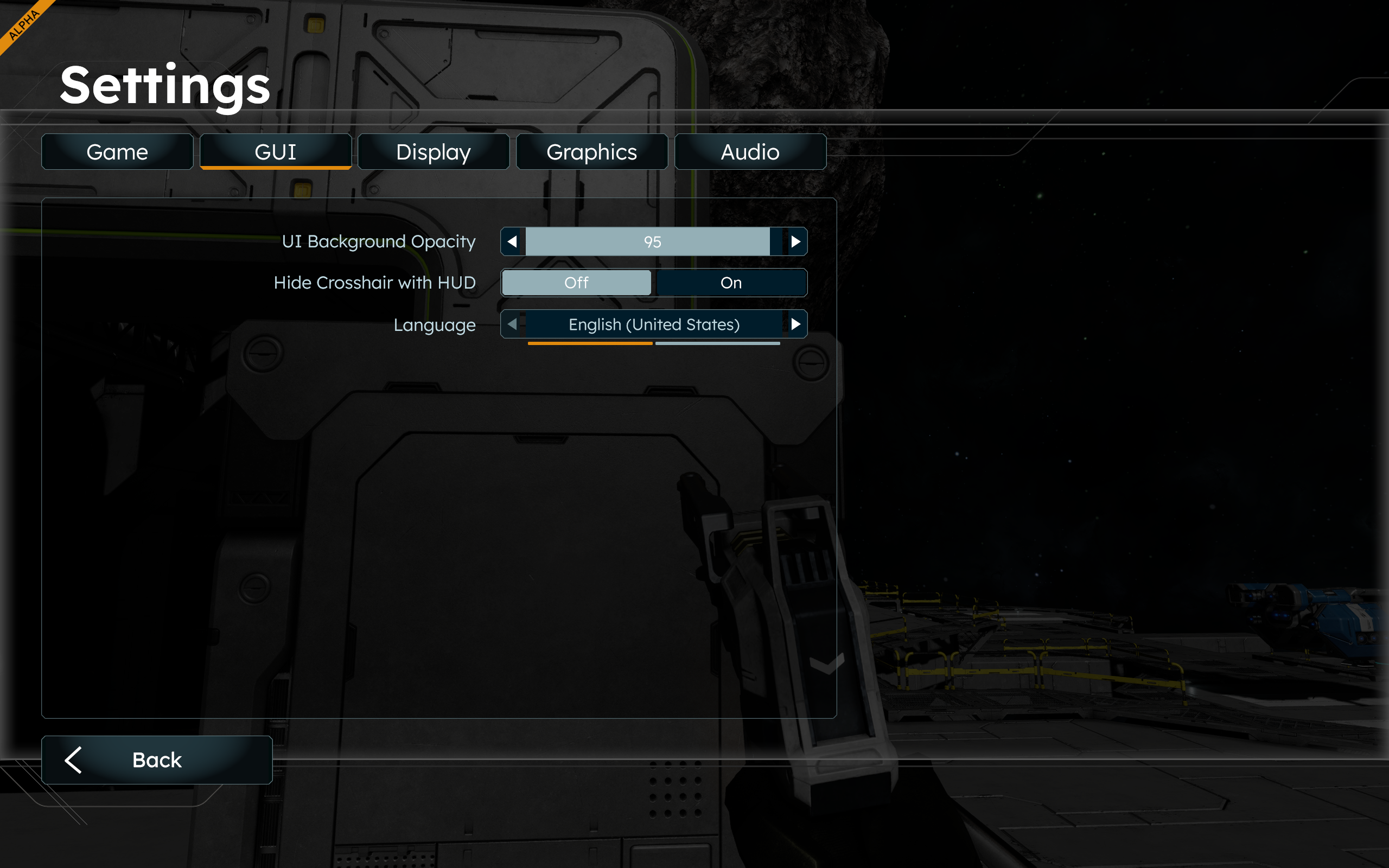
Example 2: The second file I have attached is of the GUI Settings. It does not a setting that allows the user to adjust font and icon sizes to a per-user legible status.
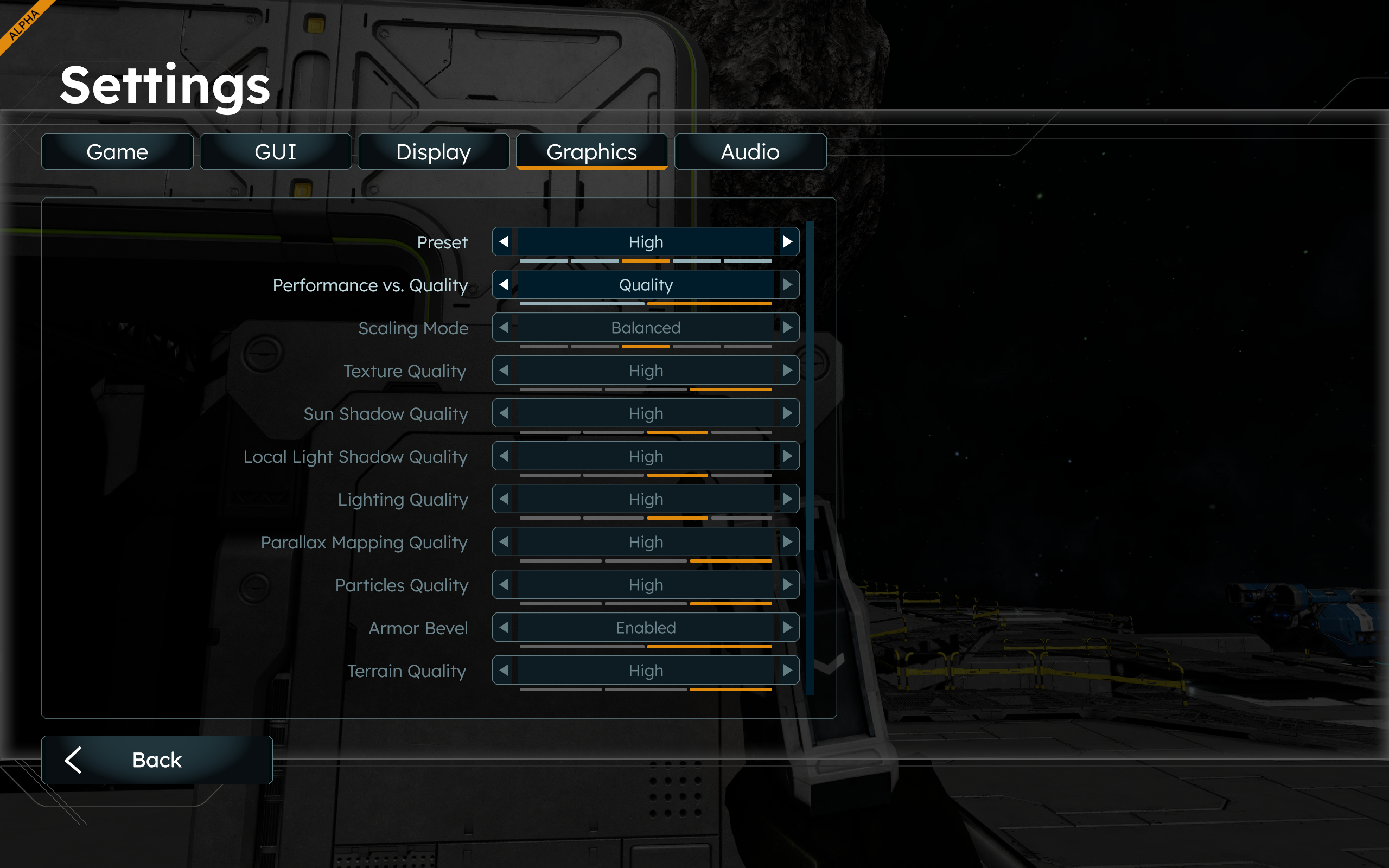
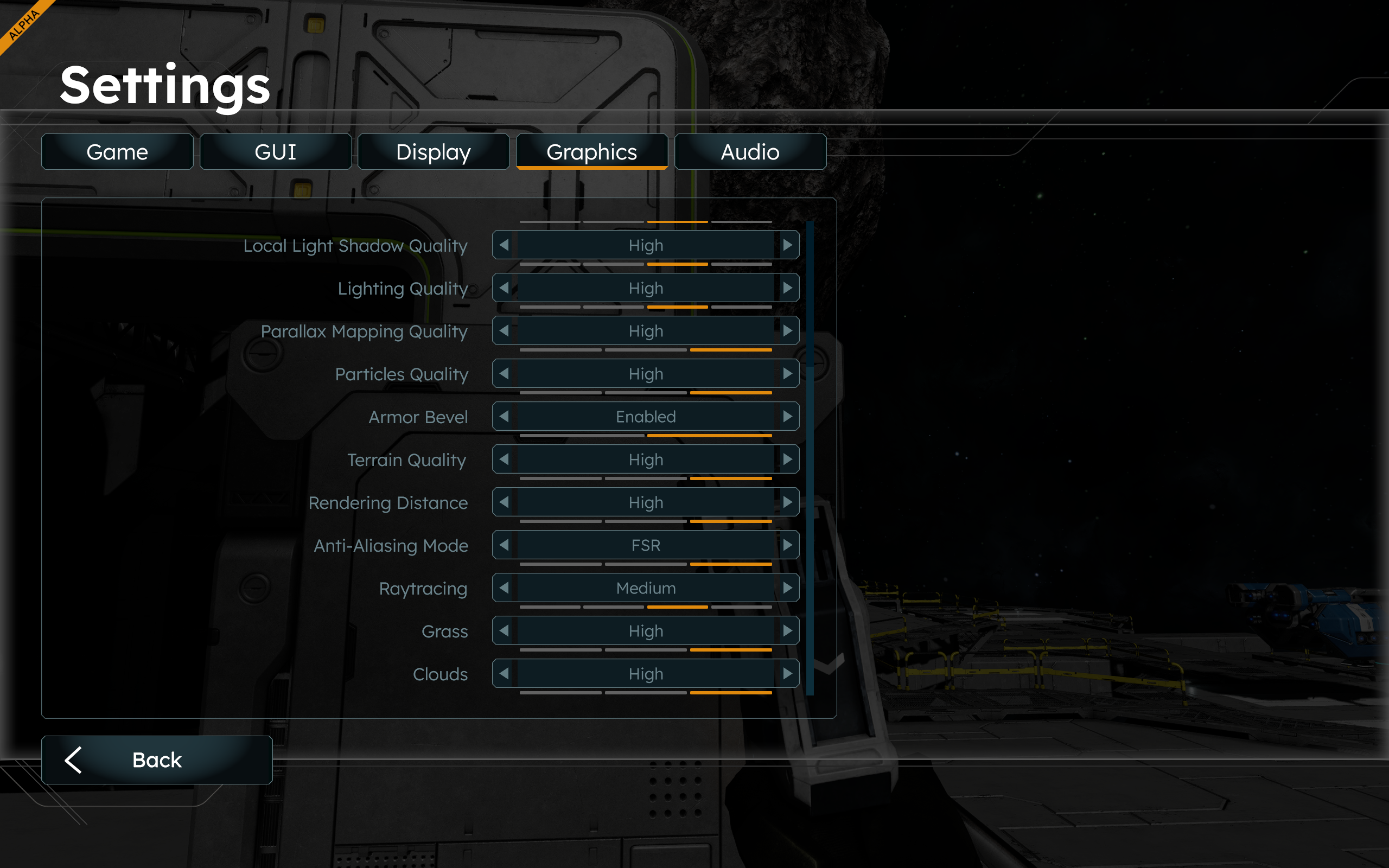
Example 3: The third and fourth file is of the Graphics Setting, which, as with Example 2, do not offer a setting to increase (or decrease) to the size of icons and fonts of the game to the user's needs.
 I have the same bug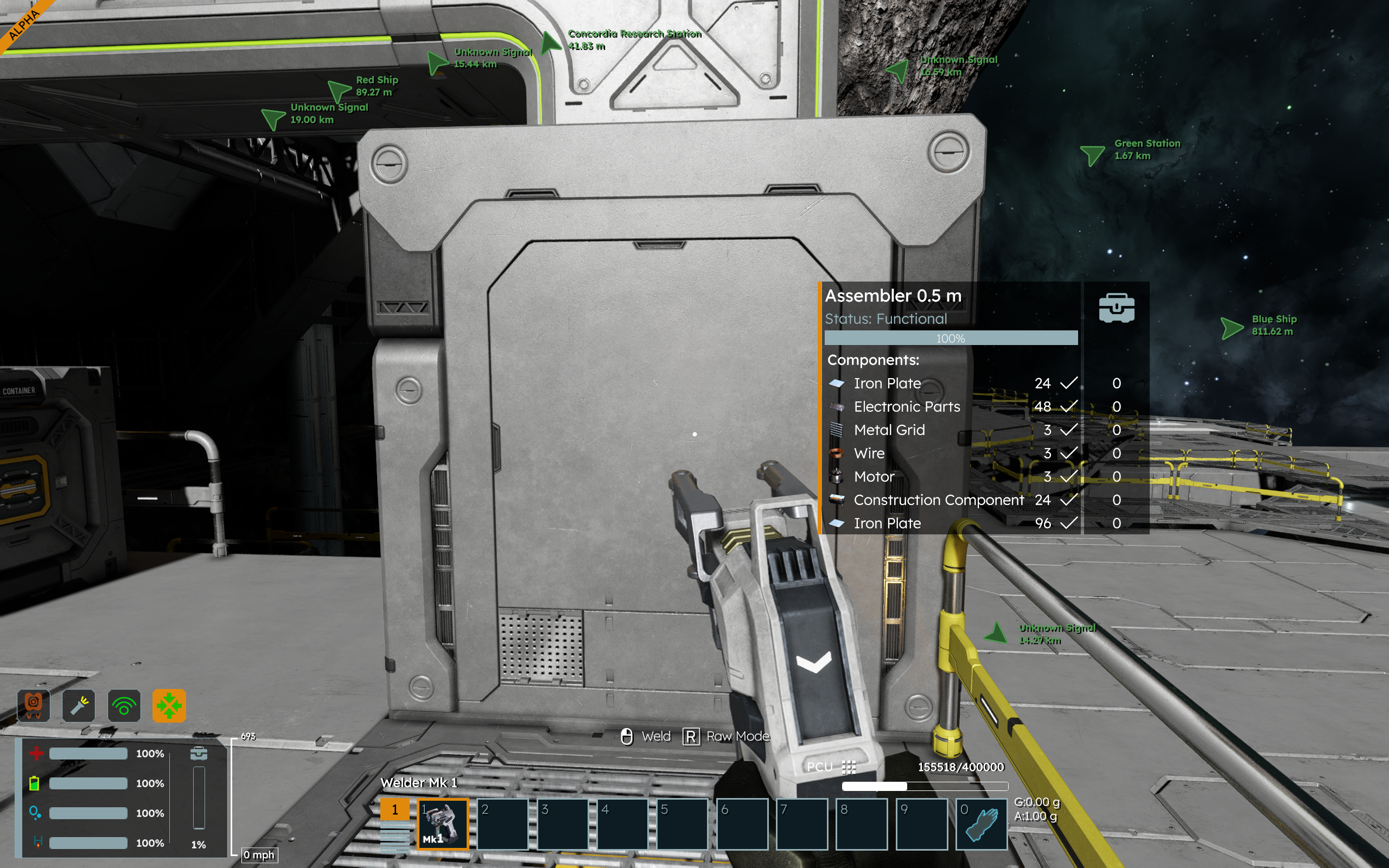
Replies have been locked on this page!