


I first noticed this with the welder, but that has other issues that confuse things like need for the correct ingredients, there are times when a block is targeted you can see the welder sub window for the block concerned, but it won't work (even with the correct ingredients)
to simplify things somewhat the grinder also exhibits the core issue too
usually if pointed at a block you can just grid, frequently however when pointing at a block it will fail to work sometimes "spluttering" (the effect working intermittently but nothing actually happing to the block) or even not engaging, often changing height with the jet pack will make things work
please provide an easy to access debug view where the sphere of influence of the tool can be see, this will likely lead to a clue as to what is actually going on.
I'd suggest making the sphere of influence larger for the tools and picking the furthest block (counter intuitive but if nearer blocks build first you won't be able to build blocks further away)
given that the welder is complicated by an as yet unexplained (for the new user) order of ingredients this will likely result in new users picking the game up - getting nowhere and giving up
much like I did 3 times with SE1 over the years before it gelled (mainly due to poor/broken tutorial missions)
correctly working easy to understand tools are fundamental to onboarding new players
 I have the same bug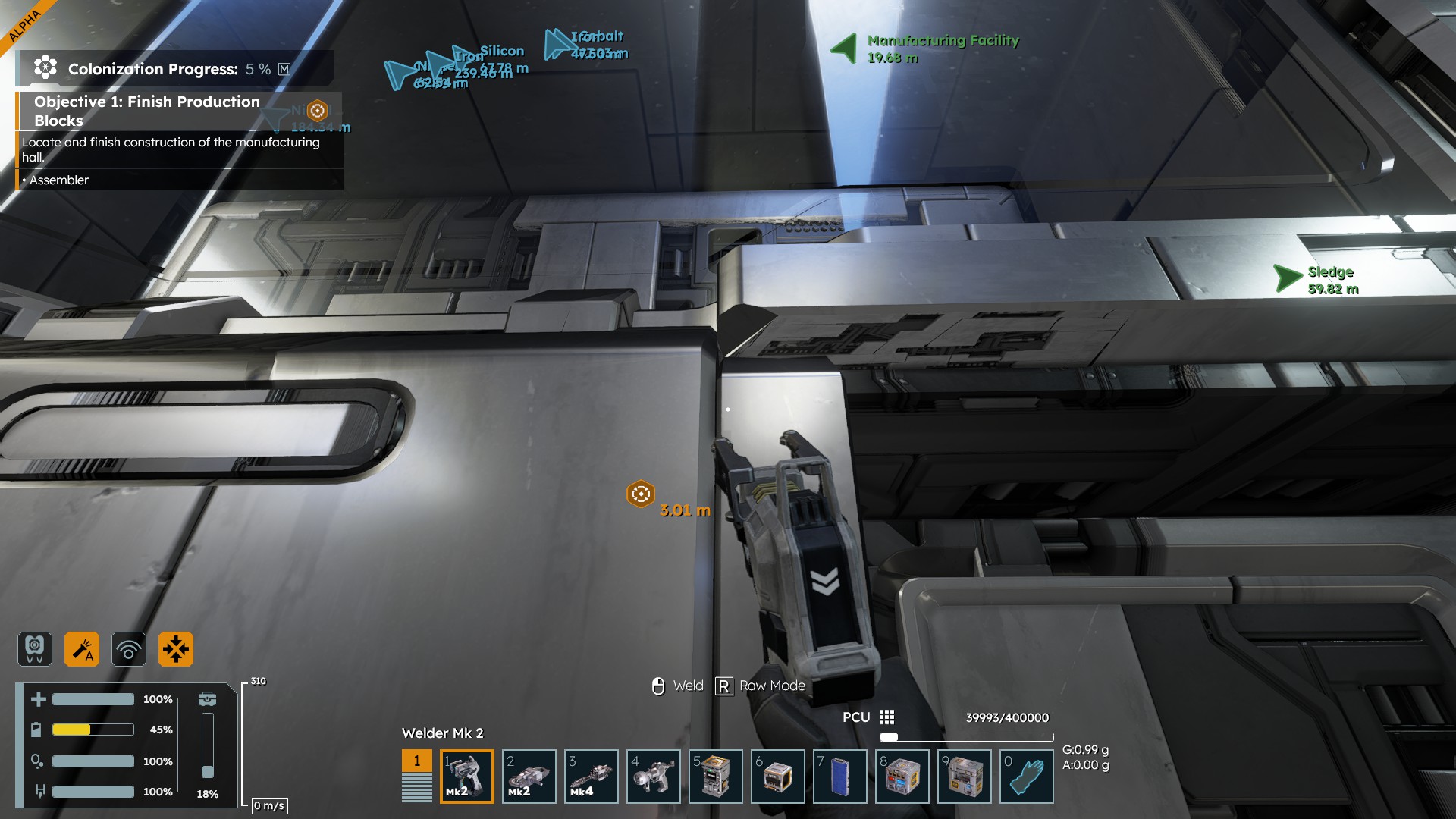
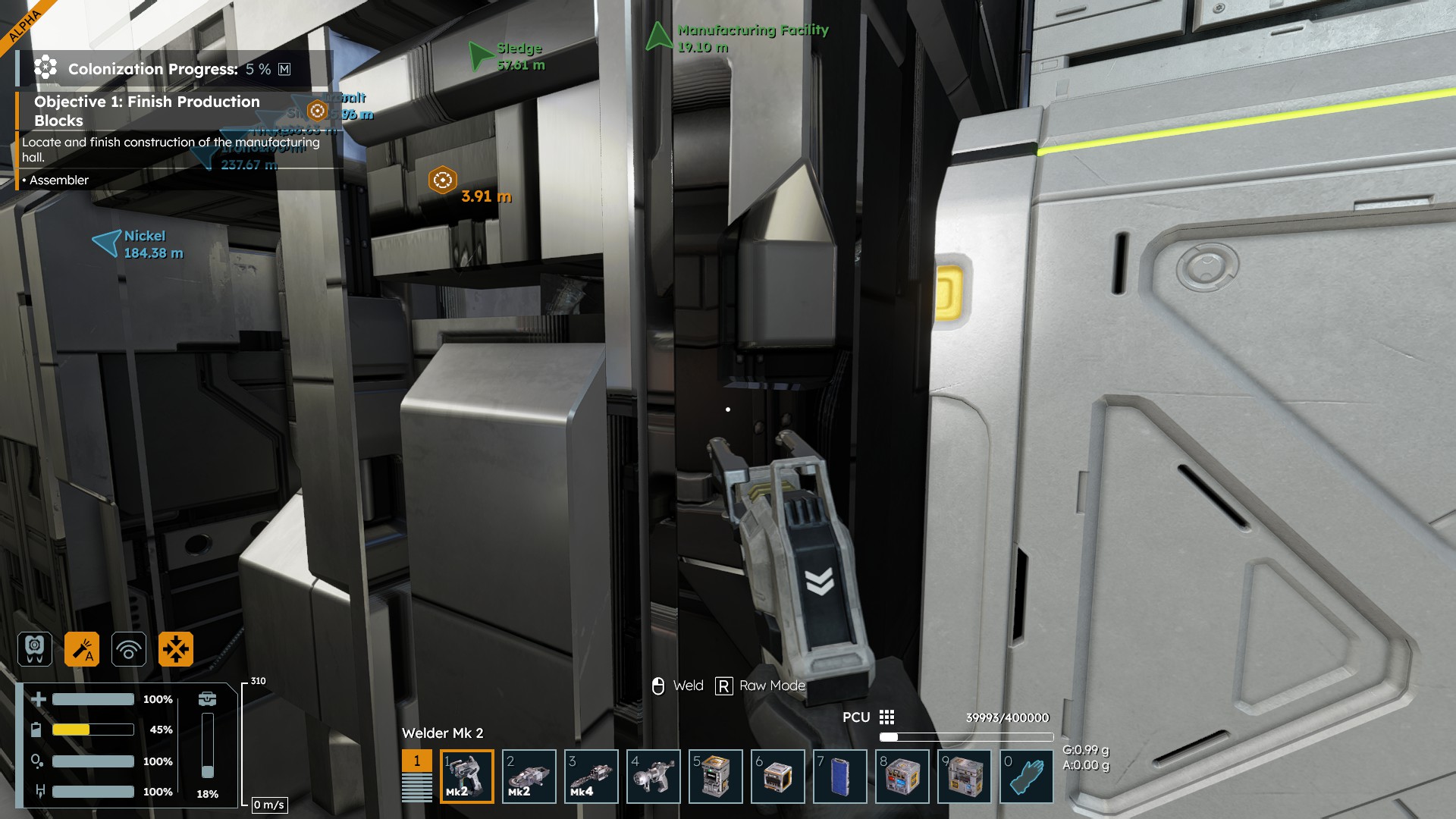
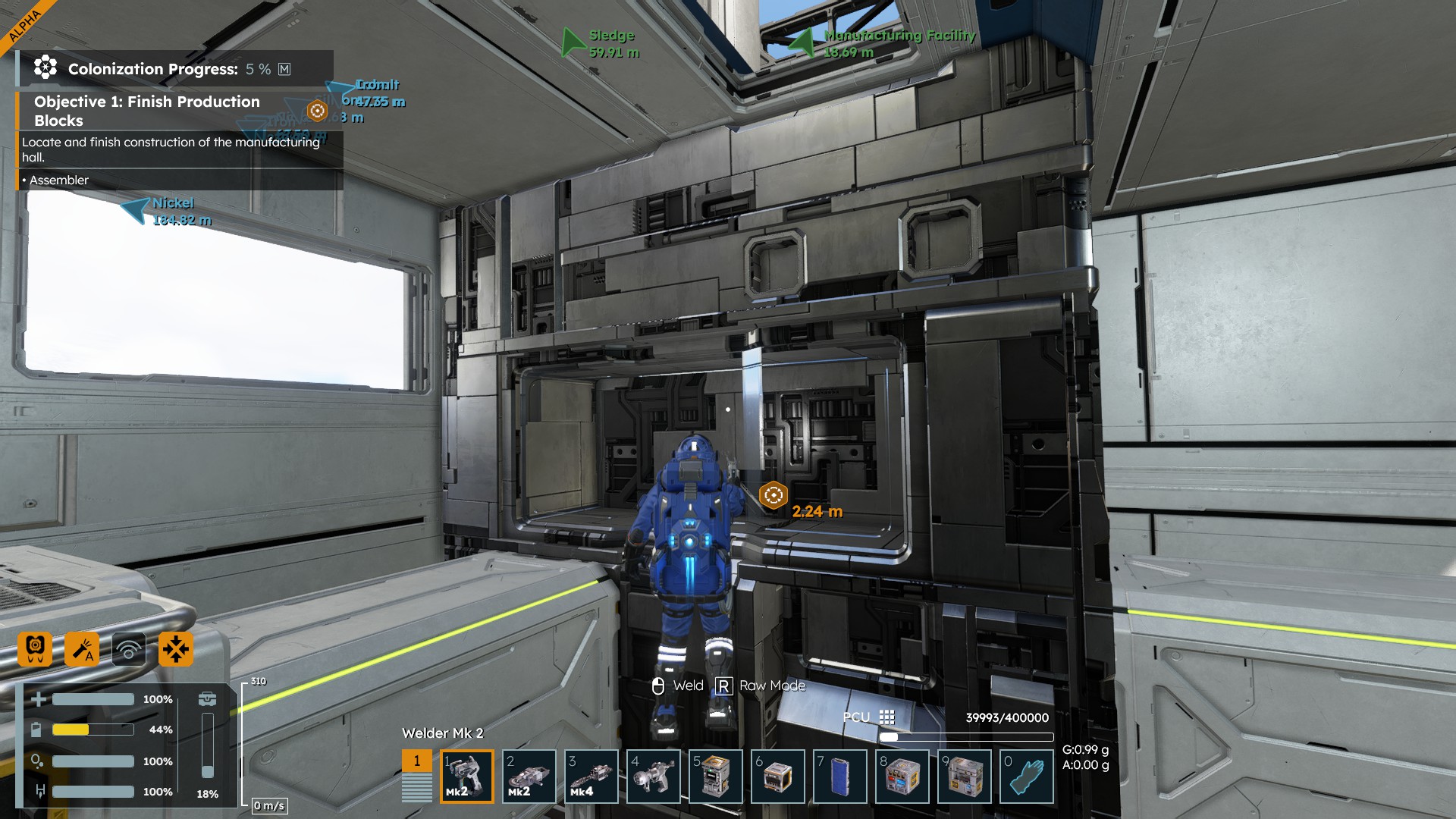
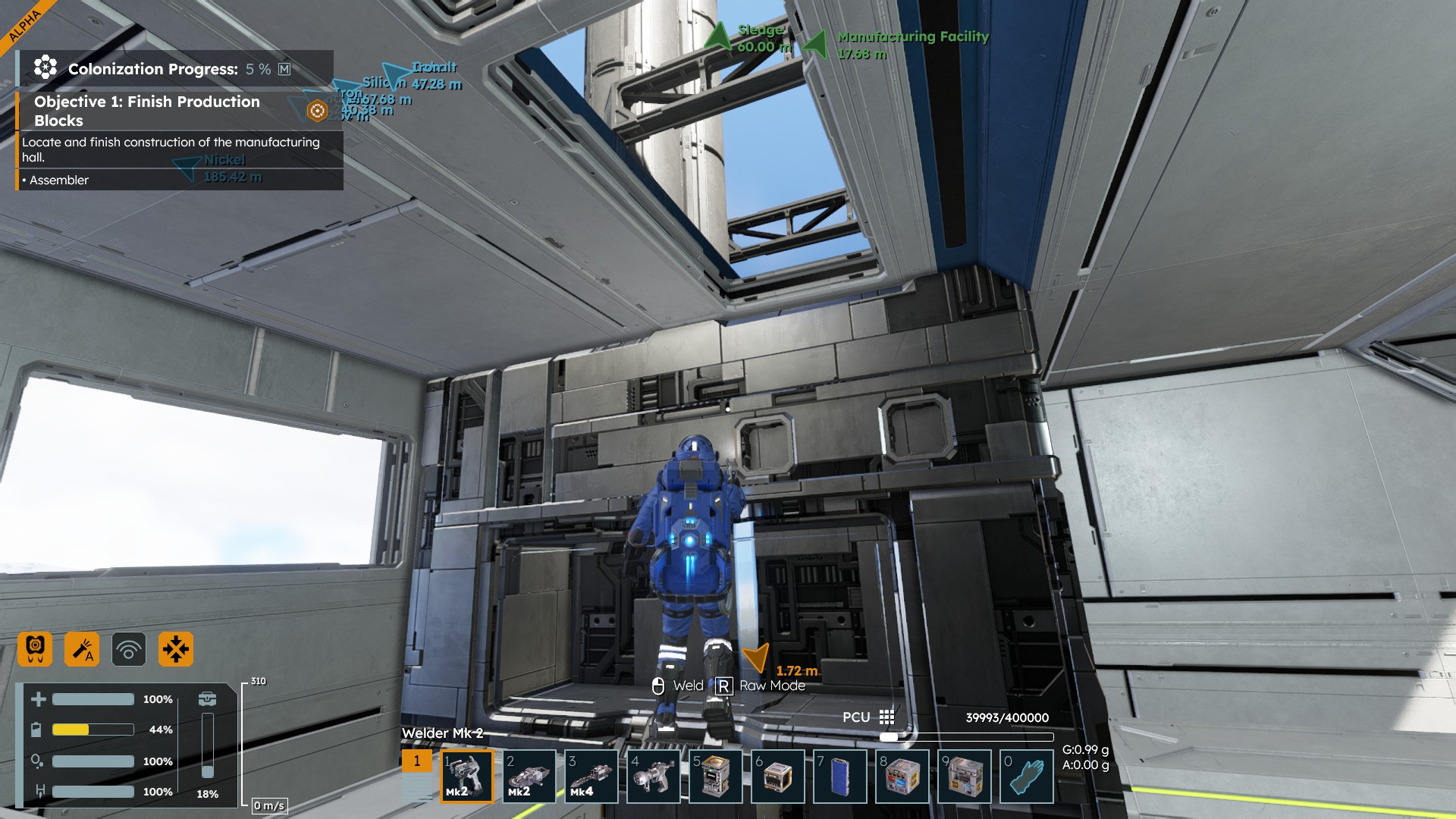
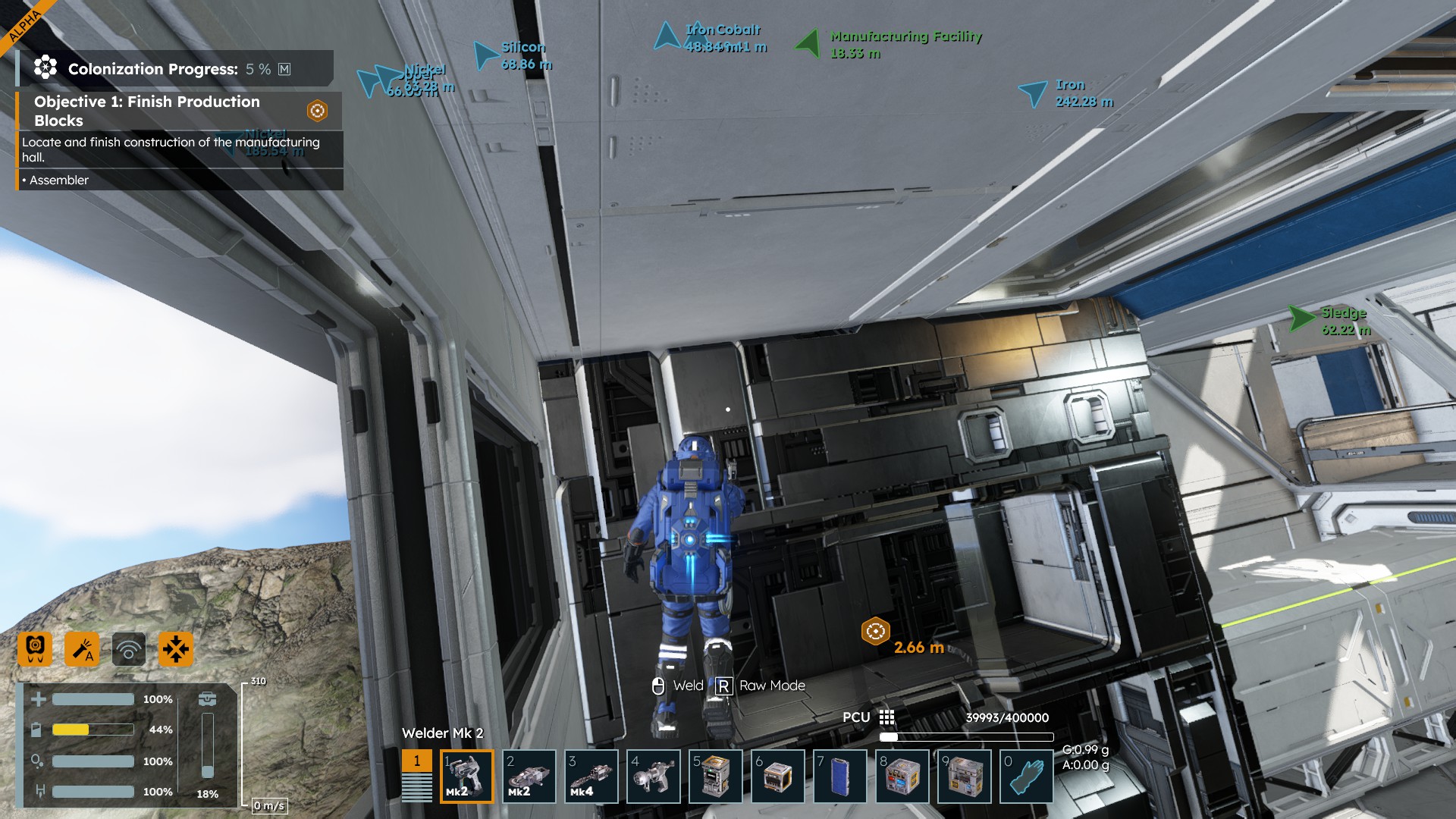
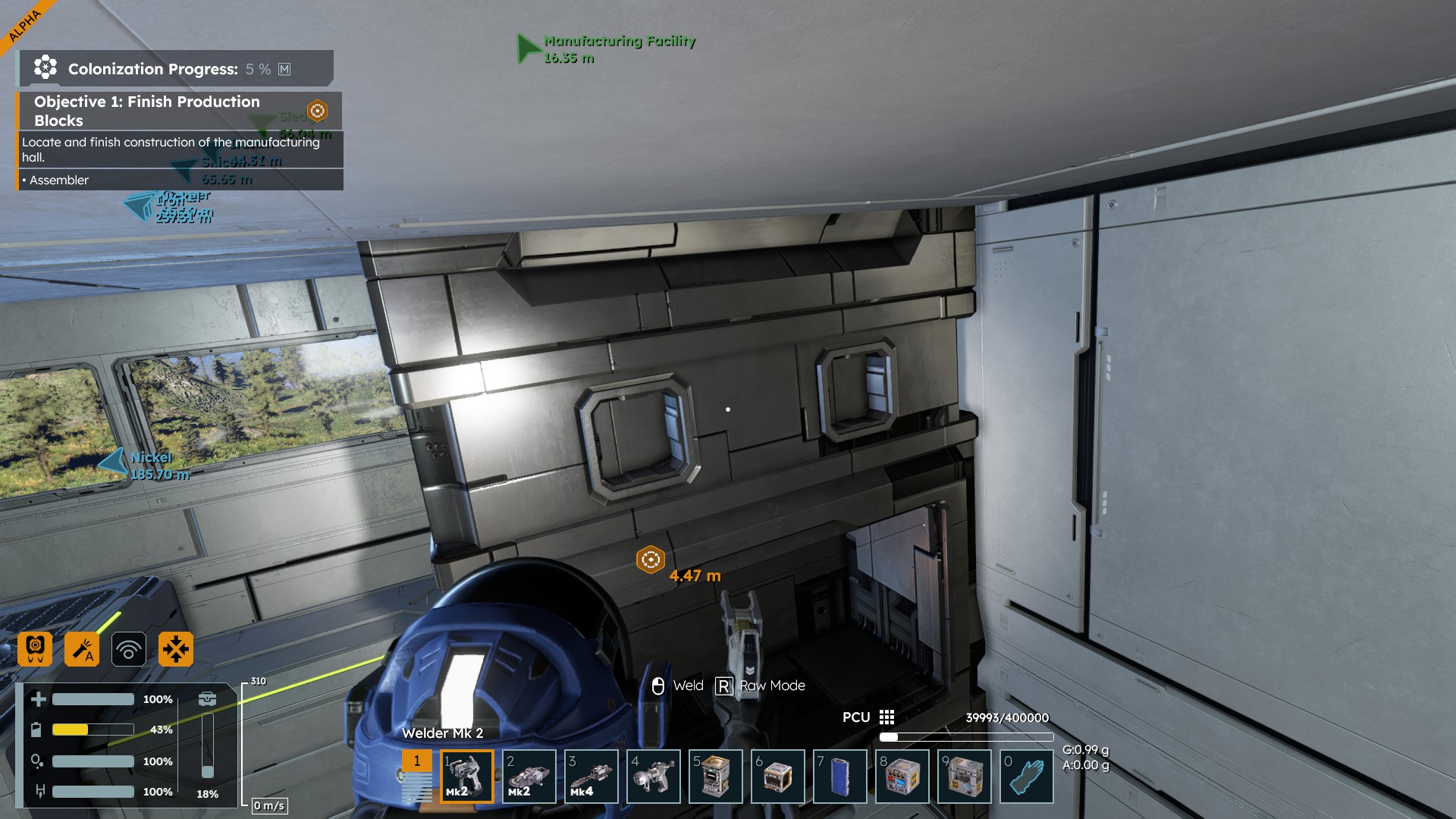
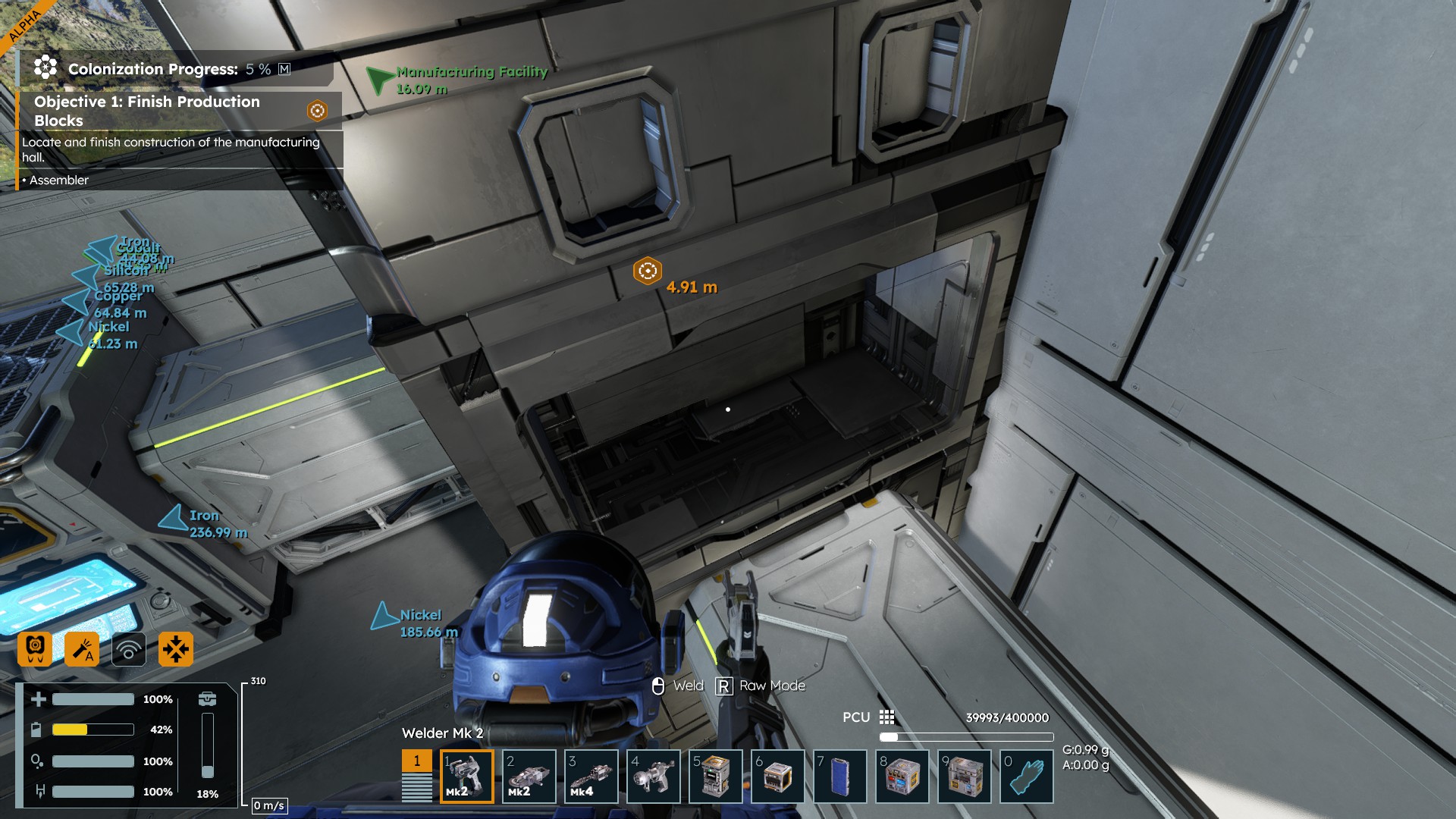
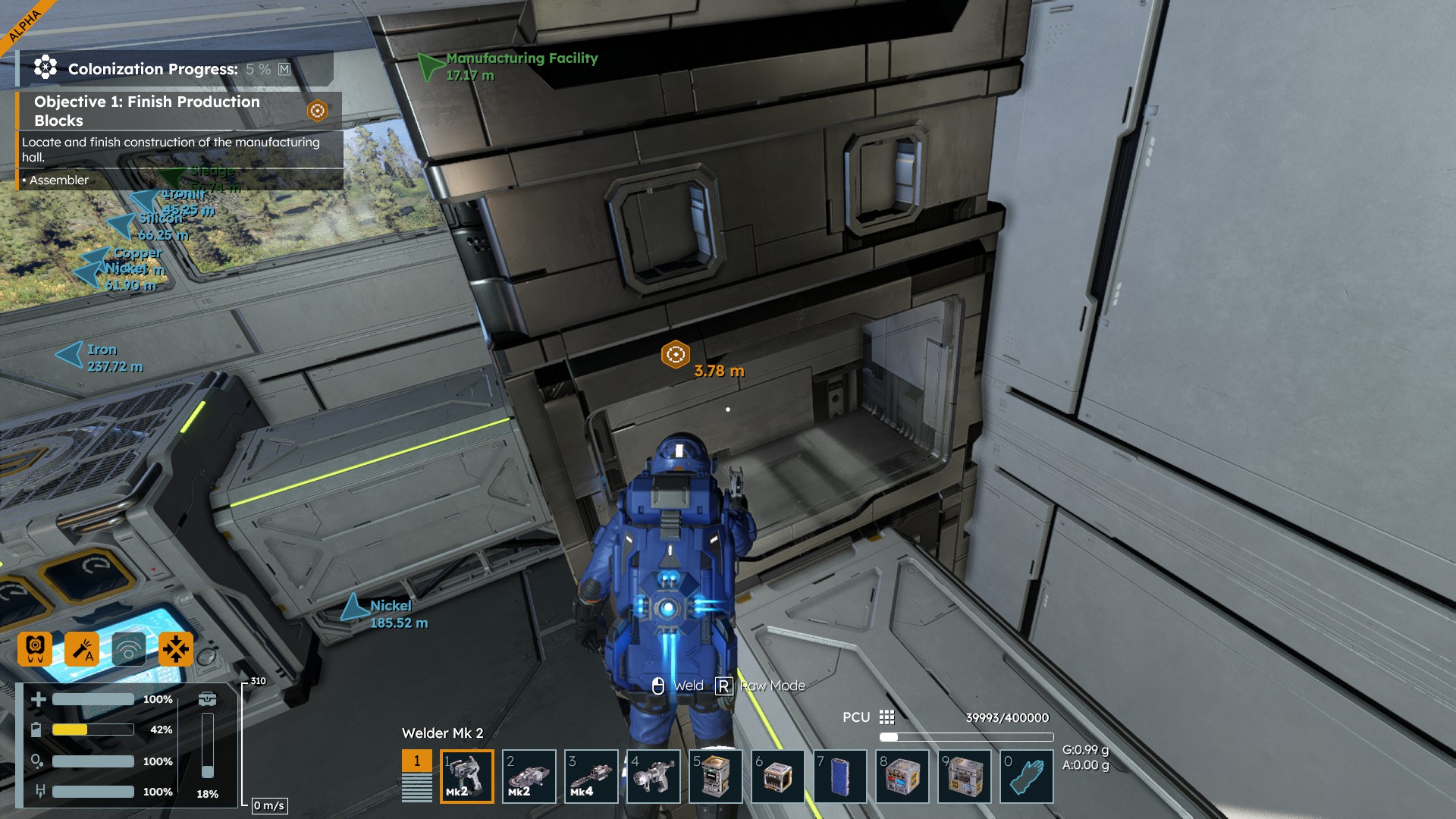
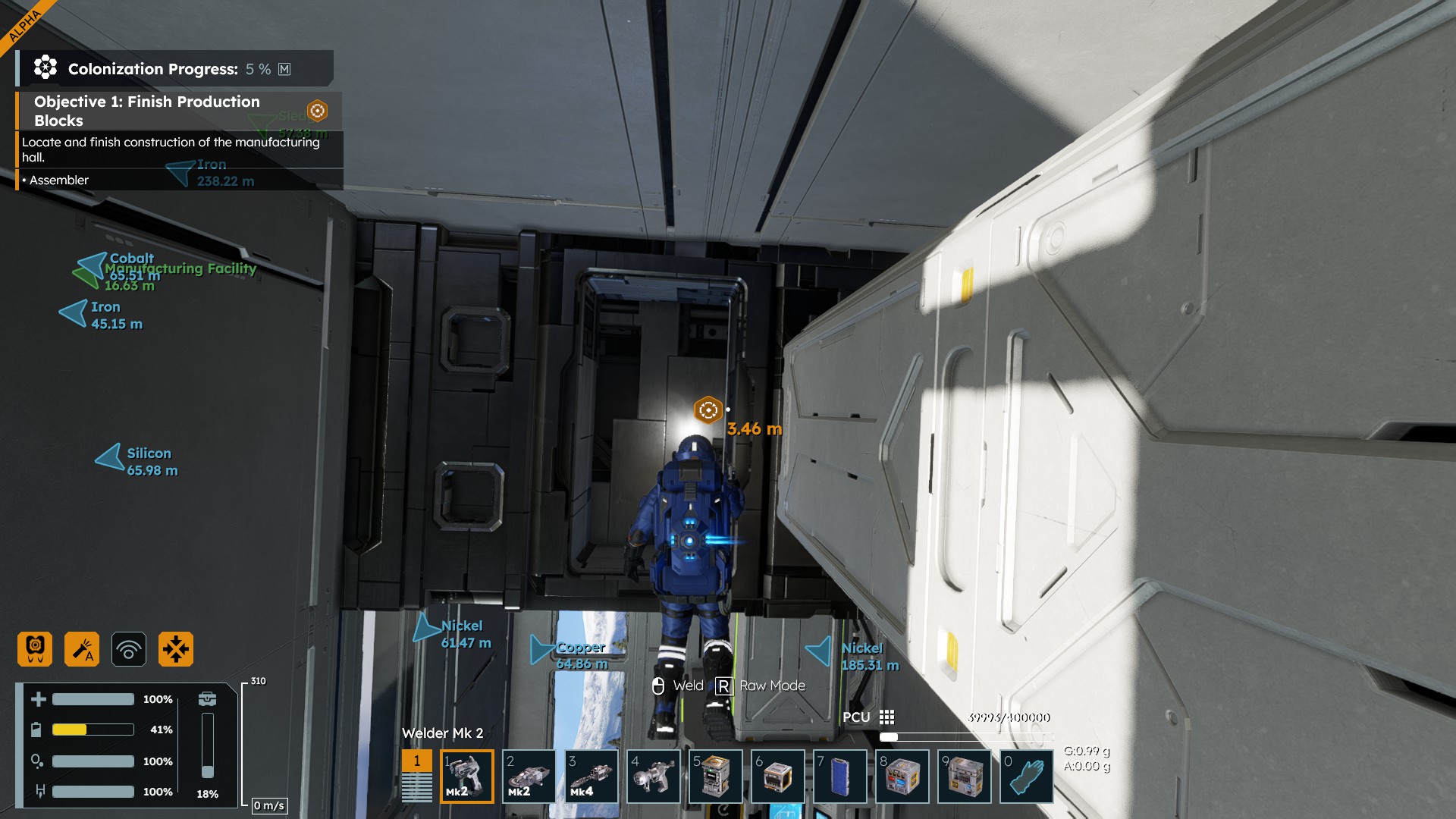
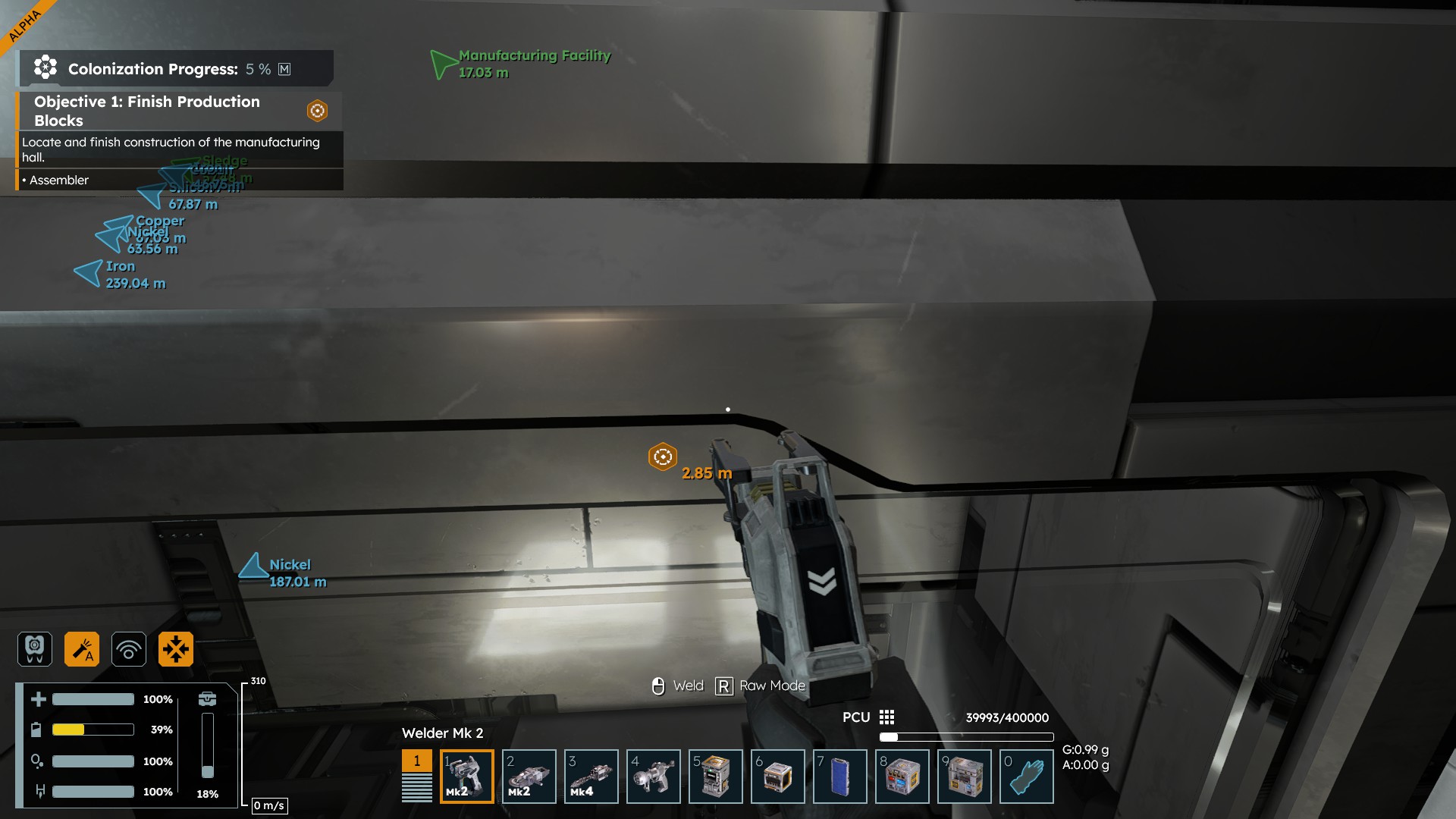
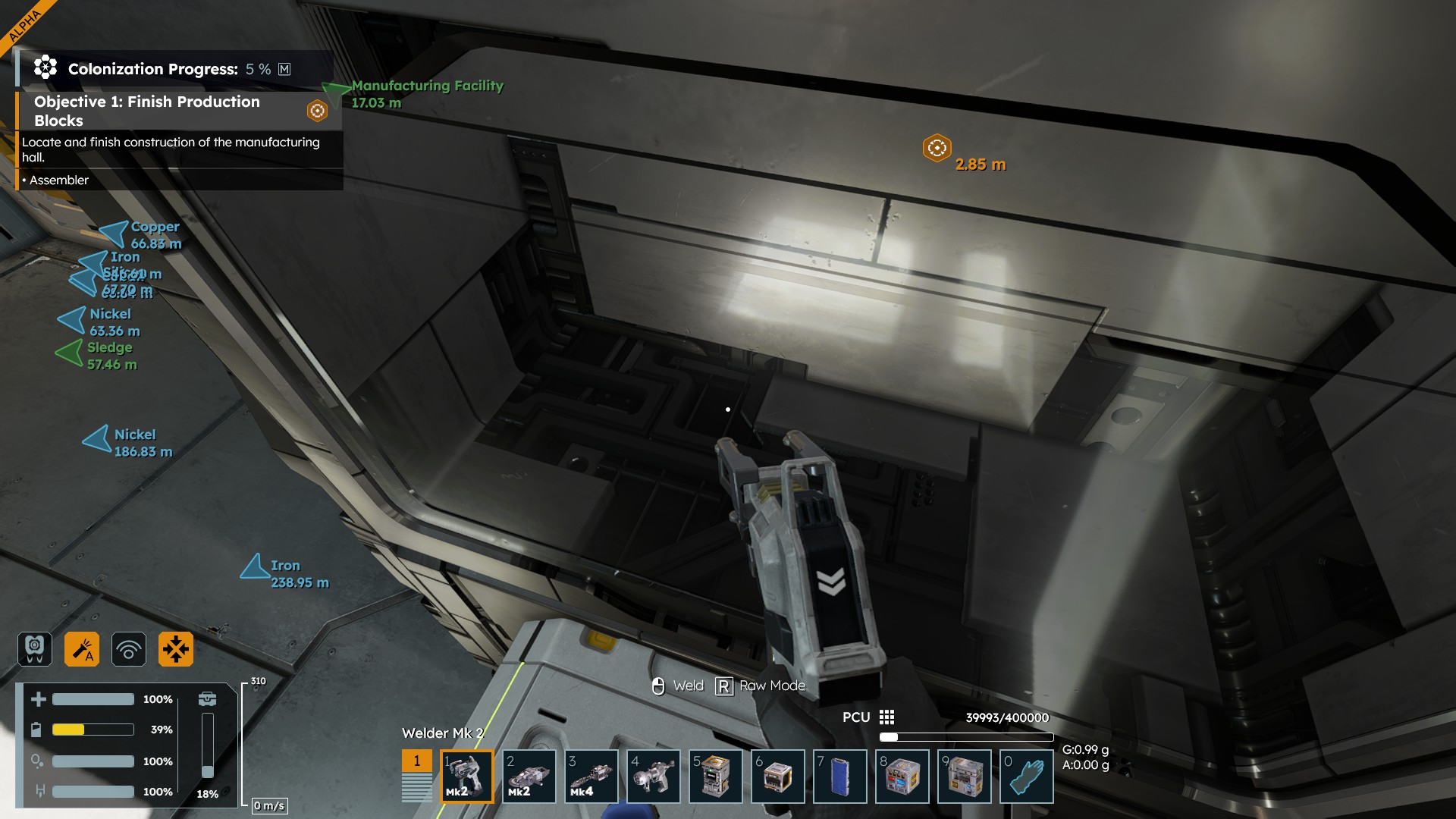
Yeah, I very quickly get angry at this stuff. Same thing in SE1 but maybe worse in SE2. This cant be allowed to continue in SE2. Holding down mouse button all the time in video.
Yeah, I very quickly get angry at this stuff. Same thing in SE1 but maybe worse in SE2. This cant be allowed to continue in SE2. Holding down mouse button all the time in video.
its possible that this might be worse with higher tier tools (possibly?) the tutorial with tier 1 its still noticeable, but in my post missions fully upgraded save, its almost unusable !
its possible that this might be worse with higher tier tools (possibly?) the tutorial with tier 1 its still noticeable, but in my post missions fully upgraded save, its almost unusable !
Hello Allison M,
We have reported this issue and added this thread to our internal ticket (SE2-29426).
Kind Regards,
Bartosz
Keen Software House
Hello Allison M,
We have reported this issue and added this thread to our internal ticket (SE2-29426).
Kind Regards,
Bartosz
Keen Software House
I am having a similar issue grinding or welding with the Mk 3 tools. I am right on top of the large drills, and the welder and grinder need to be at a specific spot or specific angle to even recognize and weld or grind the drills.
I am having a similar issue grinding or welding with the Mk 3 tools. I am right on top of the large drills, and the welder and grinder need to be at a specific spot or specific angle to even recognize and weld or grind the drills.
currently grinding a wreck poi and the damaged blocks are pretty bad to grind, but it seems like the sides of the blocks are better to aim at and it will actually grind, unlike the outer side of the blocks where I guess the warping from the damage happens.
it's not perfect with most blocks even with new placements to either weld or grind
currently grinding a wreck poi and the damaged blocks are pretty bad to grind, but it seems like the sides of the blocks are better to aim at and it will actually grind, unlike the outer side of the blocks where I guess the warping from the damage happens.
it's not perfect with most blocks even with new placements to either weld or grind
Replies have been locked on this page!